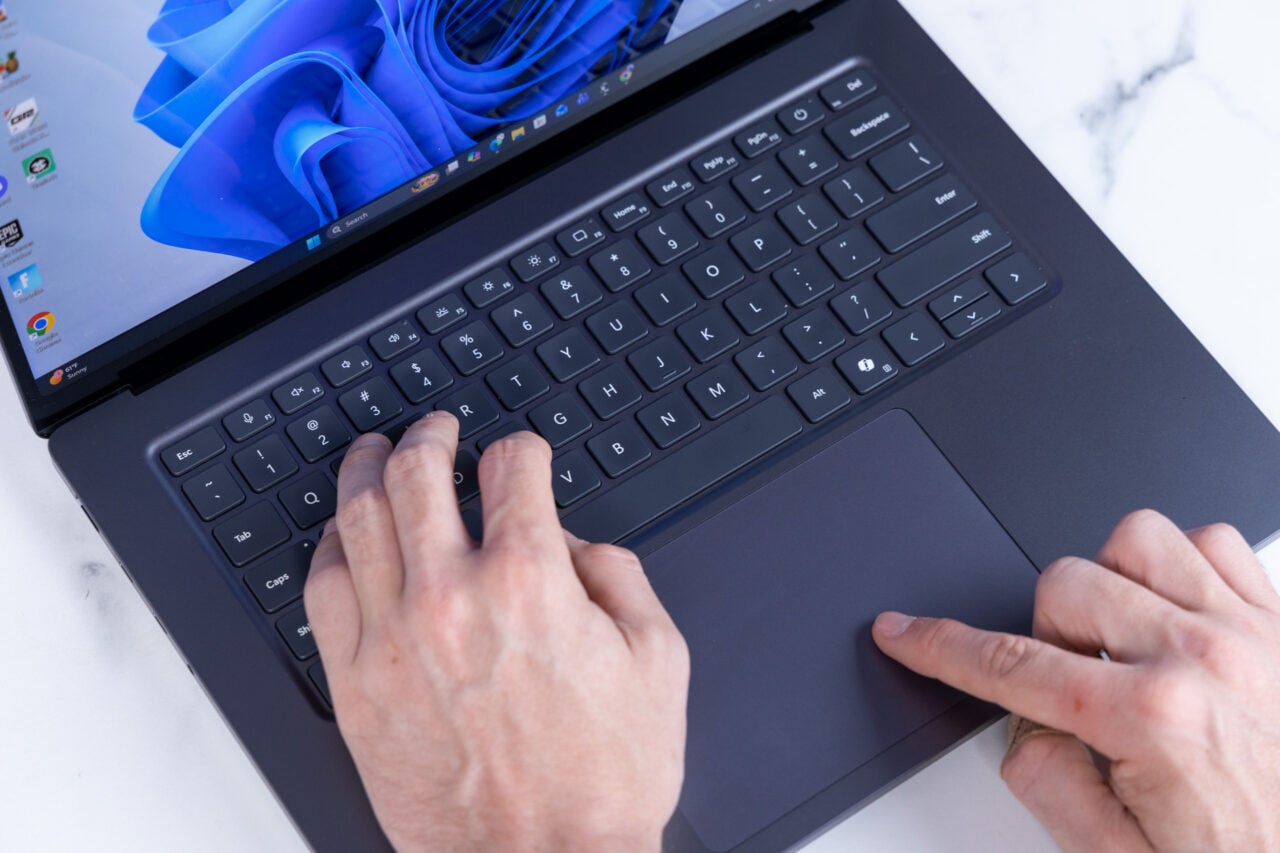
It’s been so long since I used Windows regularly that I forgot about Sticky Keys. Or, more accurately, I forgot about how every time I pressed Shift five times in a row, a dialog popped up to let me know I had activated the feature. Not once in my life have I done that on purpose, and disabling it has always been a bit of a pain. If this bothers you as much as it does me, I bring good news, friends: it seems Windows 11 is getting a simple checkbox to get rid of it, as spotted by Neowin (via XDA-Developers ).
In a recent Windows 11 Insider Beta Preview Build , the Sticky Keys activation dialog box now has a simple checkbox labeled “Never turn on Sticky Keys with this shortcut.” Tick that box, and you are forever released from the tyranny of this pop-up.…