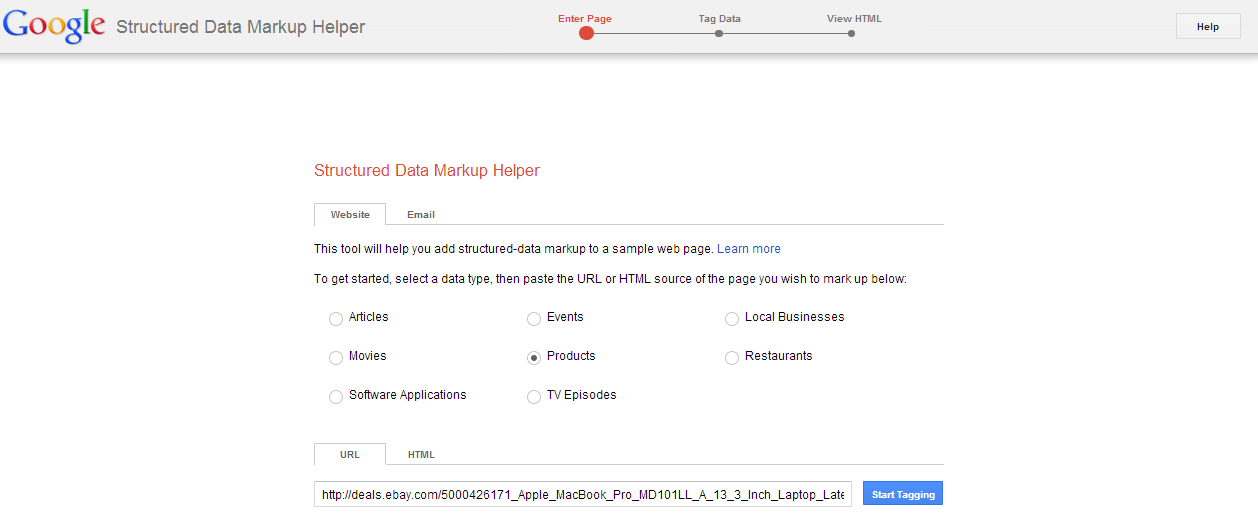
During our previous post, we covered the basic areas of structured data, we segmented the individual parts of a microdata schema.org, resulting in rich snippets and now we are going to see the practical implementation of the process, by using the Data Highlighter and the Structured Data Markup Helper .
This post is for webmasters whose website is related to restaurants, products (e.g. e-commerce sites etc.), articles, local business owners and events.
Using the Data Highlighter
Step 1 – Creation of a Google Webmaster Tools Account
This step requires that you have an account on Google Webmaster Tools through which you will be able to produce the microdata markup to your HTML.
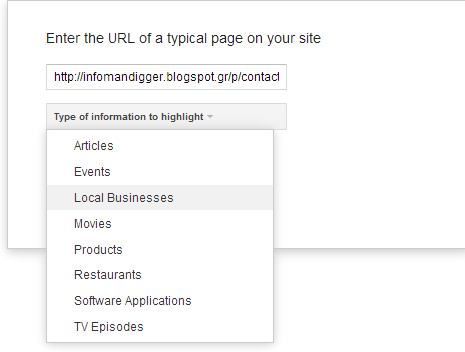
Step 2 – Type of information to highlight and page tagging
Let’s use for this purpose, this blog post:
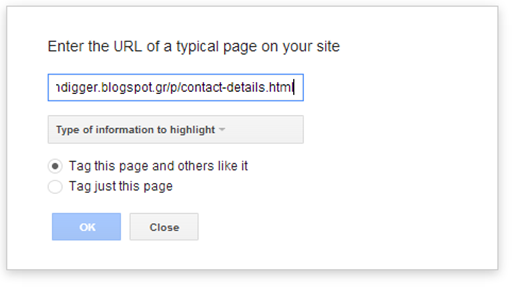
As you see you have 2 options:
Tag this page and others like it : Let’s assume that our blog or website is dedicated to various types of recipes or various types of cuisine (Italian, Spanish…