advertisement
BY Doug Aamoth
Listen to this ArticleMore info 0:00 / 0:00
You unplug your laptop with a full charge, sit down at a coffee shop to get some work done, and an hour later your battery is already at 50%. You check your system settings to see what’s killing your power, and the culprit is exactly what you suspected: your web browser.
Modern websites are effectively heavy software applications running constantly in the background. If you keep dozens of tabs open, your browser is caching media, running ad scripts, and refreshing data for every single one of them simultaneously. It eats up your system memory and forces your processor to work overtime.
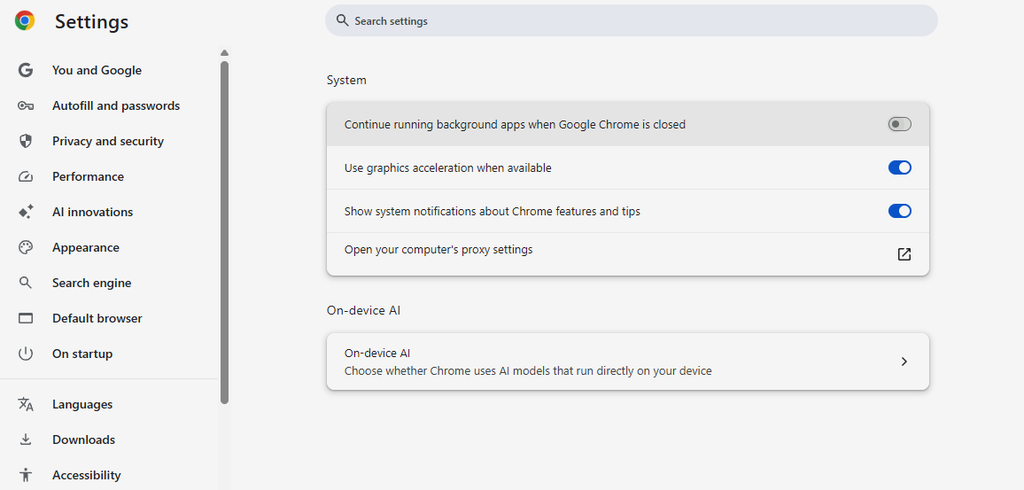
You don’t have to change the way you work or close your research tabs to get your battery life back. You just need to flip a few switches hidden in your browser’s settings menu.
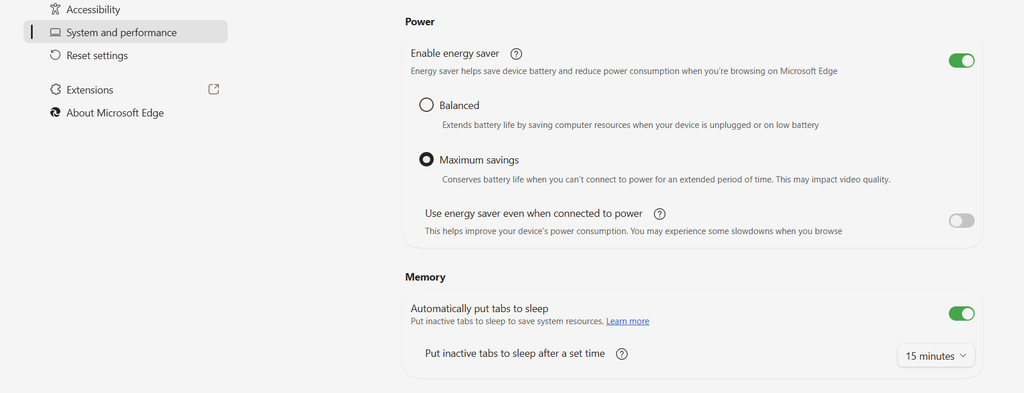
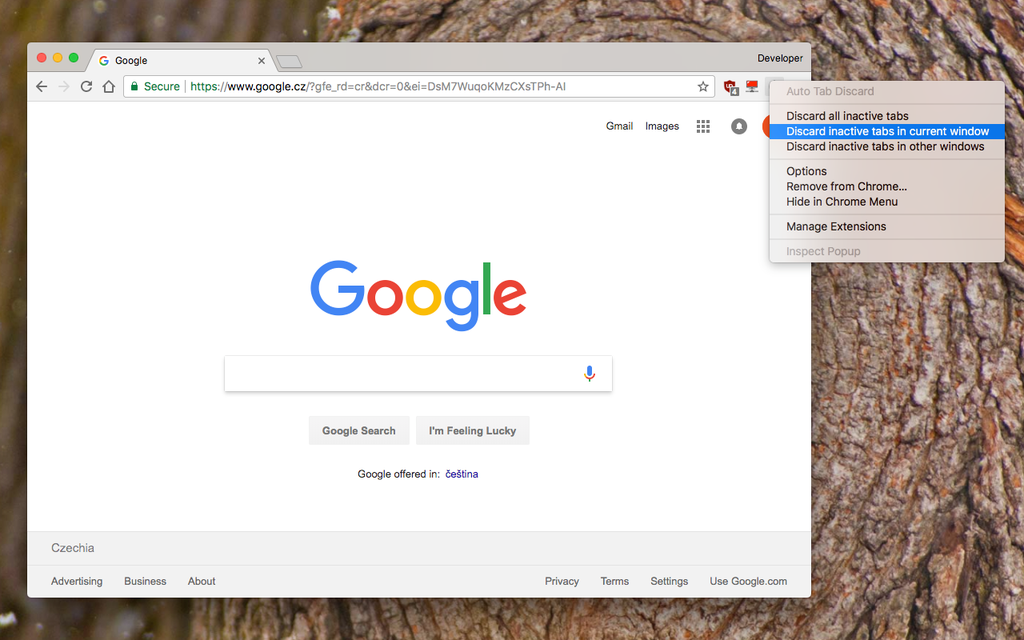
Turn on native memory savers
Both Chrome and Edge finally have built-in tools to stop background tabs from draining power.…