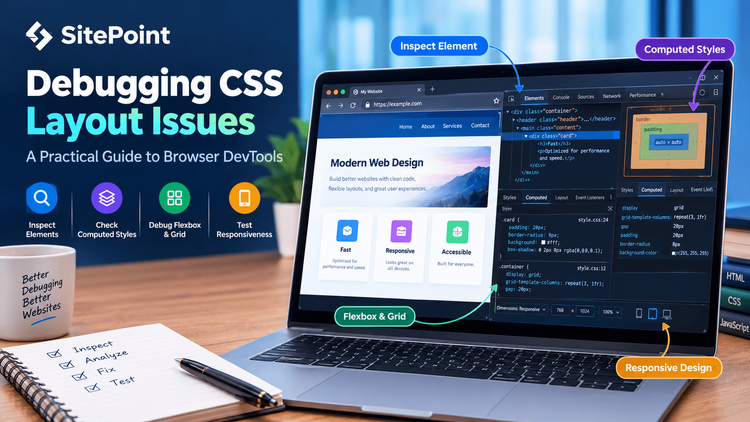
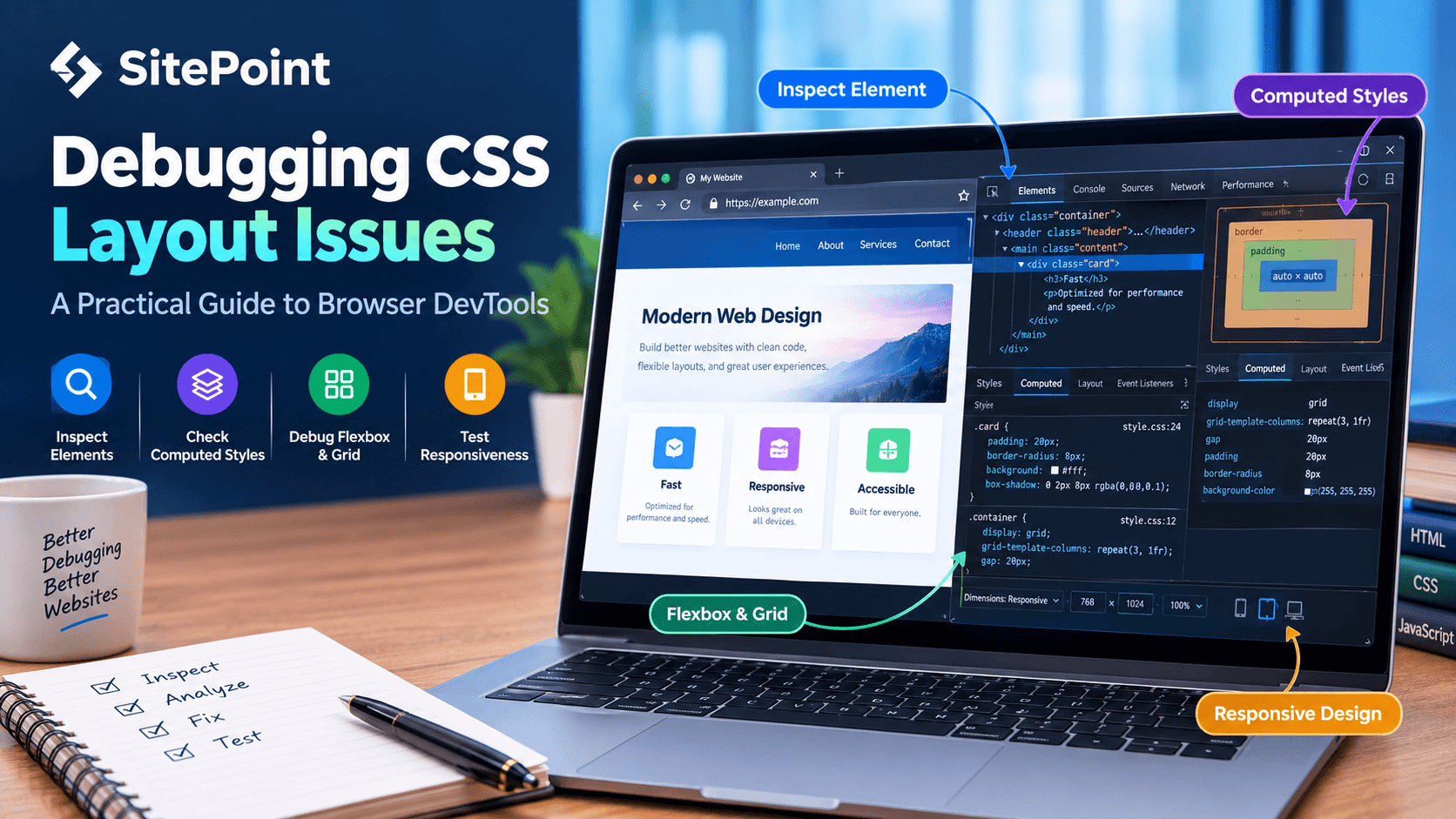
CSS makes it possible to build flexible, responsive, and visually engaging websites. However, even a small styling change can produce unexpected results. An element may appear outside its container, a navigation bar may wrap incorrectly, or a layout that works on desktop may break on mobile devices.
Instead of randomly changing CSS properties until the page looks right, developers can use browser developer tools to identify the underlying cause. Understanding how to inspect elements, trace conflicting styles, and diagnose layout behavior makes debugging faster and helps prevent similar problems in future projects.
This tutorial explores practical techniques for debugging common CSS layout issues using browser DevTools.
1. Inspect the Element Before Changing the CSS
One of the most useful debugging habits is to inspect the affected element before modifying its styles.
In Chrome, Edge, and Firefox, you can open developer tools by right-clicking an element and selecting Inspect .…