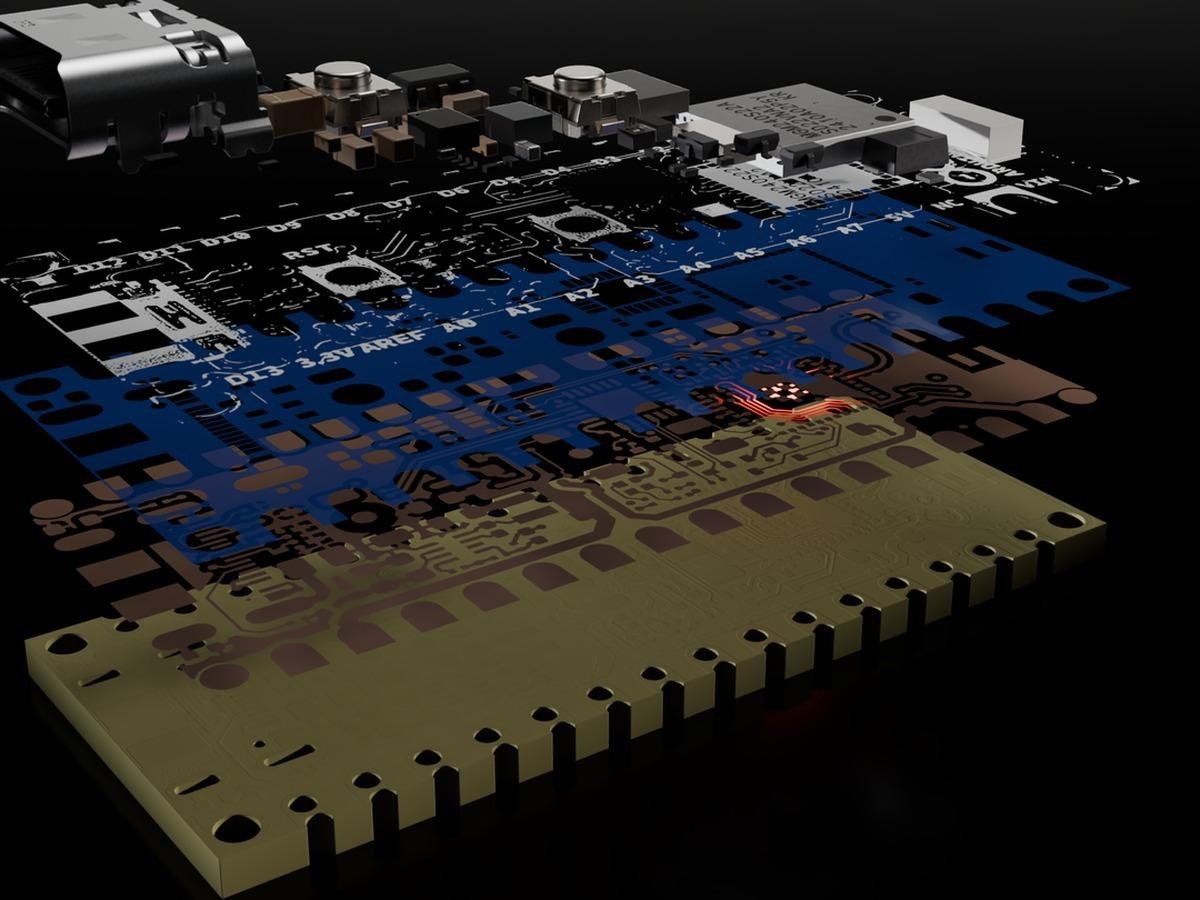
Pick Zigbee® from a menu in the Arduino® IDE, upload an example, and your board joins the smart home network that bulbs, sensors, and switches already share.
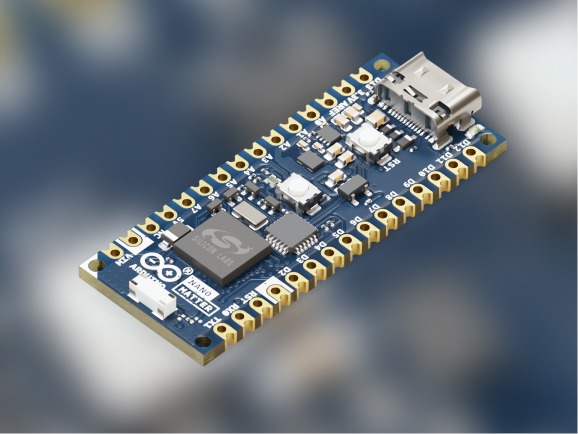
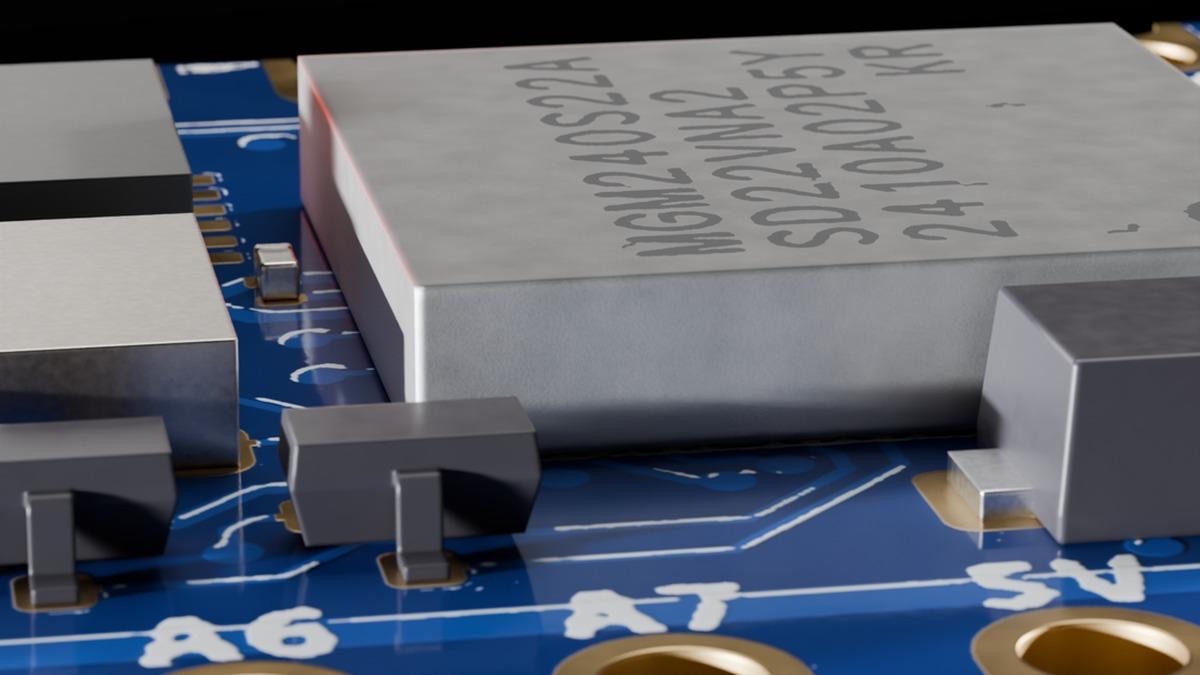
The Arduino® Nano™ Matter board has always been about the low-power side of the smart home. Until now, your sketches had two ways into the smart home: Matter over Thread and Bluetooth® LE wireless technology, both on its Silicon Labs MGM240S module. On September 15th a third arrived: update the Arduino® core for Silicon Labs to 5.0, and your sketches can speak Zigbee too.
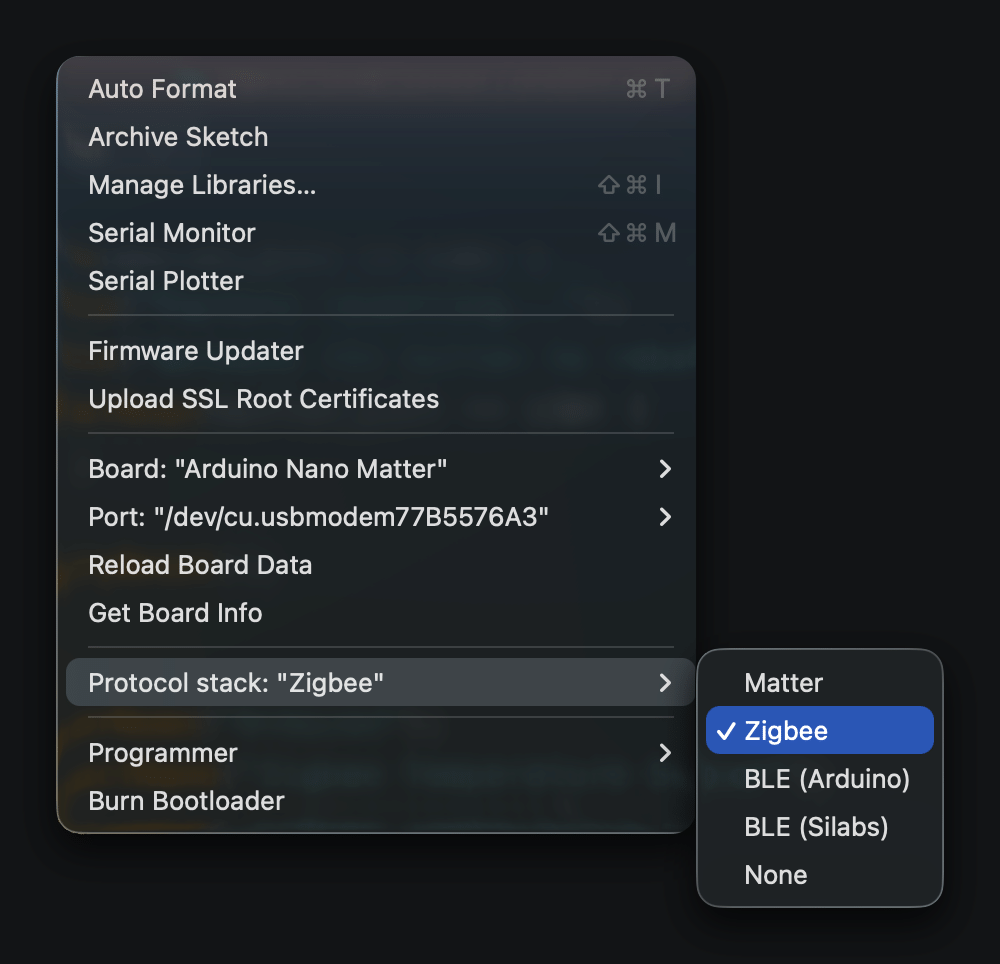
It lives where the other two already are. Open Tools › Protocol stack , choose Zigbee , and the sketch you upload is compiled with the Zigbee 3.0 stack instead. Same board, same IDE, a different stack.
Start with a project
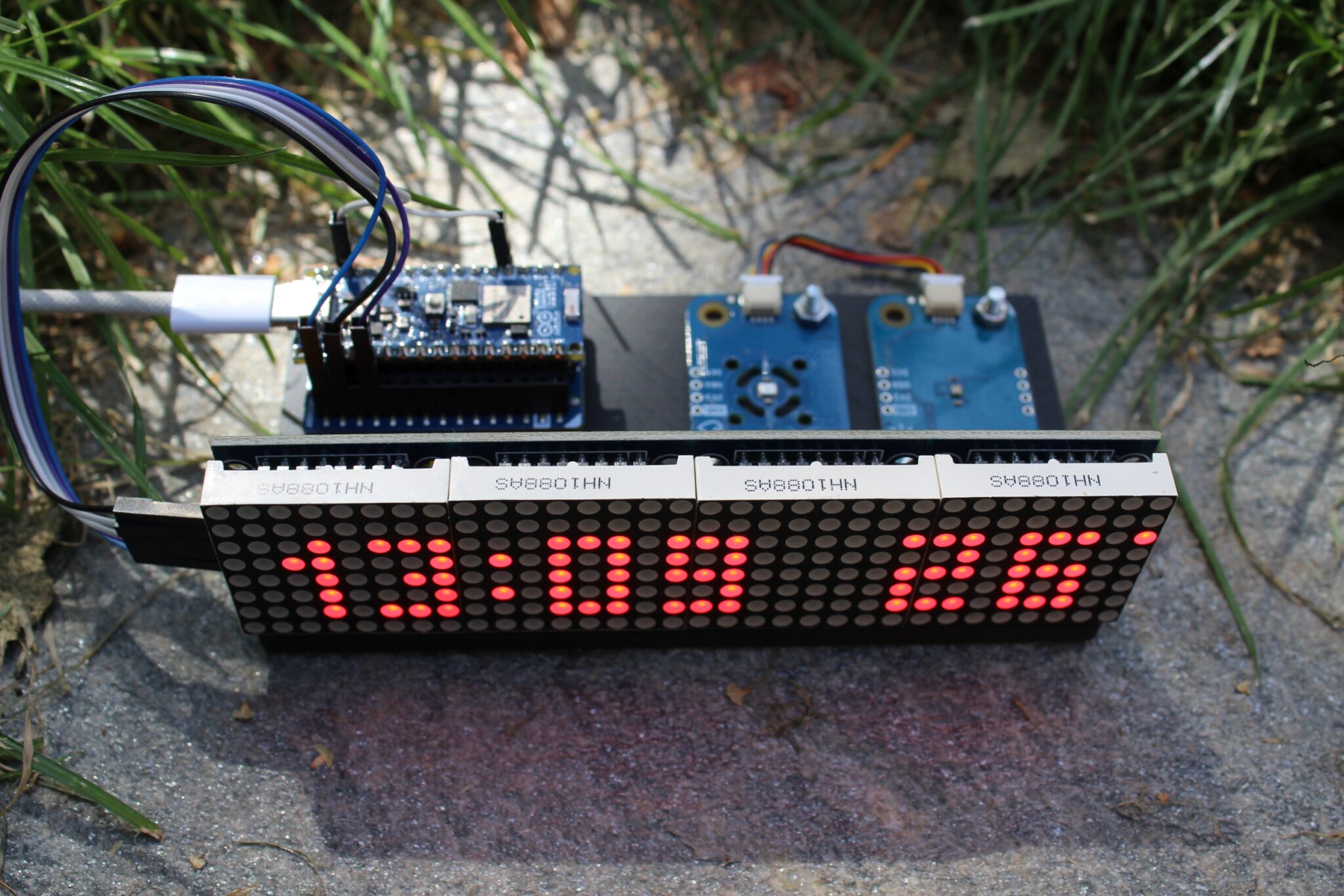
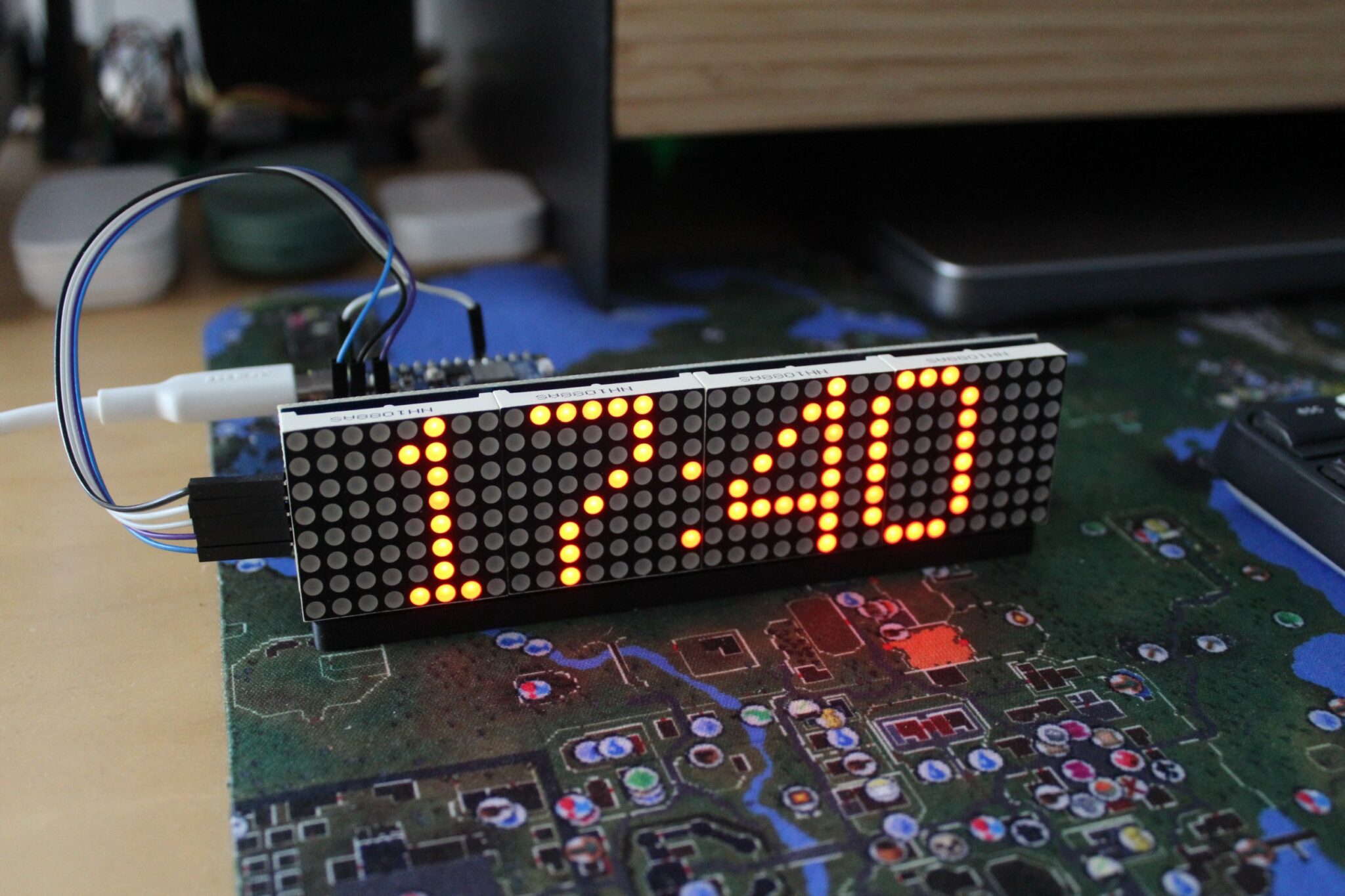
Before any datasheets, here is what it looks like when it all comes together.
The Zigbee Smart Clock is a desk clock built on Nano Matter, an Arduino® Modulino™ Thermo, a Modulino Light, and a 32×8 LED matrix.…