Menu

Post image 1
Post image 2
Post image 3
Post image 4
Post image 5
Post image 6
Post image 7
Post image 8
Post image 9
Post image 10
Post image 11
Post image 12
Post image 13
Post image 14
Post image 15
Post image 16
Post image 17
Post image 18
Post image 19
Post image 20
Post image 21
Post image 22
Post image 23
Post image 24
Post image 25
Post image 26
Post image 27
Post image 28
Post image 29
Post image 30
Post image 31
Post image 32
Post image 33
1 / 33
0

iOS 27 adds new Liquid Glass slider on iPhone, here’s what it lets you do - 9to5Mac

9to5Mac·Ryan Christoffel·3 months ago
#ZyZCXvWH
Reading 0:00
15s threshold

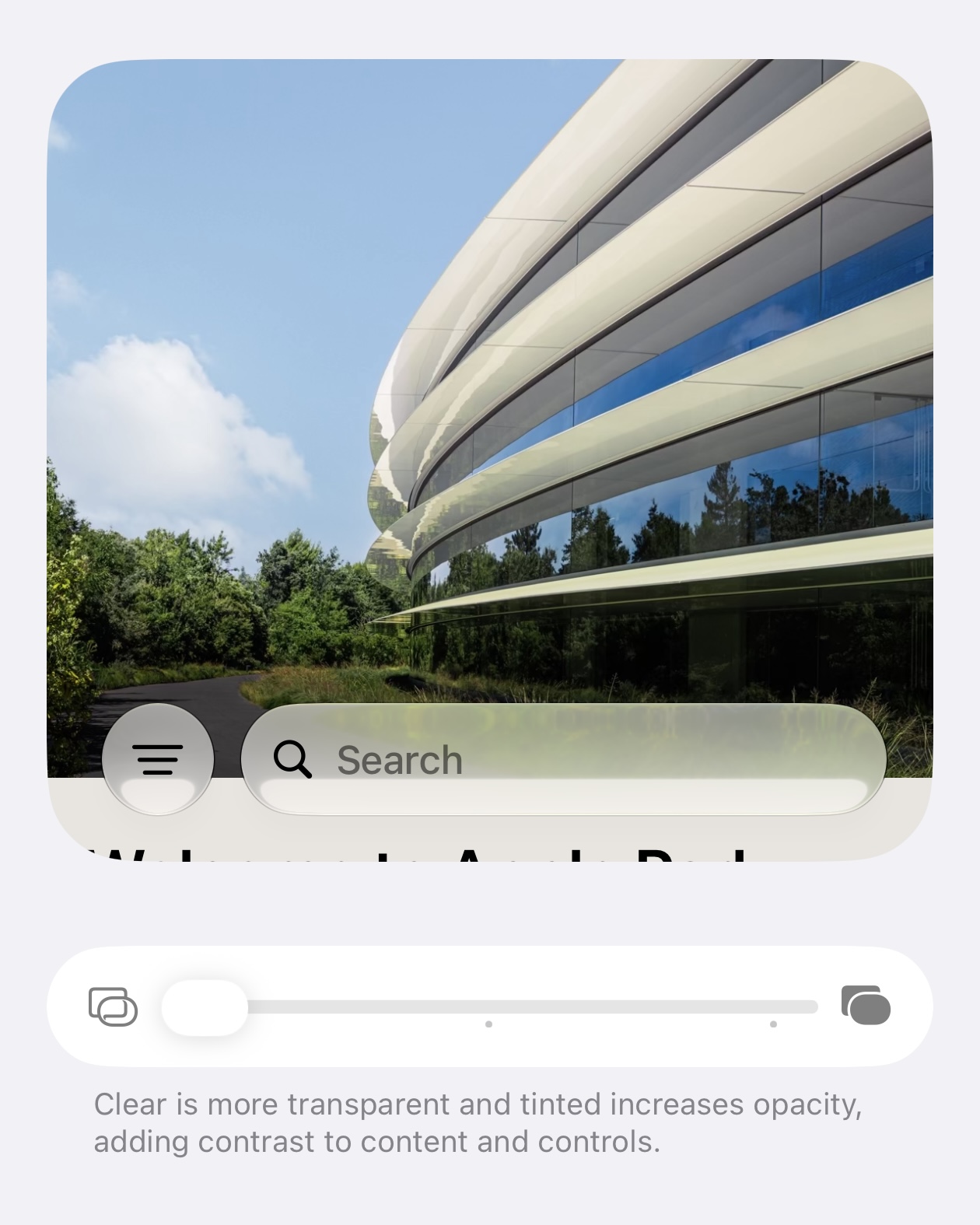
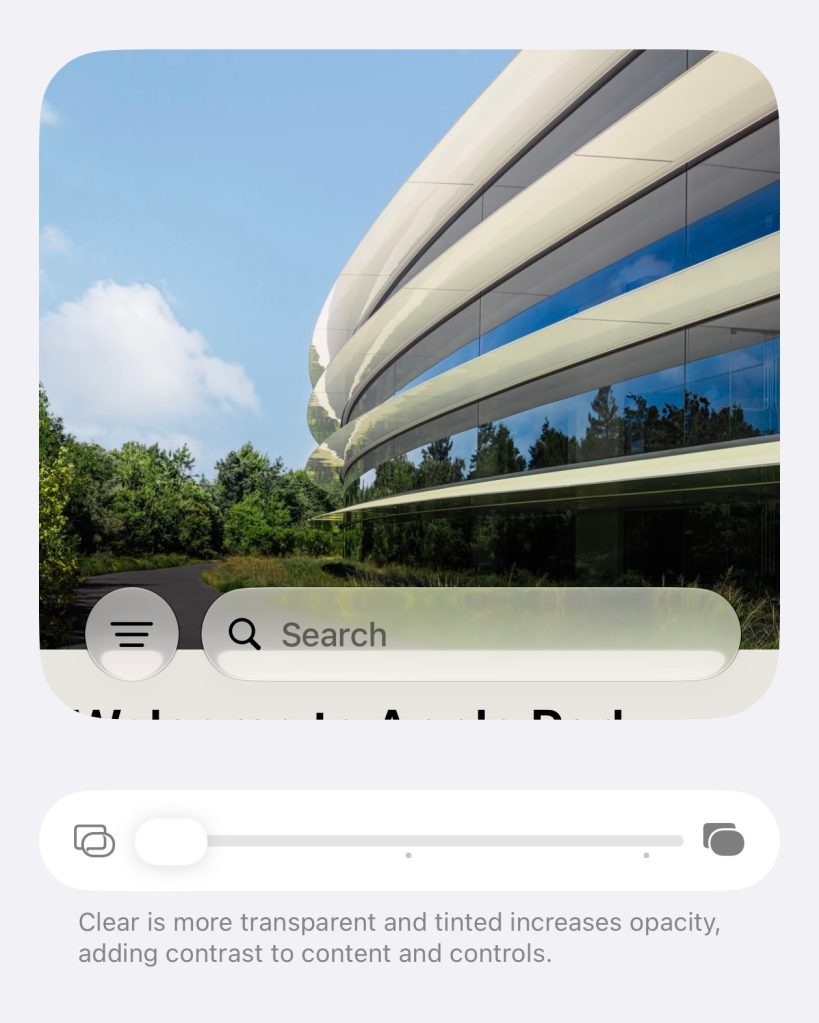
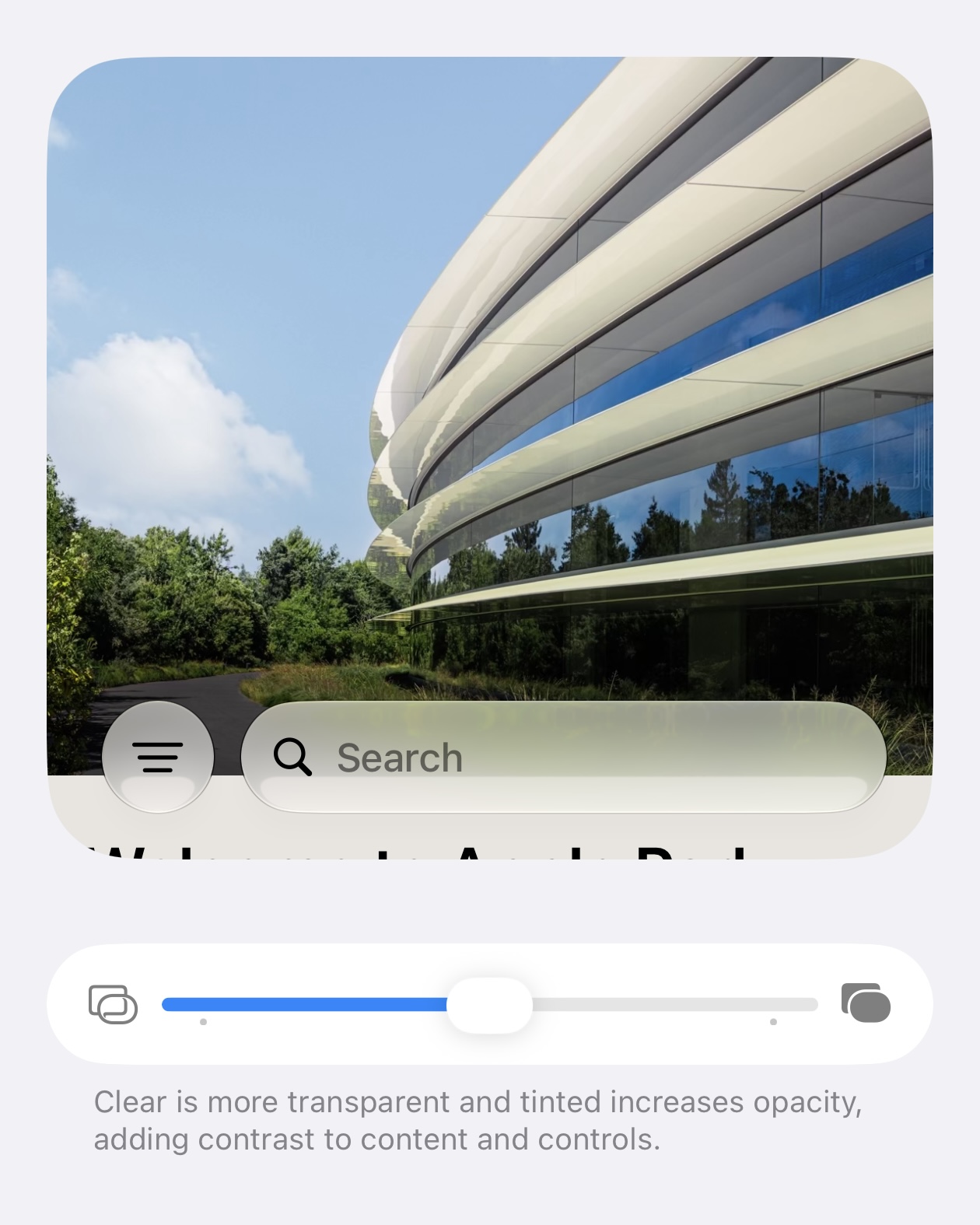
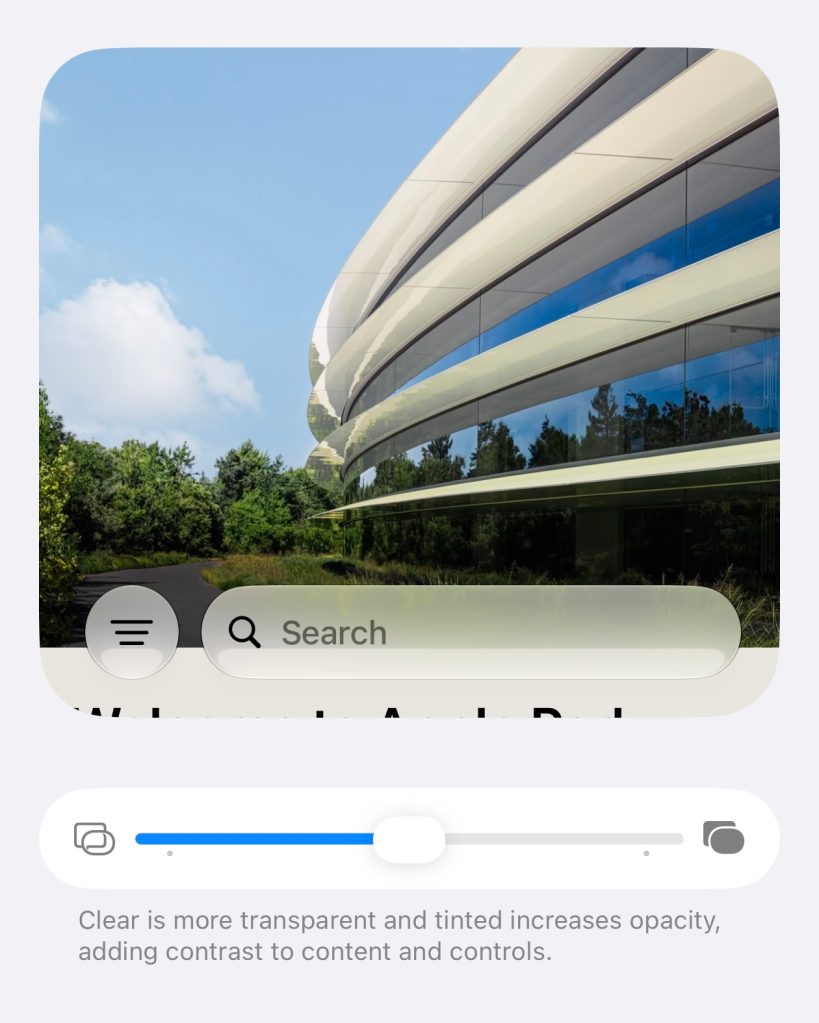
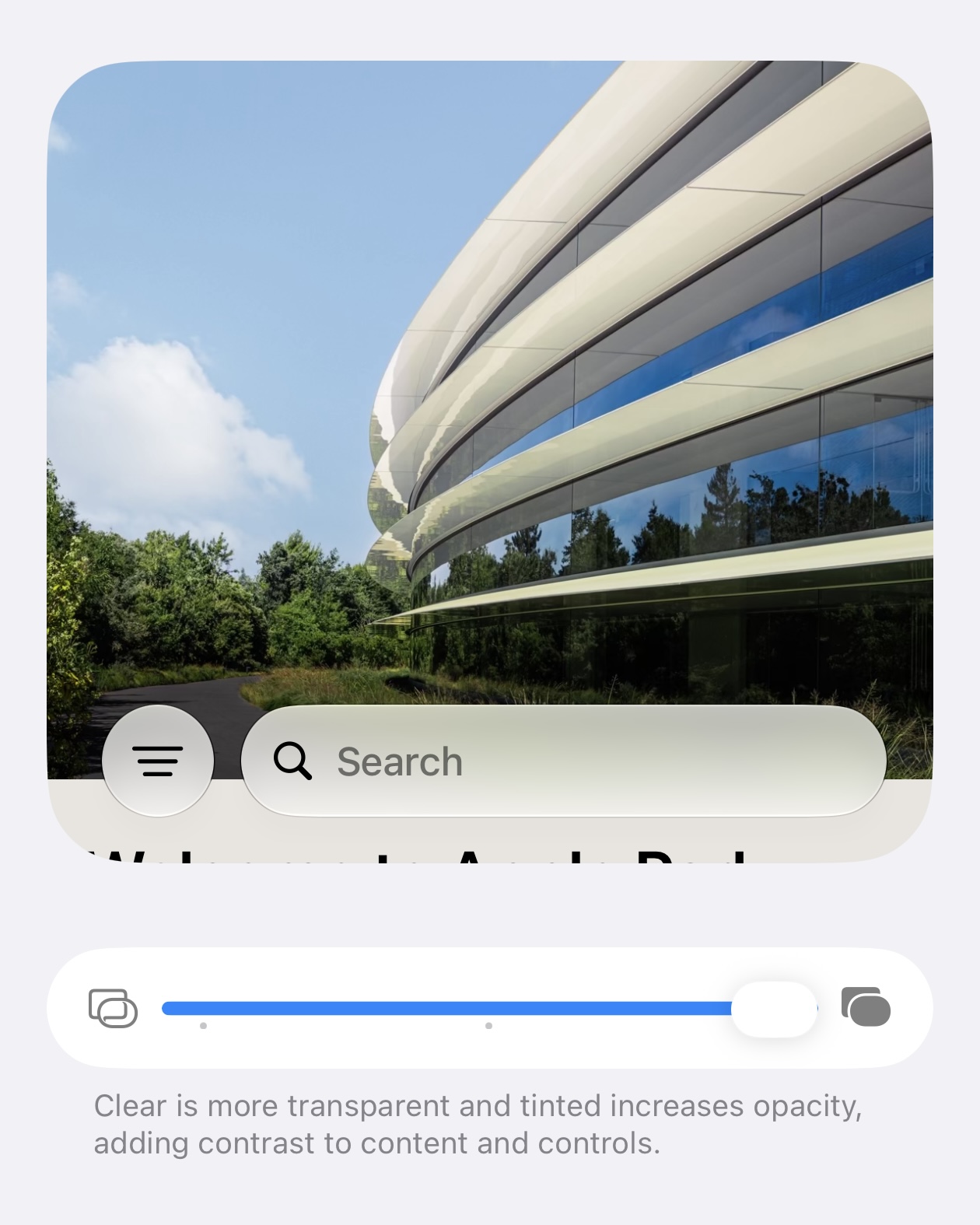
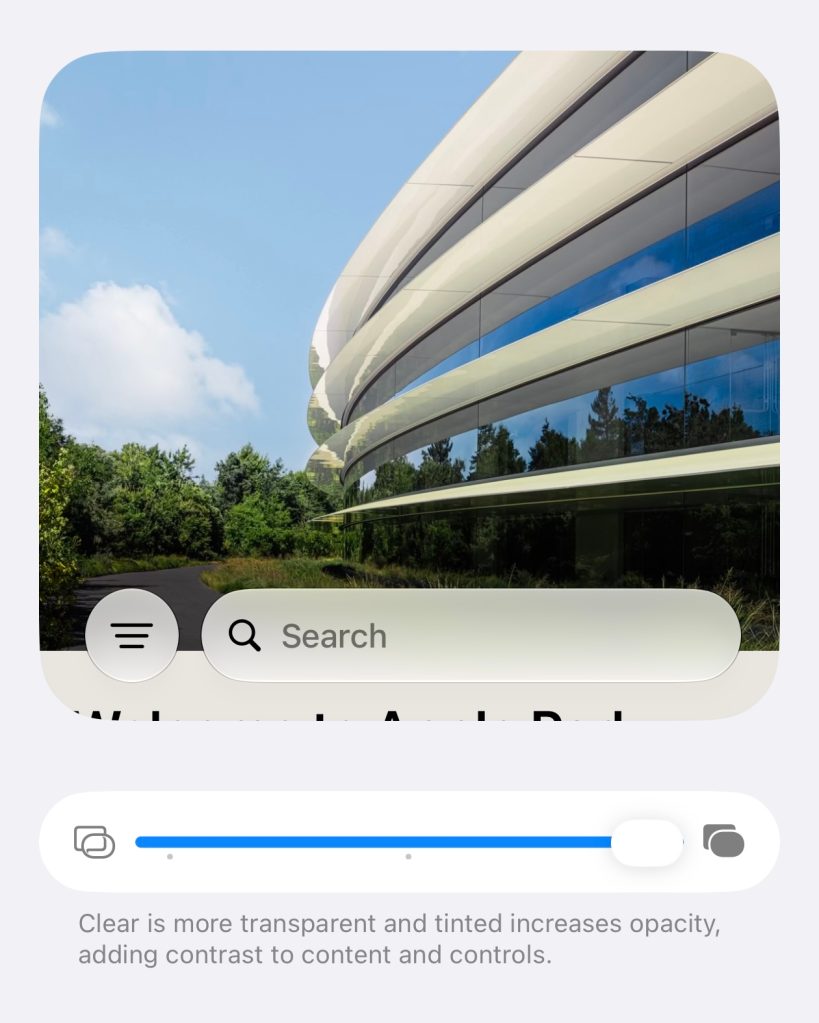
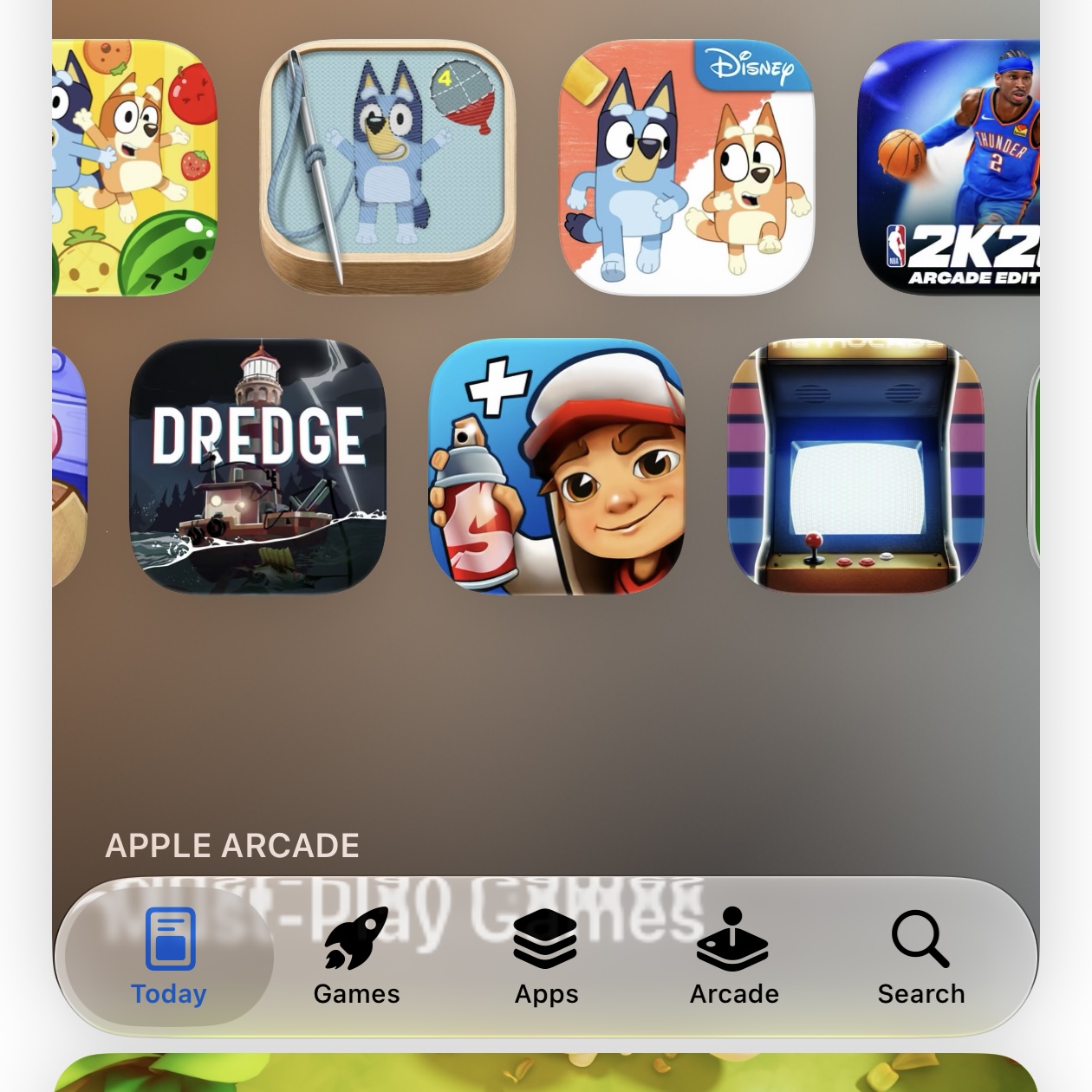
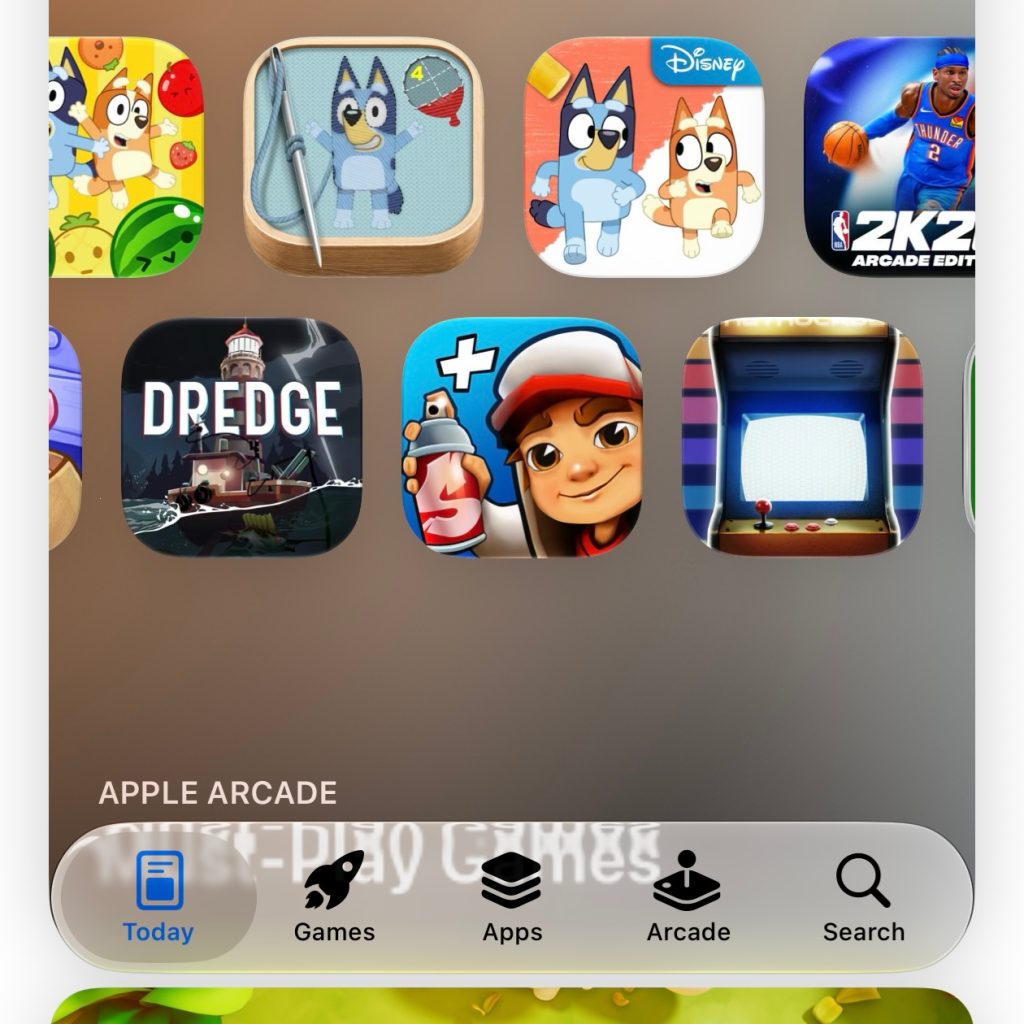
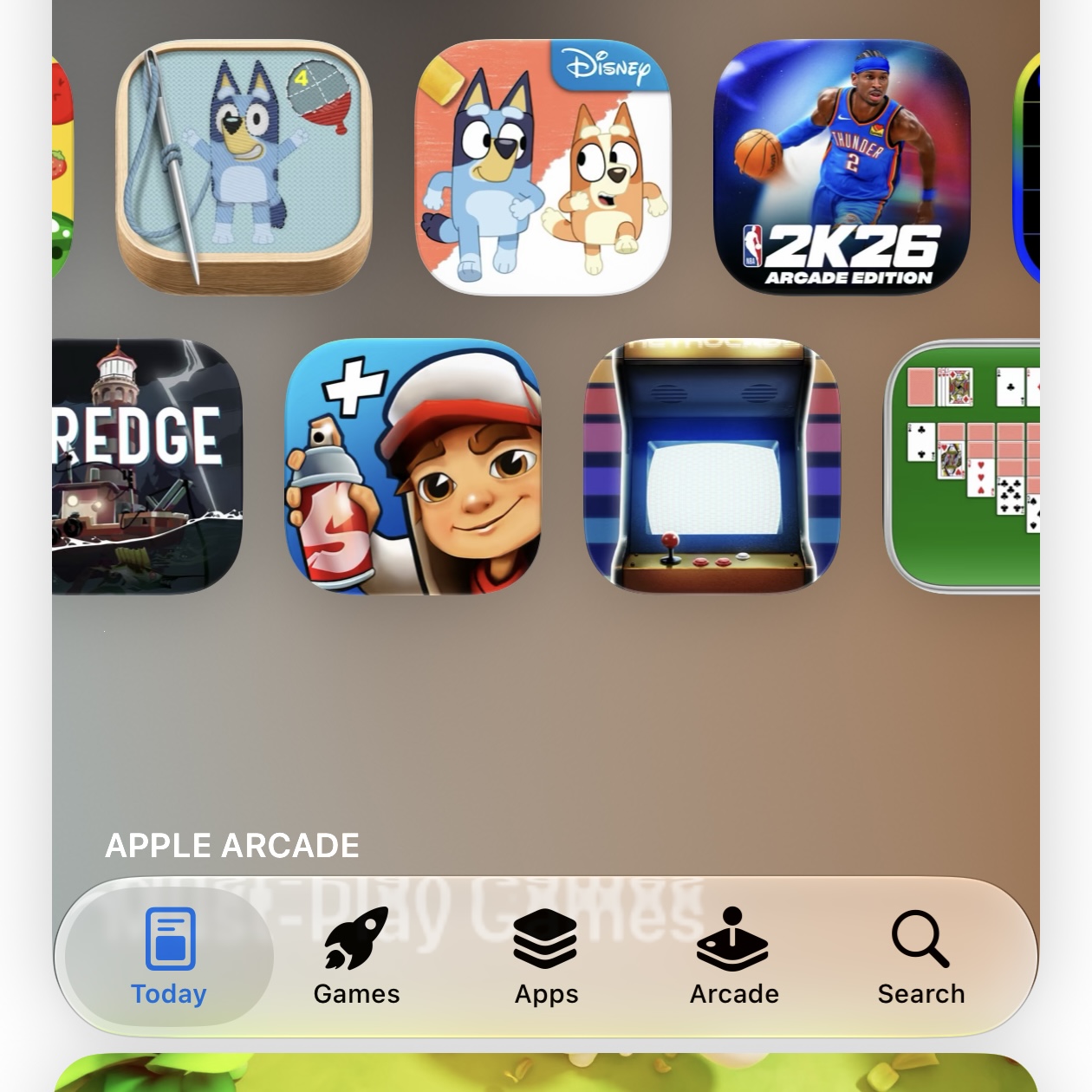
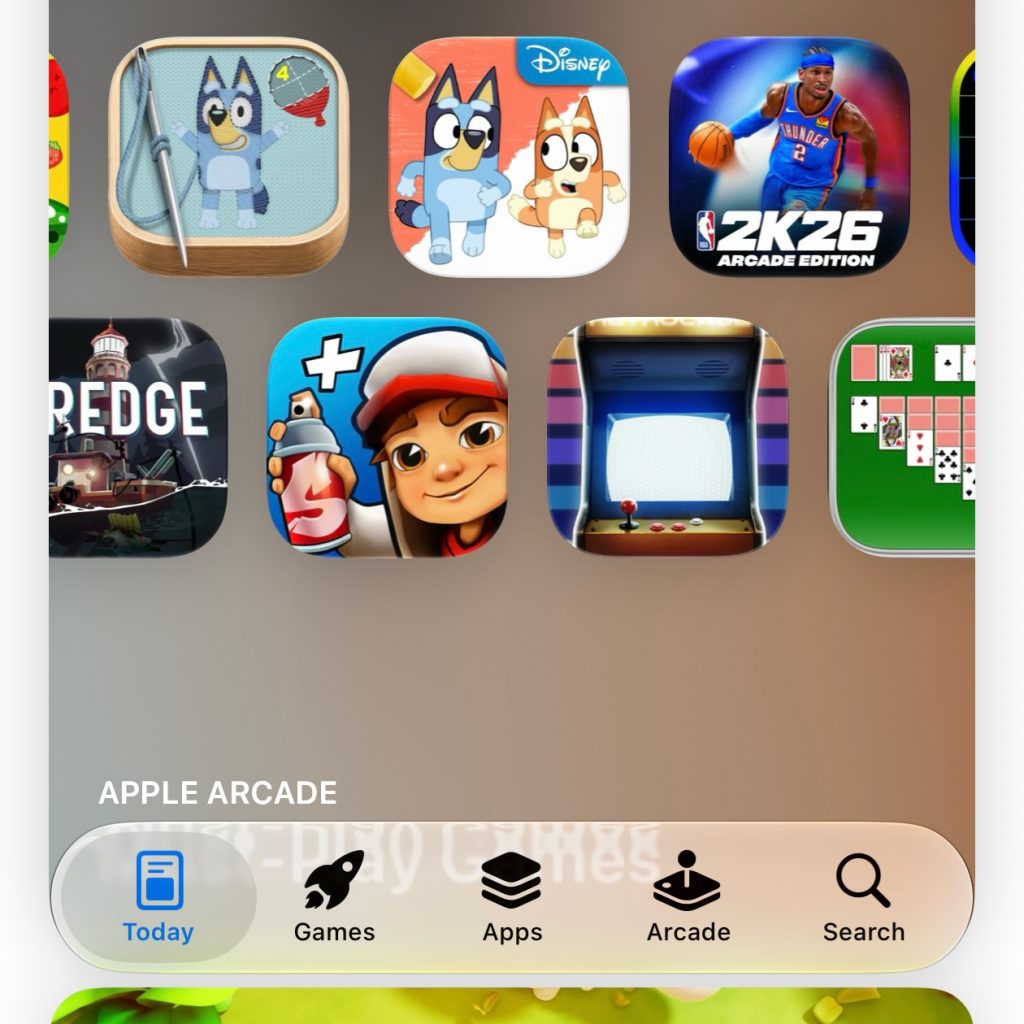
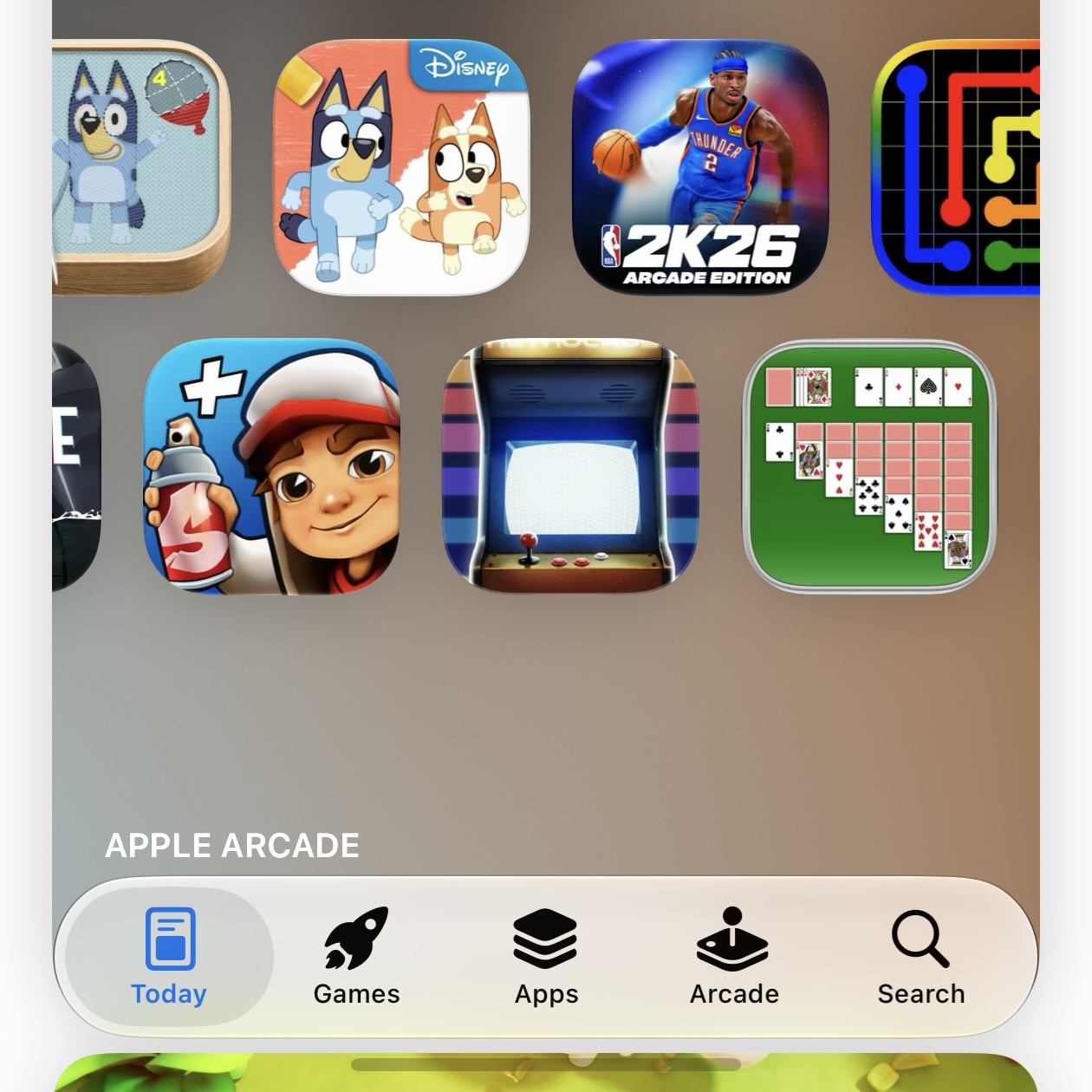
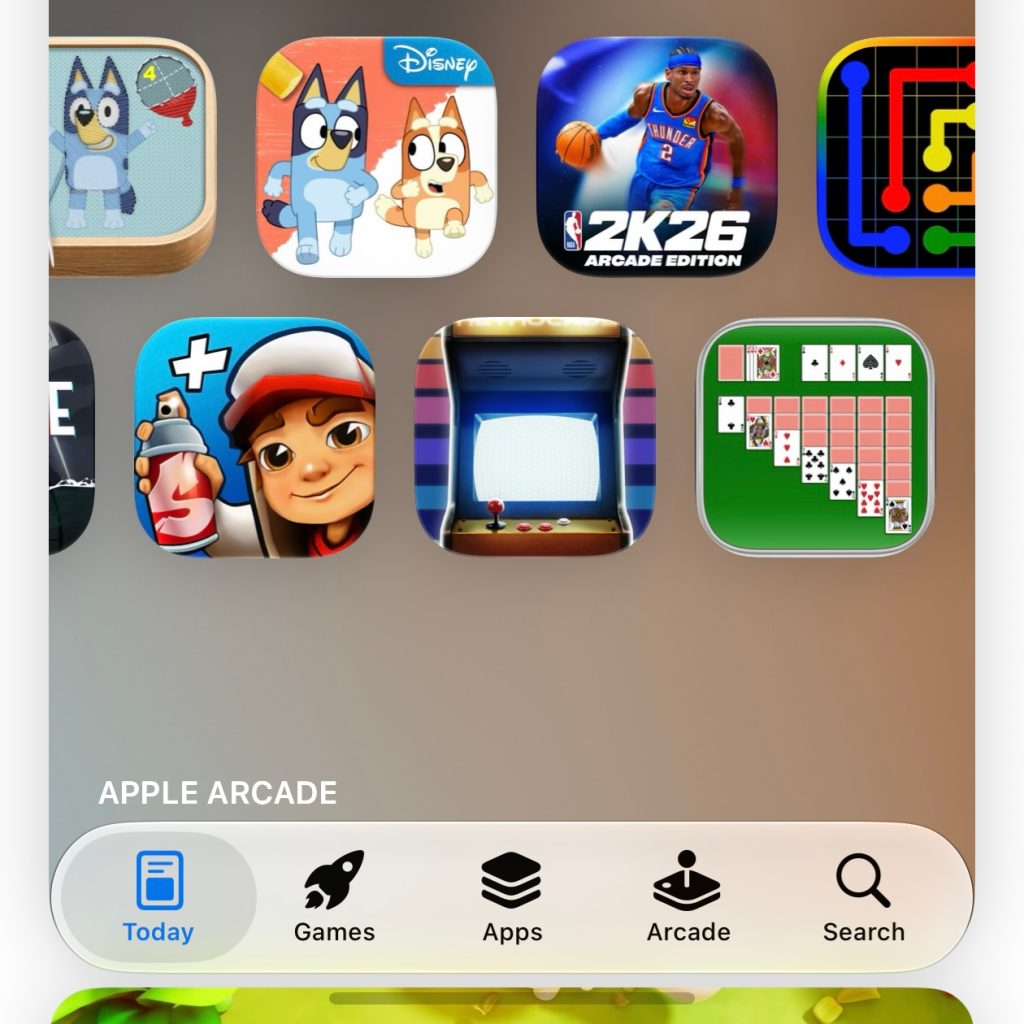
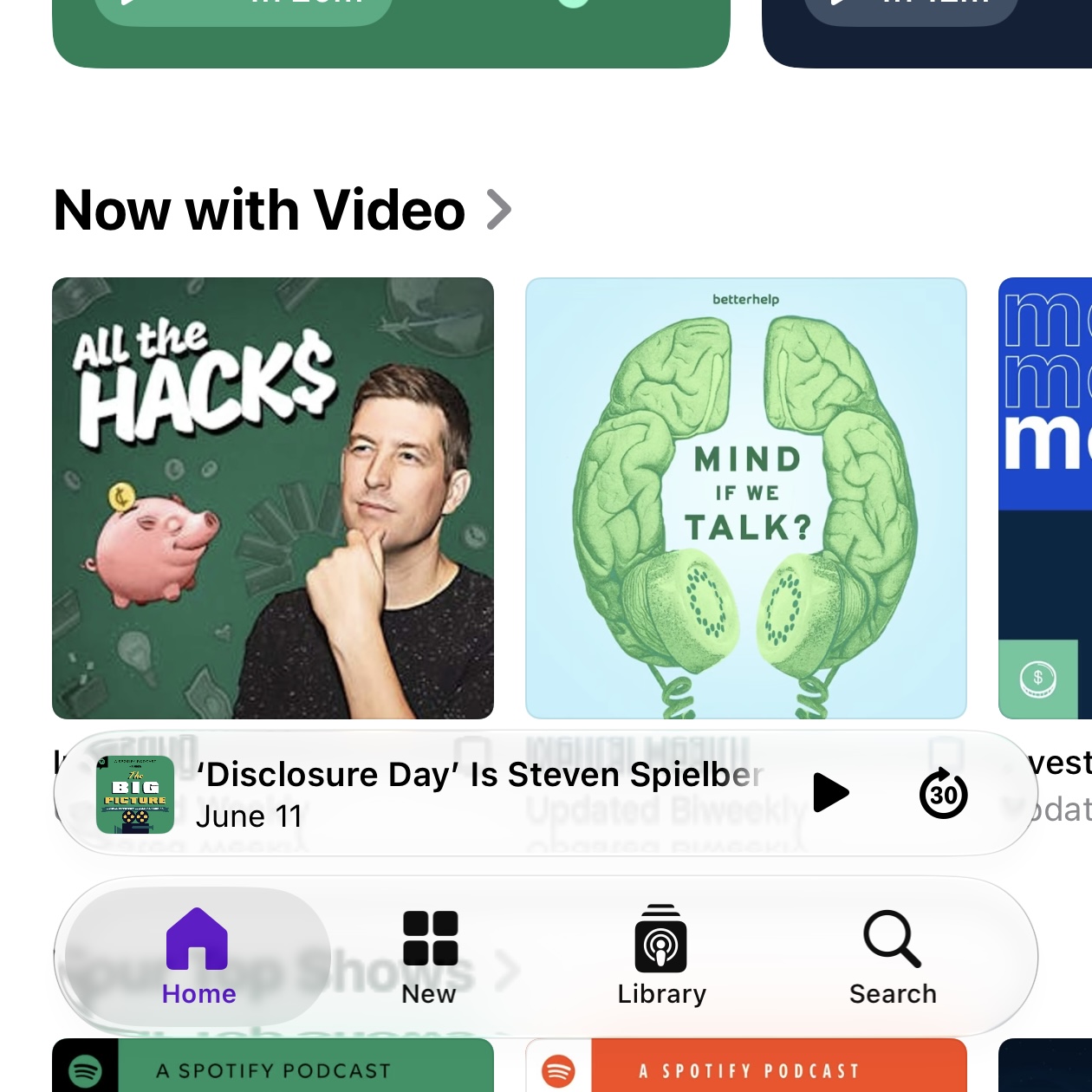
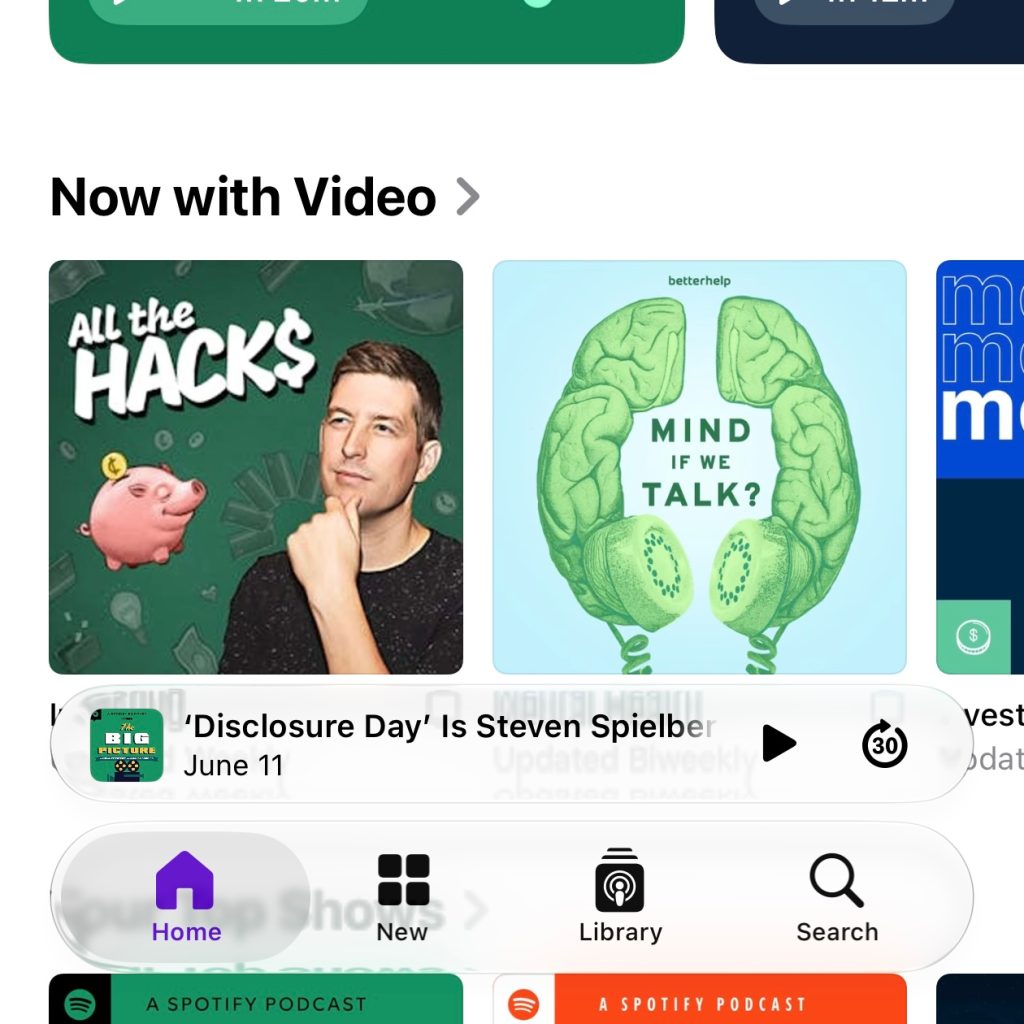
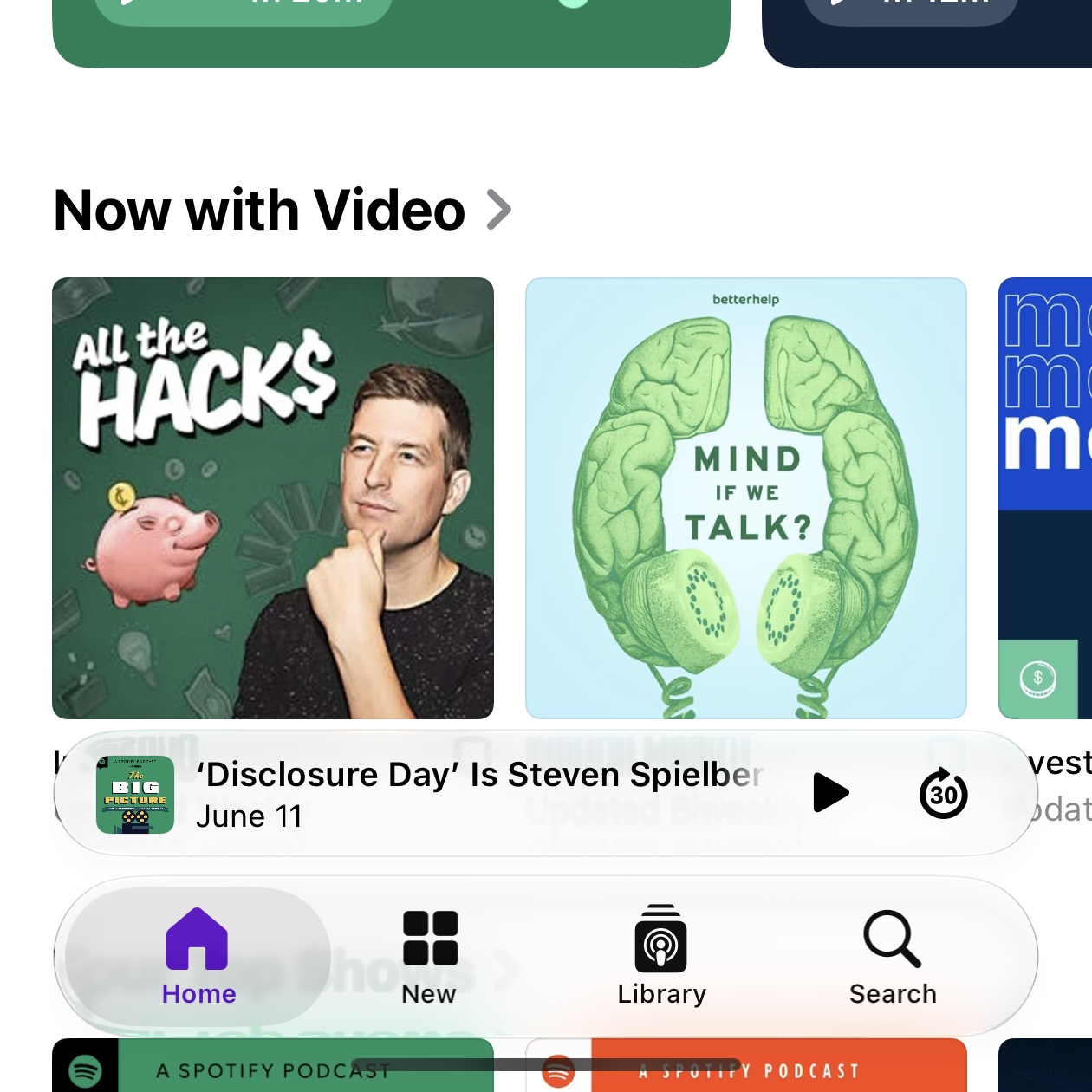
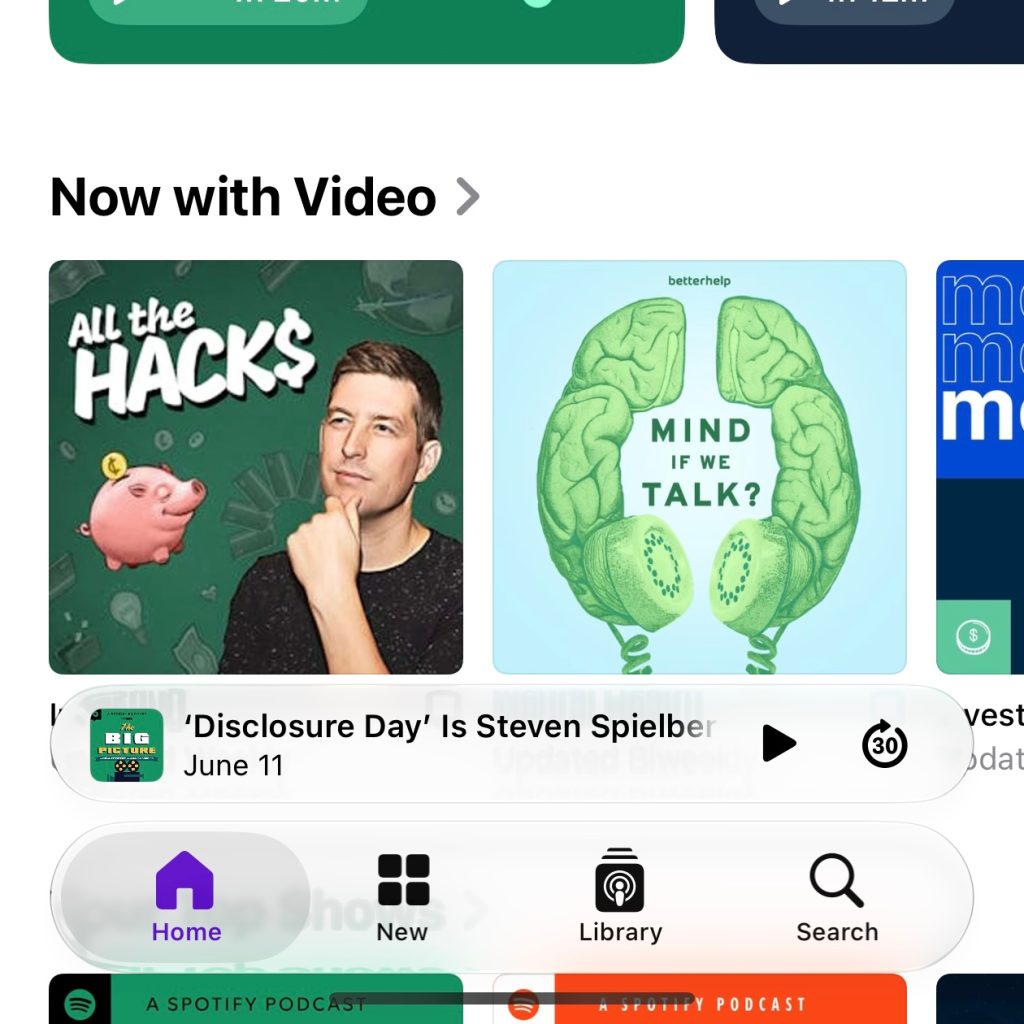
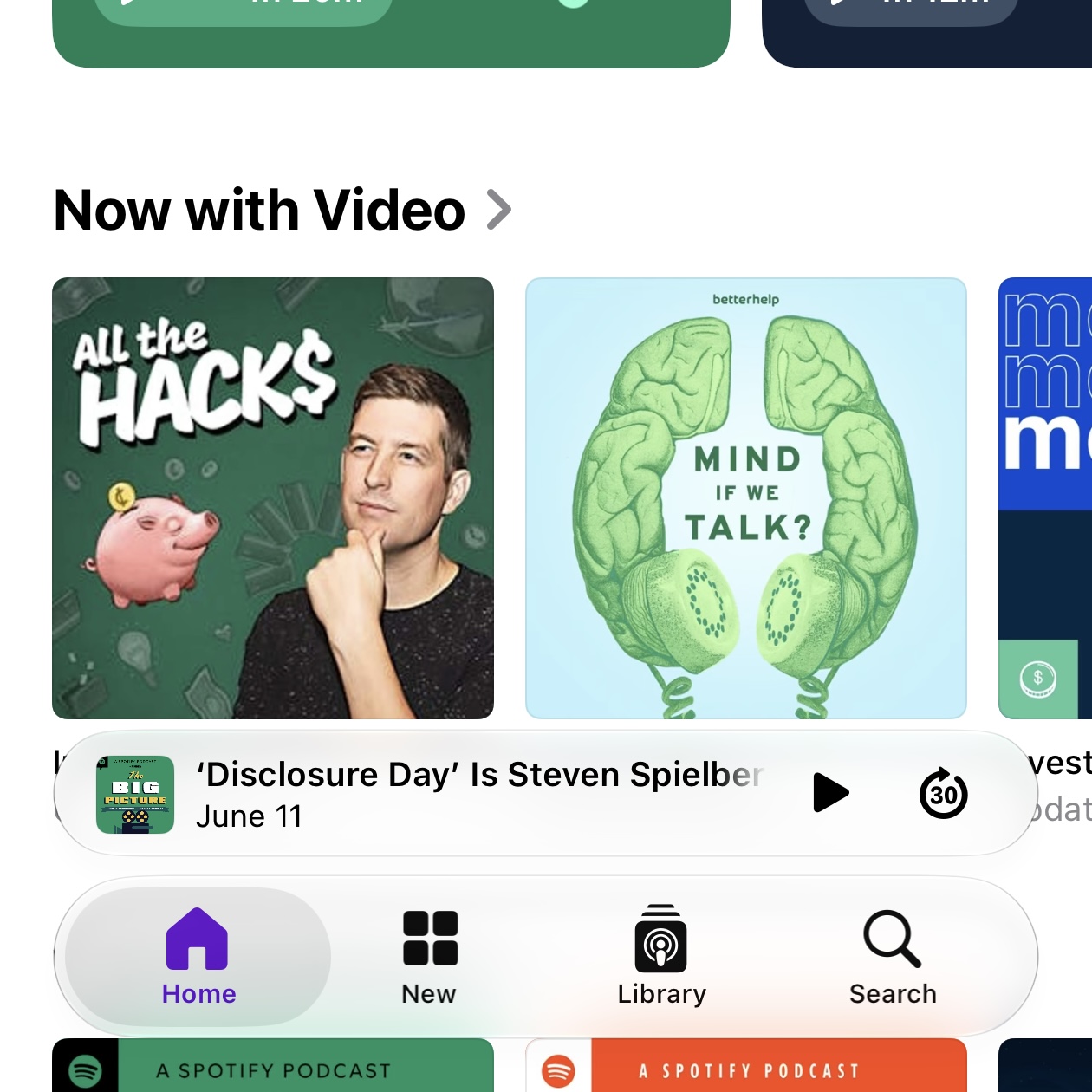
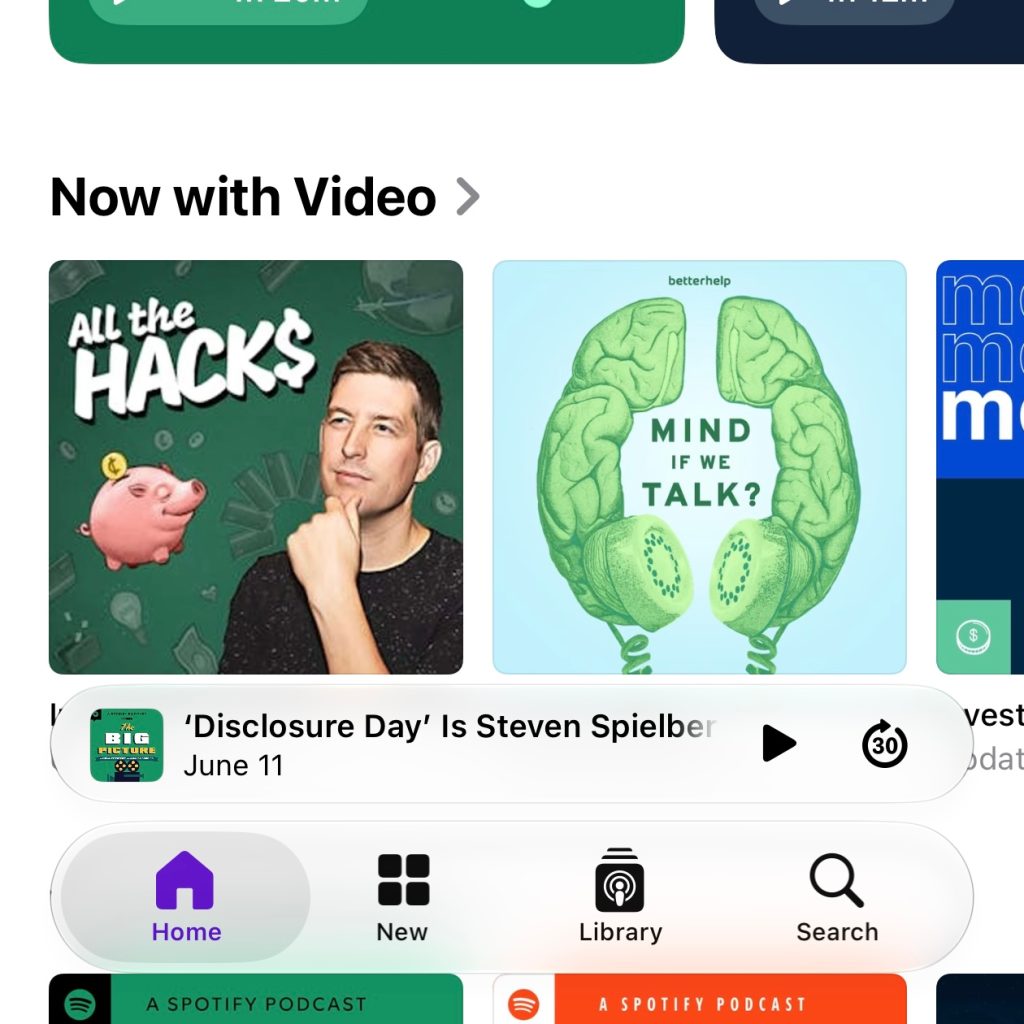
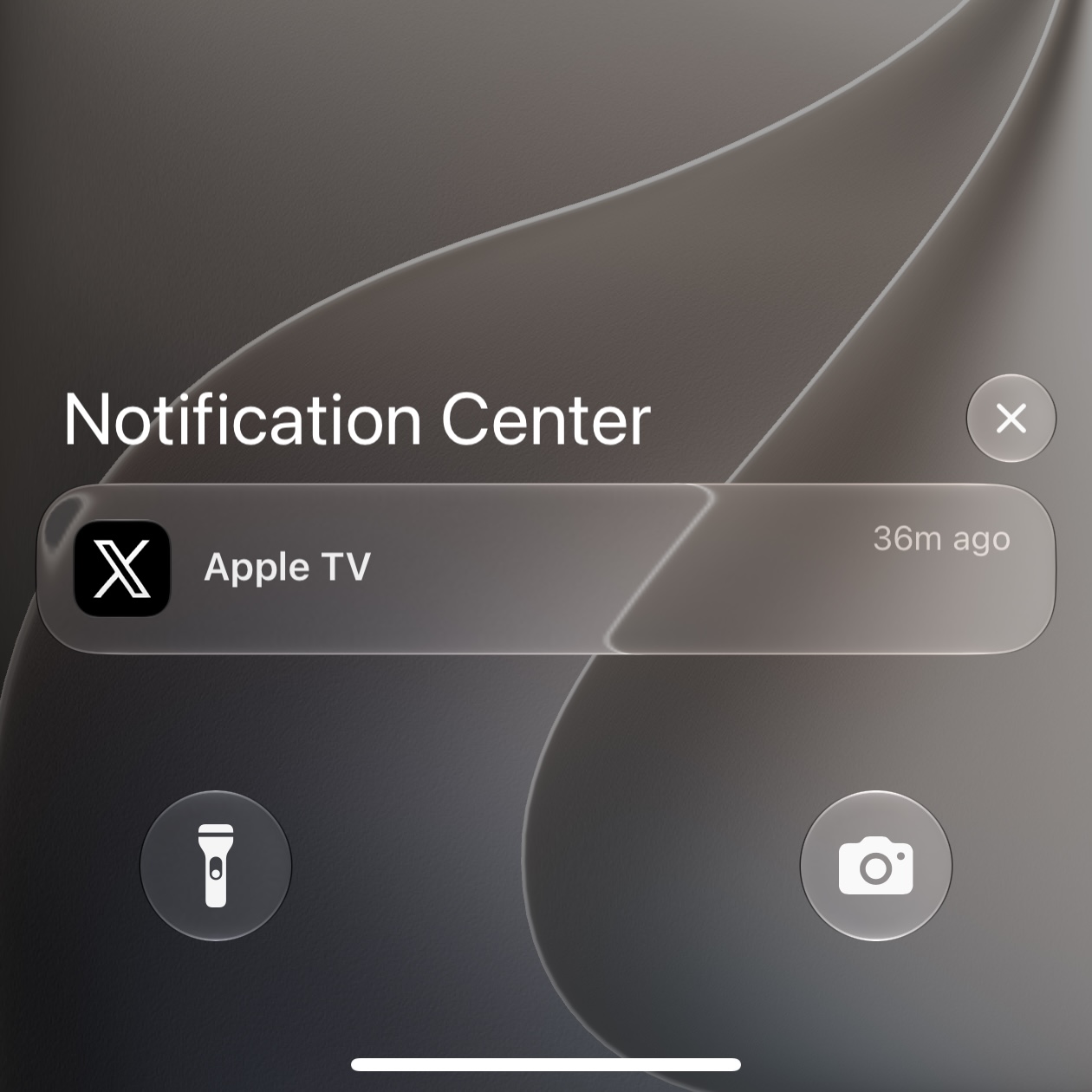
iOS 27 contains refinements to Apple’s systemwide Liquid Glass design on iPhone, but it also lets you fully customize the transparency of Liquid Glass elements via a new slider . Here are some examples of what it looks like. Customize Liquid Glass on iPhone with new slider in iOS 27 When you have a user base numbering in the billions, crafting a design that works well for everyone is undoubtedly a challenge. Last year Apple debuted its new Liquid Glass design in iOS 26, and while overall it seems to have been well received, the new look isn’t for everyone. Already in iOS 26, you can choose between Clear and Tinted looks for Liquid Glass inside the Settings app. But when iOS 27 ships, it will expand Liquid Glass customization even further with a new slider that replaces those previous options. You’ll find it in Settings ⇾ Appearance. Here are examples of the slider at work, showing what Liquid Glass looks like at its most transparent (left), default setting (middle), and most tinted (right).…

Continue reading — create a free account

Join HashtagPLUS to read full articles, follow hashtags, vote, and join the conversation.

Read More