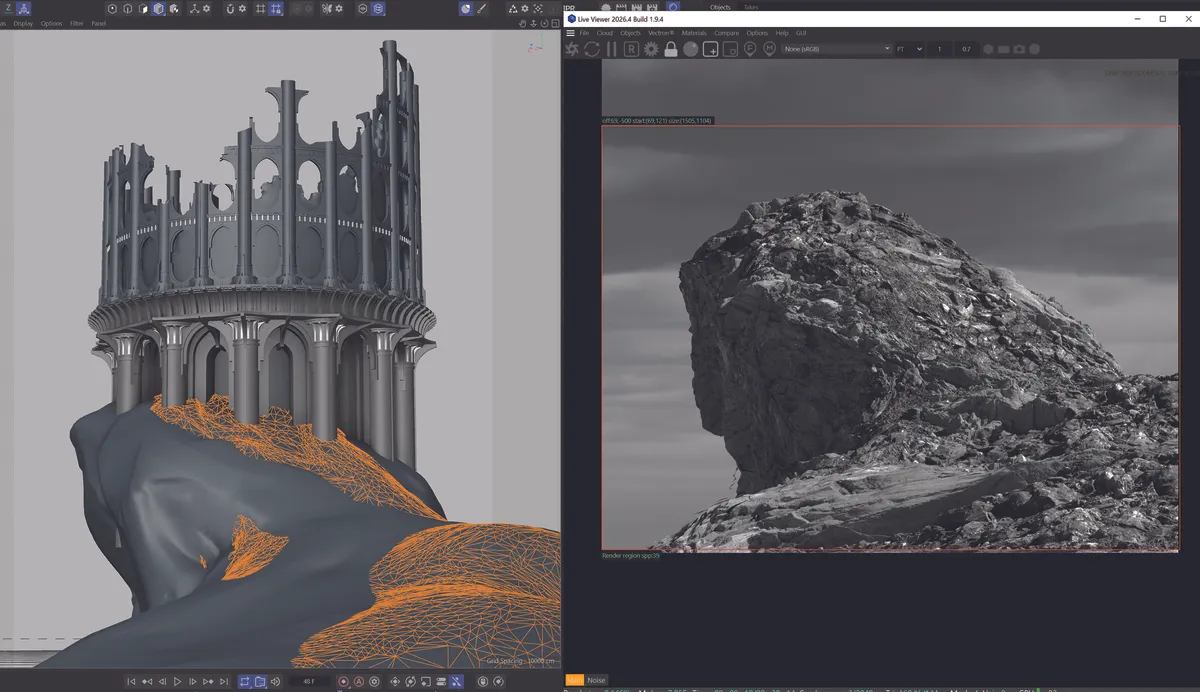
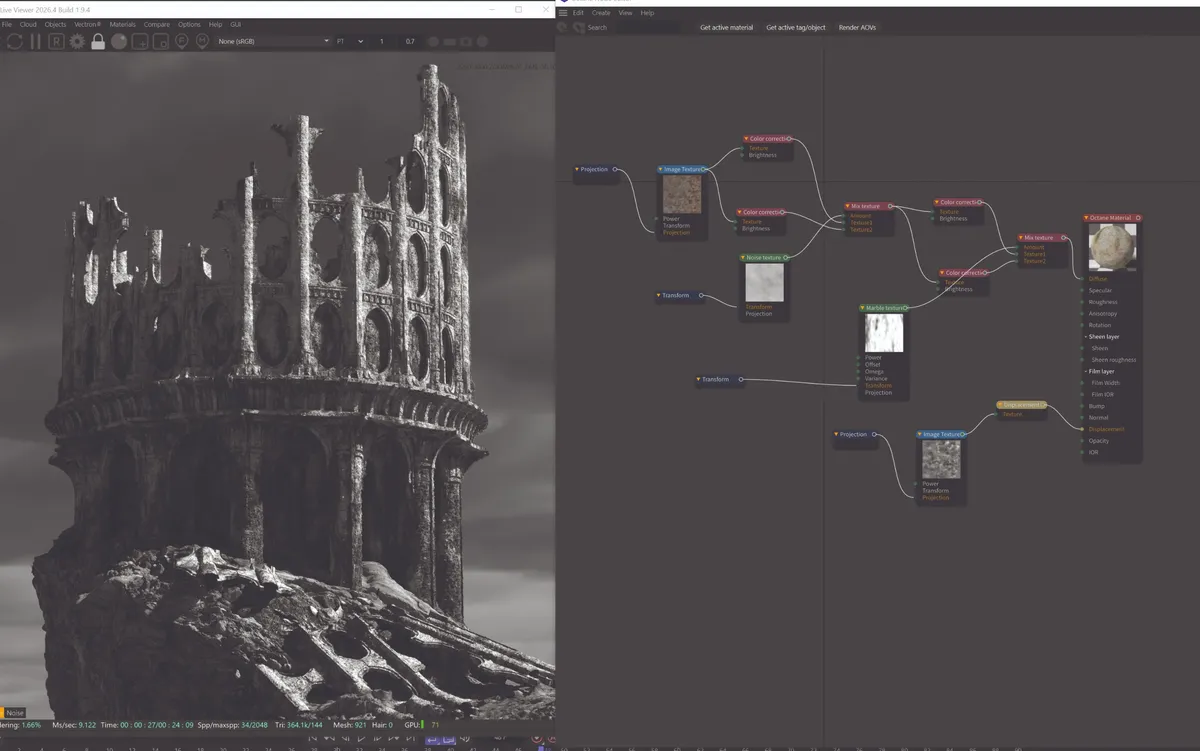
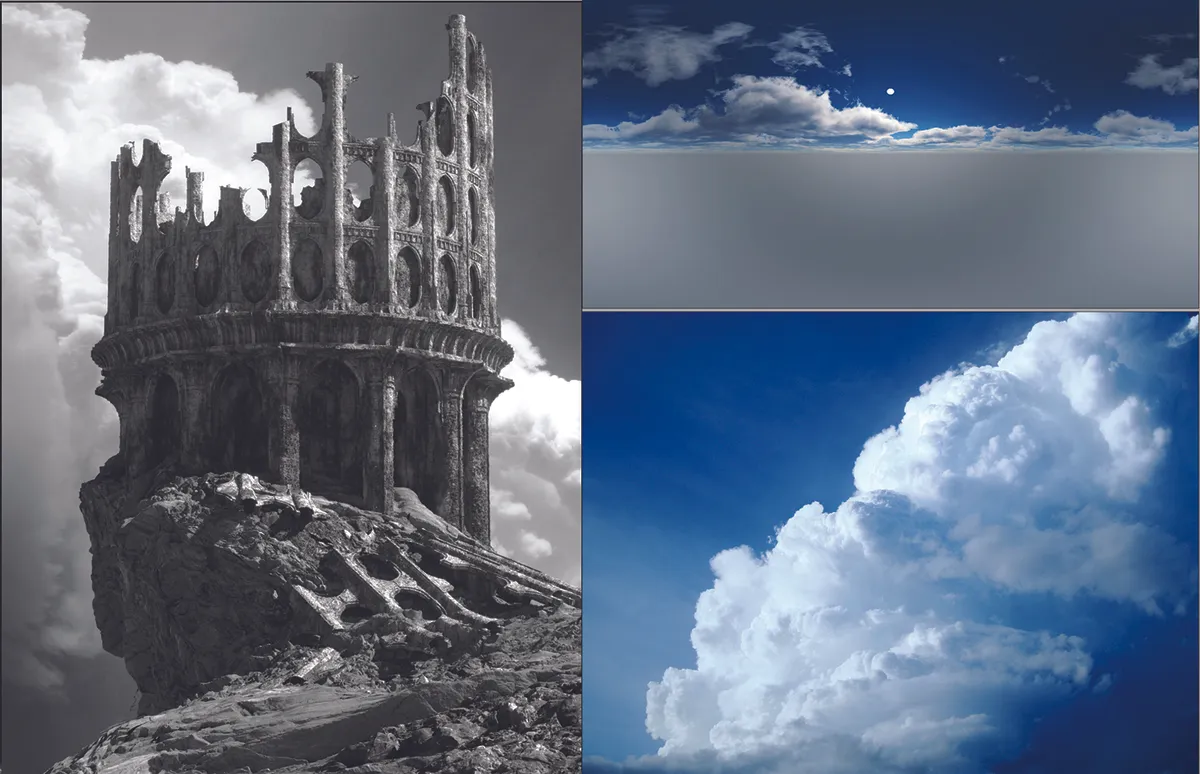
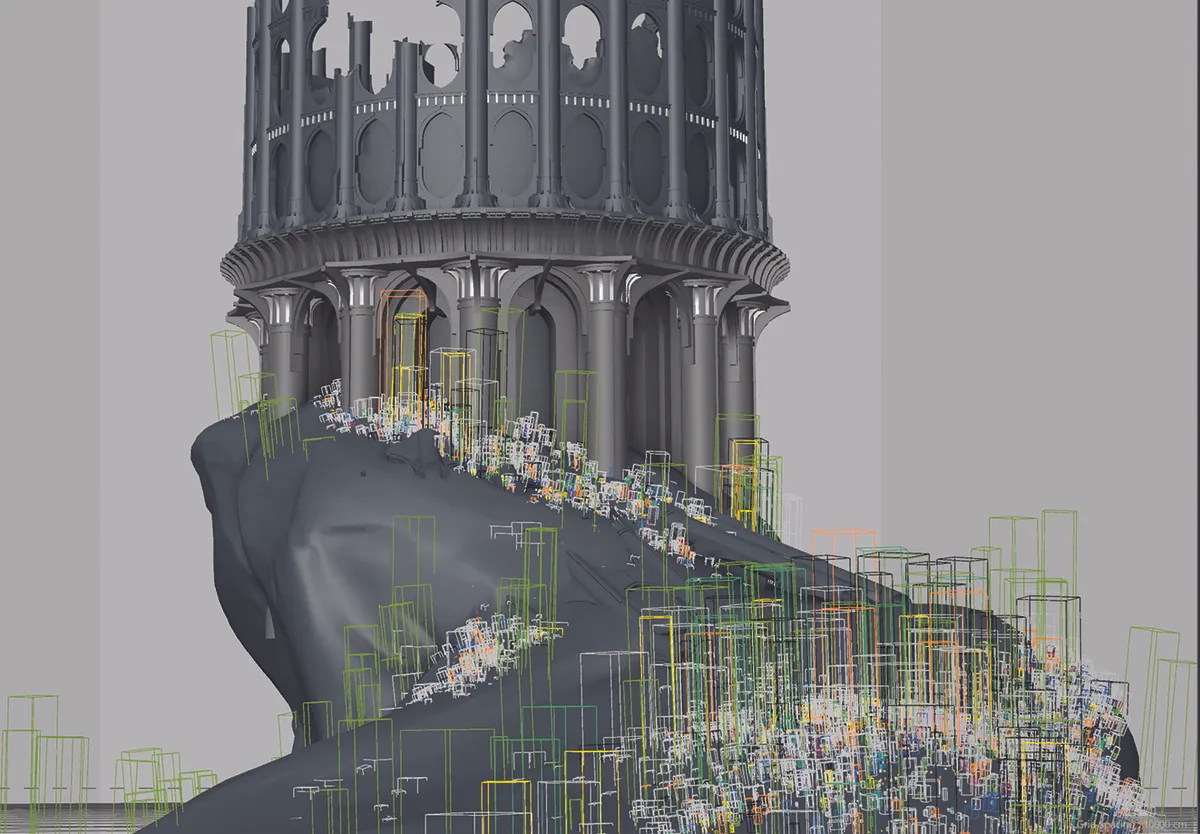
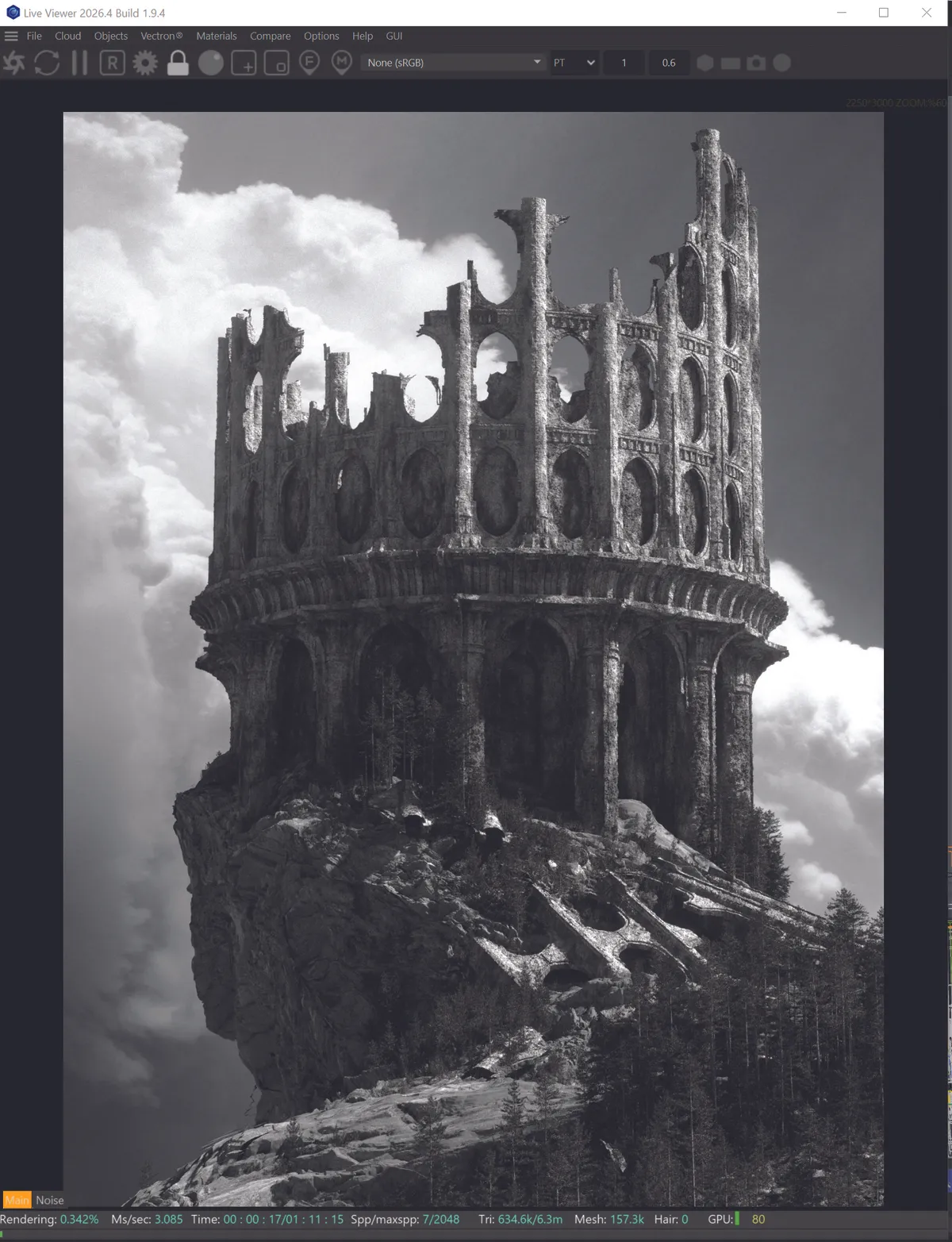
(Image credit: Calder Moore)
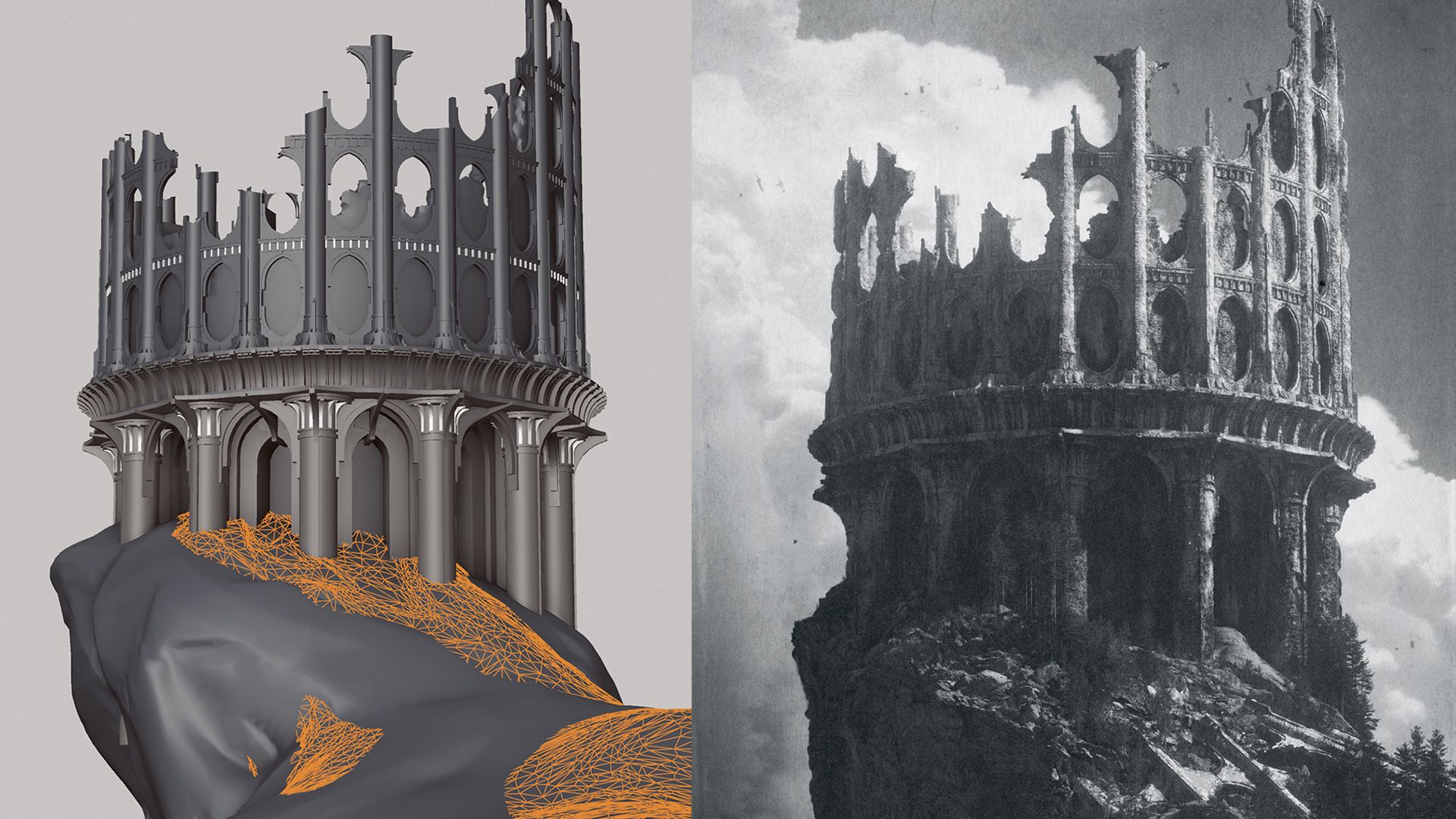
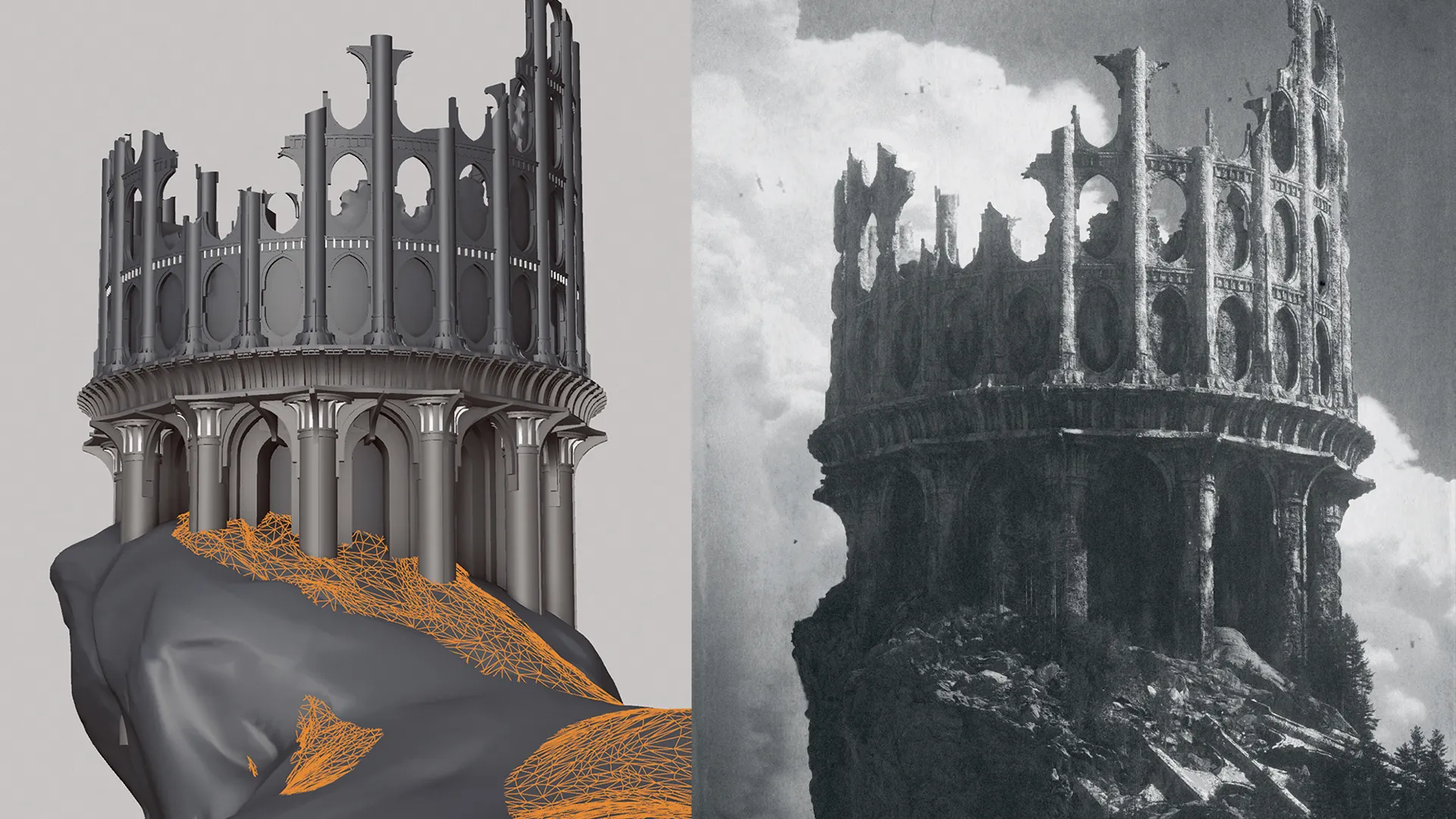
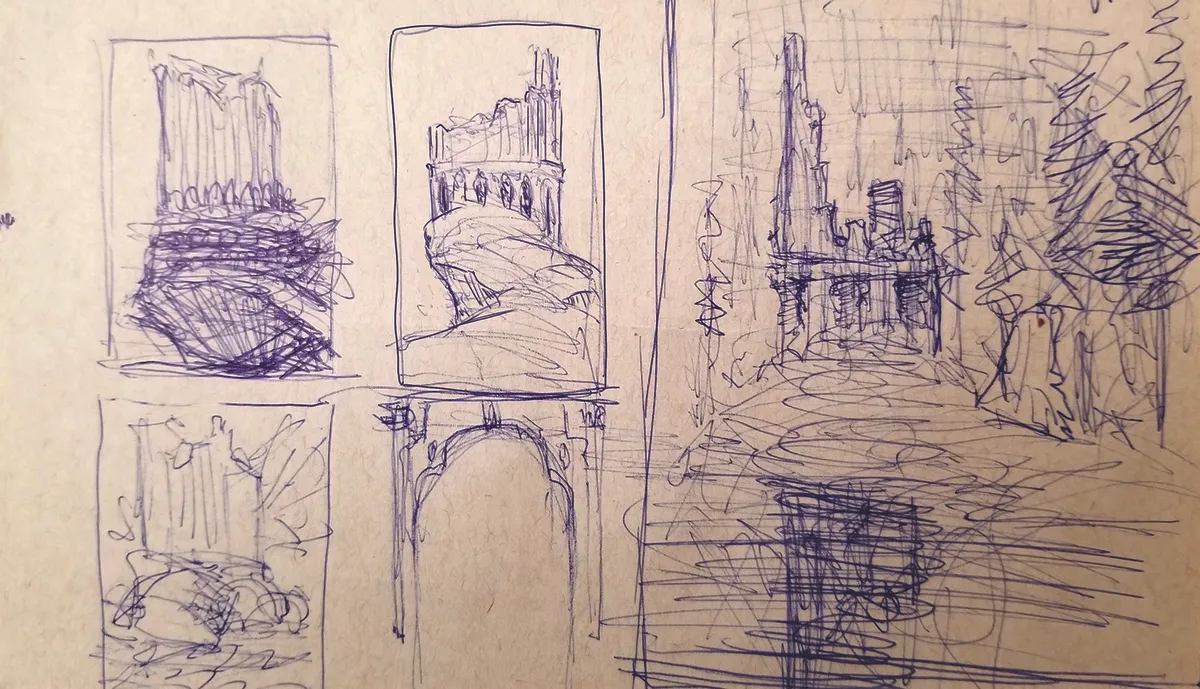
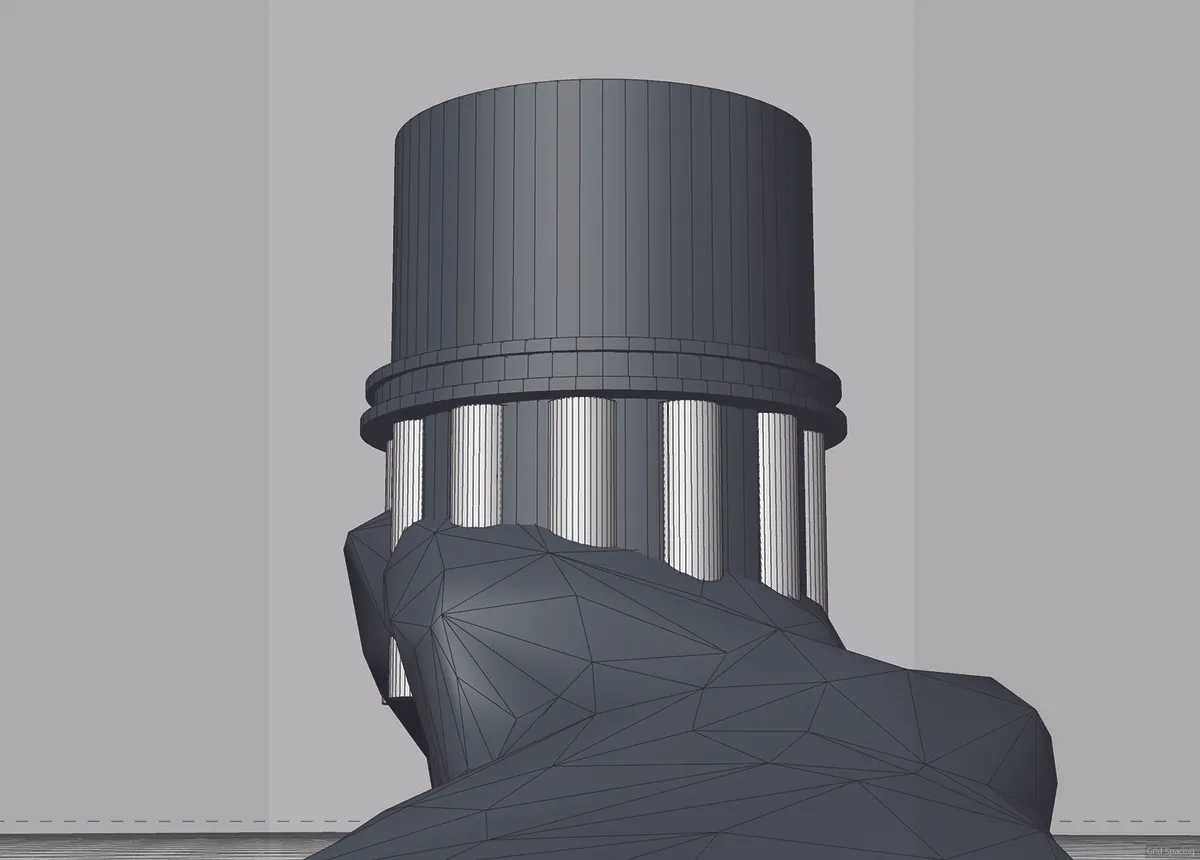
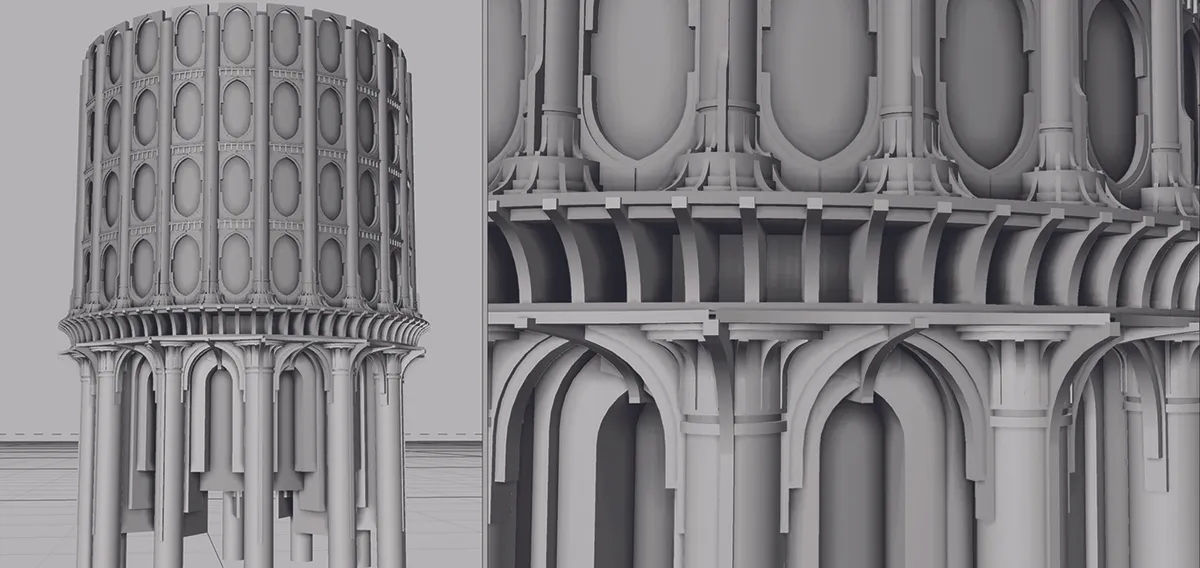
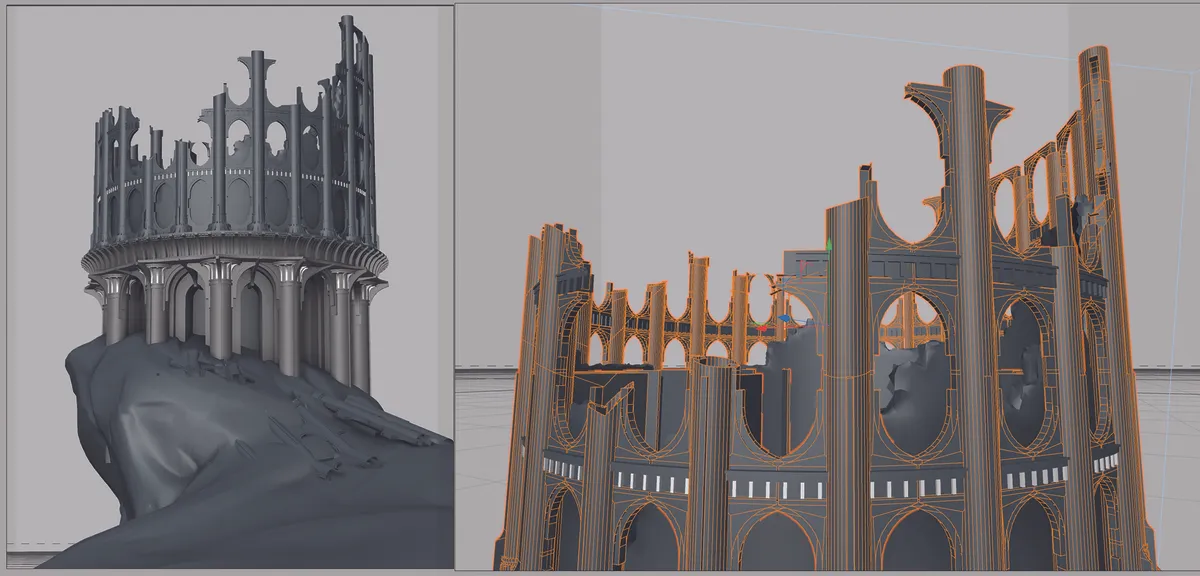
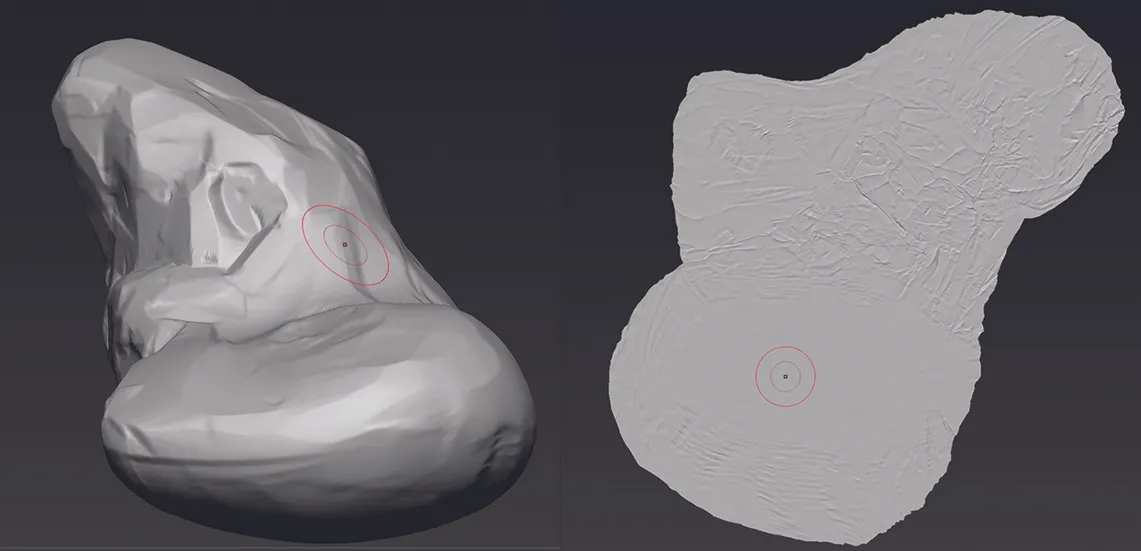
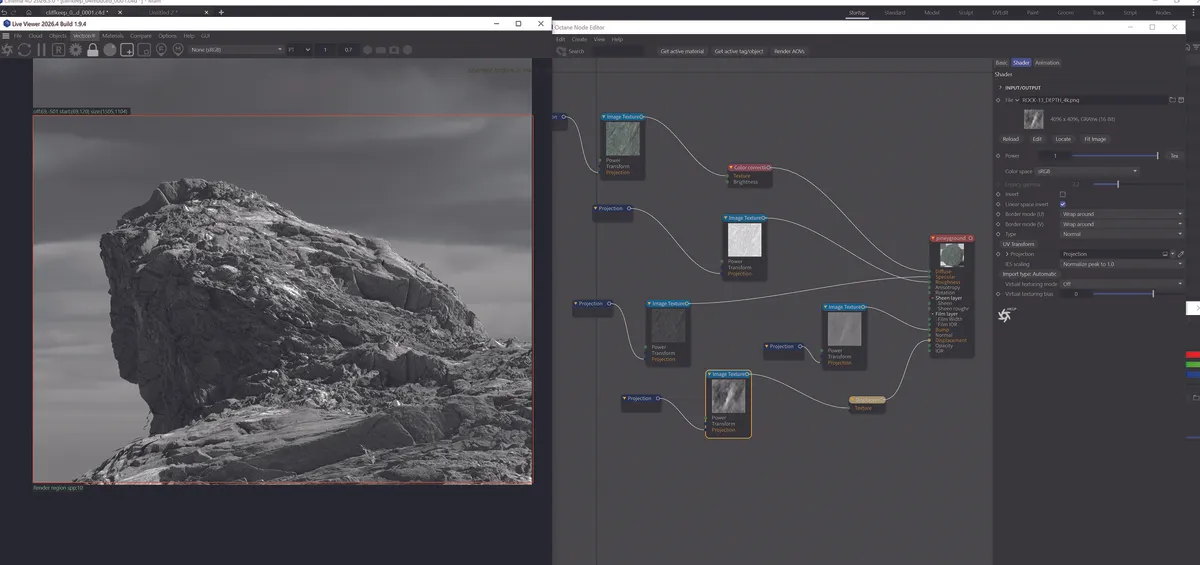
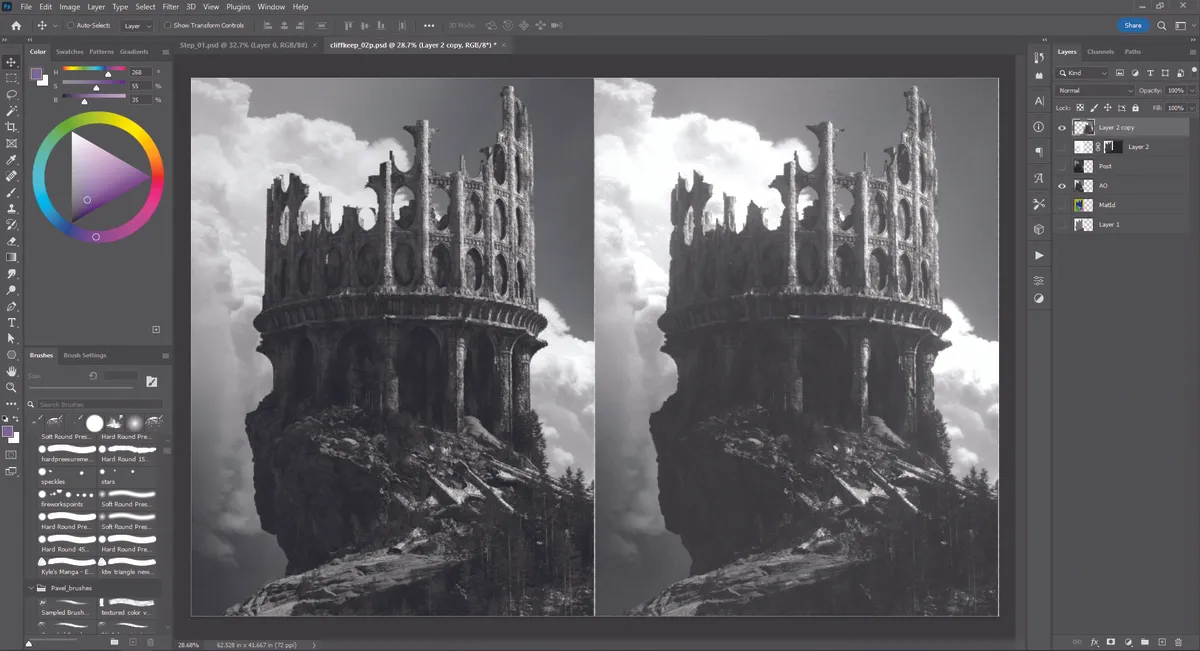
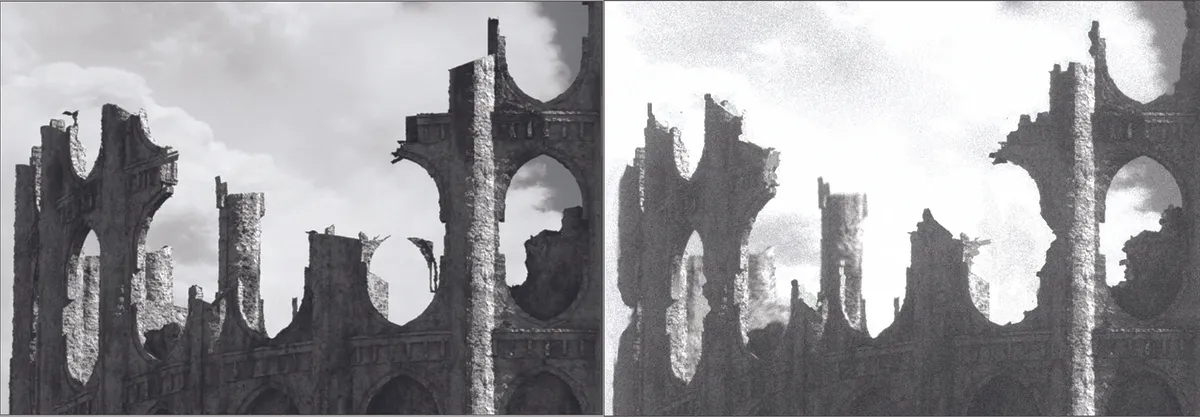
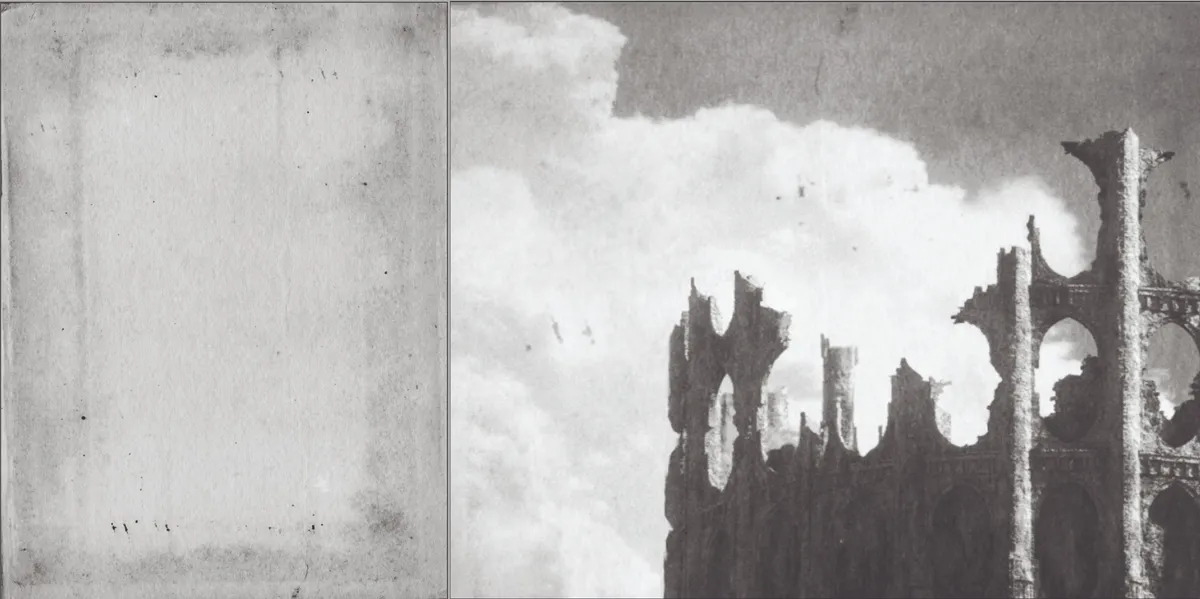
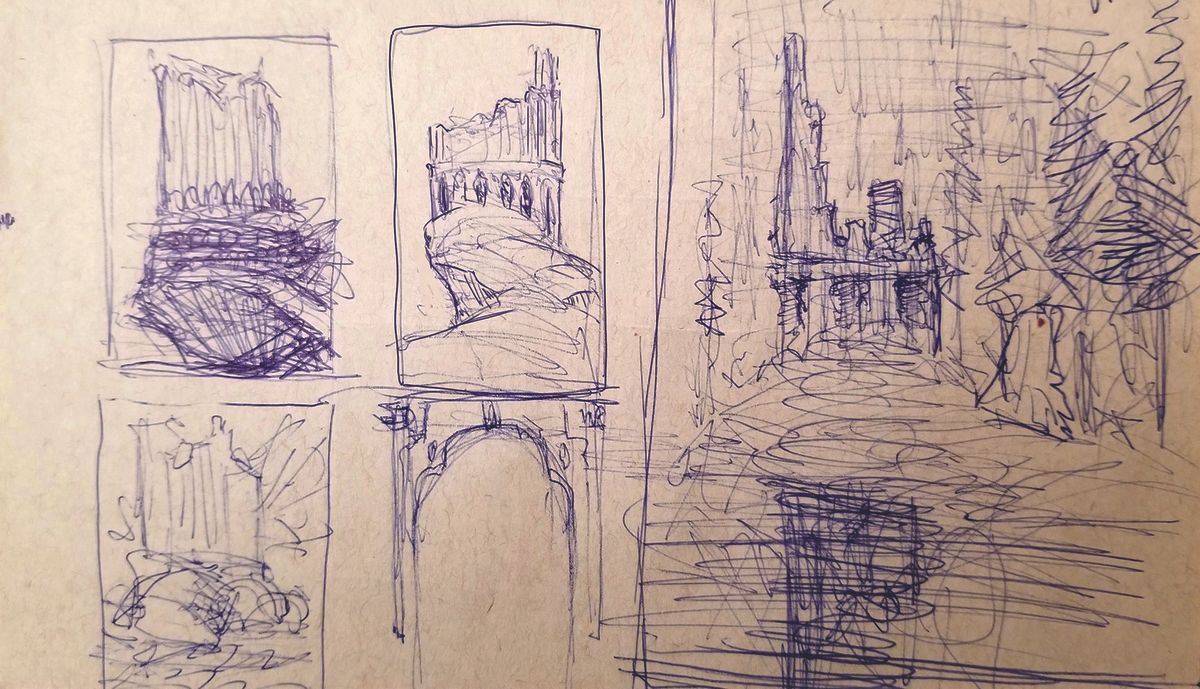
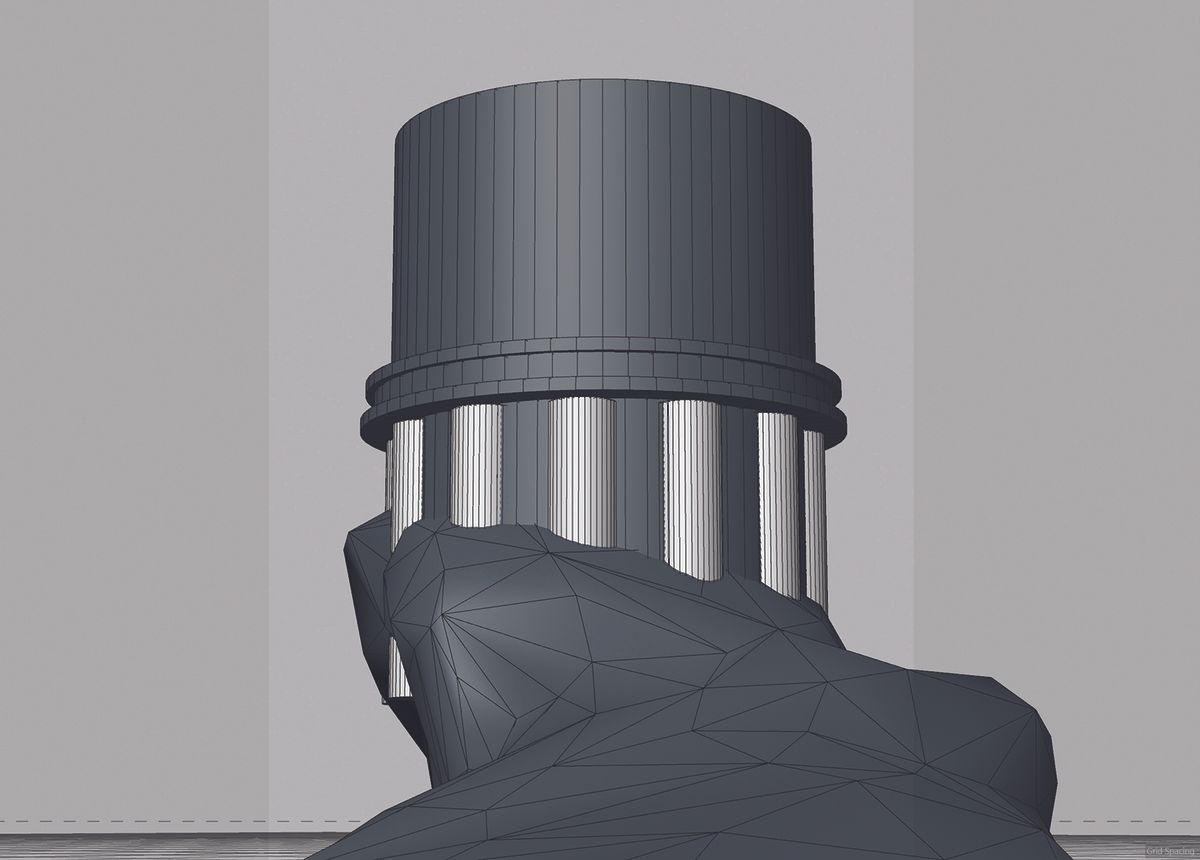
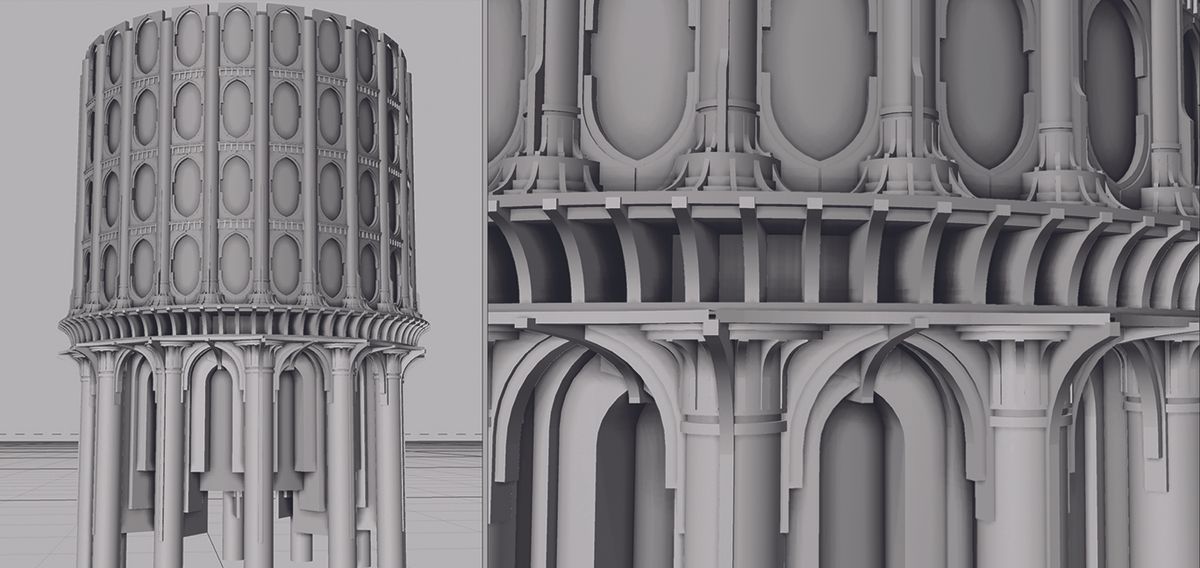
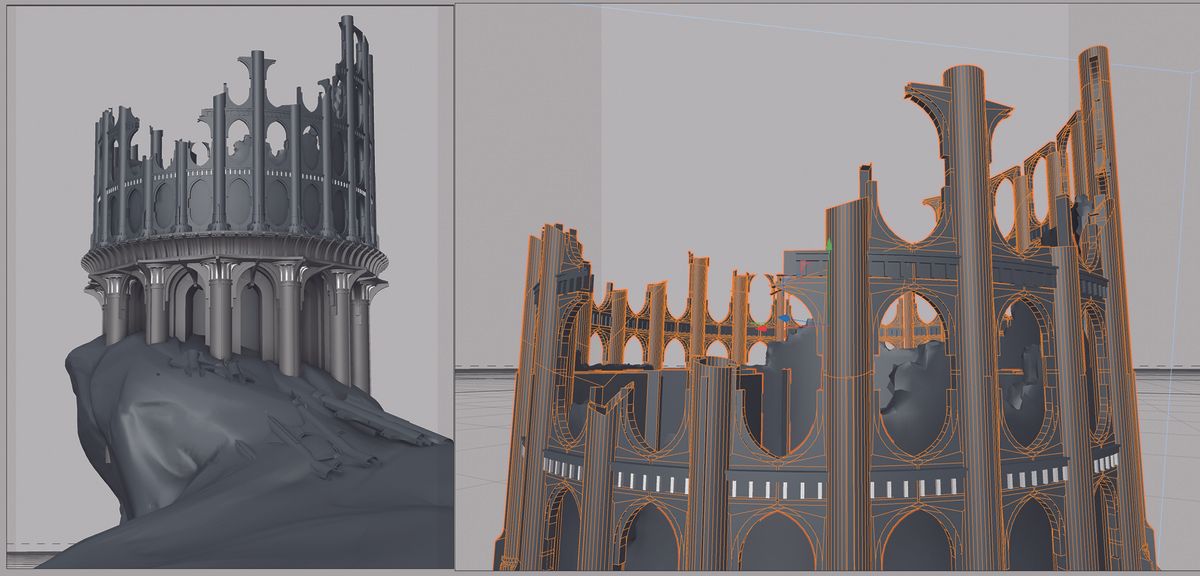
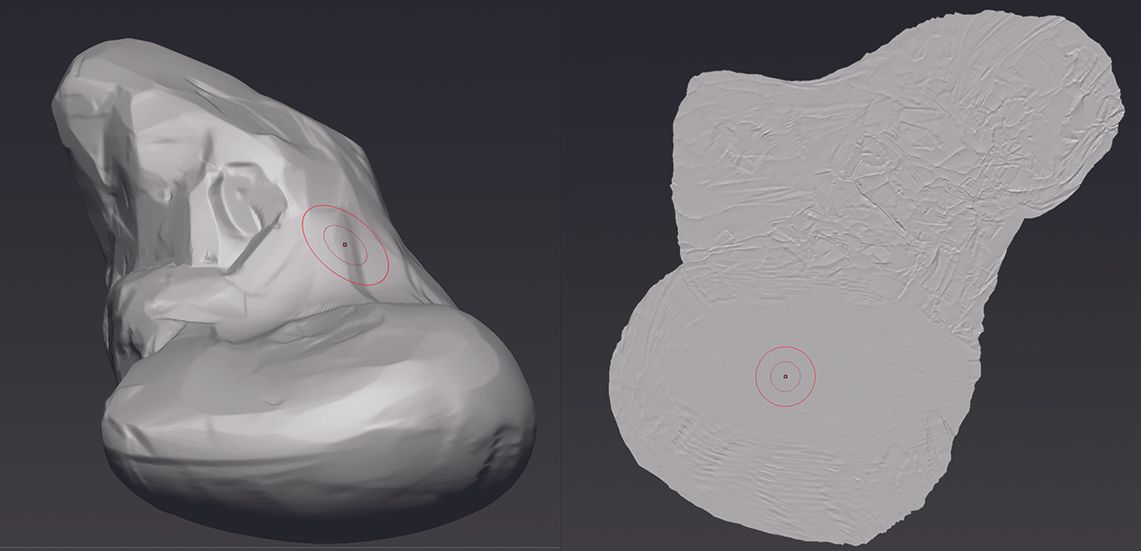
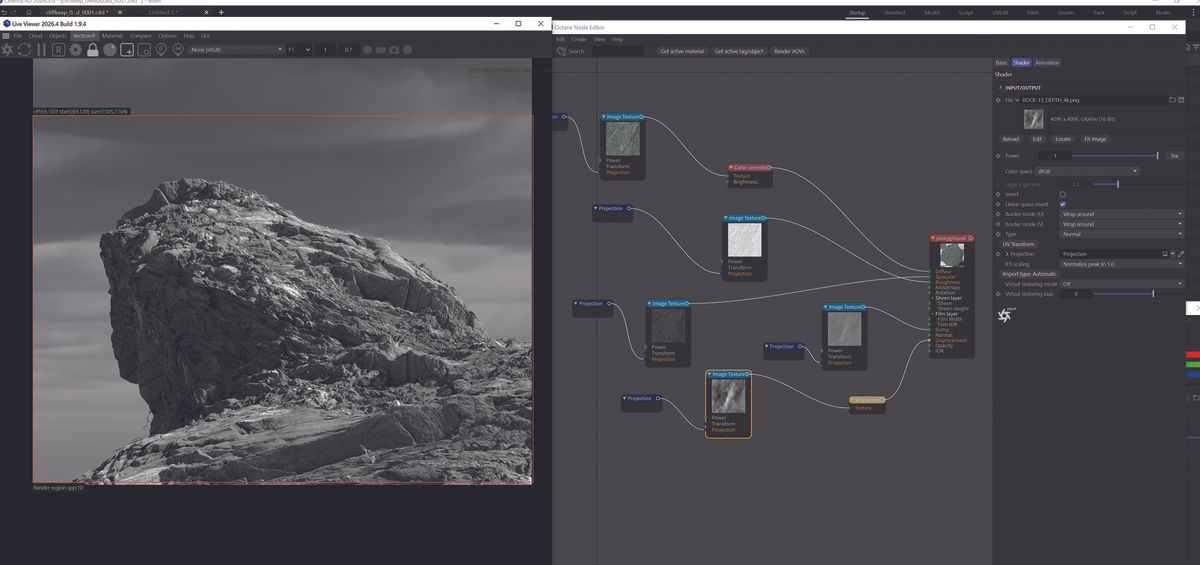
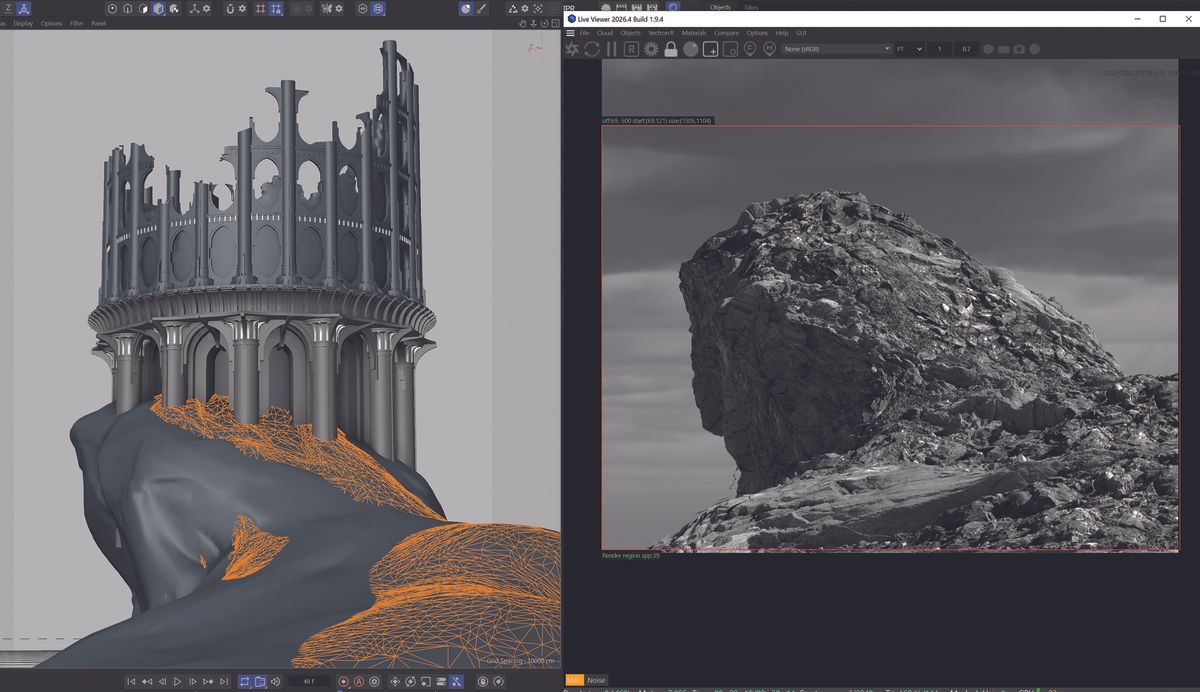
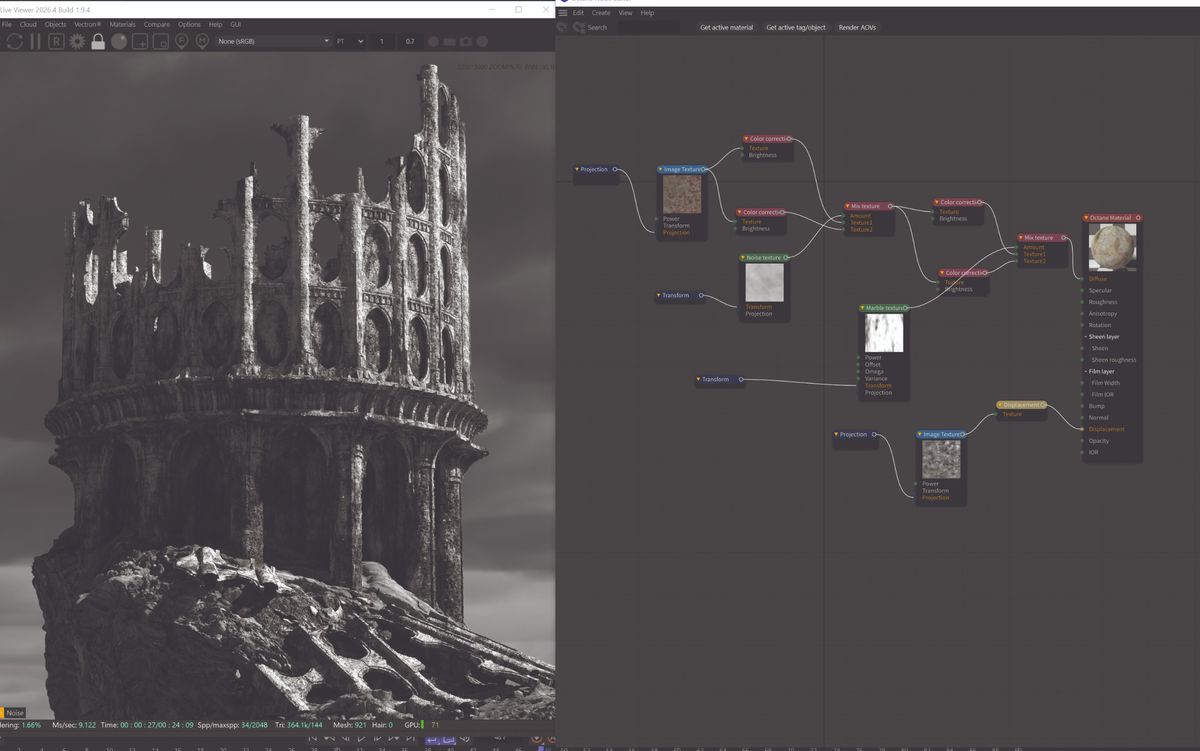
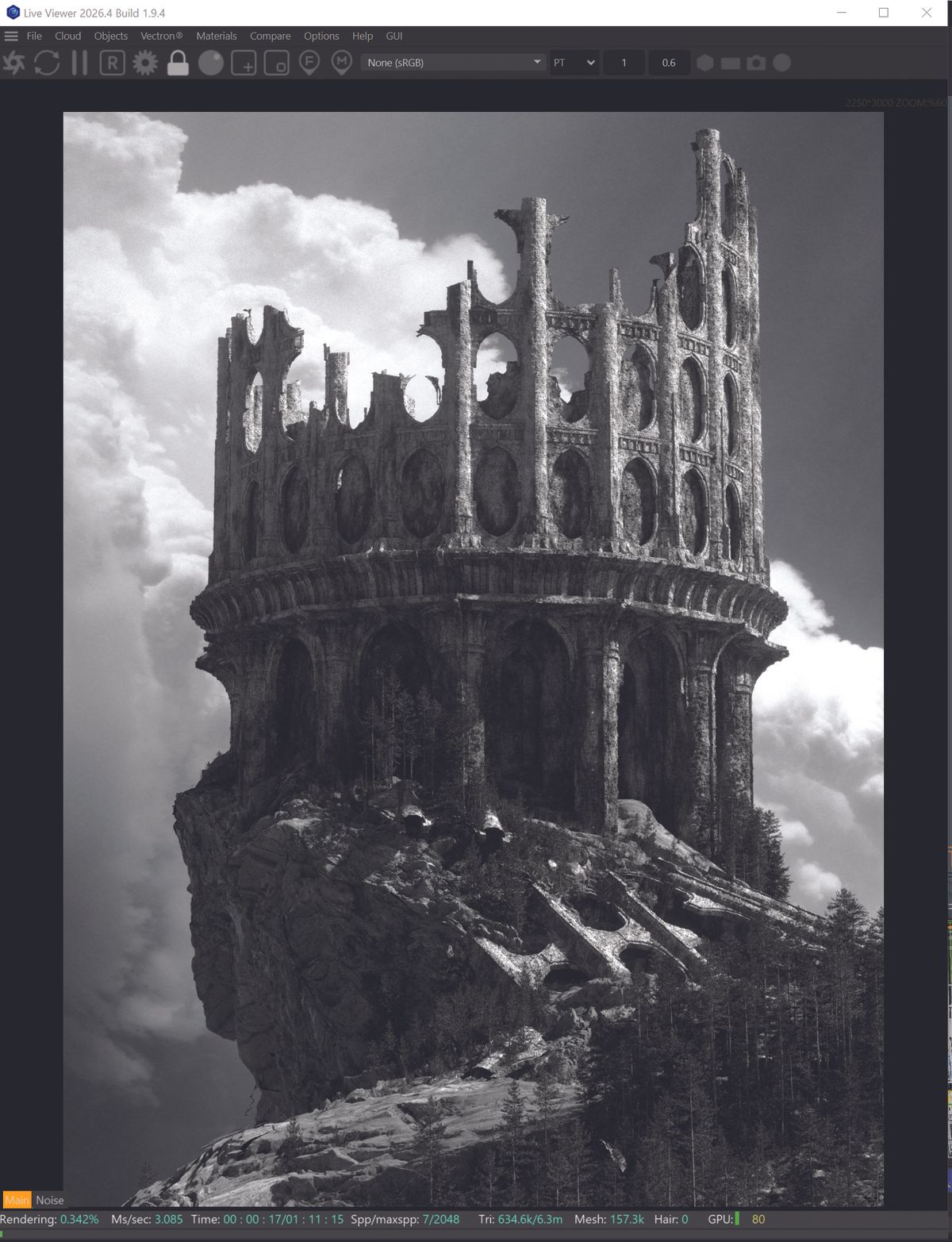
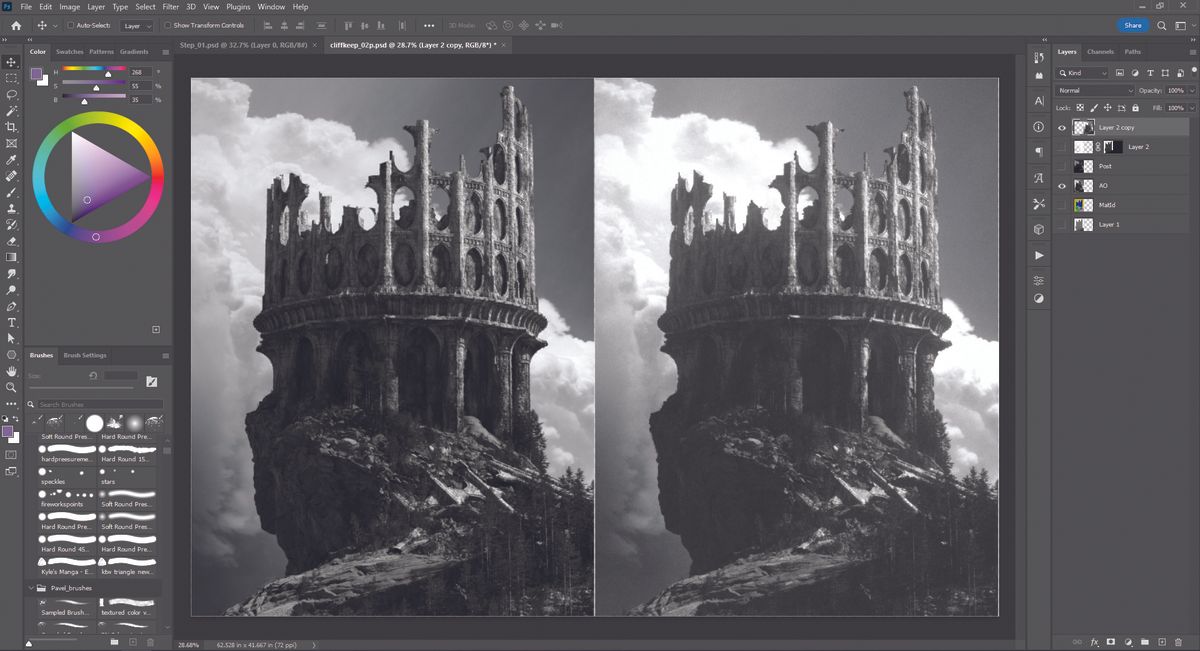
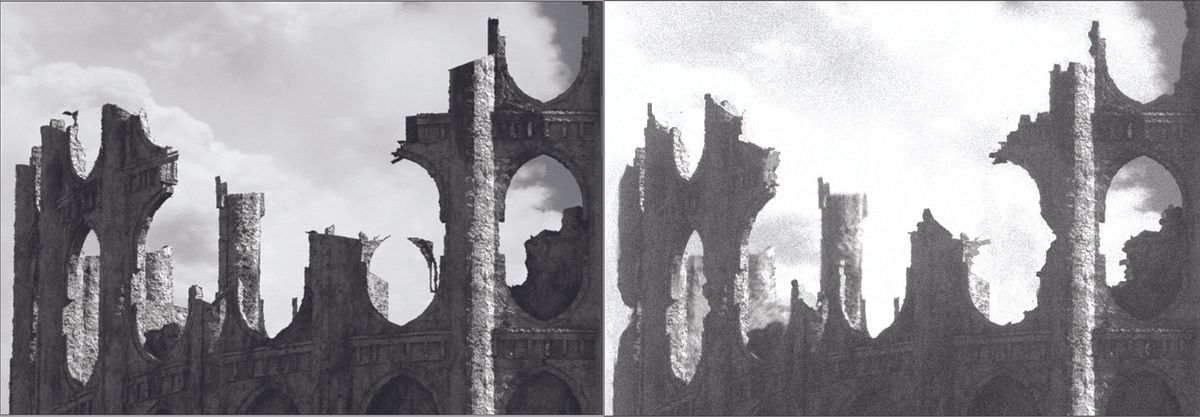
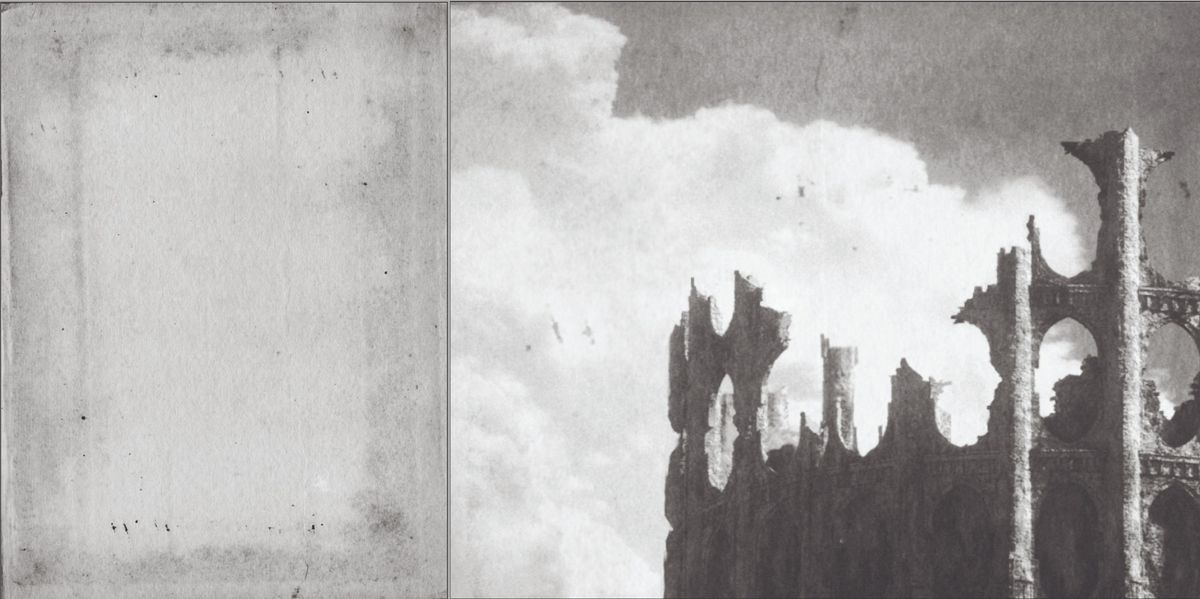
In this tutorial, I’ll be doing an overview of the basic steps I take to create a compelling and highly detailed scene, from the basic sketch to rendering and adding post effects. I’ll also go over using basic geometry with displacement to really push the scene’s details and interest efficiently and quickly. I'll be using Cinema 4D , ZBrush , Octane Render and Photoshop (see our guide to the best 3D modelling software , and you might want one of the best laptops for 3D modelling ).
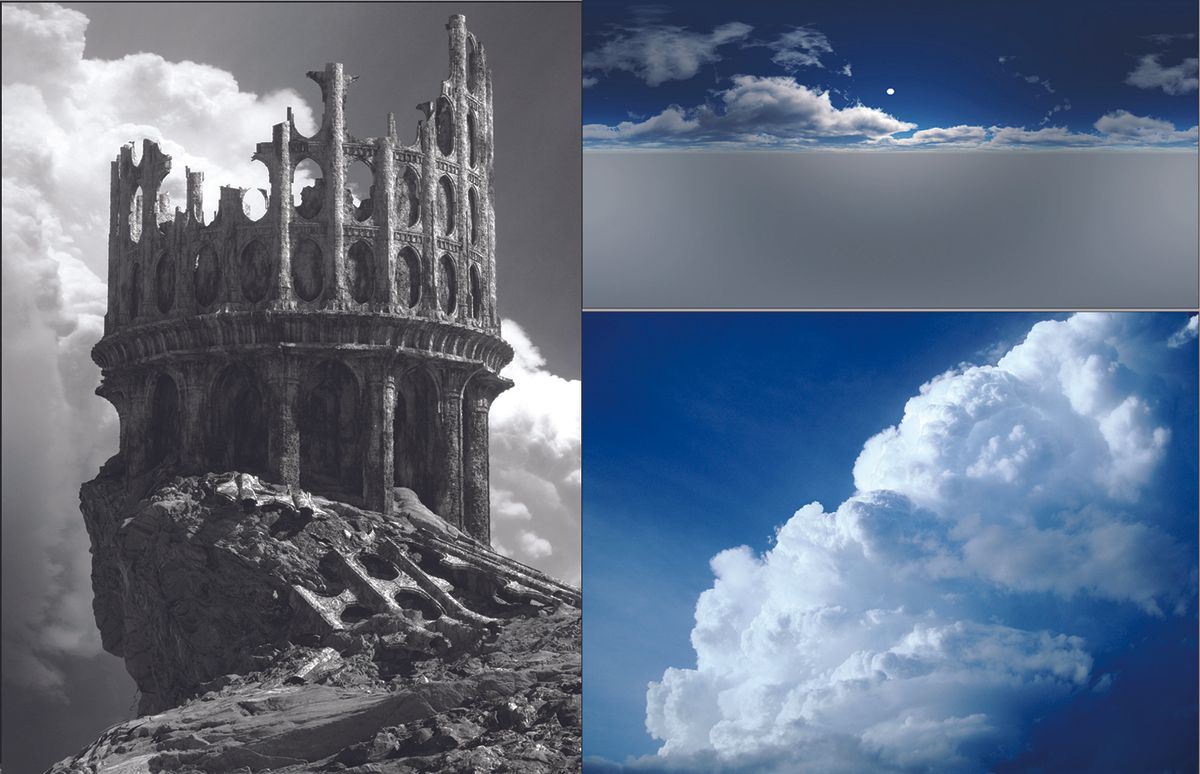
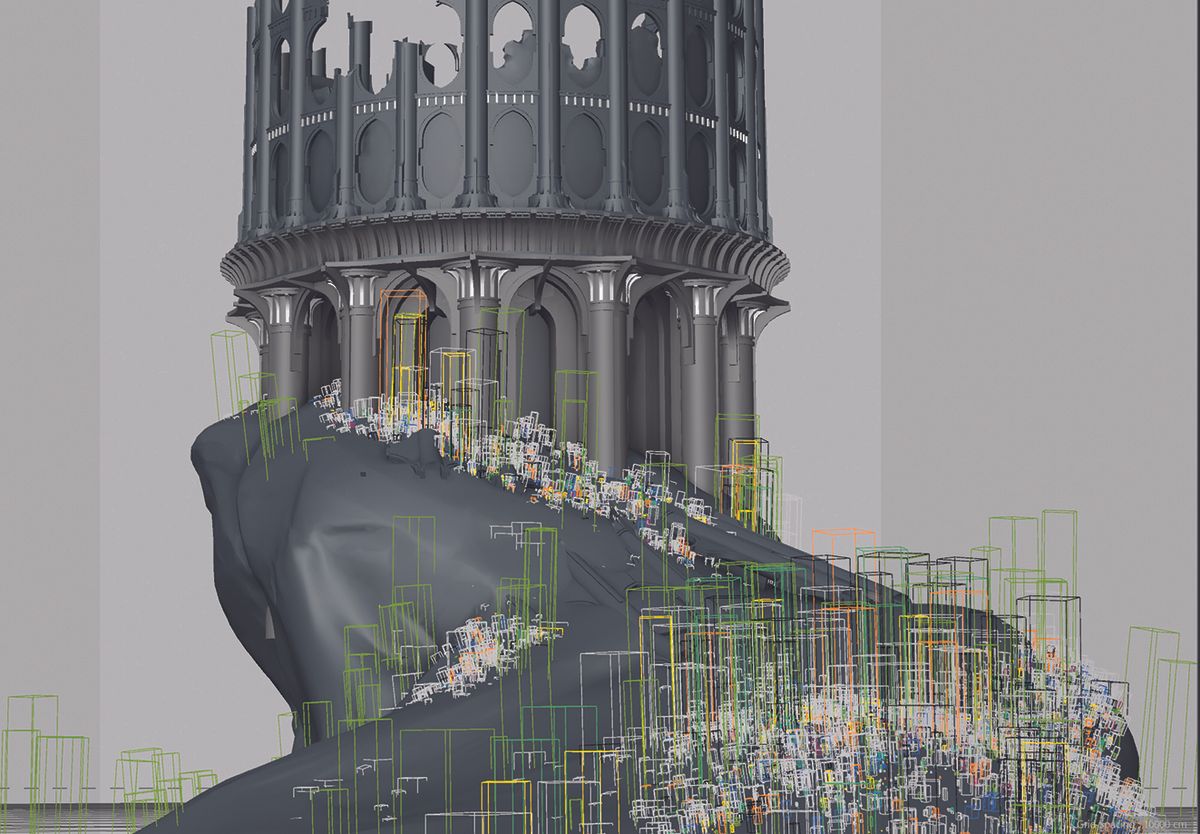
Before diving into complex scenes like this, it’s a good idea to grab some inspirational images to build your visual palette; things like the architecture, environment, lighting, composition and mood. For these types of scenes, I like to pre-prep in 3D a bit, building up a library of foliage scatter systems and materials.
This allows me to create these complex scenes much faster and focus on the art, rather than get sidetracked with technical stuff.…