(Image credit: Shutterstock / Future)
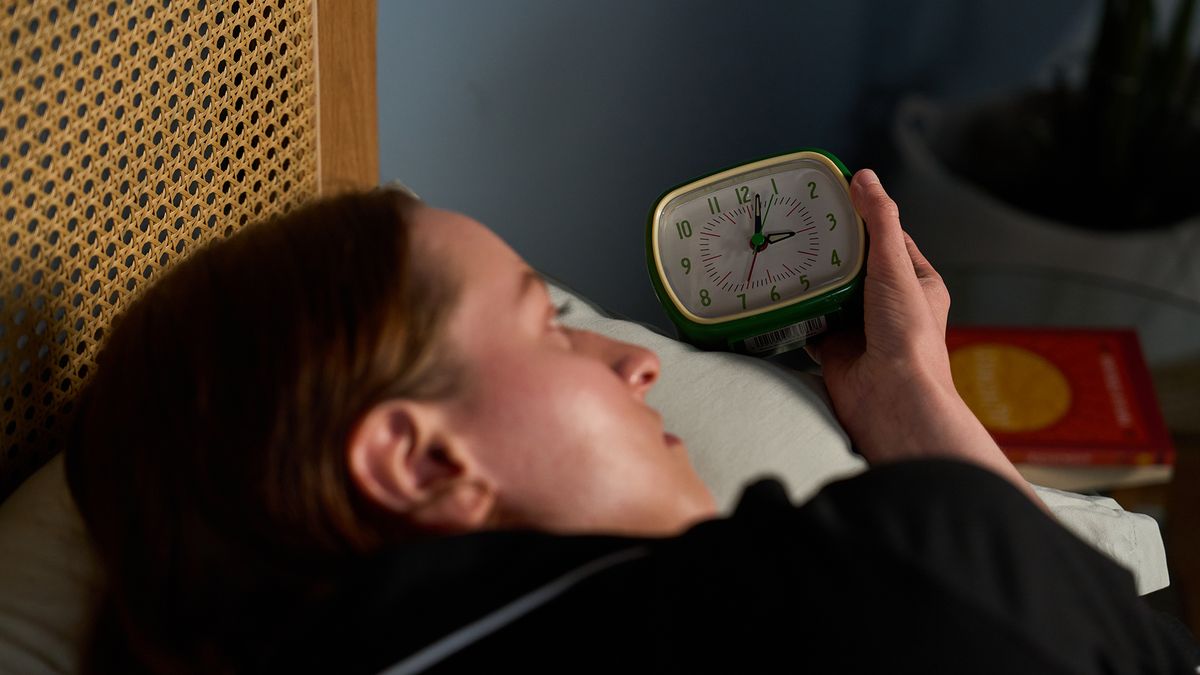
I've being testing sleep tech for over three years, and while most of these gadgets stop 3 a.m. wake ups and help me fall asleep fast, there's no denying that a lot come with hefty price tags. So, when I recently found myself waking up in the early hours of the morning, I was determined to find an effective but cheap solution.
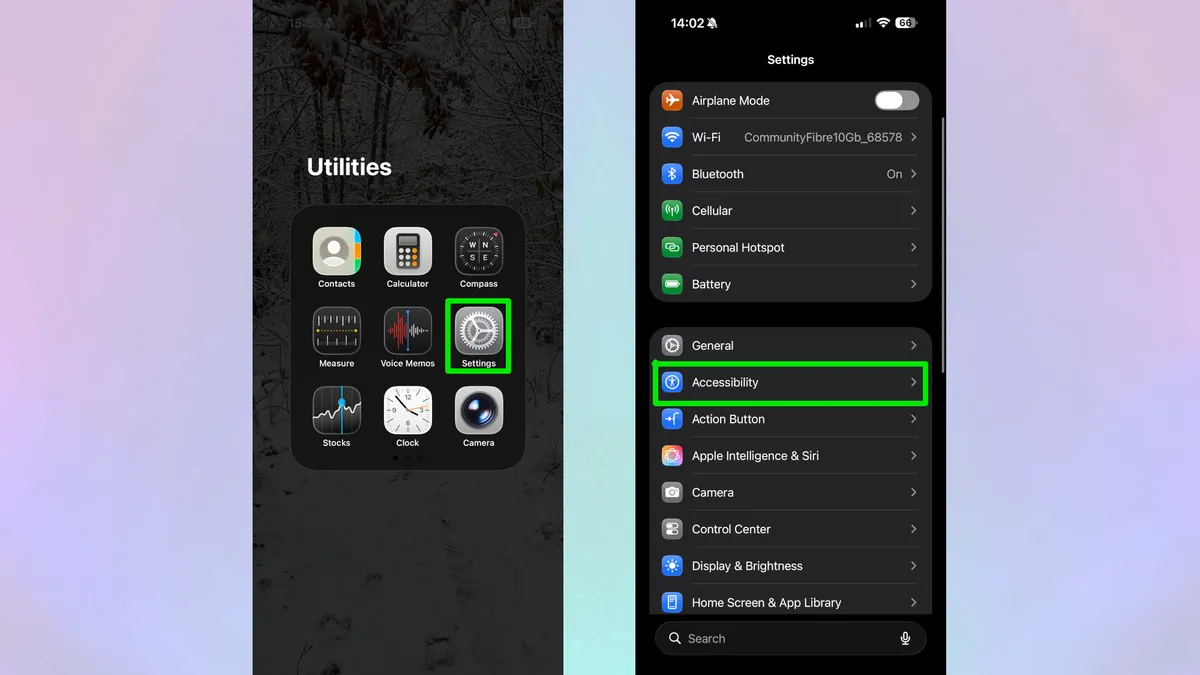
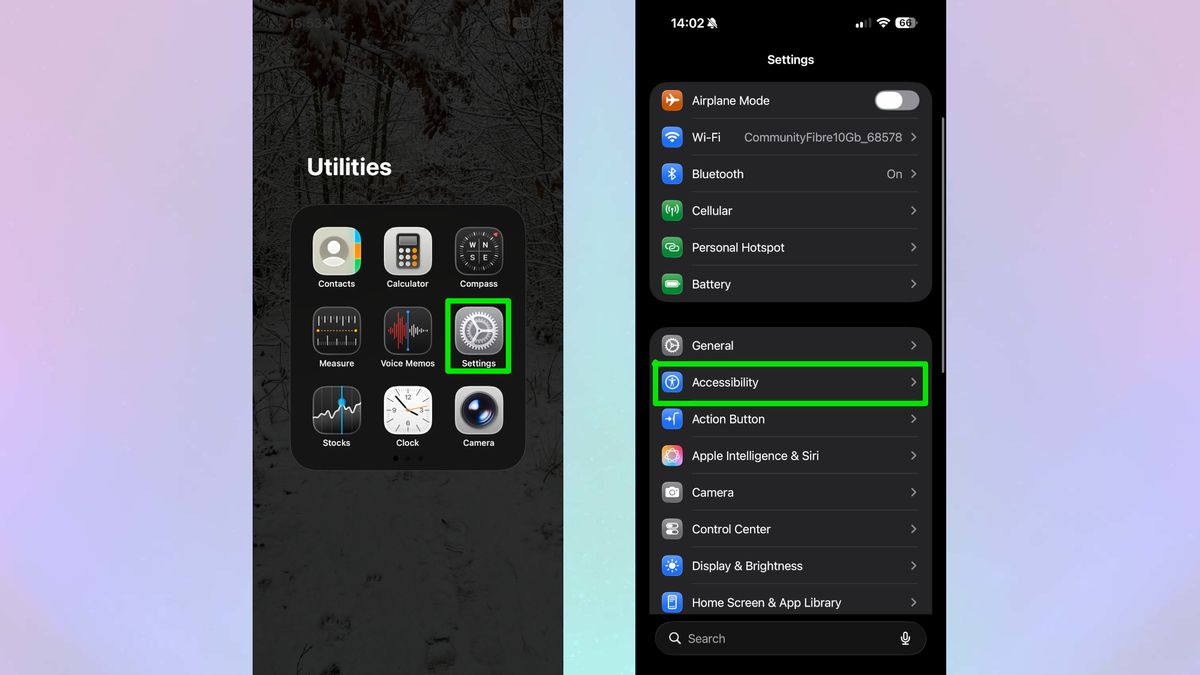
Luckily, I discovered a quick fix that was not only cheap but totally free — and it was hidden away on my iPhone all along. Yes, there are plenty of free iPhone sleep apps you can download, but this setting requires no sign-ups, memberships, or subscription fees. In fact, it's already on your iPhone.
Here's how I used this free iPhone feature to stop waking up at 3 a.m. Plus, sleep experts (including a psychologist and neurologist) explain why it works and how you can use it to suit your own sleep needs.
The iPhone feature that stops my 3 a.m. wake ups
I'm an incredibly light sleeper, meaning I get jolted awake by even the slightest sound.…