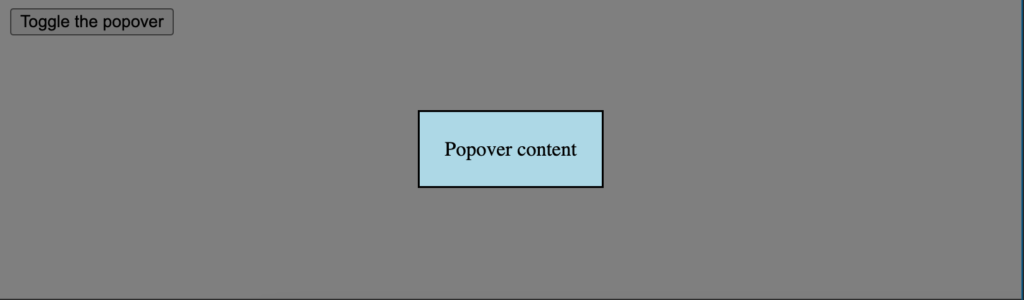
Modals have been an important part of websites for two decades. Stacking contents and using fetch to accomplish tasks are a great way to improve UX on both desktop and mobile. Unfortunately most developers don't know that the HTML and JavaScript specs have implemented a native modal system via the popover attribute -- let's check it out!
The HTML
Creating a native HTML modal consists of using the popovertarget attribute as the trigger and the popover attribute, paired with an id , to identify the content element:
<!-- "popovertarget" attribute will map to "id" of popover contents --> <button popovertarget="popover-contents">Open popover</button> <div id="popover-contents" popover>This is the contents of the popover</div>
Upon clicking the button , the popover will open.…