Bymuratdeniz/Getty Images
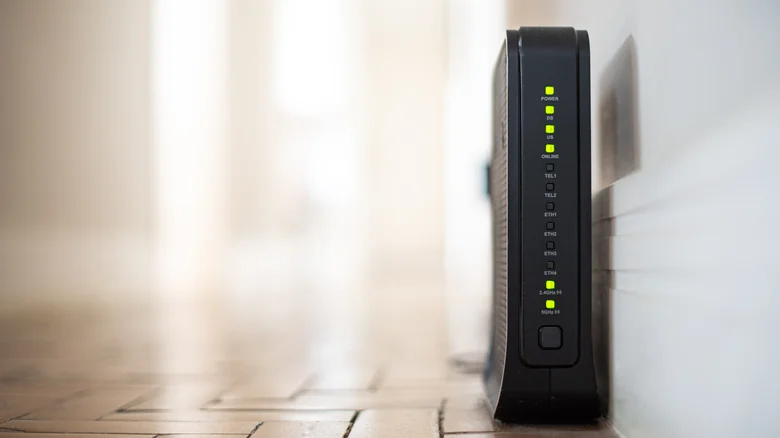
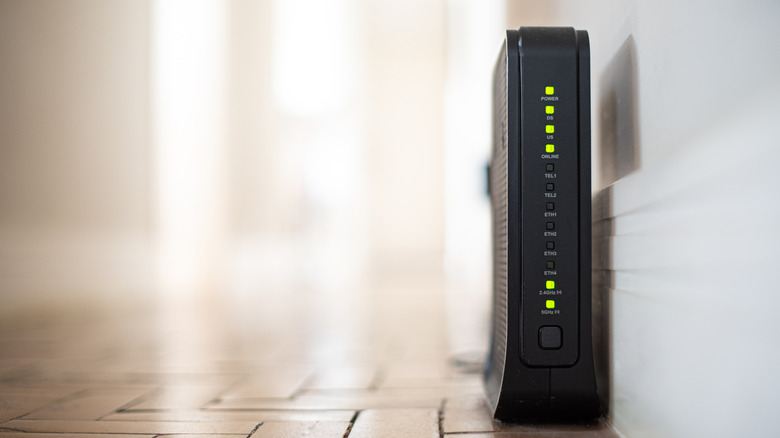
You might notice that every so often, your dual-band router drops its 5 GHz network without warning. Phones and laptops connected to it drop down to the slower 2.4 GHz band, video calls begin to stutter and freeze, and a few minutes later, everything comes back on a different channel. If you take a look in your router's event log afterward, you might notice the word "RADAR" appearing throughout.
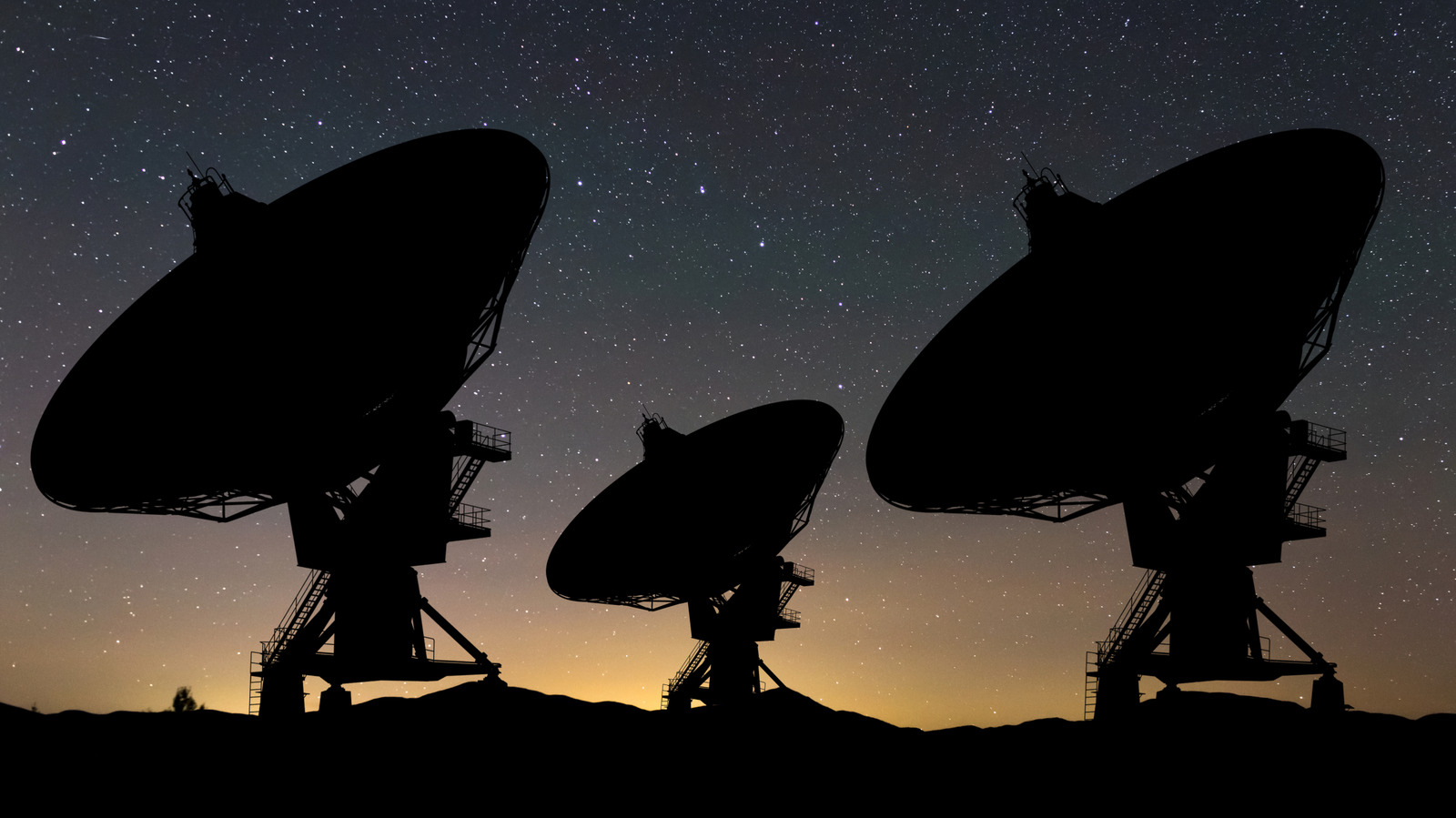
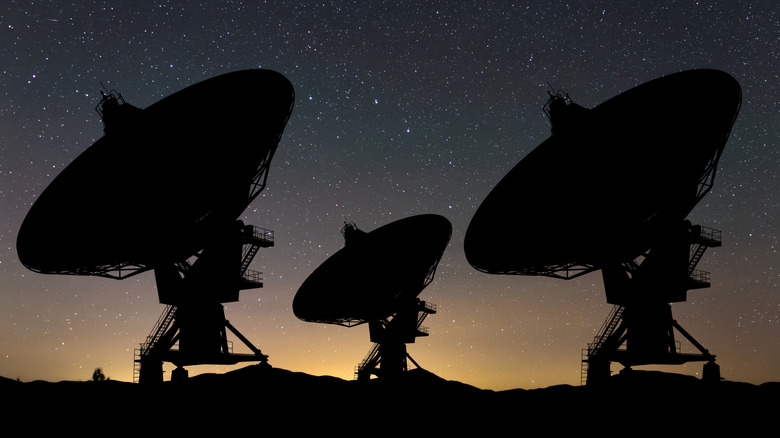
That's Dynamic Frequency Selection, or DFS, in action. According to ASUS, it's how the router gives way to military radar, satellite communication and weather radar that has priority on large parts of the 5 GHz band. In the United States, Federal Communications Commission (FCC) rules require a router to listen for radar on one of those shared channels for 60 seconds before it transmits, to stop within 10 seconds of hearing one and to stay off that channel for at least 30 minutes afterward.…