8th.creator/Shutterstock
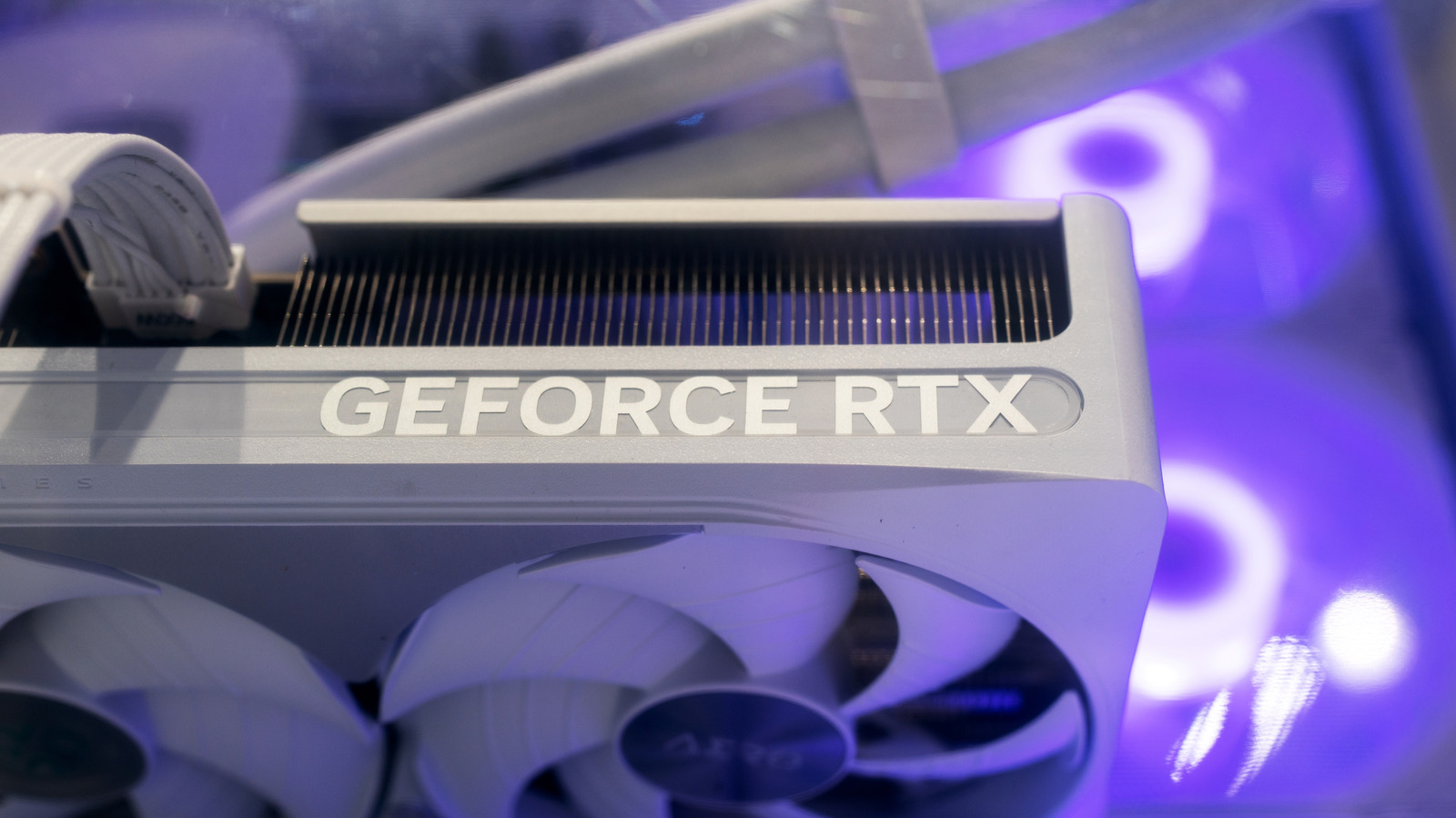
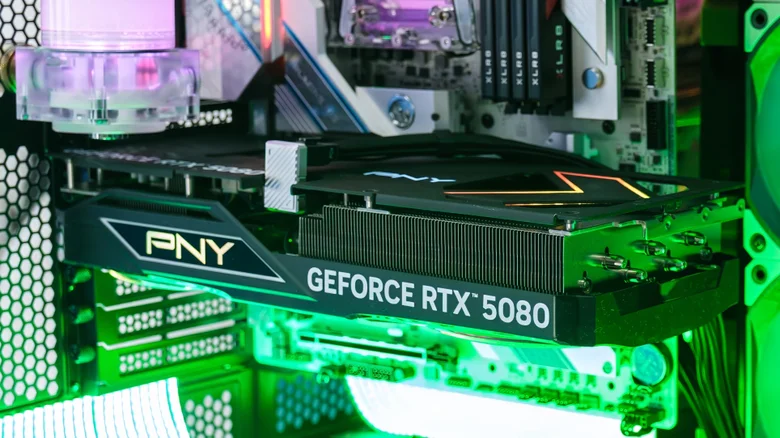
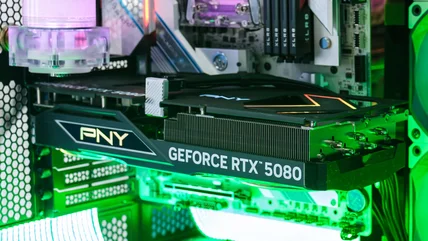
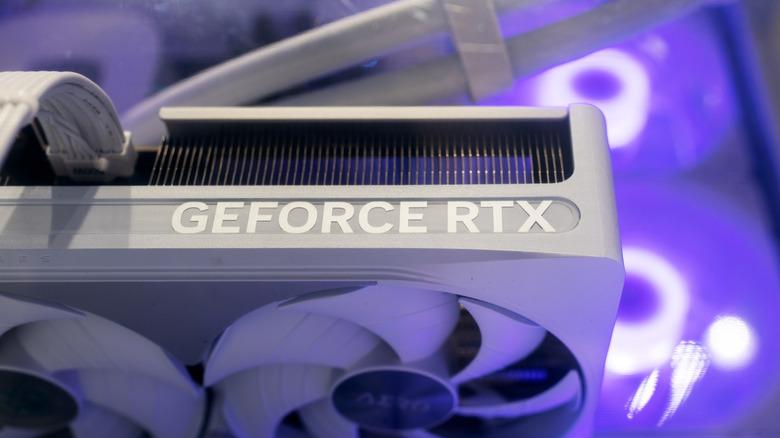
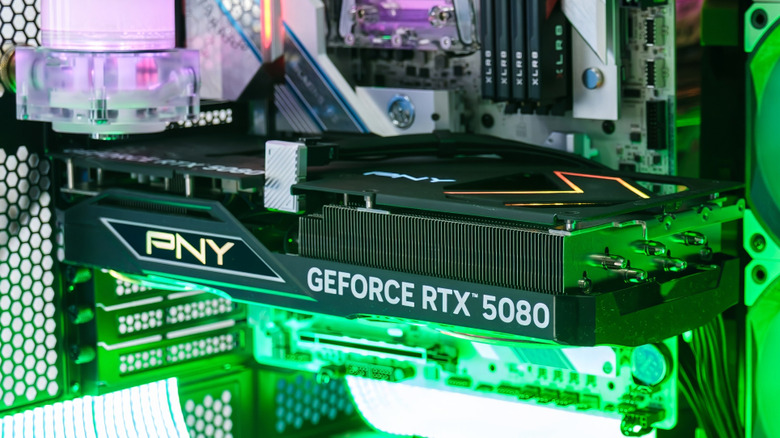
For gamers not in the know, or not expecting it, they may find that when they open a AAA game, their GPU fan might suddenly start loudly whirring. Abnormally loud GPU noise is usually a response to sudden temperature spikes. Some also make a high-pitched whining noise caused by power component vibrations under heavy workloads.
Extremely high or uncapped frame rates, even in game menus, can force an Nvidia GPU to draw peak power, kicking up the fans to maximum speed unnecessarily. This can be quickly solved by setting a frame cap, or enabling G-Sync in the Nvidia Control Panel if you have a compatible gaming monitor. This will immediately reduce a GPU's power draw, which in turn stabilizes power delivery and dampens an electrical whine.
Fluctuating fan speeds can also be distracting when compared to a consistent background hum.…