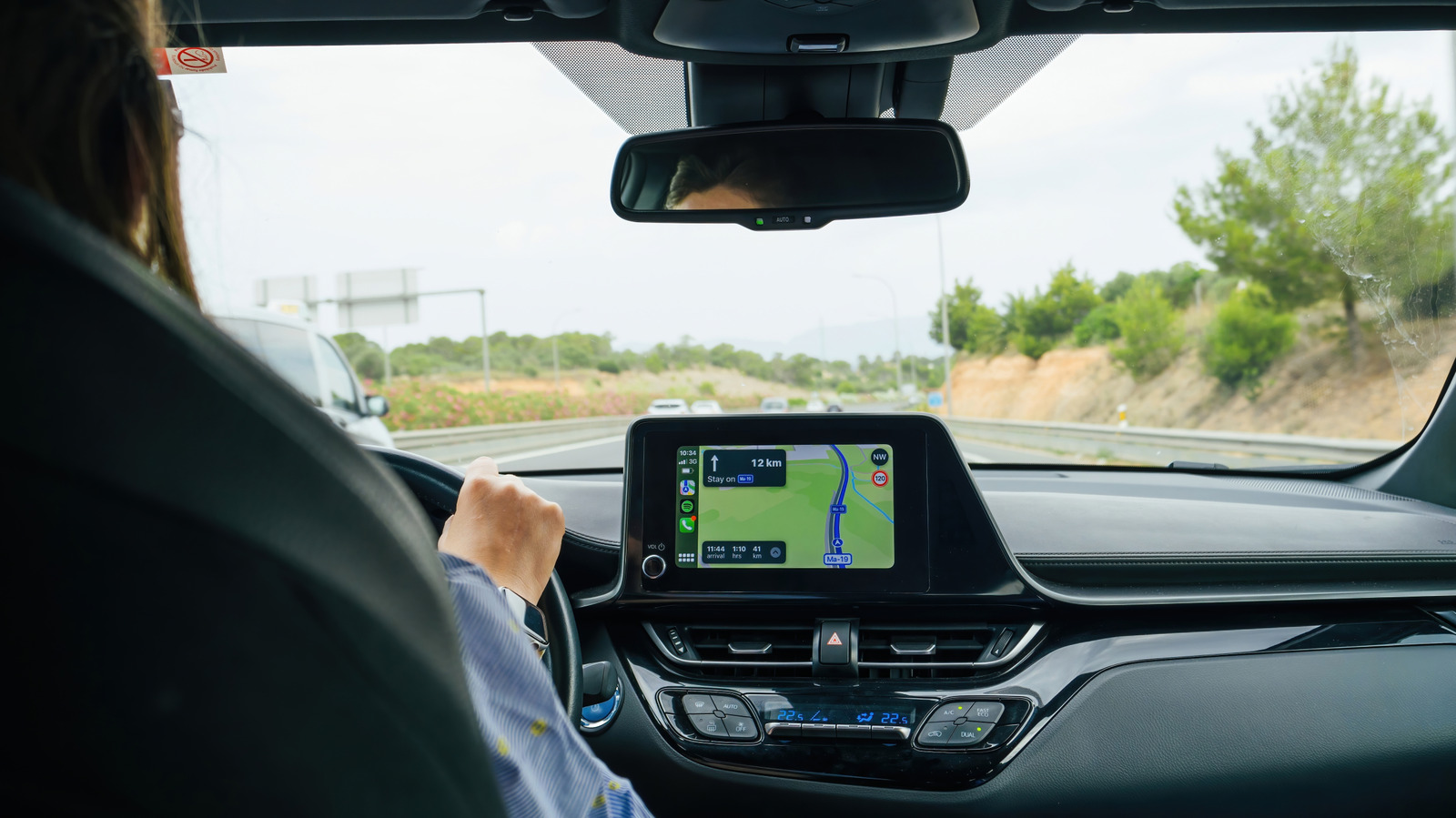
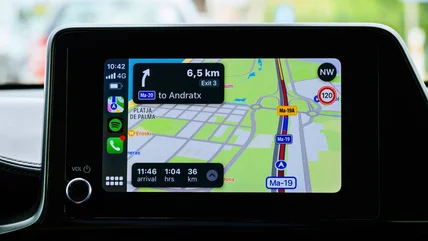
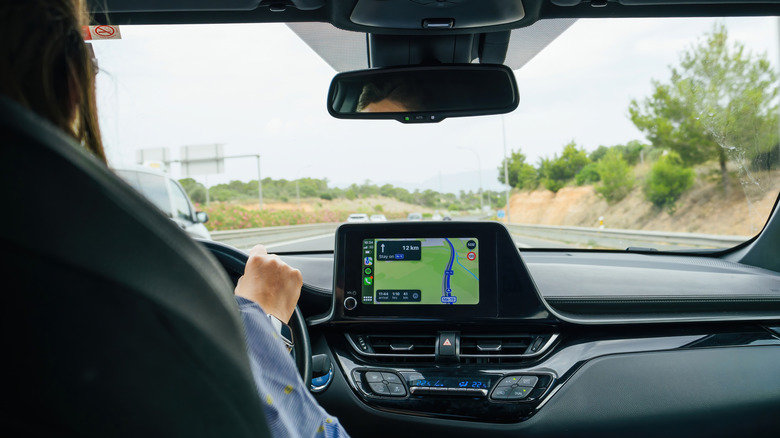
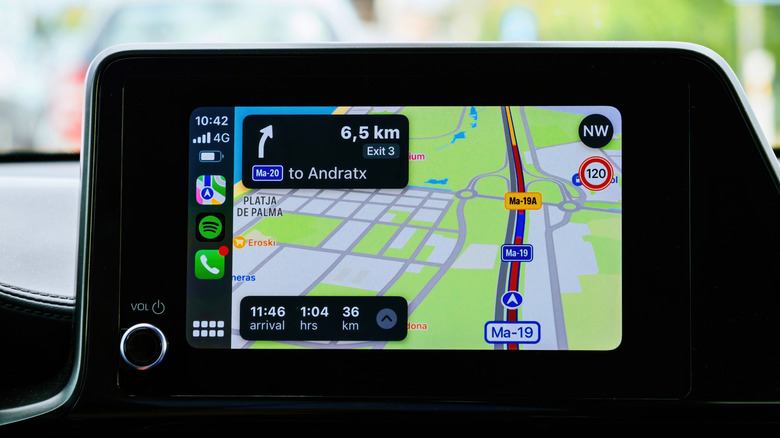
Let your friends know what time you'll be arriving.
Hadrian/Shutterstock
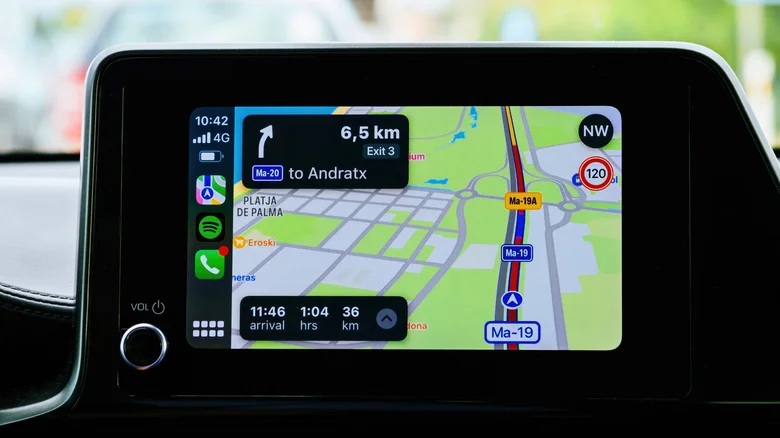
For many iPhone users, Apple CarPlay has become synonymous with a quality driving experience, from playing their favorite tunes to navigating to their next destination. And although Apple continues to upgrade its popular infotainment system , one of its most useful features has been hidden in Apple Maps for years and is critical to letting your family, friends, and, if you are like me, enemies know when you will arrive at your destination.
I am, of course, referring to sharing your estimated time of arrival (ETA) through Apple Maps. Most users are probably familiar with Apple's Find My and location-sharing functions, but CarPlay's Share ETA feature is woefully underappreciated. Both simple to use and highly customizable, the feature is a godsend for worried parents and surprise parties everywhere.
To enable Share ETA, go to Settings > Apps > Maps . From here, scroll down to Share ETA and enable the feature.…