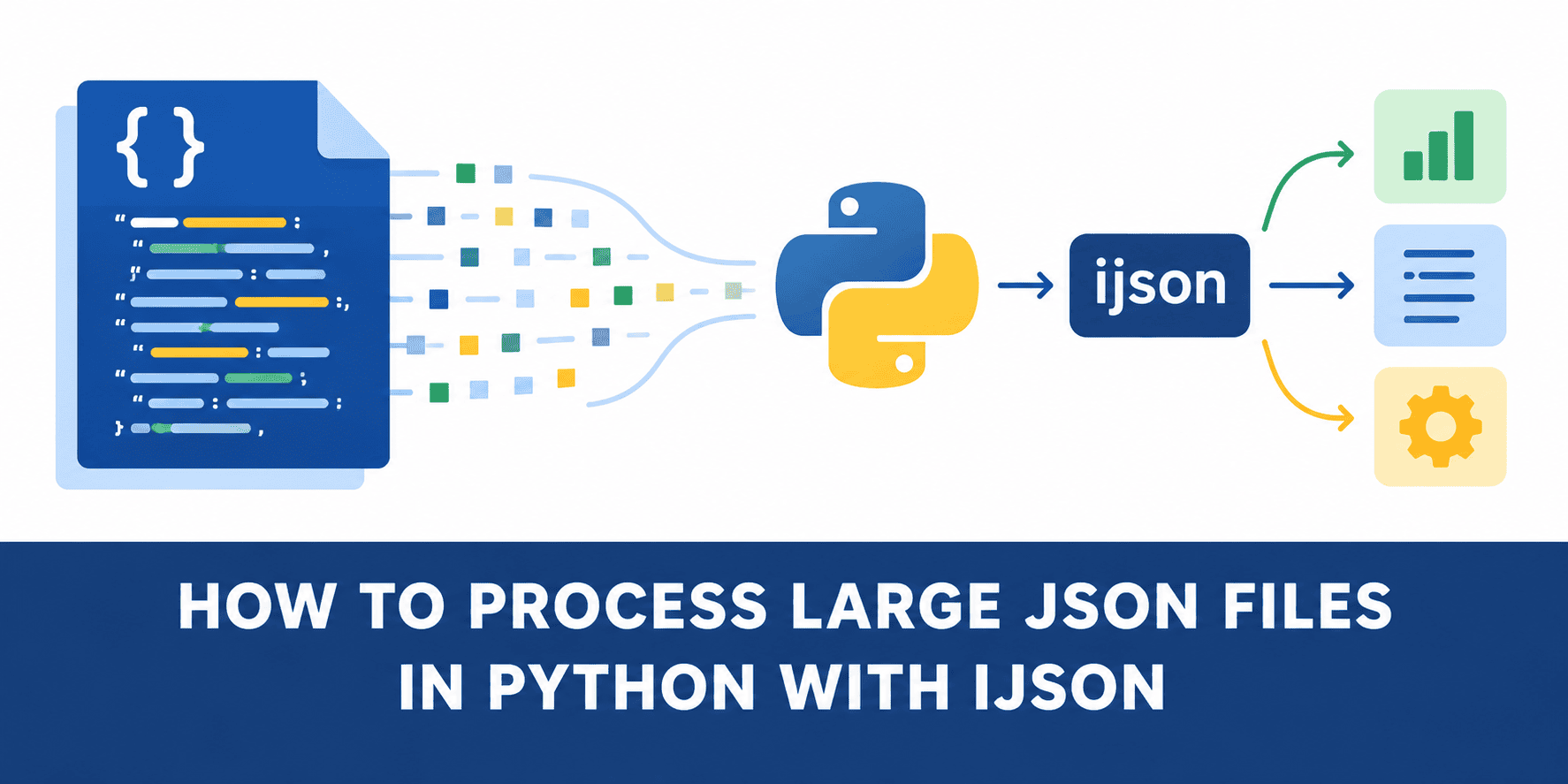
JSON is one of the most common formats for storing and exchanging data in Python applications. For small files, Python's built-in json module works perfectly well:
import json
with open("data.json") as f: data = json.load(f)
The problem starts when the file becomes large.
json.load() parses the entire JSON document and creates the corresponding Python objects in memory before you can start processing the data. A file that occupies a few hundred megabytes on disk can therefore require much more memory once converted into Python dictionaries, lists, strings, and numbers.
A better option for this type of workload is ijson , an iterative JSON parser that lets you process data incrementally. In this tutorial, we will use a large JSON file containing San Francisco land-parcel data. We will first process it with json.load() , measure what happens to memory, and then solve the same task with ijson .
Step 1: Downloading a Large JSON Dataset
For this experiment, we will use the San Francisco City Lots dataset.…