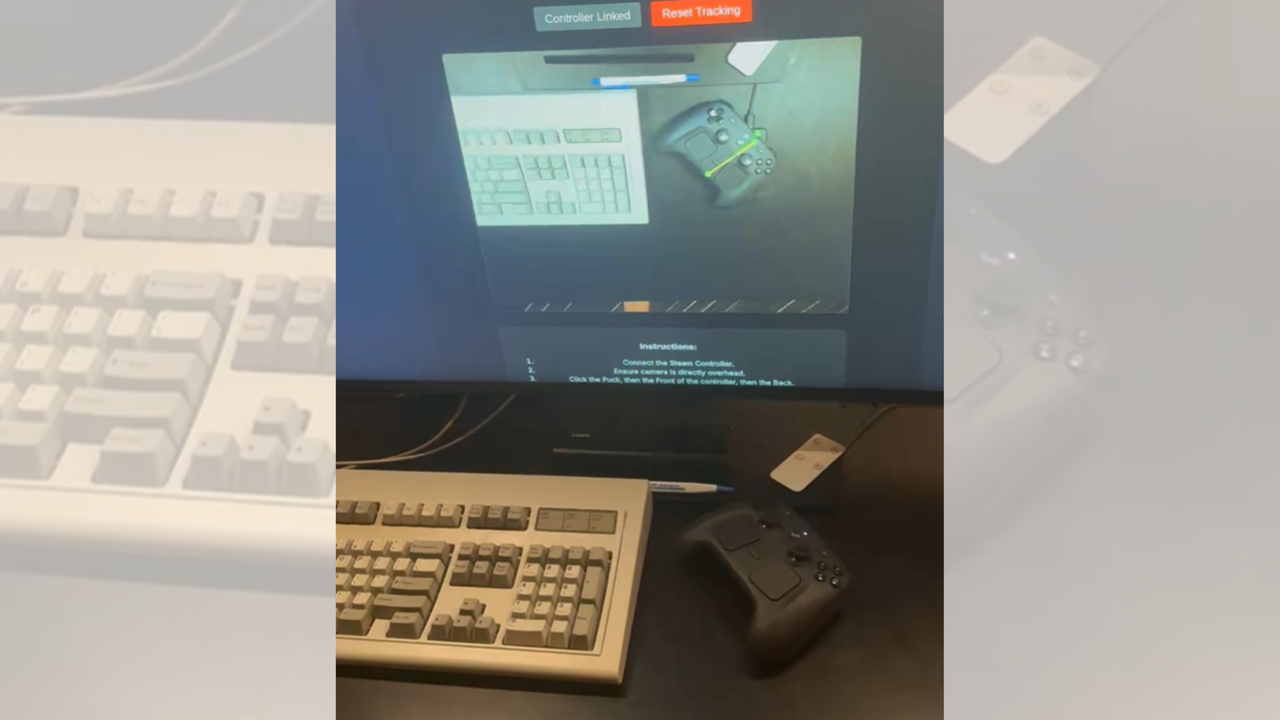
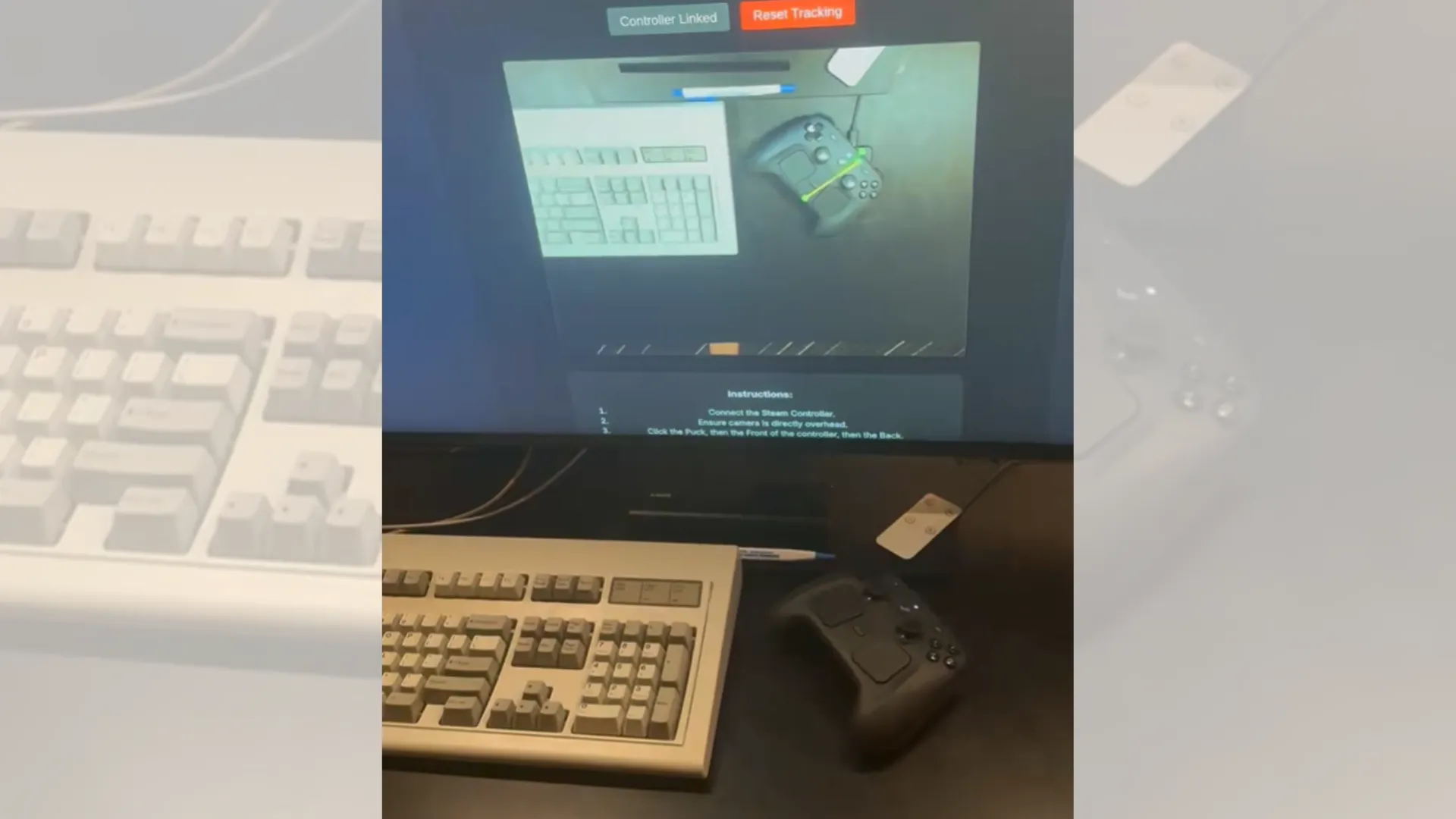


(Image credit: Ray Foss/X) An aerospace worker and programmer created a GitHub-hosted program that lets your Steam Controller automatically walk back towards its charging puck as soon as you place it down on your desk. The web app, called the Auto-Charge Vision Tracker , uses a camera and computer vision to determine where your controller is, then it uses its powerful built-in motors to make it creep towards its docking station to top itself up when you’re not using it. The great thing about this web app is that you don’t need to install anything on your PC to use it. Just go to the website, connect your Steam Controller, ensure your camera is directly overhead your desk, click the puck, the front, and the back of your controller, and you should be good to go.…