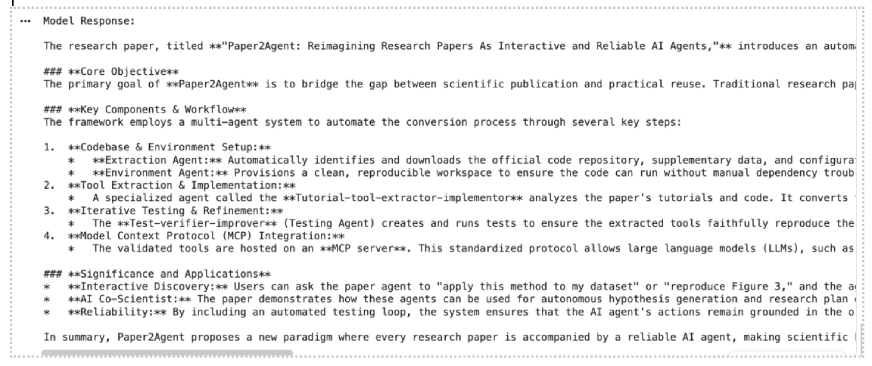
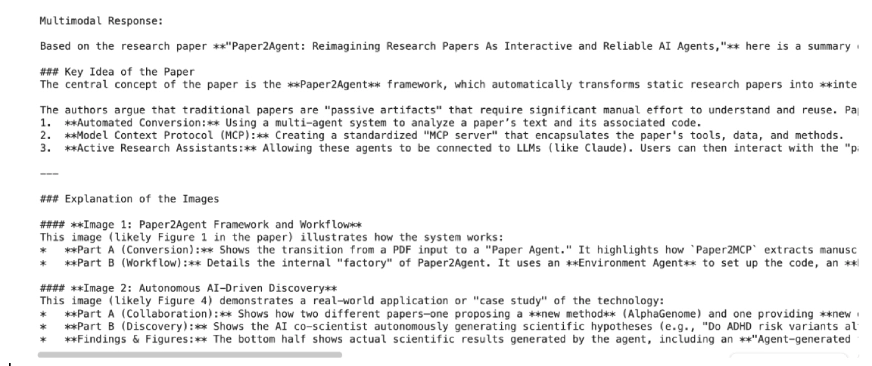
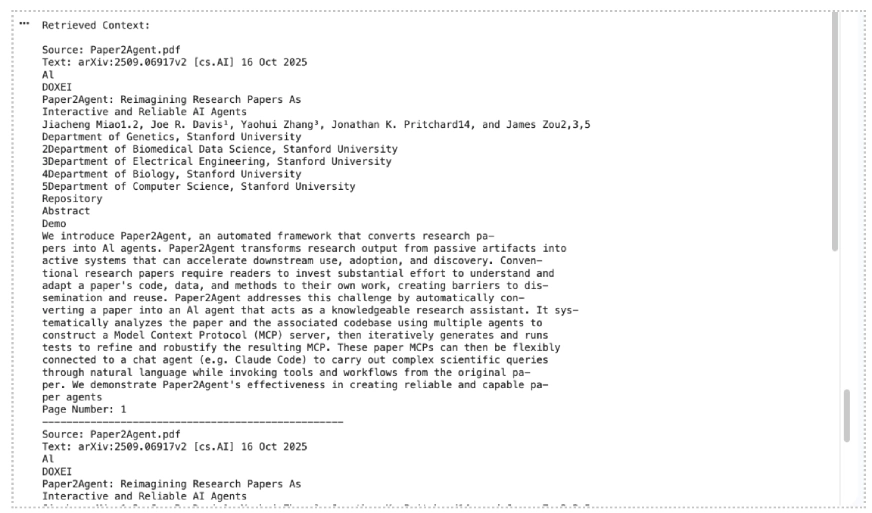
Building a RAG system just got much easier. Google’s File Search tool for the Gemini API now handles the heavy lifting of connecting LLMs to your data. Chunking, embedding, indexing are all managed for you. And with the latest update, it’s gone multimodal. You can now search through both text and images in a single pipeline, with custom metadata filtering and page-level citations built in. In this guide, we’ll walk through how File Search works and implement it with practical examples.
Table of contents
What File Search Does?
How File Search Works?
Setup Requirements
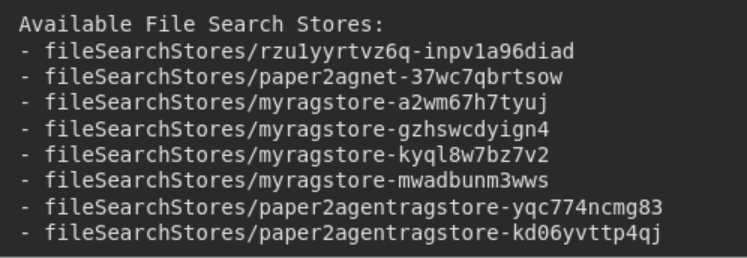
Creating a File Search Store
Upload a File Upload a Document File
Upload an Image File for Multimodal Retrieval
Upload Multiple Documents and Images
Ask Questions About the File
Customize Chunking
Show Citations for Retrieved Context
Manage Your File Search Stores
File Search Support and Limits
Conclusion
What File Search Does?
File Search helps Gemini access and use information from your data sources like reports, documents,…