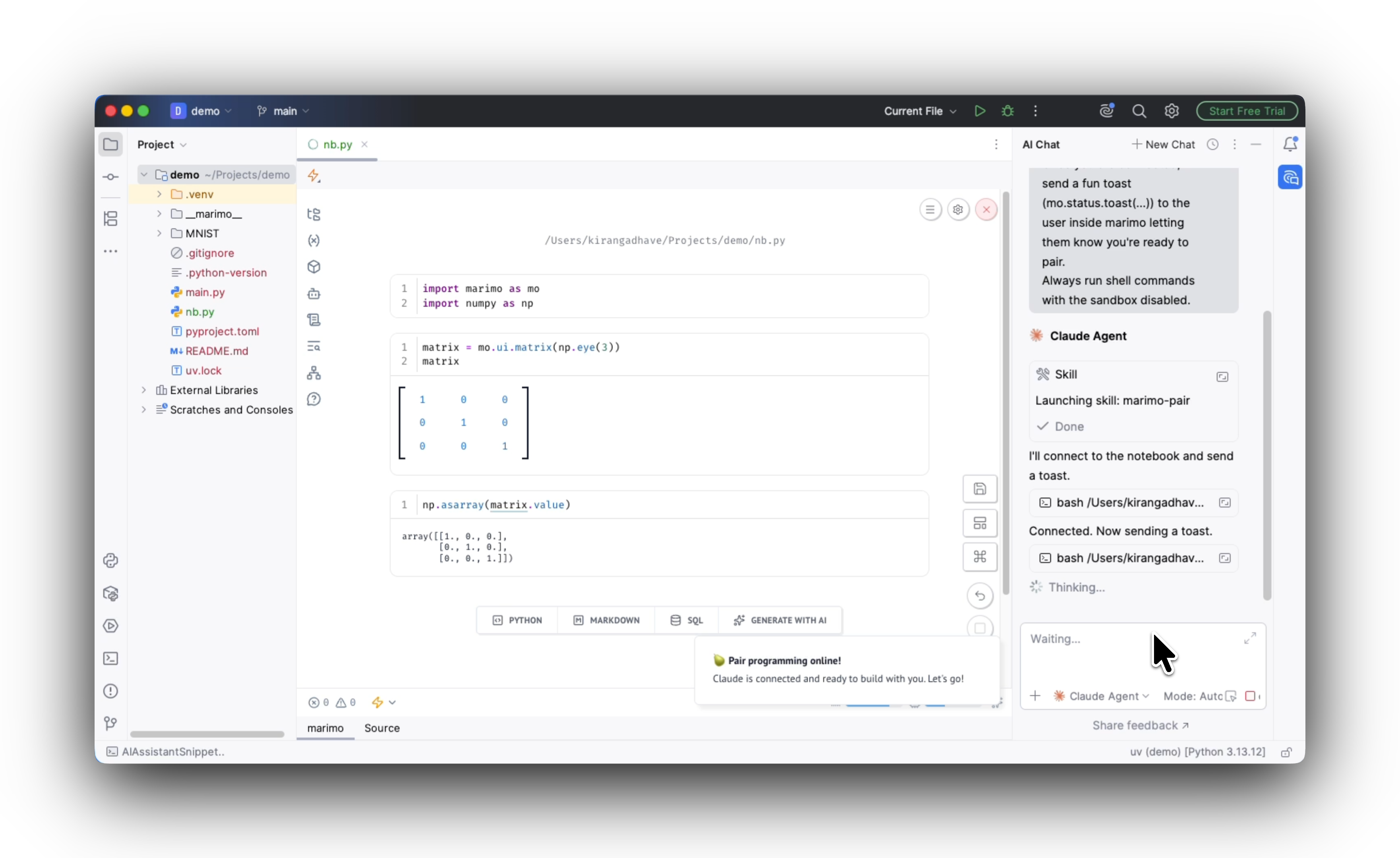
Today, we are excited to announce a first version of the marimo plugin for PyCharm . You can now add reactive notebooks to your Python projects in PyCharm and other JetBrains IDEs.
PyCharm support has been one of our most requested features, both on our issue tracker and on JetBrains’ tracker . We’re starting with the full marimo editor and plan to improve the integration over time.
Check out the video:
A live notebook next to your code, in your IDE
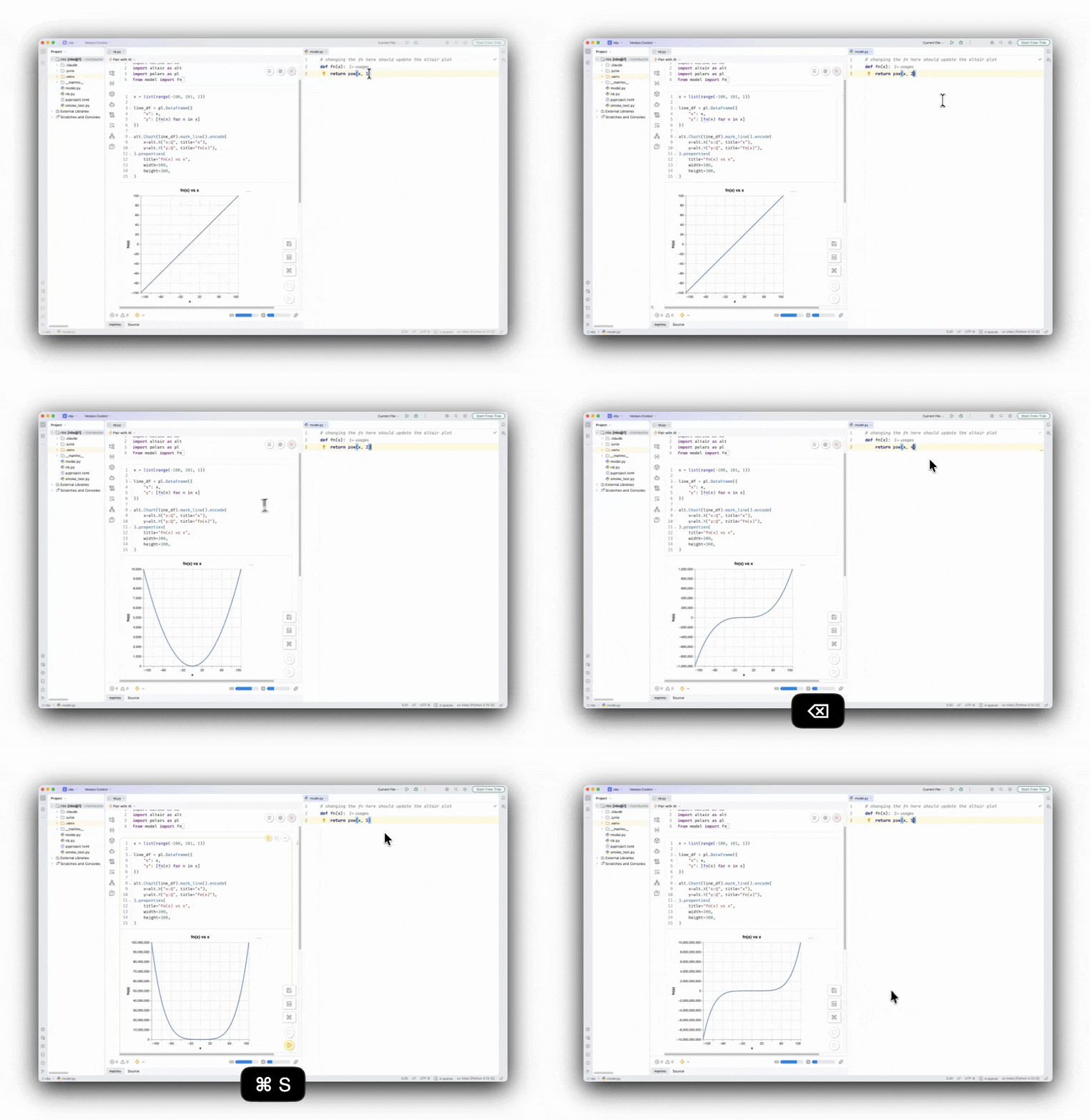
With the plugin, you can add a marimo notebook to an existing project and import code from the application or library you are developing. You can use the notebook as a live workspace for testing your code or as an interactive demo for it, without leaving your IDE.
marimo’s module reloader updates the notebook cells as you update the imported Python modules.…