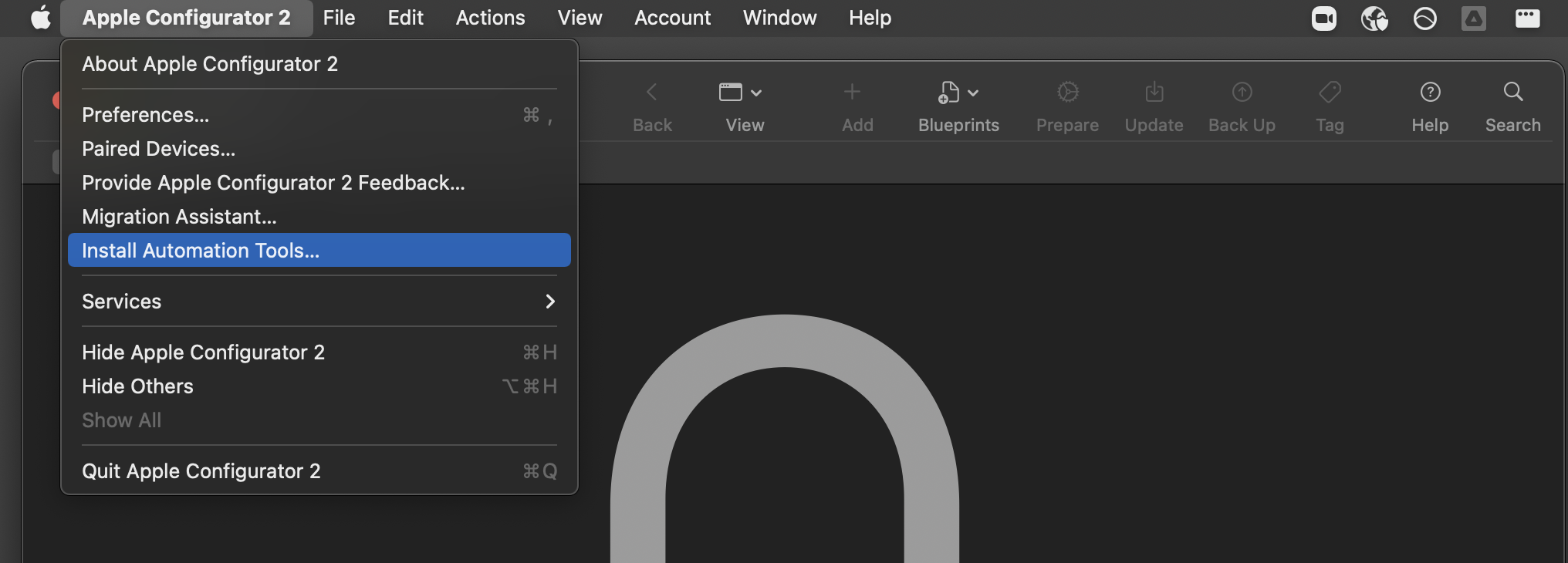
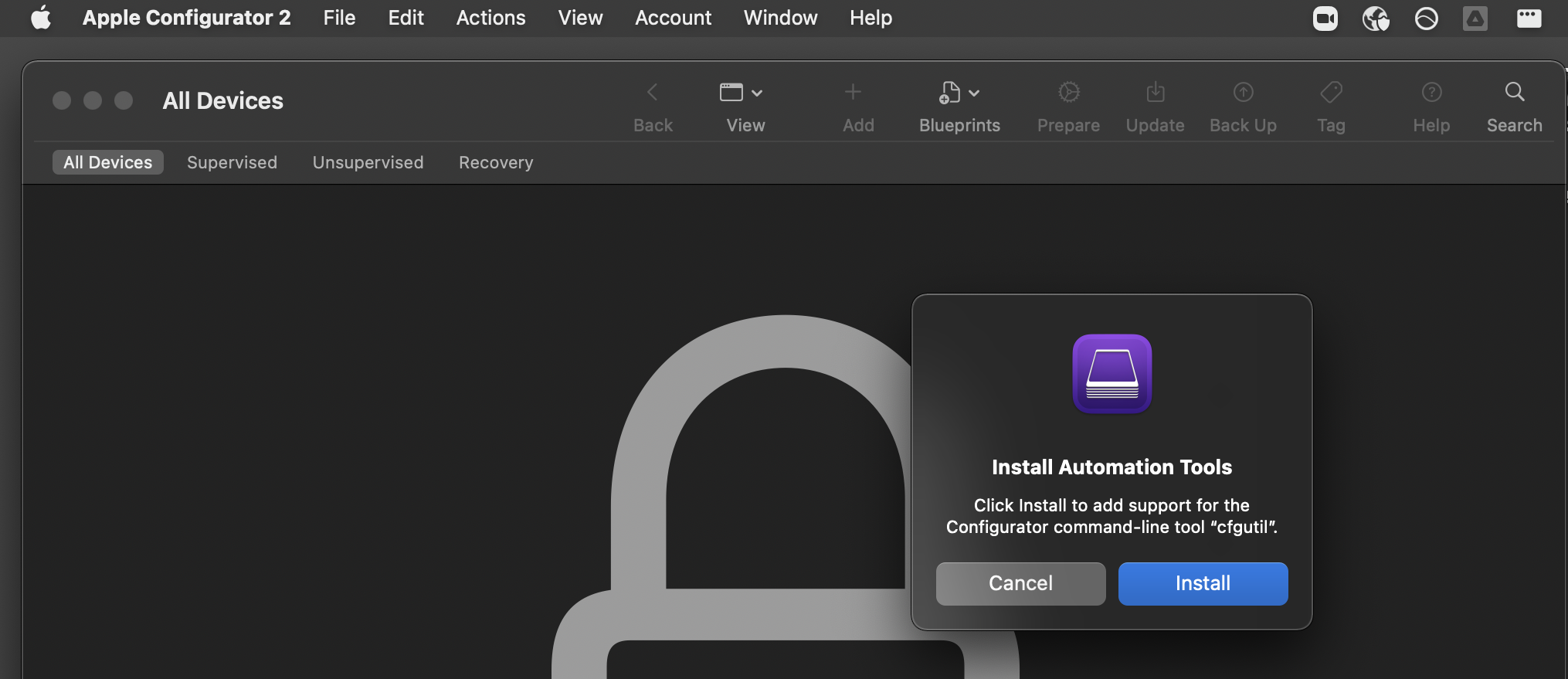
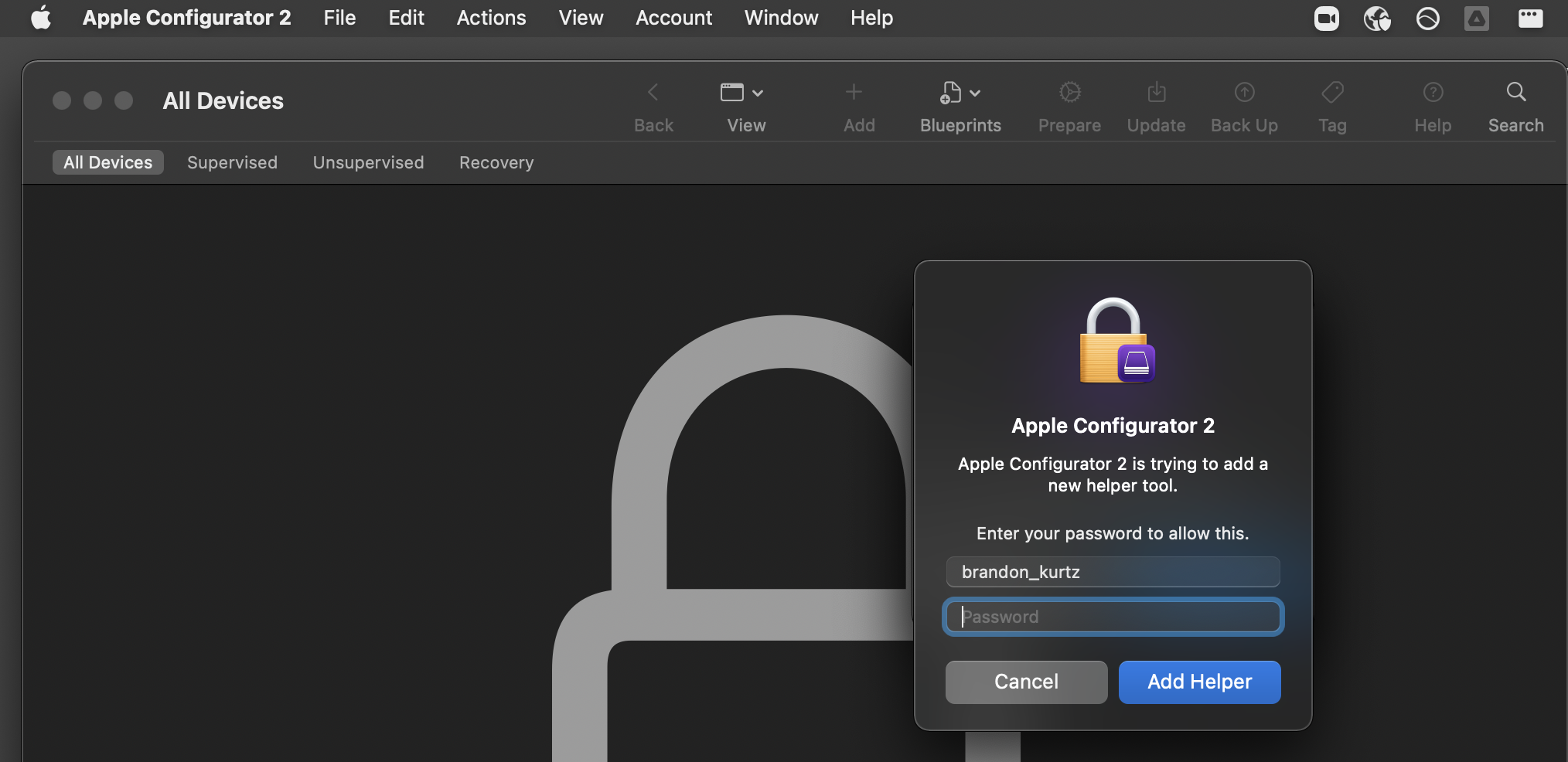
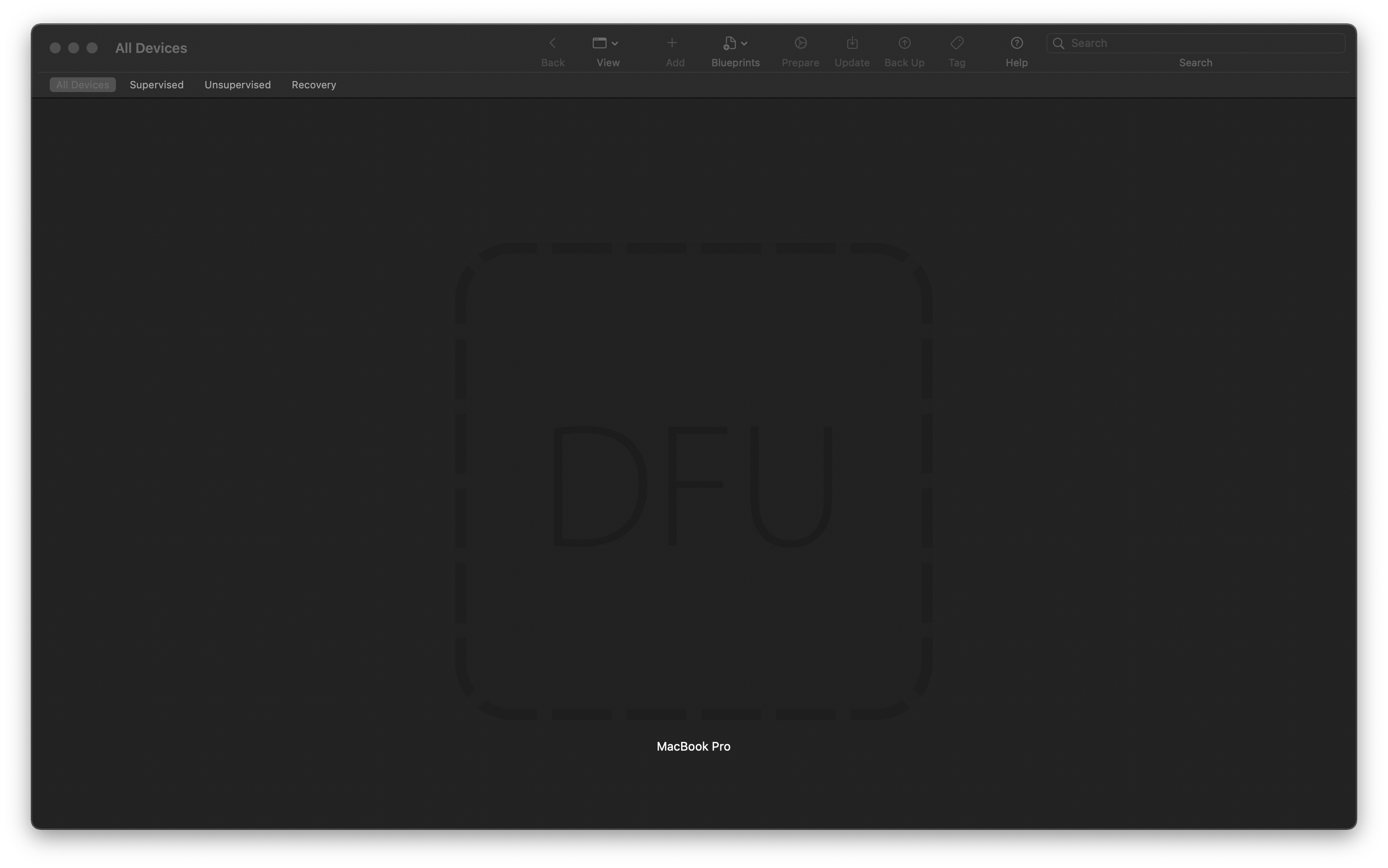
It is a tool written by marcan under the AsahiLinux project . macvdmtool lets you put any Apple Silicon or Intel Macs with the T2 chip (2018 and forward) in DFU mode with an easy terminal command instead of requiring awkward keyboard gymnastics. Note : macvdmtool requires that the host machine is Apple Silicon based, Intel macs do not seem to support this tool as a host. Prerequisites You need 2 Macs to utilize macvdmtool . One Mac will act as the “host Mac”. This machine needs to be fully functional. The second “target Mac” does not need to be functional as long as it powers on and boots to either a question mark or recovery mode. On the host Mac, Install Xcode and then run this in terminal to install Xcode command-line tools: Check that it installed properly: Install Apple Configurator 2 from the Mac App Store. Clone macvdmtool git clone https://github.com/AsahiLinux/macvdmtool.git Change into the macvdmtool directory and compile the tool Copy macvdmtool to path.…