You can unsend messages on Gmail, but you only have seconds to act.
Google
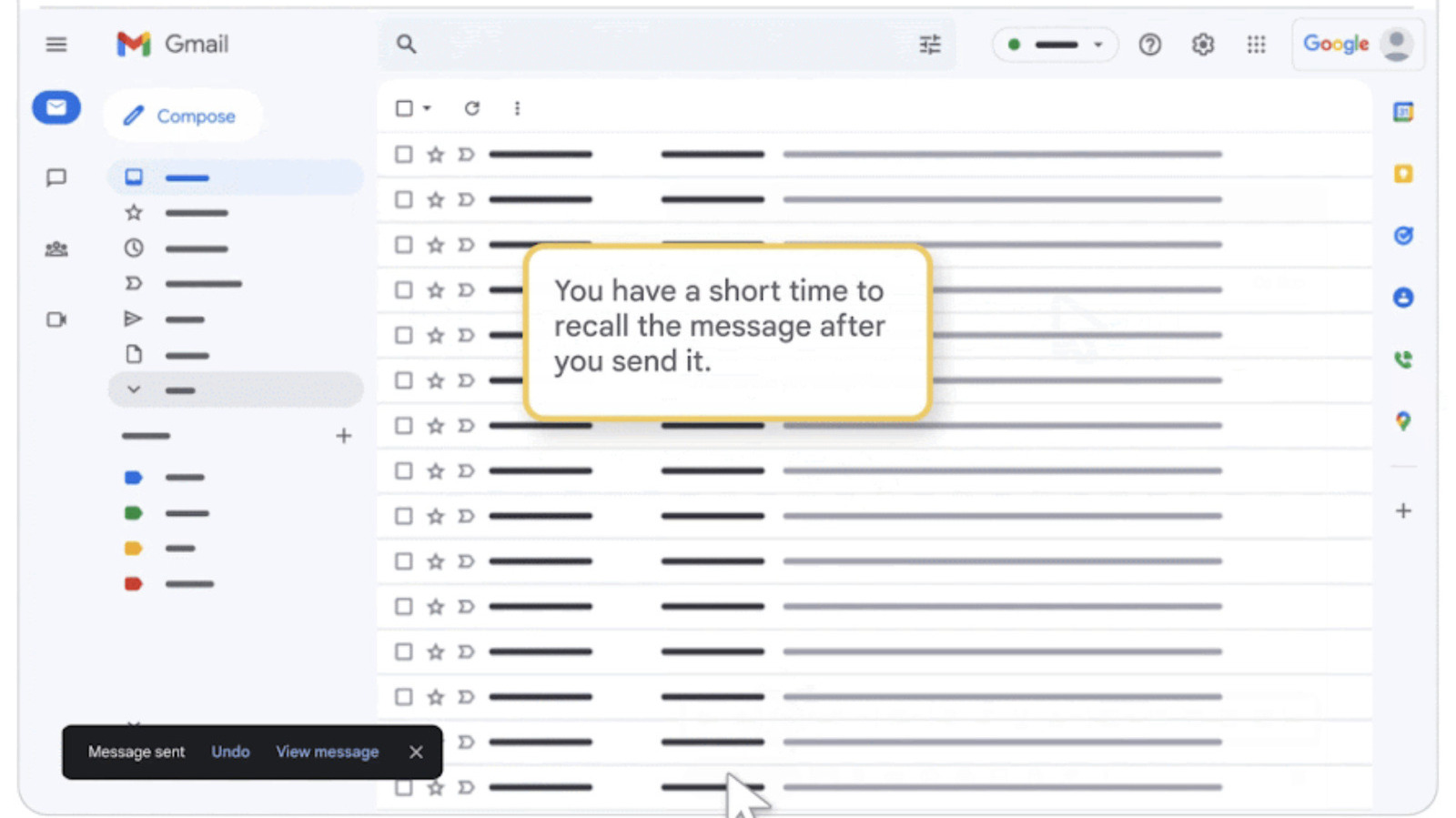
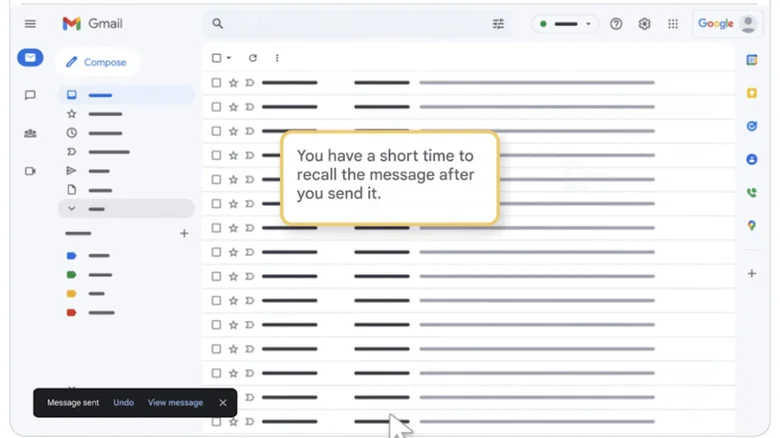
Whenever you hit Send on Gmail , a small box pops up in the bottom left corner of your screen that will let you undo the action before it's too late. It says Message sent along with the options Undo and View message . If you've suddenly spotted a typo or remembered a piece of information that you forgot to include in your original message, the "unsend" feature could be your best of friend. However, it only shows up for a very short of amount of time, and you have to hit Undo very, very quickly.
To be clear, the feature doesn't literally "unsend" an email that has already been sent. Once it's out there, you can't claw it back from your recipient's inbox, even if it hasn't been opened yet. What it does is delay the service from dispatching your email to give you the chance to stop it from going through. That is why you're only given a short amount of time to decide.…