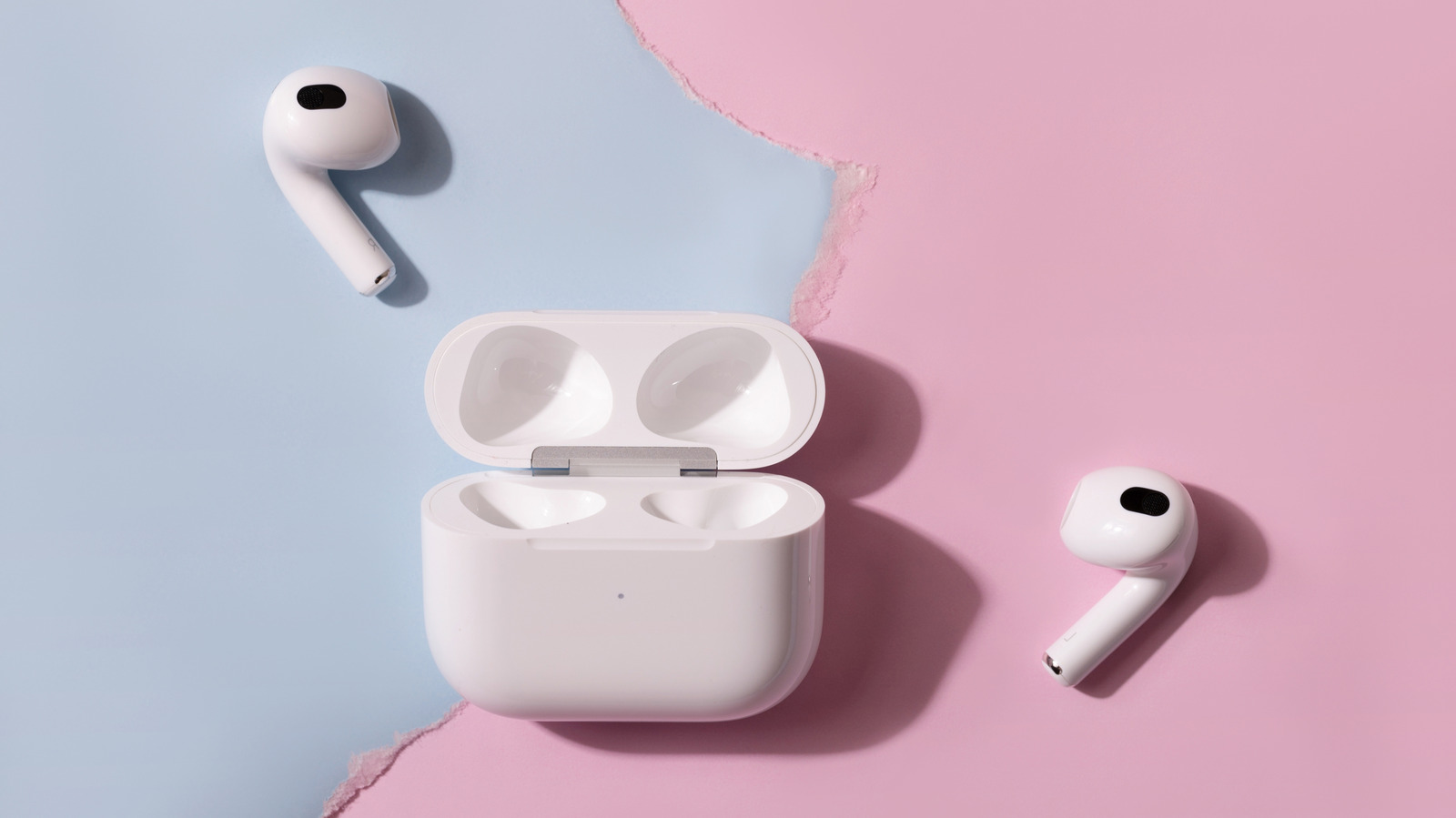
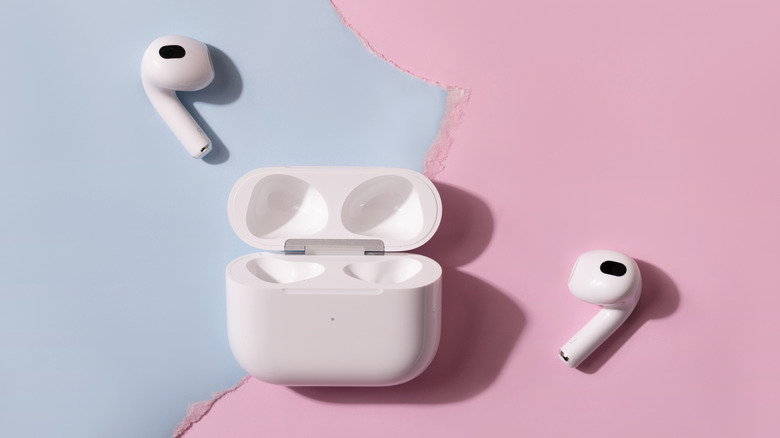
AirPods pair with Android like any other Bluetooth device, but most of their smarts stay behind on the iPhone.
Alim Yakubov/Shutterstock
Flip open an AirPods case next to an iPhone and up pops a card showing your earbuds and their battery levels, ready to connect with one tap. Do the same next to a Samsung Galaxy, and you'll get nothing. Instead, you'll need to double-tap the front of the case on AirPods 4, AirPods 5 or AirPods Pro 3 (or hold the button on the back of older models) until the light flashes white, then connect them manually through Bluetooth settings.
But seamless connectivity isn't the only feature you lose when using your AirPods outside the Apple ecosystem. Apple warns that "you can't use Siri, but you can listen and talk," but that's underselling it. Automatic device switching, ear detection, Spatial Audio head tracking, the Ear Tip Fit Test, Live Translation, hearing health tools and the heart rate sensor on AirPods Pro 3 all depend on an iPhone, iPad or Mac.…