Ruslan Lytvyn/Shutterstock
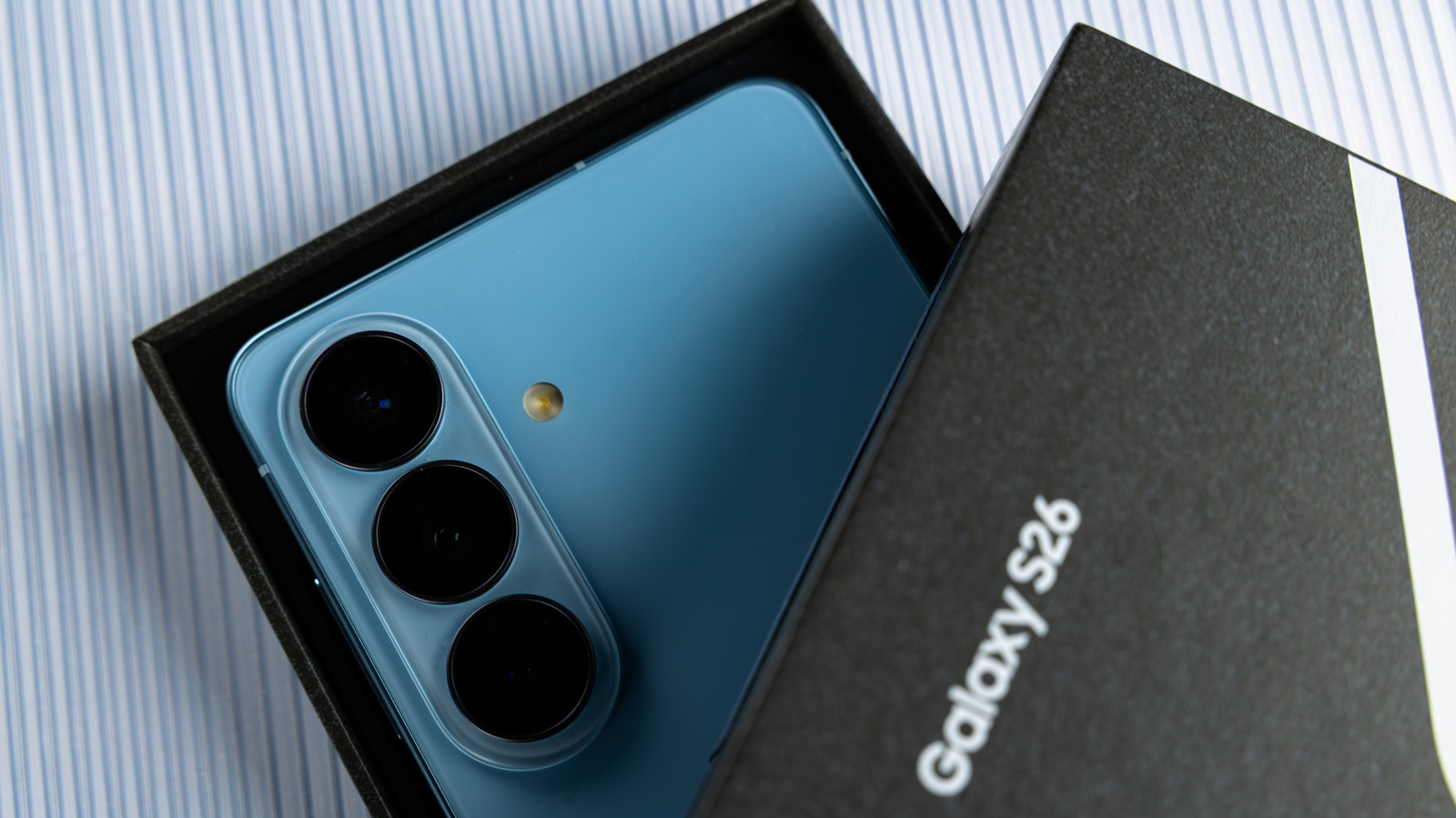
You're busy at work, and your phone keeps sending alerts. You finally cave in, open it, and there's so much to get through — except this isn't the first time — you get so many daily notifications, even after you've silenced and uninstalled a few apps. Fortunately, if you're a lucky owner of the Samsung Galaxy S26 , or any entry in Samsung's latest 2026 lineup, there are a few tricks to reduce the number of notifications.
For example, you can use Samsung's "Mode & Routines" for a break, or turn on Android's Do Not Disturb mode to block notifications at set times so you can review them later. This system-wide feature applies to apps, calls, and alerts. Otherwise, you can enable notification snoozing, which hides incoming notifications from popping up for a specified duration — similar to an alarm clock — delaying the notification. This way, you can avoid seeing a busy chat thread at work.…