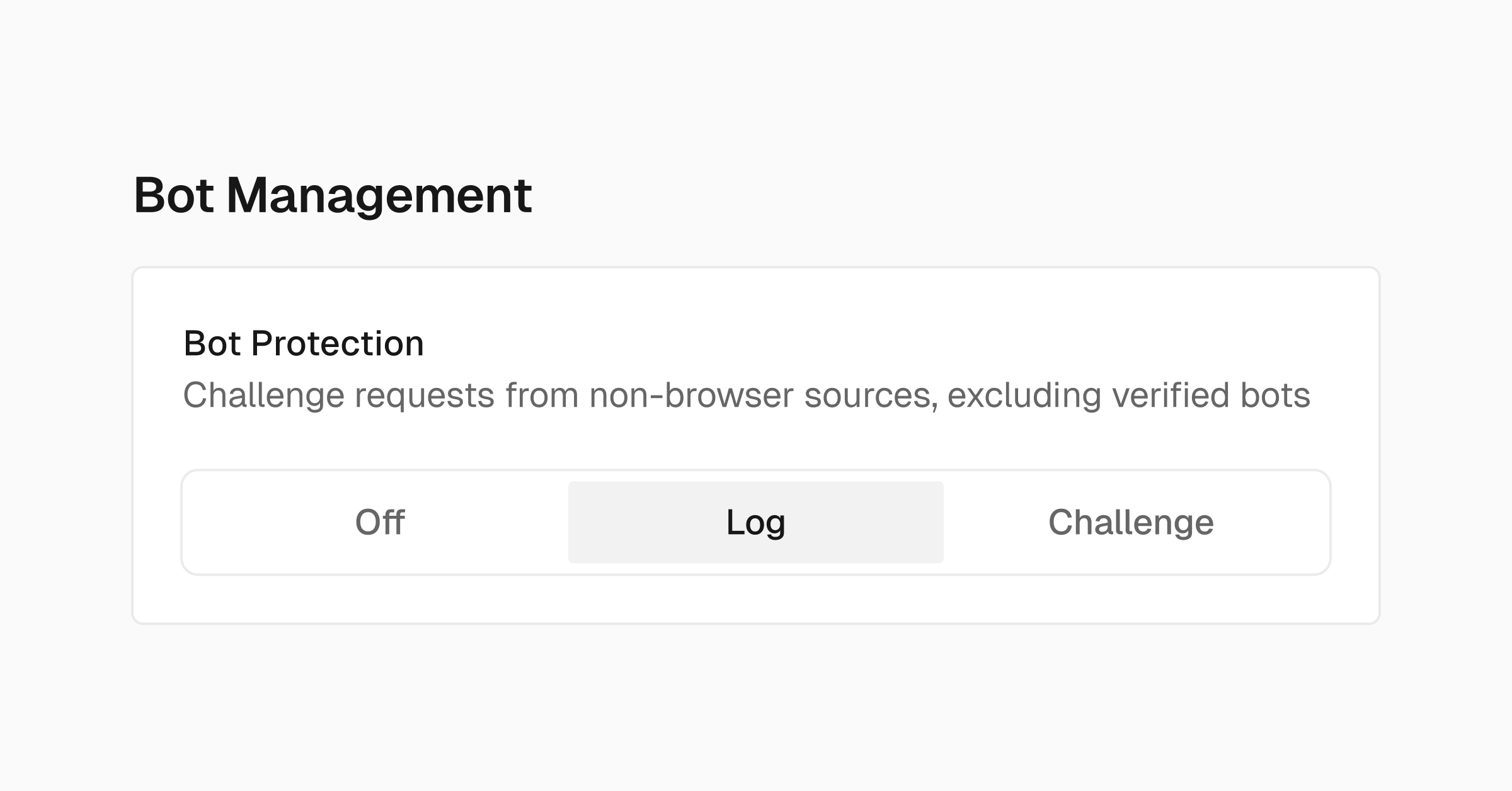
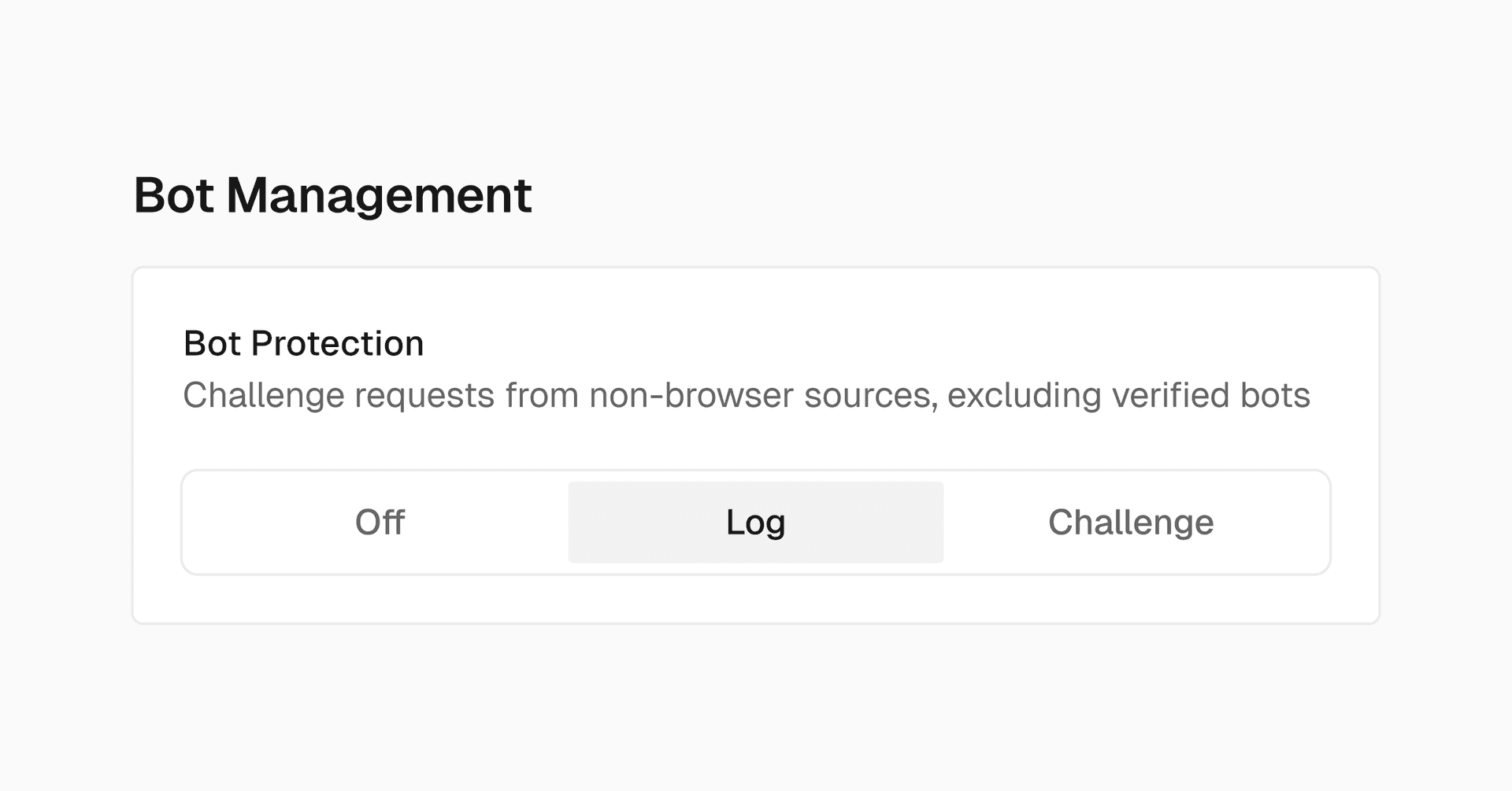
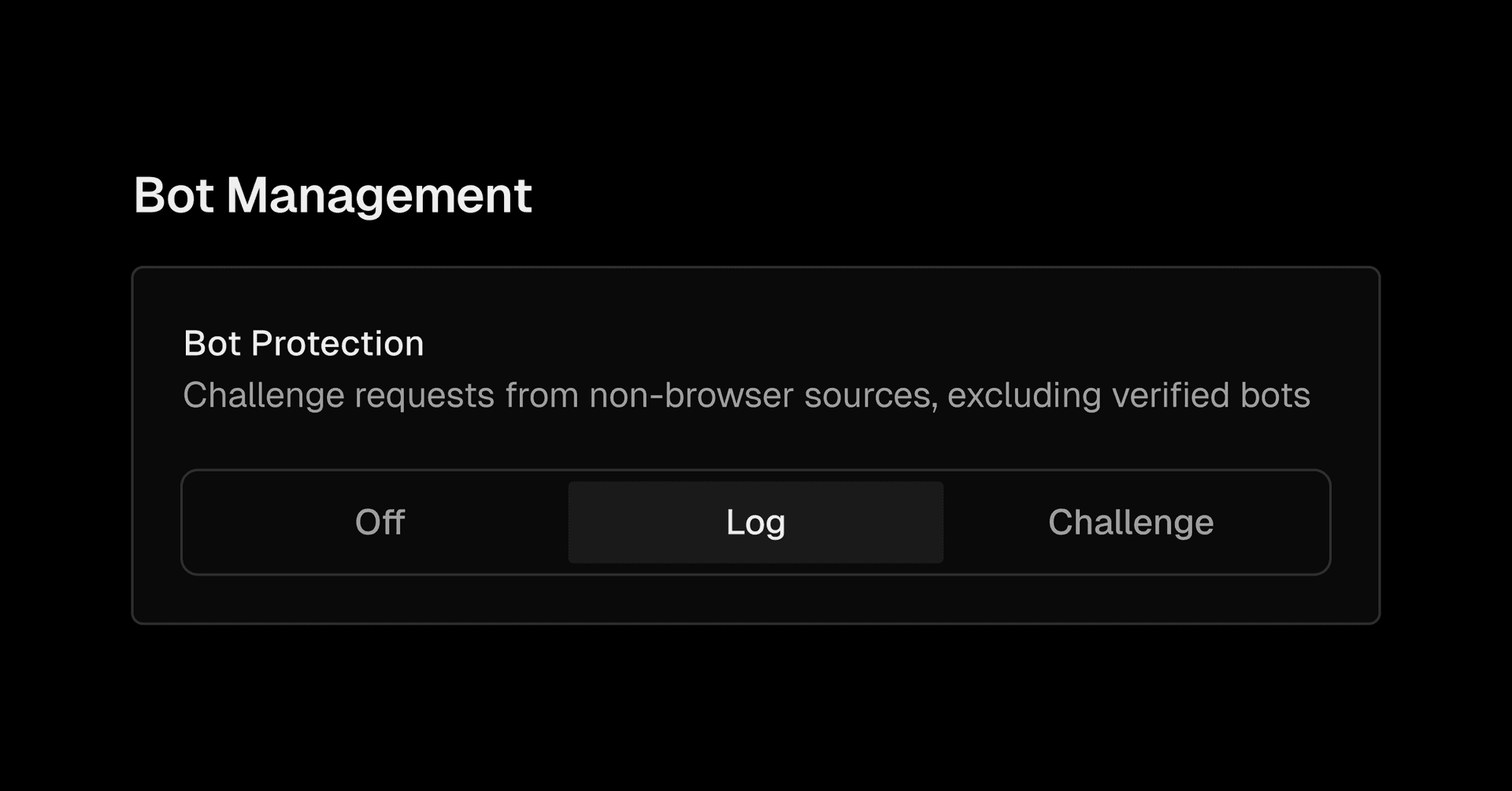
Vercel Web Application Firewall now includes a new Bot Protection managed ruleset , available in public beta for all users.
Bot Protection helps reduce automated traffic from non-browser sources and allows you to respond based on two action choices:
Log Only Action: Logs identified bot traffic in the Firewall tab without blocking requests
Challenge Action: Serves a browser challenge to traffic from non-browser sources. Verified bots are automatically excluded
To avoid disrupting legitimate automated traffic that's not already covered by Verified Bots, you can configure custom WAF rules using the bypass action for specific requests.
We recommend starting with the Log Only action to observe traffic before enabling serving challenges.
To enable the ruleset:
In your project dashboard , navigate to the Firewall tab and select Configure
Under Bot Management , navigate to Bot Protection
Select Log or Challenge
Select Review Changes and review the changes to be applied
Select Publish to apply the changes…