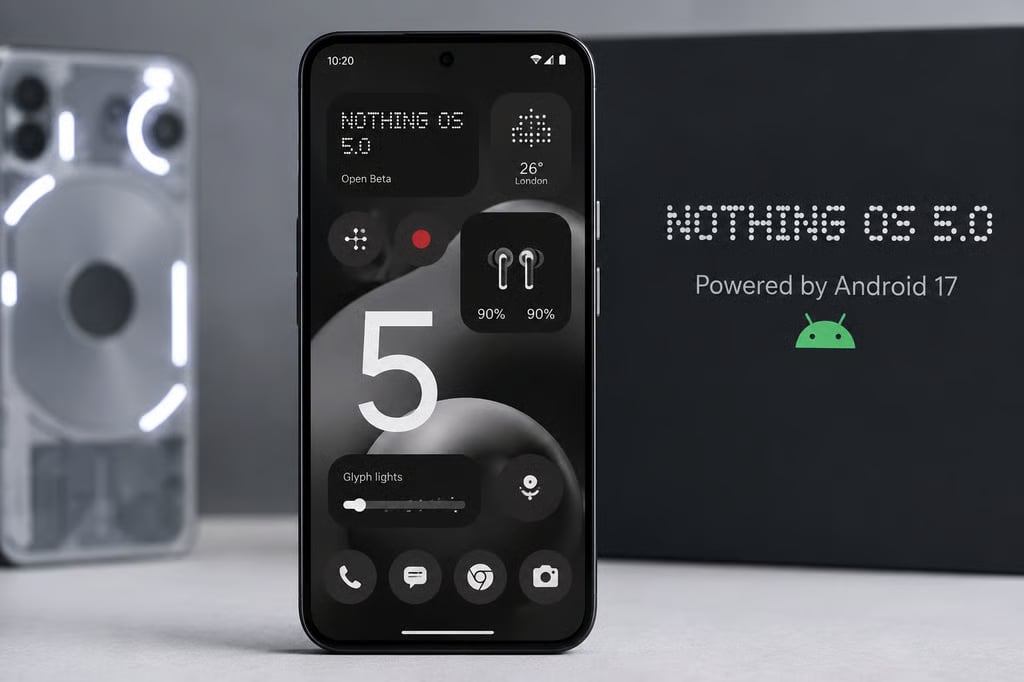
Your Nothing phone just got a software upgrade. Now comes the fun part: discovering all the new tricks hiding inside it.
Nothing OS 5, the company’s Android 17-based update, introduces a dedicated Glyph app, new home screen widgets, redesigned controls, and improvements to multitasking and privacy. The update also brings a refreshed interface, giving compatible Nothing phones more customization options and refinements intended to improve everyday performance.
Some of the most useful additions are easy to overlook. Here are seven features worth exploring first, including where to find them and what they can do for you.
1. Try the new Glyph app and Glyph Timer
2. Rearrange multiple home screen apps at once
3. Explore the Away Time and Collector widgets
4. Separate Notifications and Quick Settings
5. Connect Bluetooth devices with fewer taps
6. Check the new privacy indicators and permission controls
7.…