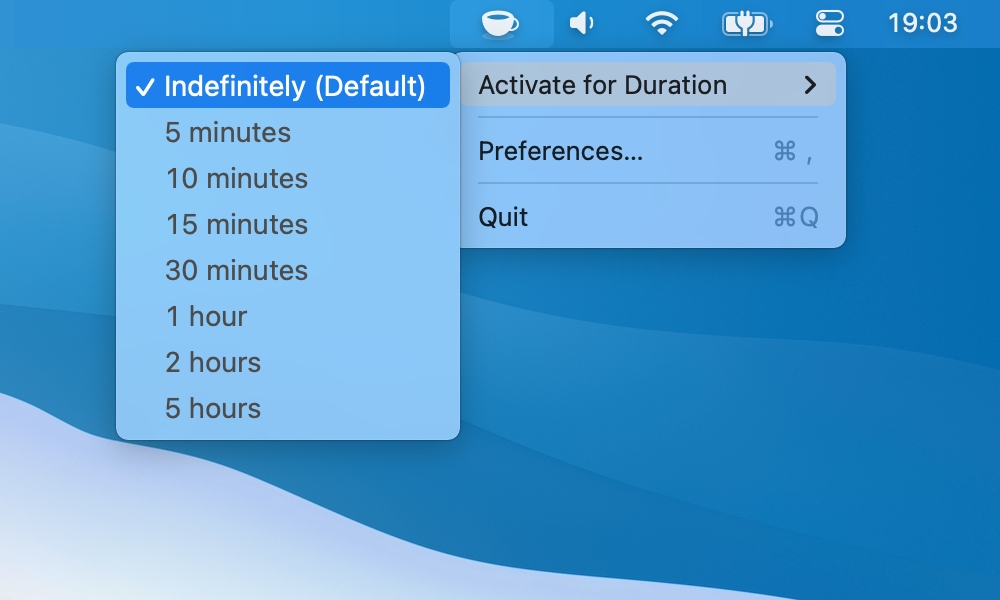
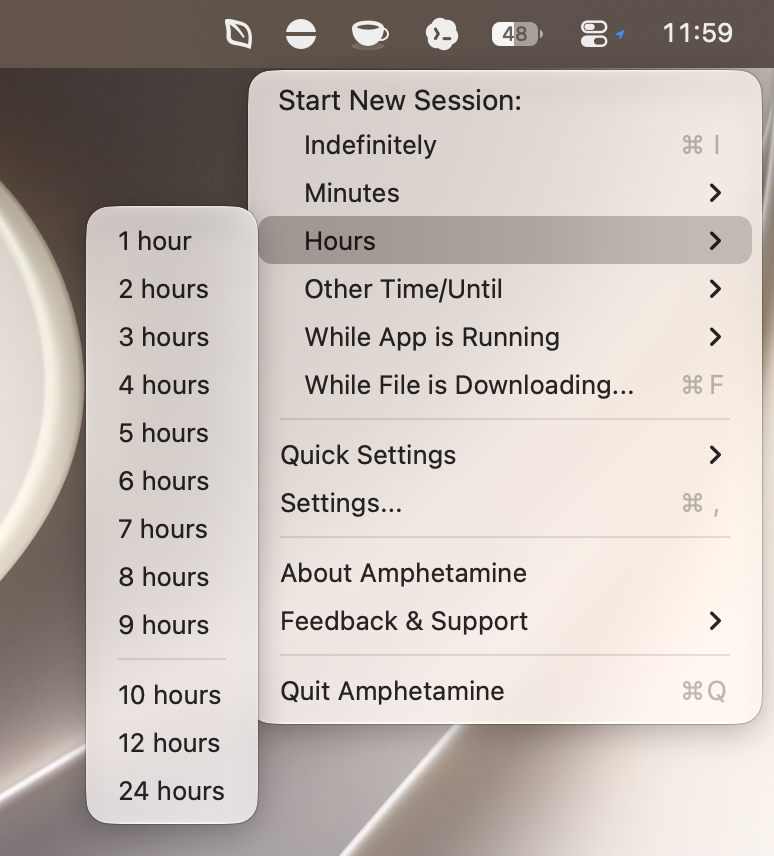
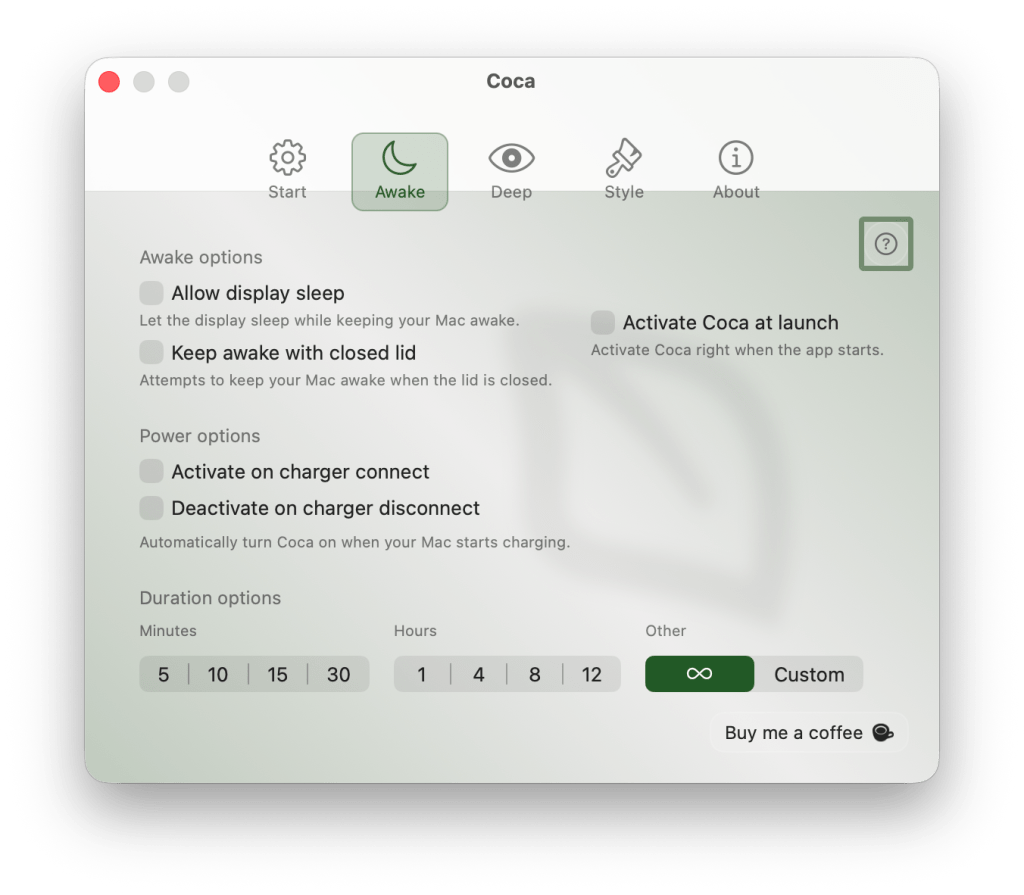
macOS is designed to put your Mac to sleep when it is not being used. That is usually exactly what you want. Sleep saves power, protects battery life, and keeps a MacBook from running when it is closed and stuffed in a bag. Sometimes tasks like downloads, backups, remote sessions, and AI coding need a temporary exception. Fortunately, there are some great Mac apps for giving you this control. Limited solutions that are included with macOS Apple gives you some control in System Settings. On macOS, you can go to System Settings > Lock Screen to change when the display turns off, and on Mac laptops you can use System Settings > Battery > Options to prevent automatic sleeping on the power adapter when the display is off. Apple also supports using a Mac laptop with the lid closed when it is connected to power and paired with an external display, keyboard, and mouse or trackpad. I generally prefer not to make those settings permanent. Most of the time, I want my Mac to sleep normally.…