Published Nov 9, 2026, 8:00 PM EST
Umair Khurshid is a technology writer and developer with a strong focus on Linux, FreeBSD, cloud infrastructure, and automation. Before focusing on writing, Umair worked as a developer and DevOps engineer building and automating cloud-native systems.
If your Linux system breaks after an update, refuses to show the login screen, or throws another error during startup, you don't have to reinstall your entire distro. Linux provides several boot options that can help you recover a broken installation, troubleshoot startup problems, and get back into your system.
Knowing these boot options can save you a lot of time when things go wrong. Here are six Linux boot options that I think are worth knowing:
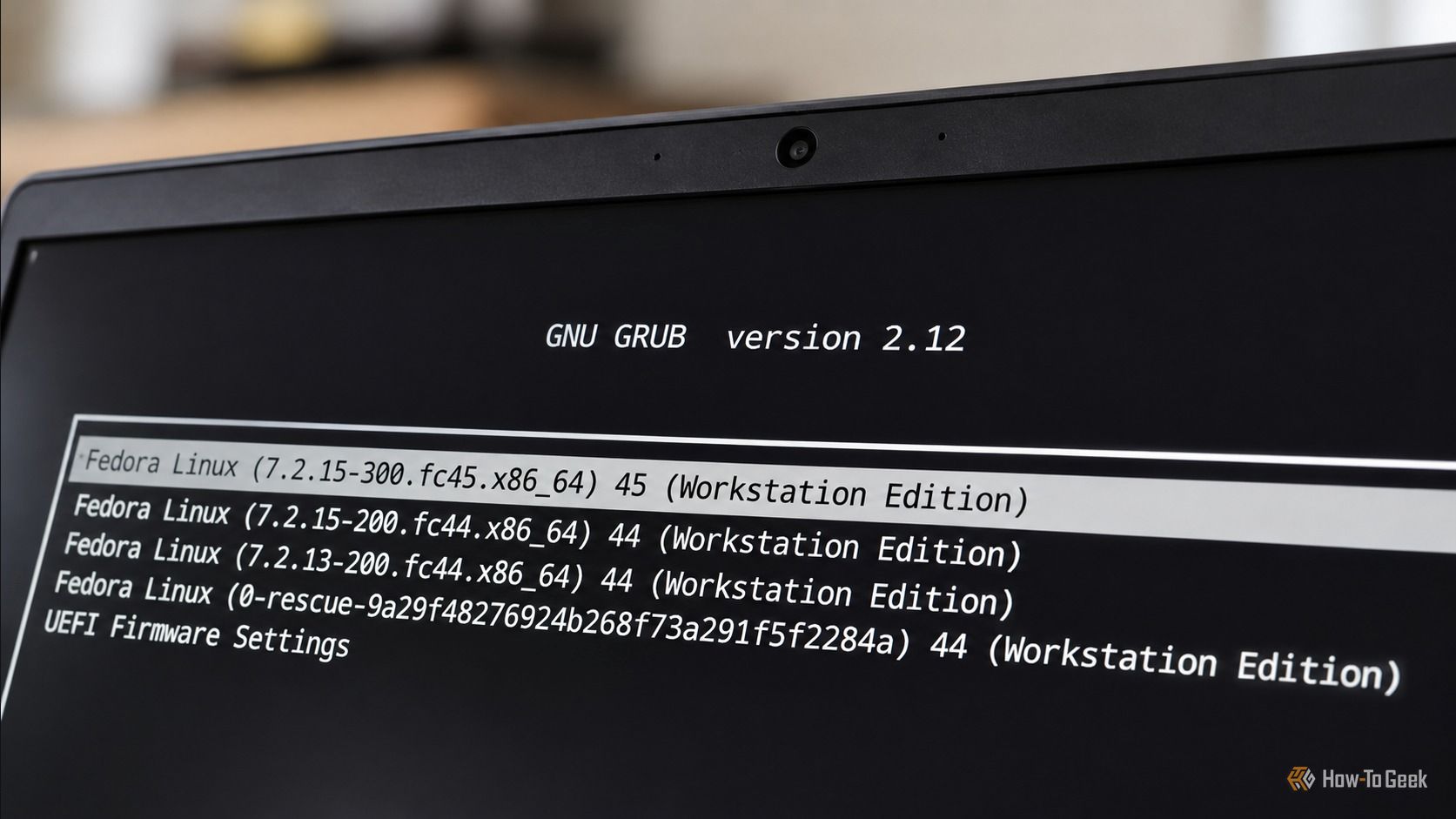
Boot an older Linux kernel from GRUB
Roll back a kernel update that broke your system
A kernel update can occasionally introduce problems with hardware compatibility, graphics drivers, networking, or filesystem support.…