s880/Shutterstock
We may receive a commission on purchases made from links.
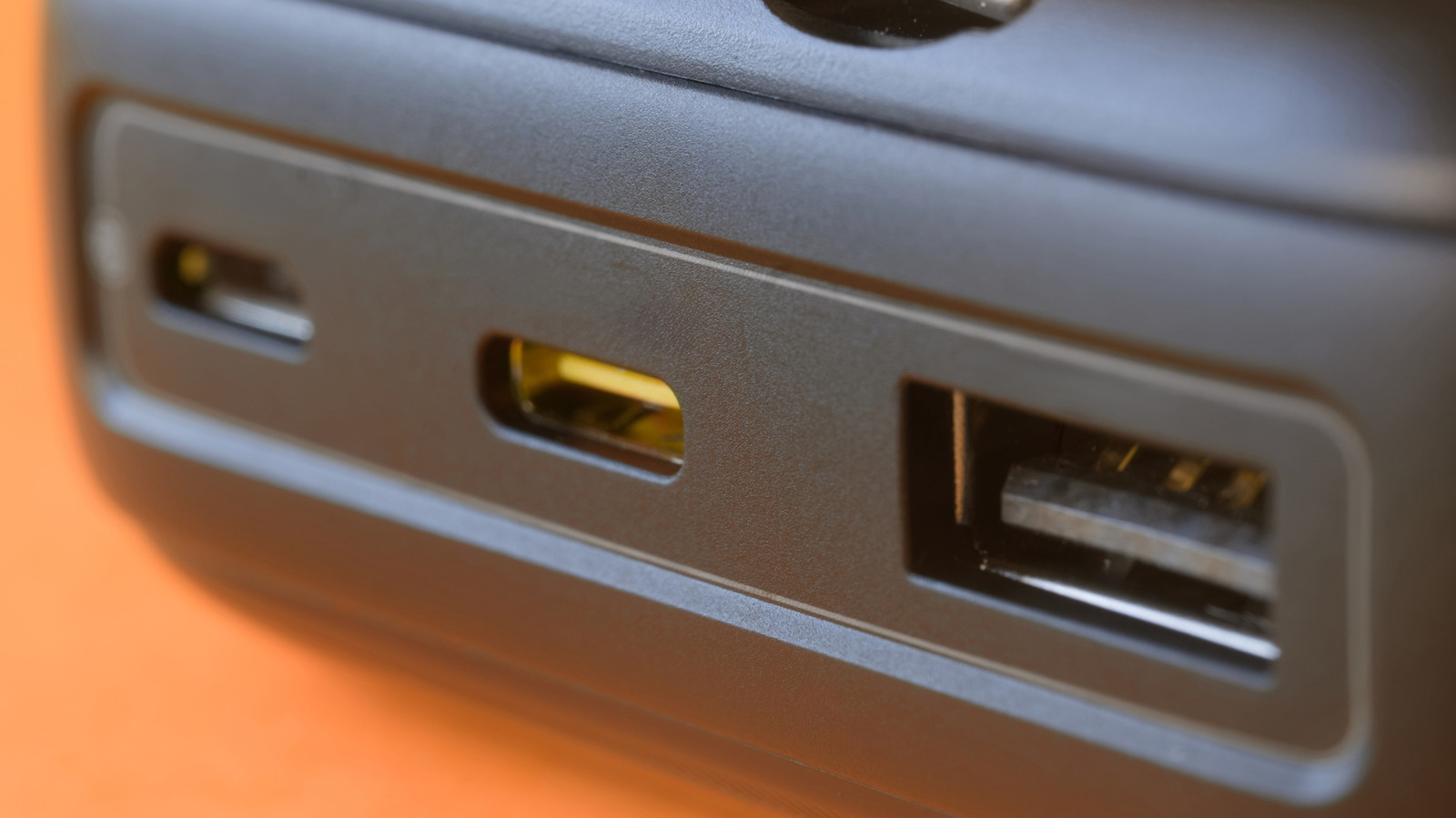
When you need a fast charge for your smartphone, tablet, or laptop, it makes sense to confirm the wattage output of the USB port you're connecting to, with 140W being one of the highest ratings you can get right now. To find out how many watts a USB port can handle, the simplest method is just to inspect its exterior. Any number followed by a "W" is going to tell you the wattage output it supports. For example, the Anker B2697 Charger shows 140W on its first two USB-C ports, 40W on the third, and 33W on the USB-A port.
Sometimes, especially on cheap white label chargers, you get port markings that are more cryptic and less helpful. For example, the Fostbeen 10-Port USB Charger Station has two USB-A ports labeled 5V/2.4A, two more labeled 5V/2.1A, and six USB-C ports with unhelpful "USB-C" labels. The good news is you can actually calculate the wattage of the USB-A ports with the printed information.…