Cheng Xin/Getty Images
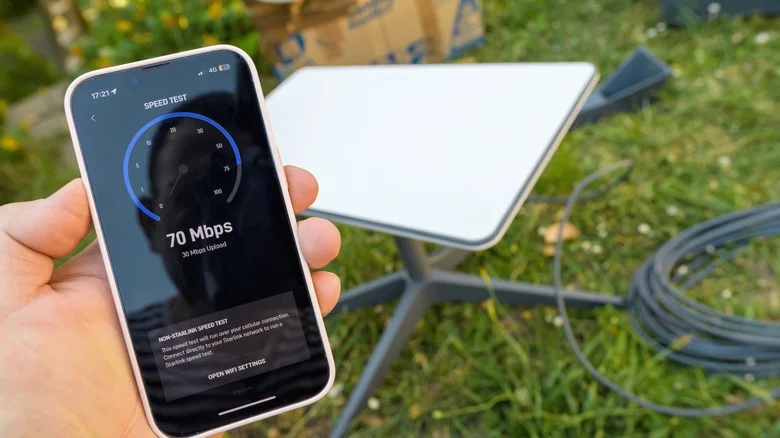
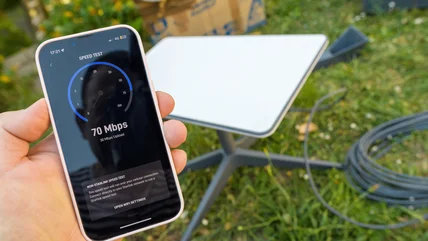
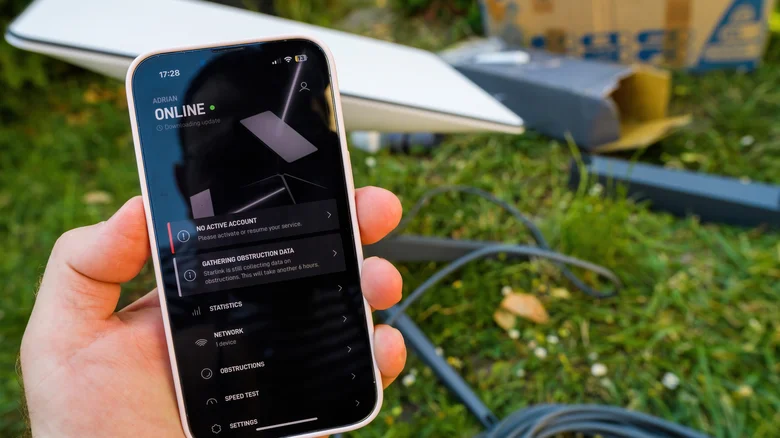
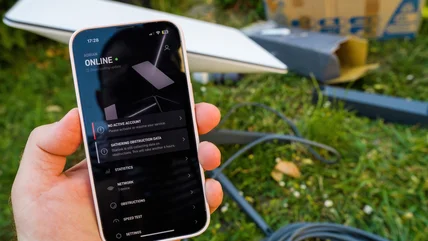
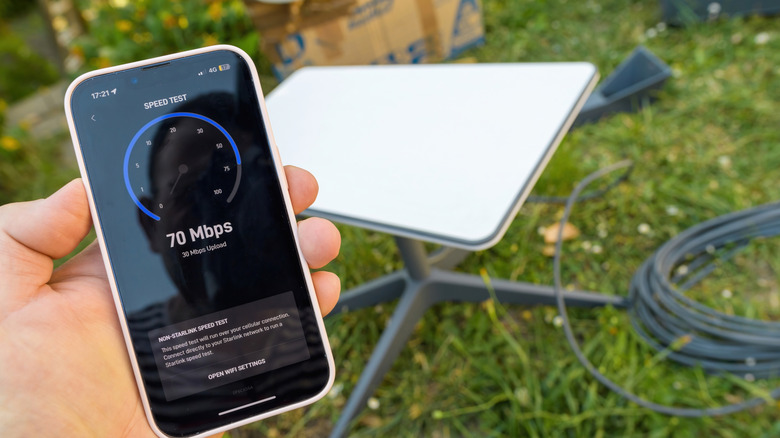
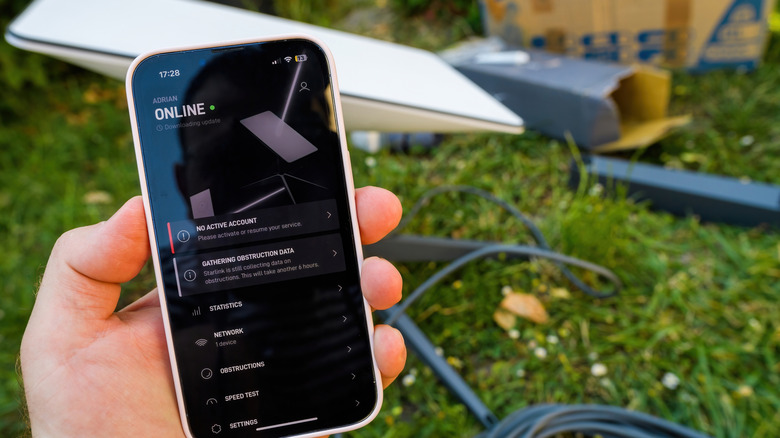
The Starlink app has much more practical use than simply setting up your satellite internet connection. It offers several tools for managing, monitoring, and optimizing your satellite internet connection . Some common uses of this app are checking your internet speed, troubleshooting connectivity issues, and contacting support. But beyond that, you can also use it to check for obstructions before installing your dish. The app's main goal is to give the user greater control over their internet setup.
You can even use it to investigate intermittent connection drops, distinguish Wi-Fi problems from satellite-related issues, and keep an eye on the connection when you are away from home. Knowing how to use these features can make managing your Starlink setup easier and help you get more out of your equipment. A closer look at these features reveals just how much you can do with the Starlink app beyond basic network management.
1.…