Your SD card's file system might be stopping you from transferring large files, but there's an easy fix for that.
yarrbush/Shutterstock
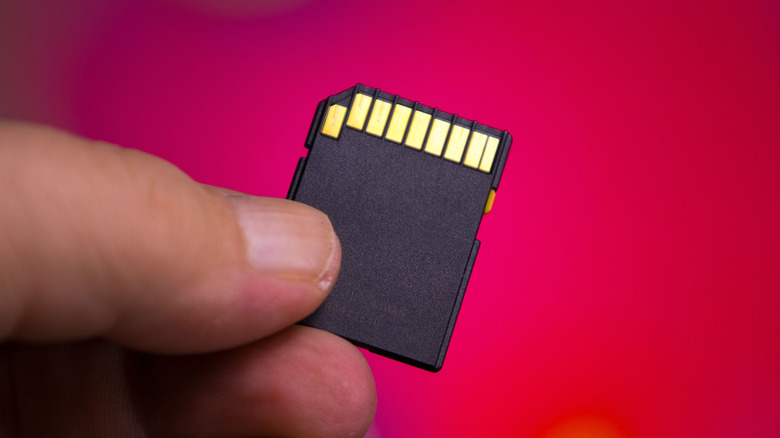
SD card capacities have grown by leaps and bounds since hitting the market in the early 2000s, and the best microSD cards now come in capacities from 128GB up to a massive 1TB. No matter how capacious your SD card, though, you may run into an unexpected limitation: it won't accept files larger than 4GB, even when there's enough space left.
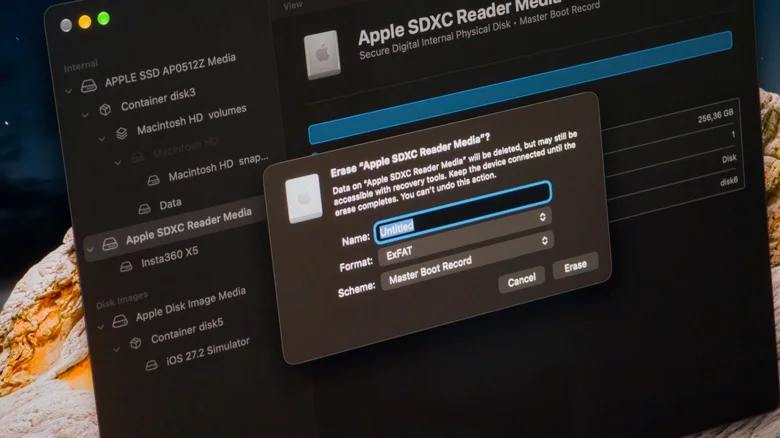
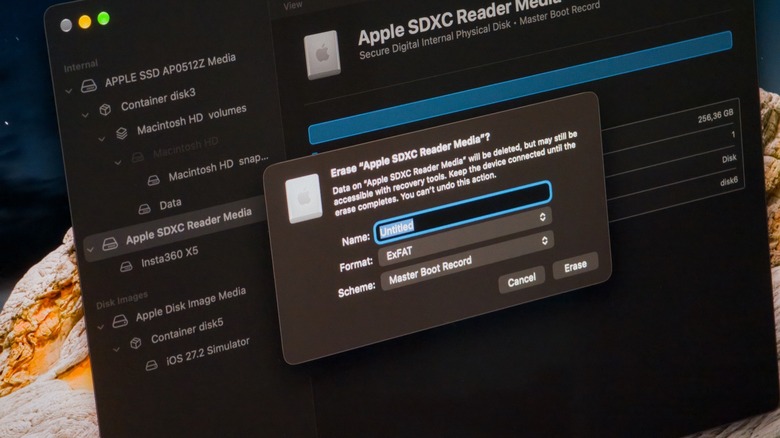
While it may seem worrying, the good news is that the SD card itself is almost certainly fine. Instead, the problem lies in the file format it's currently using. More specifically, it's FAT32, a file system that dates back to Windows 95 and is still commonly used today. Although it's widely compatible and can be read by almost any device, it has a major downside: no single file can be larger than 4GB.
FAT32's 4GB-per-file limit comes down to how it records file sizes using a 32-bit number.…