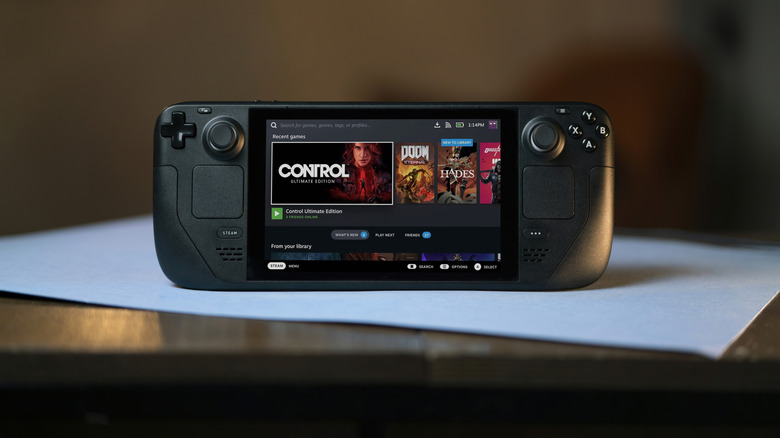
Serenko Natalia/Shutterstock
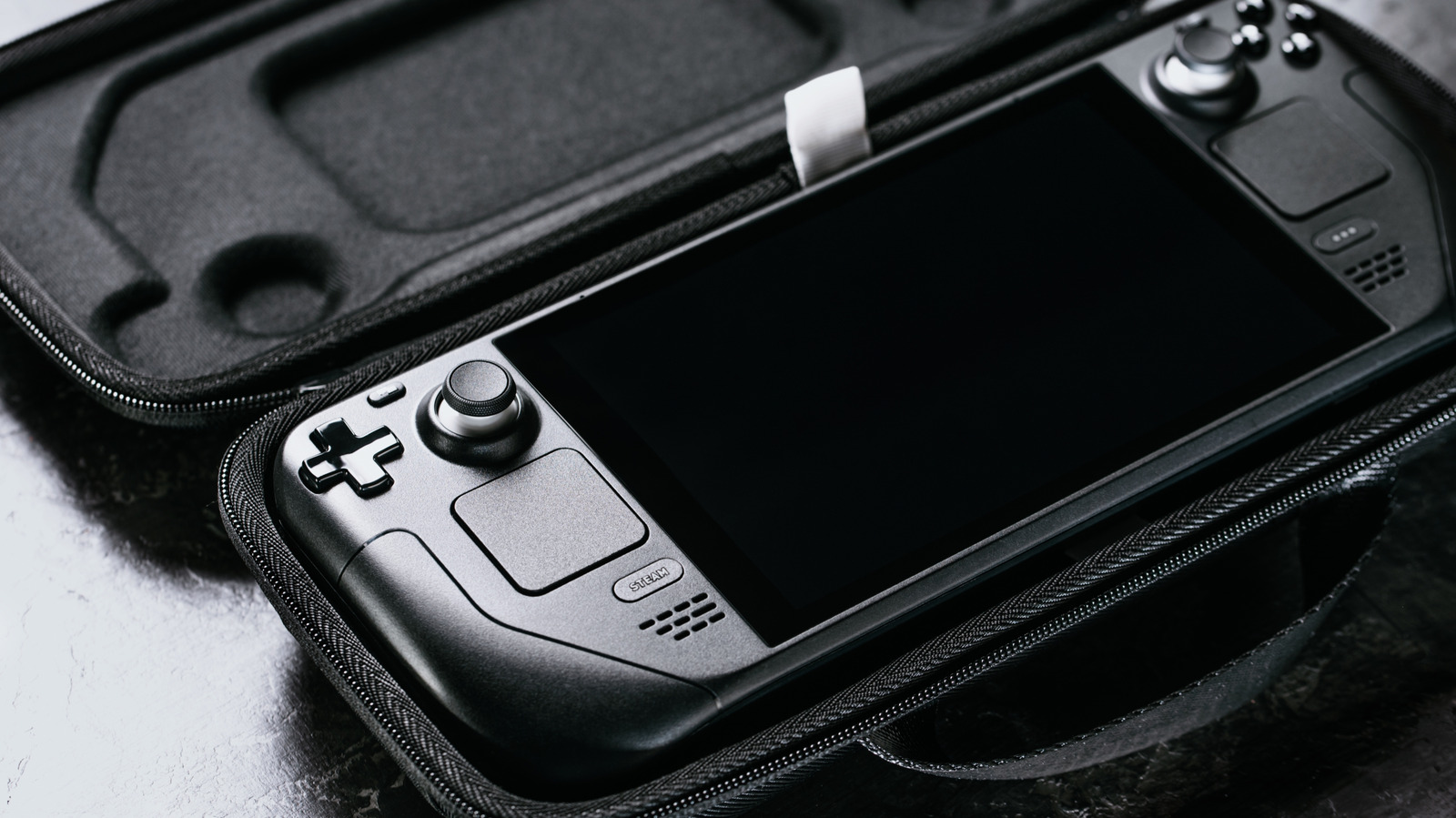
Handheld consoles allow you to play video games anywhere. A device such as the Steam Deck even comes with a carrying case to keep it better protected while you travel. When it's time to pack it up, you can either choose to shut it down or put it into sleep mode, but what's the difference?
Instead of being confined to a PC, you can play your entire library on the go. When you're through playing, you can put the Steam Deck into shutdown mode to turn it off. This means you'll have to turn it back on and select a game from the menu to play it. Sleep mode suspends your game on the Steam Deck, and when it wakes back up you can continue where you left off. If you plan on periodically resuming your game throughout the day, sleep mode is recommended. If you only play a few times a week, then shutting it down is best.
After shutdown, processing stops except RAM, which is still given power.…