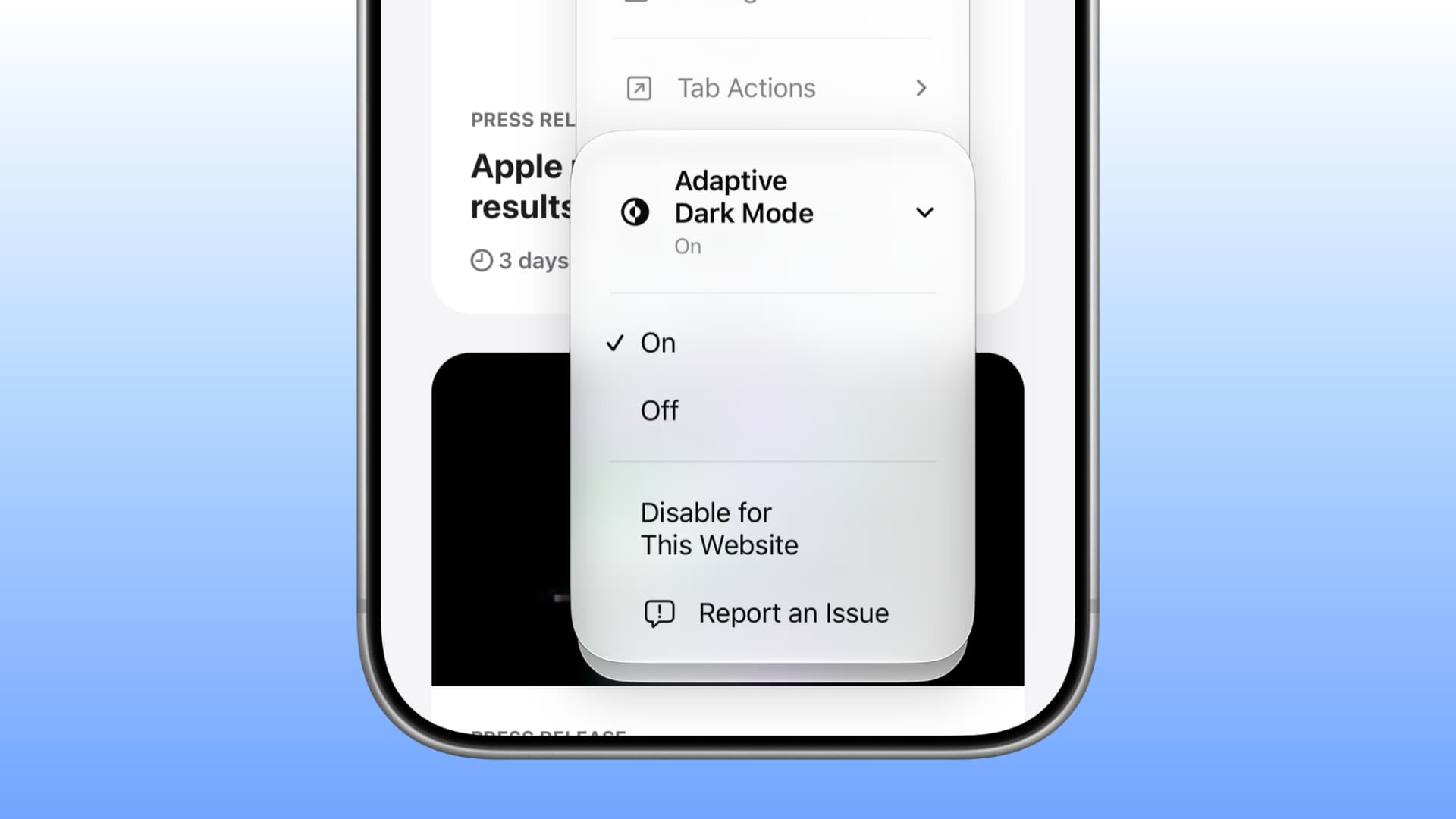
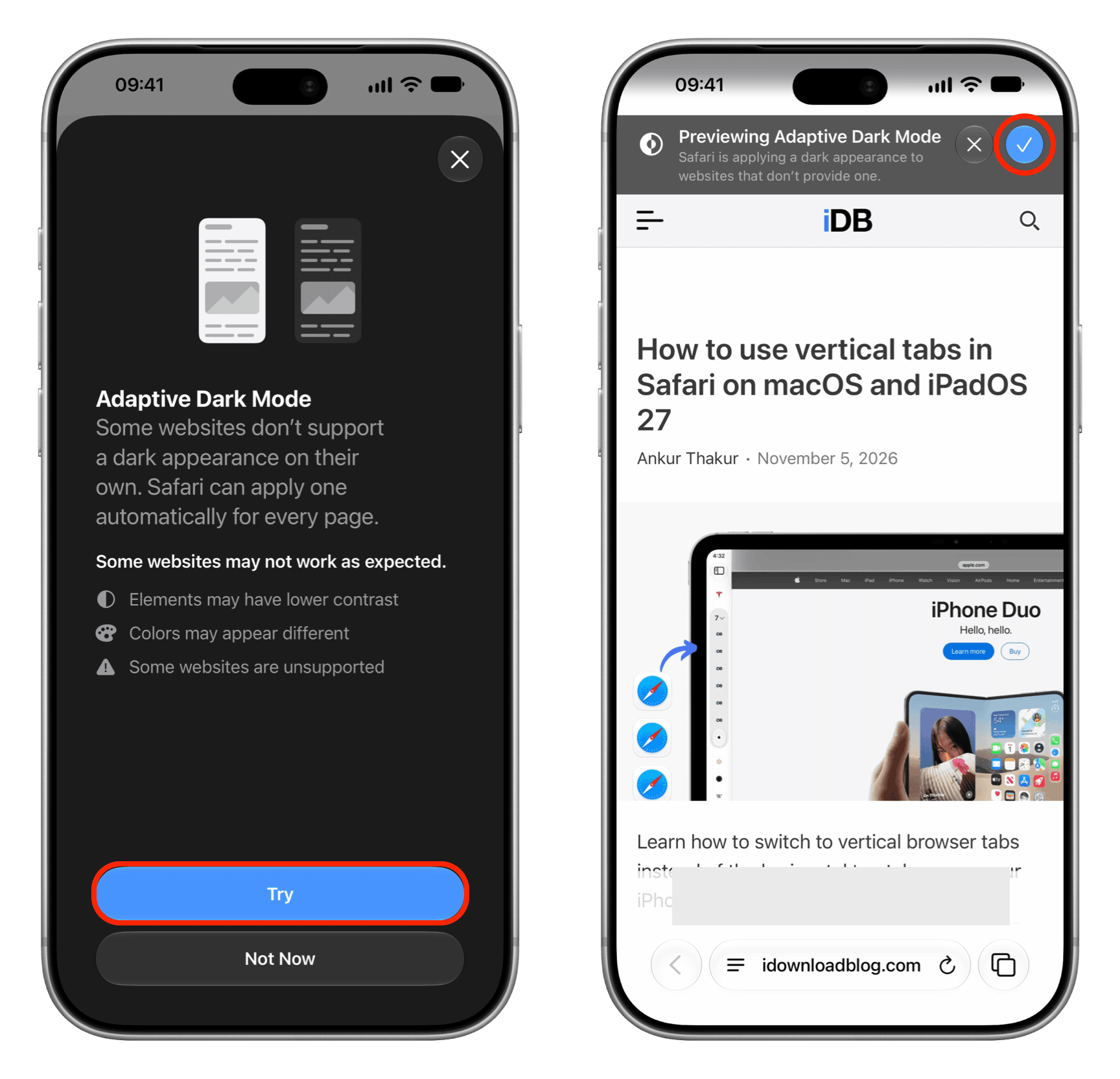
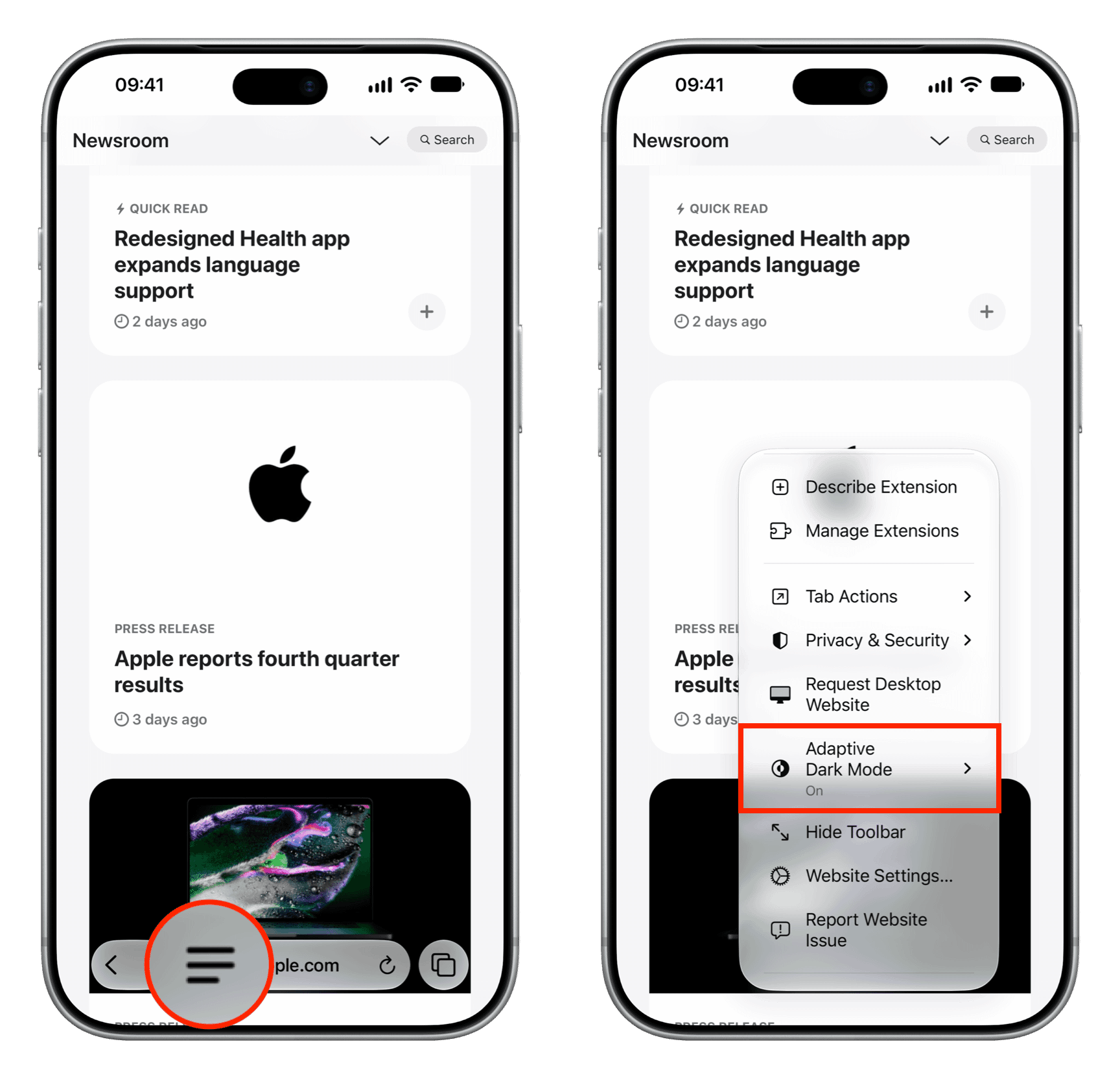
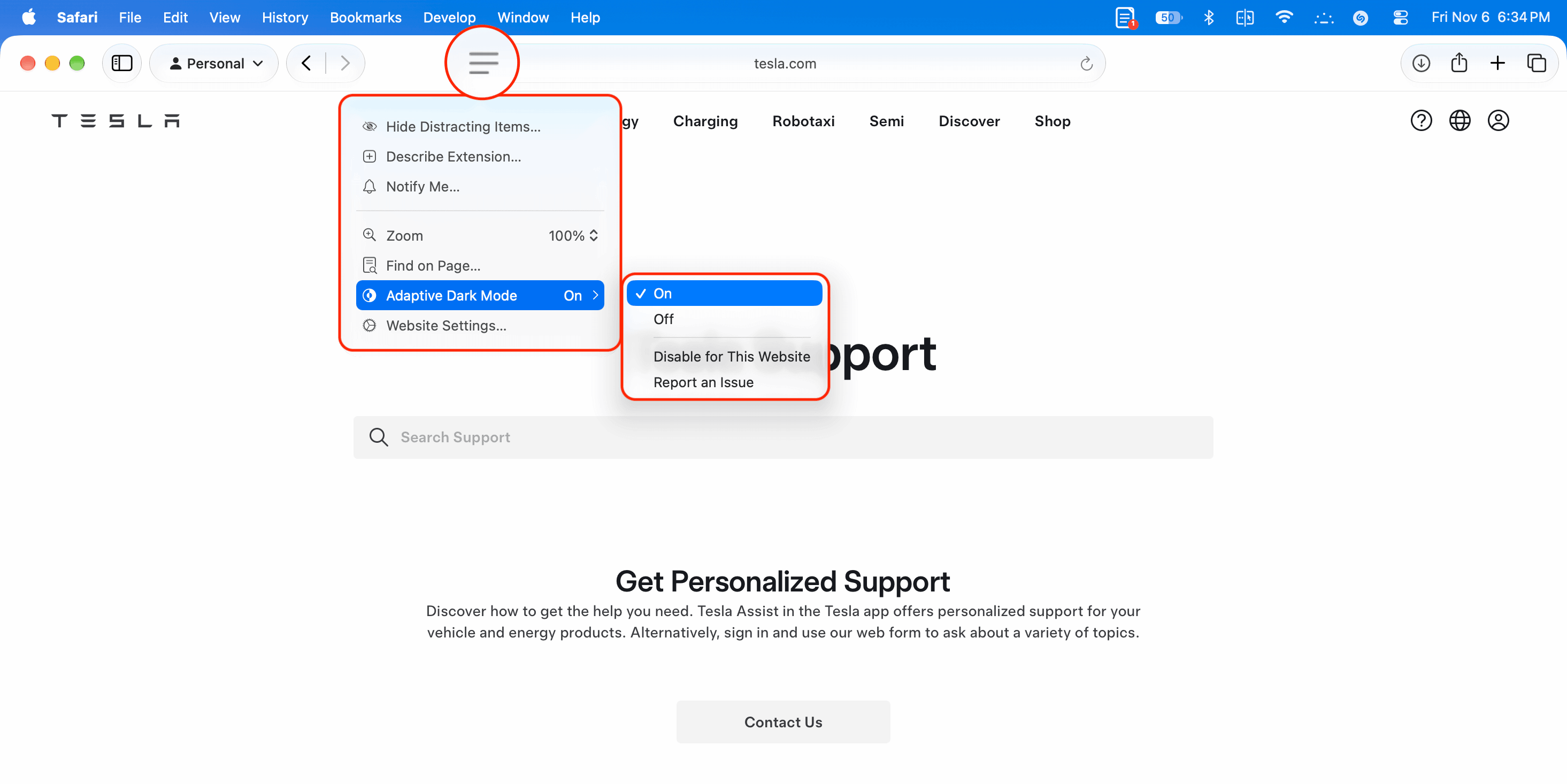
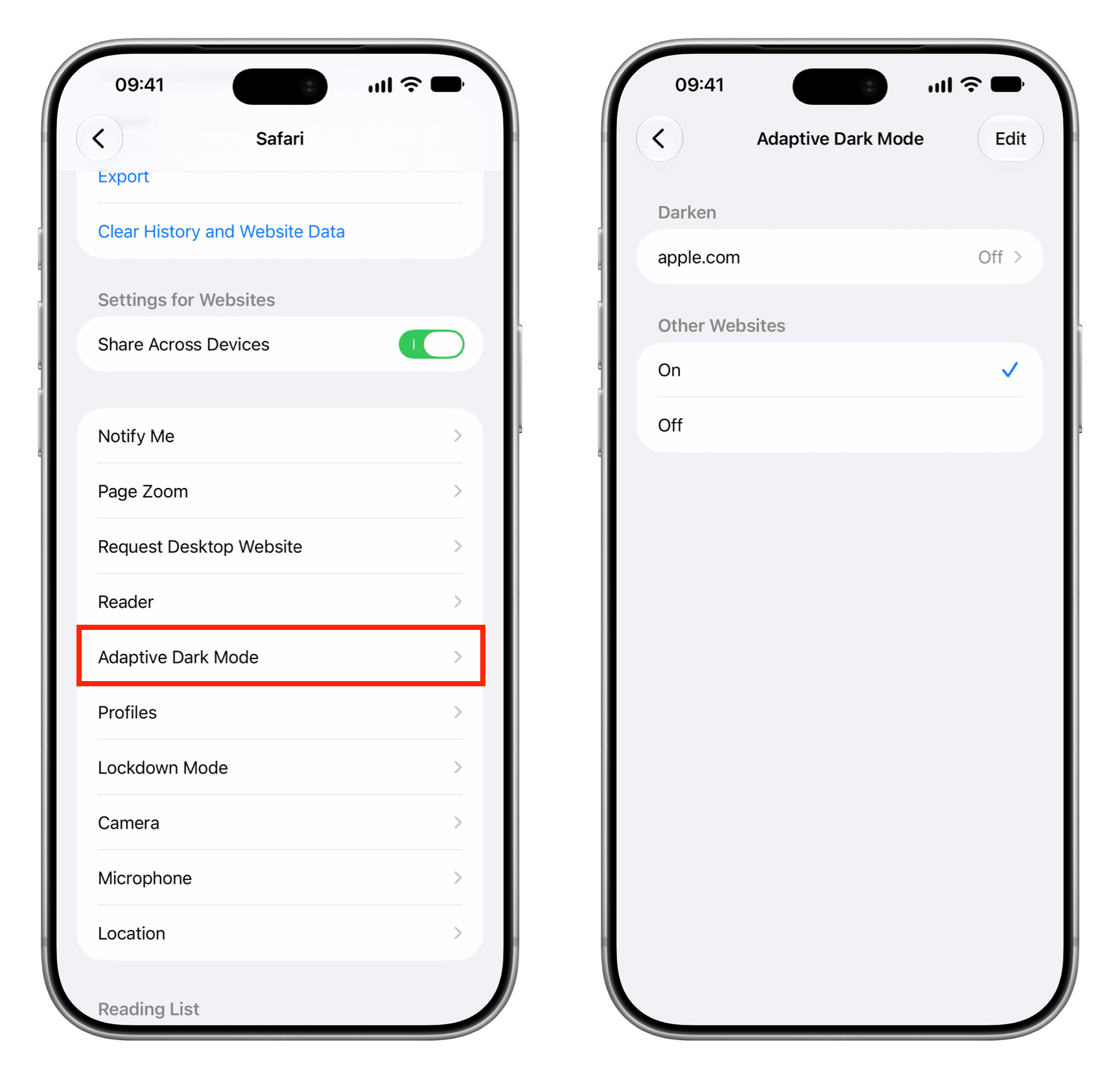
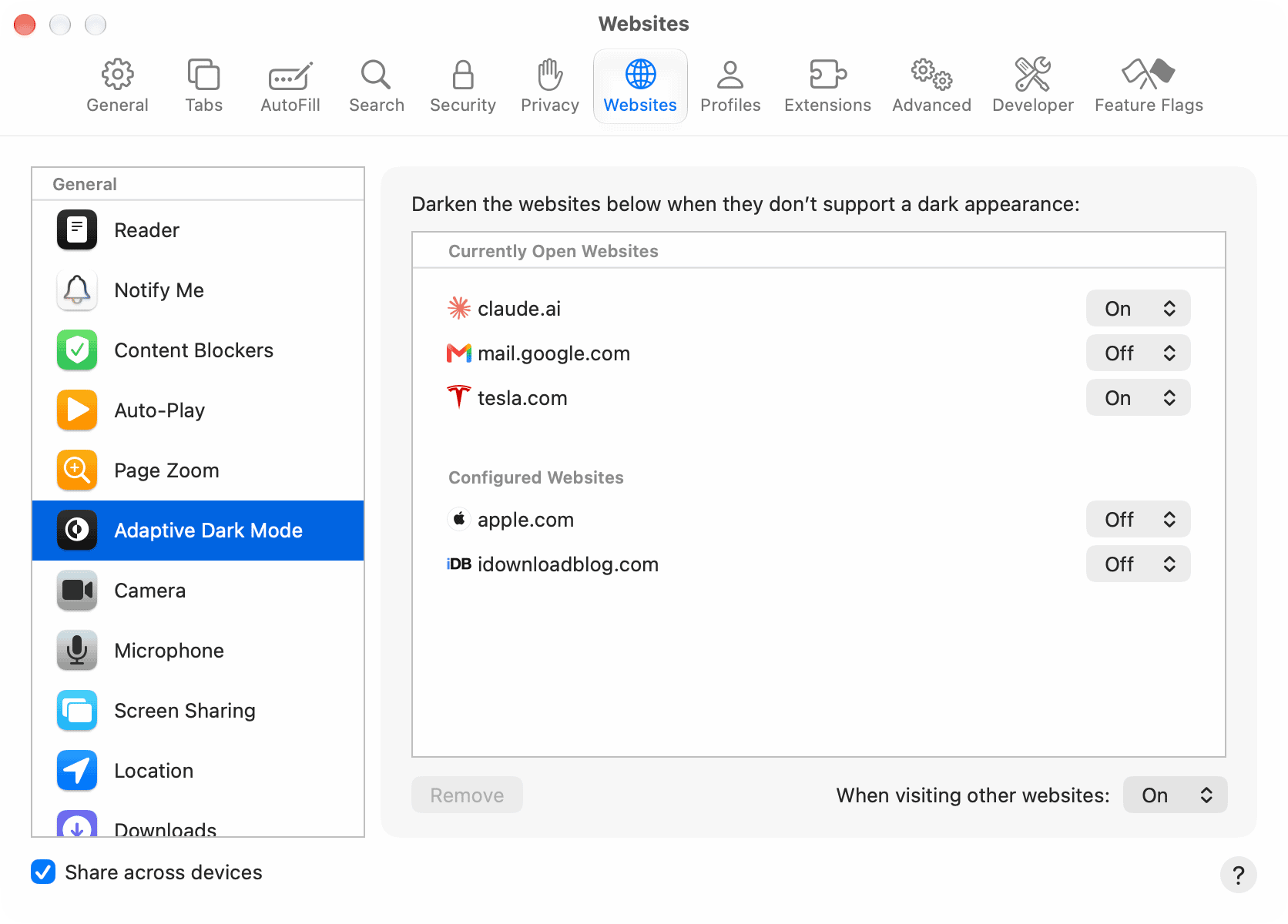
Learn how to use the new Adaptive Dark Mode feature in Safari on iPhone, iPad, and Mac to force dark mode on websites that don’t support it natively.
Many websites support system Dark Mode, meaning that if you enable Dark Mode on your device, the webpage mimics that. However, several sites don’t do this or offer their own on-page Dark Mode toggle.
In this case, you can use third-party Safari app extensions like Dark Mode , or have Apple Intelligence build a Dark Mode extension just for you ! Both methods are easy, but not everyone knows about them.
Therefore, Apple has now gone a step further and added a forced Dark Mode option for Safari called Adaptive Dark Mode . It requires no app installations or extension building.…