Published Nov 9, 2026, 7:00 PM EST
Akshay Bhalla was the former game guides editor for Screen Rant and the technology editor at MensXP. He has previously written about smartphones, apps, streaming, gadgets, and games for print, digital, and TV media outlets. When he isn’t writing about tech, he can often be found playing JRPGs, listening to music, or playing with his three dogs.
You can reach Akshay at bhallanator @ proton dot me.
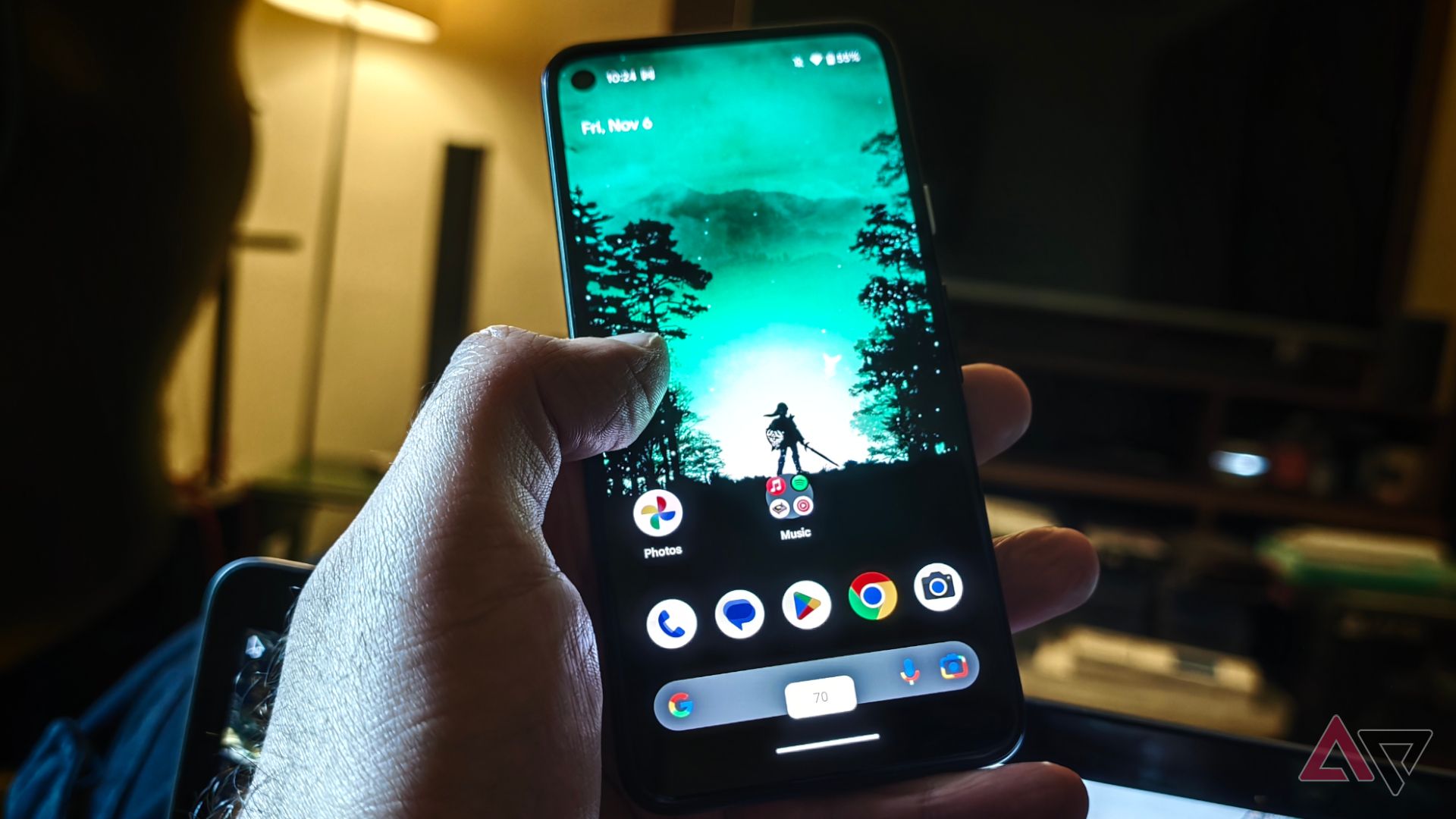
On phones like the Google Pixel 11 or other OEMs, gesture controls and basic settings usually stay very simple.
Changing the volume and brightness still feels dated, since you either use buttons to adjust volume or swipe down to adjust brightness.
On a busy day, these adjustments can get cumbersome, especially when I'm using the phone one-handed.
But what if I told you there's an app that adds gesture controls so that you can adjust these settings on the fly, one-handed?
Edge Seek adds intuitive gesture controls for better than stock Android
Taking gesture controls a step…