Find out what to do if you plug your iPhone into the charger but see a “ Liquid Detected ” alert message on the screen and the device doesn’t start to charge.
Before you begin, relax and don’t panic. This is a safety feature, and your iPhone is likely fine.
Liquid alert messages you may see
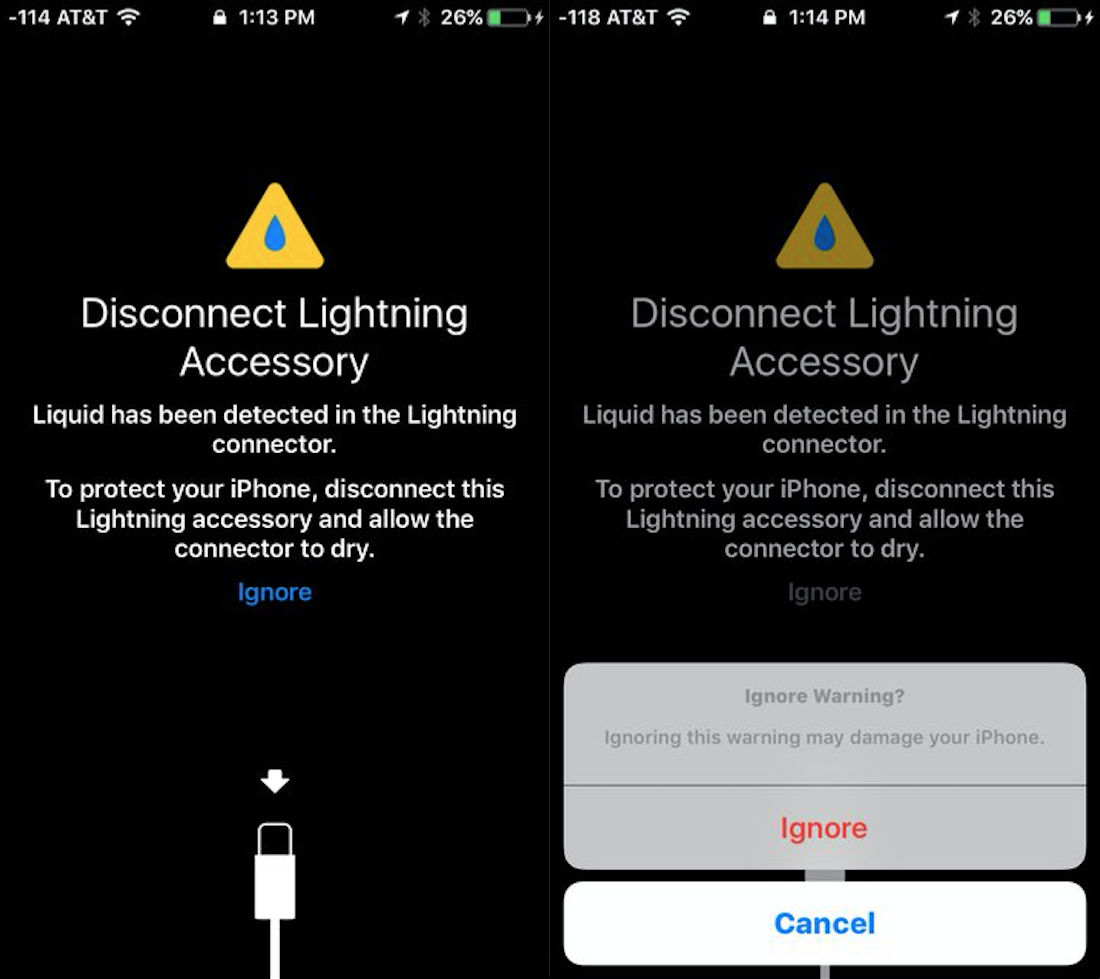
When iOS detects water or other liquid in the charging port, it cuts off charging and accessory connection to protect your iPhone, cable, adapter, and the accessory. With charging or accessory connection blocked, it shows one of the following alert messages.
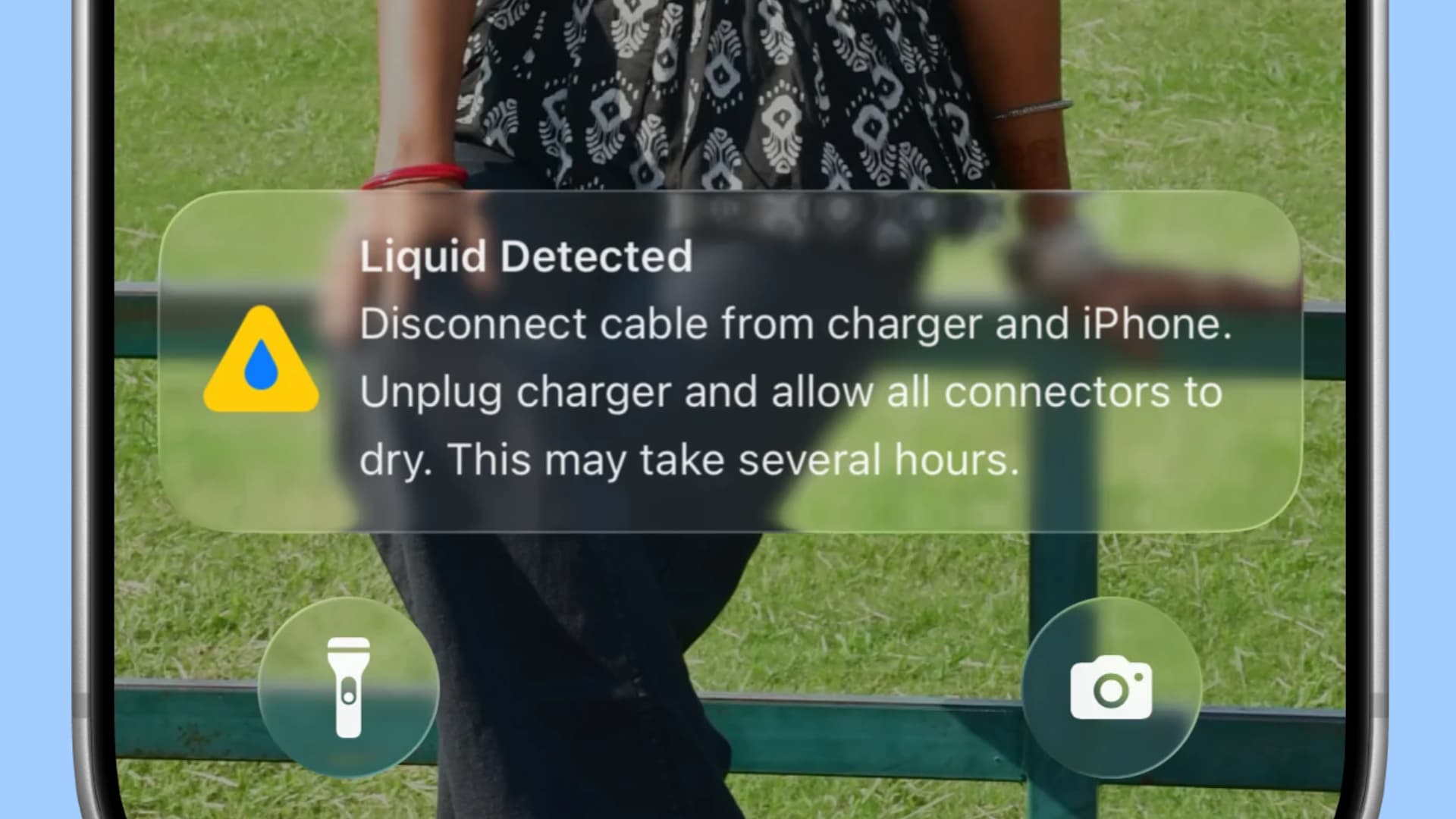
Liquid Detected . Disconnect cable from charger and iPhone. Unplug charger and allow all connectors to dry. This may take several hours.
My wife got the above alert on her iPhone 16 after water got into the charging port at the beach.
Image: Apple
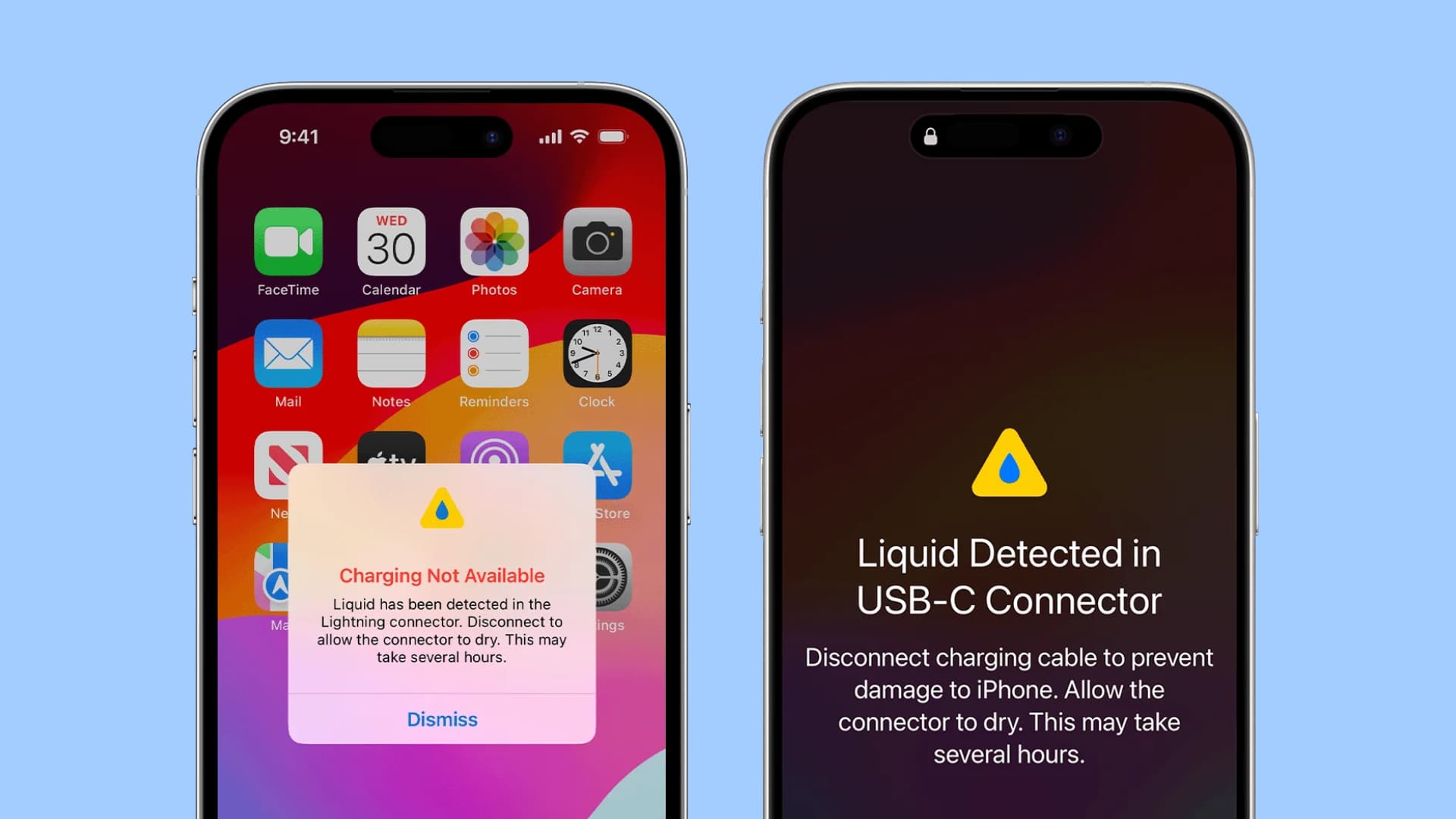
Aside from that, Apple says the following alert messages may also show:
Liquid Detected in USB-C Connector . Disconnect charging cable to prevent damage to iPhone. Allow the connector to dry.…