José Adorno/BGR
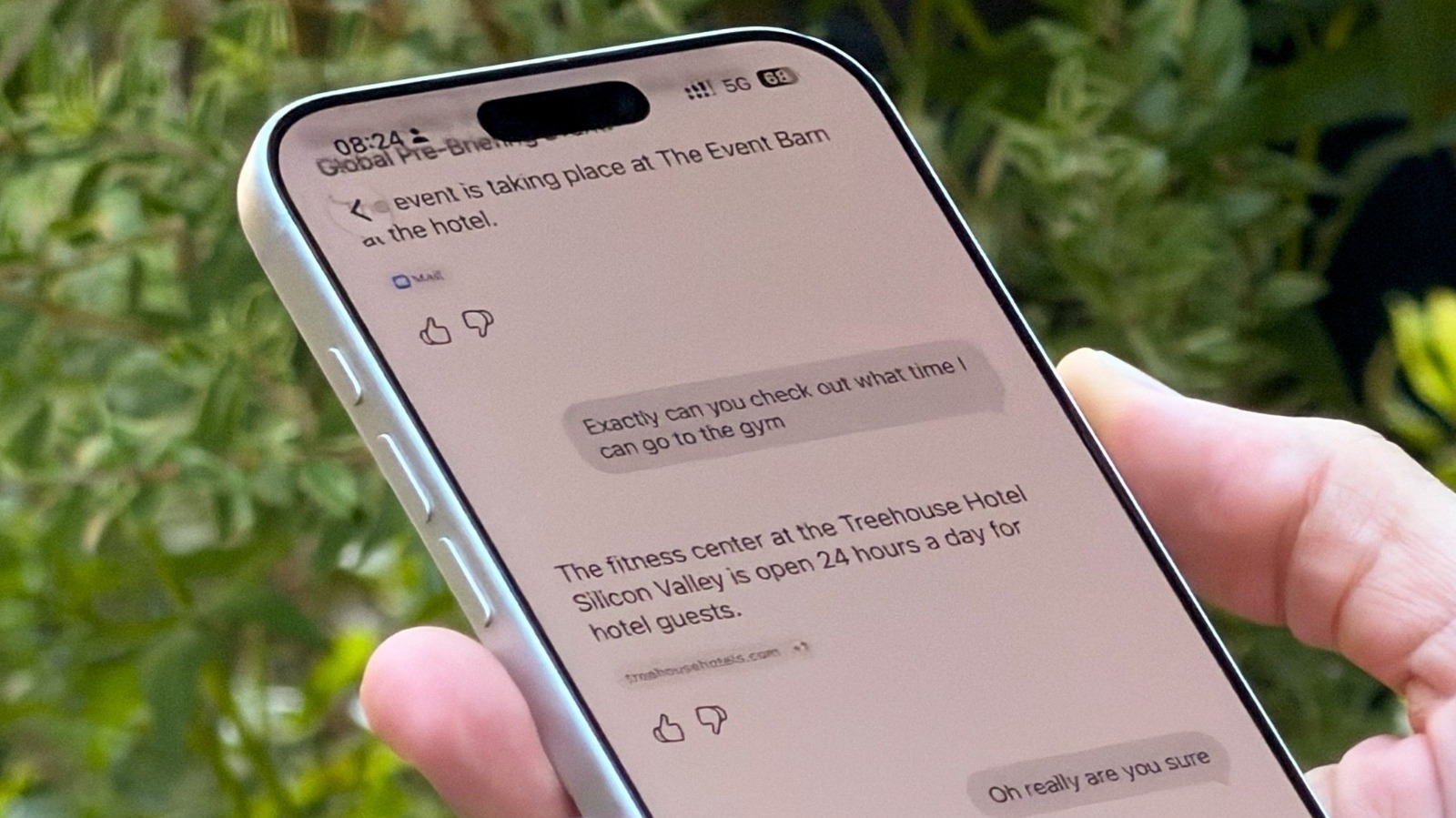
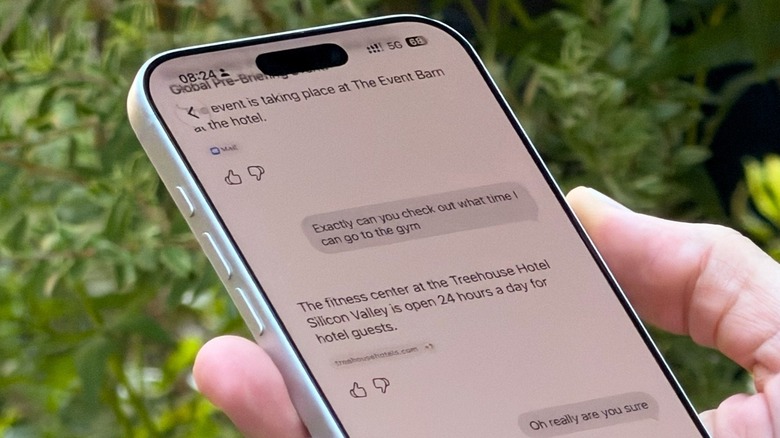
With iOS 27, Apple introduced the all-new Siri AI, upgrading the personal assistant into a useful AI chatbot that can tap personal information and help you with on-screen awareness. The upgrade also introduced a new Siri app, which, just like ChatGPT, Google Gemini, and others, can store your chats so you can come back to them later. Still, just as some users might not want Siri to tap into their apps , there are others who don't want to maintain a history of the things they talked about with the new Siri AI. Fortunately, there is a straightforward process for removing that history, as you can just open the Siri app, roll your finger from right to left on a chat, and tap to delete. Users can also tap the menu in the upper right corner, tap Select, and then delete several chats at once.
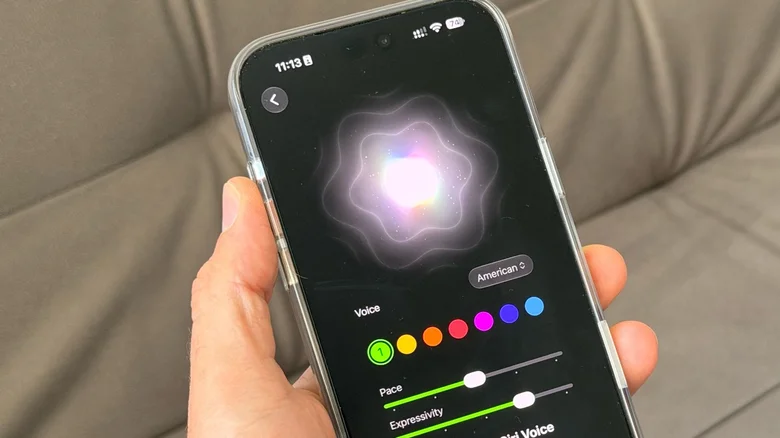
Under Settings, in the Siri section, users can also tap the Keep Conversations option to set a retention period, ranging from forever to a year to 30 days.…