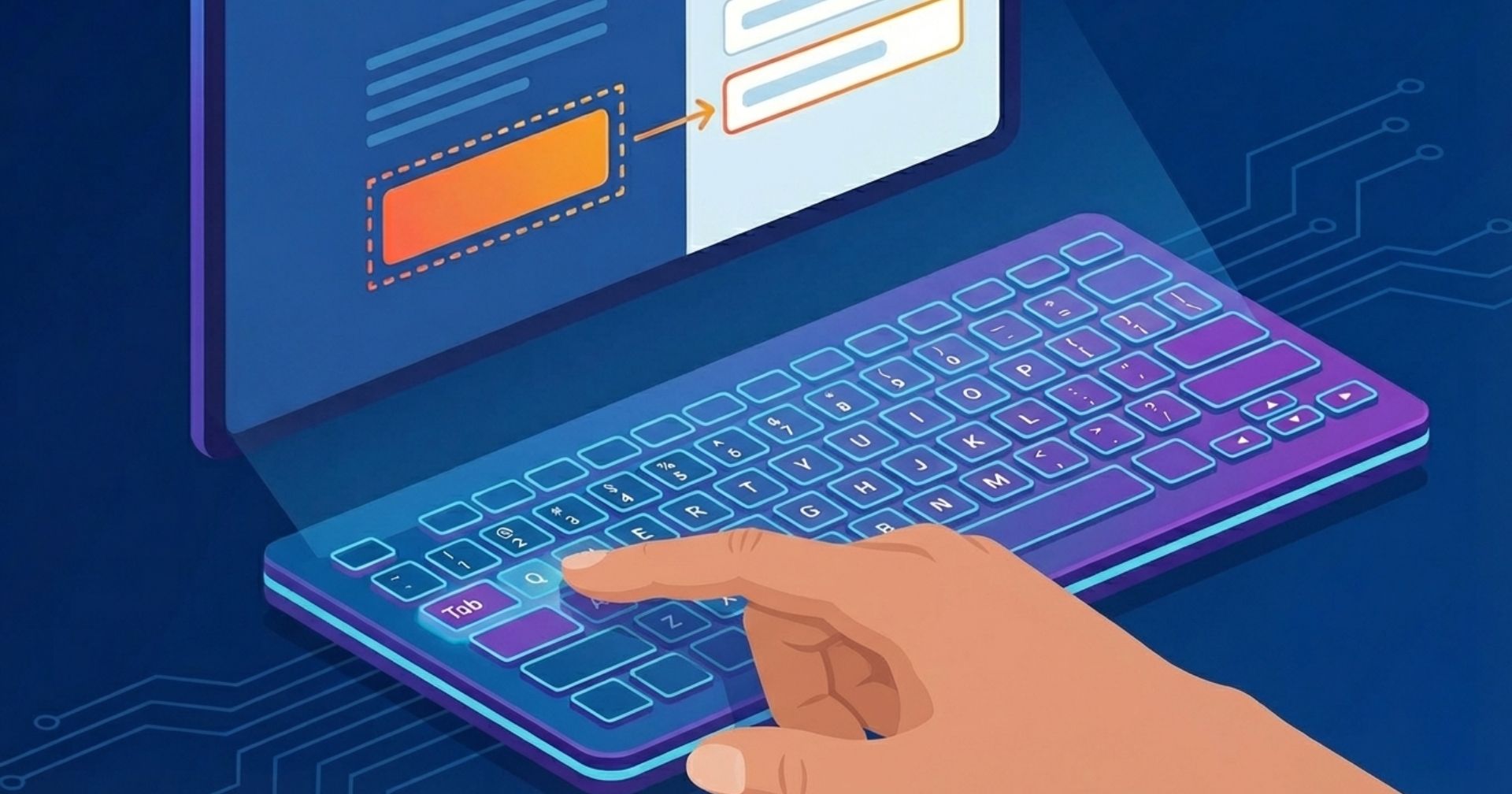
Manually testing a website is a critical step in ensuring that screen reader users can successfully access and understand its content. While automated tools can help identify certain accessibility issues, they cannot fully replicate the real experience of navigating a site without a mouse.
Keyboard-based testing provides a simple and effective way to simulate how many users interact with assistive technologies. There are five fundamental commands designers and developers need to know in order to move around the website using only the keyboard.
By learning a small set of fundamental keyboard commands, developers and designers can gain valuable insight into how their websites function for screen reader users and identify barriers that may otherwise go unnoticed.
The Tab Key
Pressing the tab key allows the user to move forward and focus on the interactive elements on the page. Interactive elements are links, buttons, text input fields and checkboxes.…