Published Nov 12, 2026, 7:30 AM EST
Bryan Wolfe has spent 15+ years writing about the tech people actually use — and occasionally the tech they probably shouldn't. With bylines at Yahoo, MakeUseOf, TechRadar, and Digital Trends, he brings an MBA-sharpened perspective to consumer tech, AI tools, and digital productivity. He's based in State College, PA, where he also runs GoingSolo.Life, a solo travel brand for the independently minded.
I've spent a lot of time using my home Wi-Fi this fall. First, I walked my third-floor office with AirPort Utility's hidden scanner to hunt down dead zones. Then I finally read the Private Wi-Fi Address screen my iPhone had been showing me for years. Both times, I only cared about the network I was actually on.
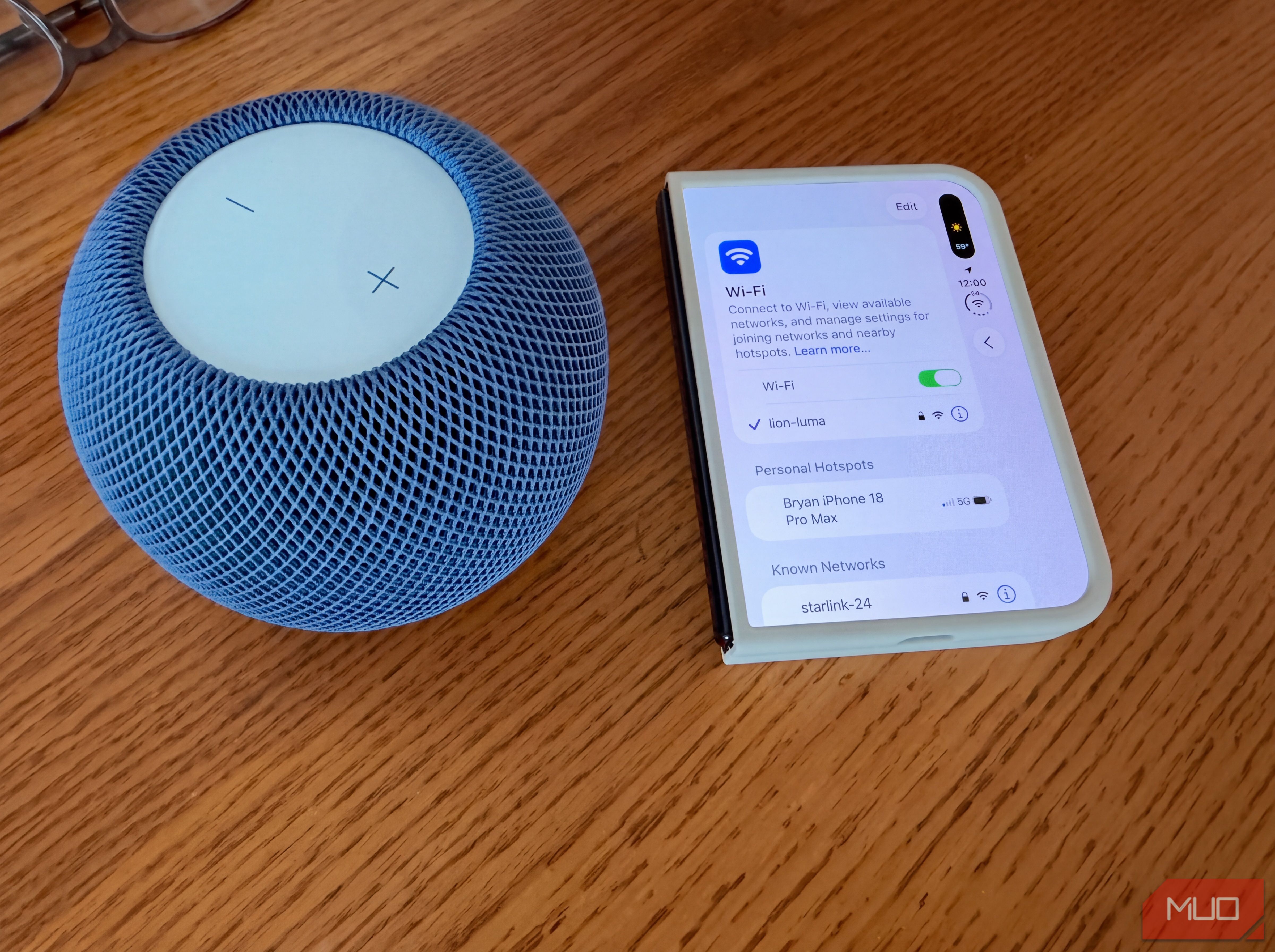
The networks I wasn't on never crossed my mind until I tapped a small Edit button at the top of my iPhone's Wi-Fi settings. After Face ID (Touch ID on my new iPhone Duo), a list called Known Networks was loaded with nearly 20 entries.…