Published Oct 24, 2026, 8:00 PM EDT
After a 7-year corporate stint, Tanveer found his love for writing and tech too much to resist. An MBA in Marketing and the owner of a PC building business, he writes on PC hardware, technology, and Windows. When not scouring the web for ideas, he can be found building PCs, watching anime, or playing Smash Karts on his RTX 3080 (sigh).
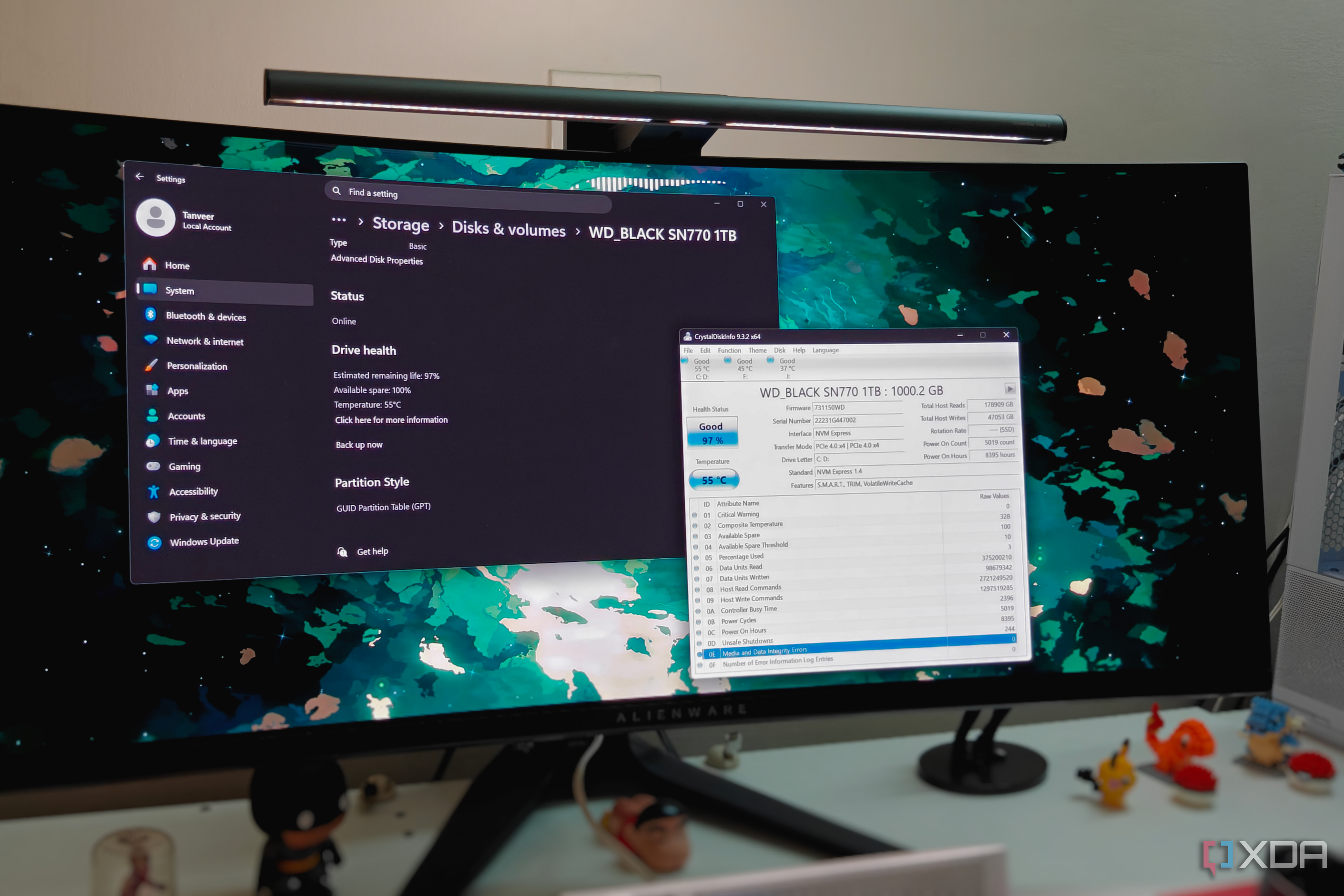
CrystalDiskInfo has been synonymous with SSD and HDD monitoring for years. It reads your drive's Self-Monitoring, Analysis, and Reporting Technology (S.M.A.R.T.) attributes and presents them on a single screen for easy reference. Checking your SSD's health percentage, temperature, or other metrics is pretty simple with this free tool.
However, you don't really need to install a third-party tool if all you need to know is your SSD health and temperature. SSDs have a limited lifespan due to the finite write cycles of NAND flash, so most people only need to know their drive's remaining life.…