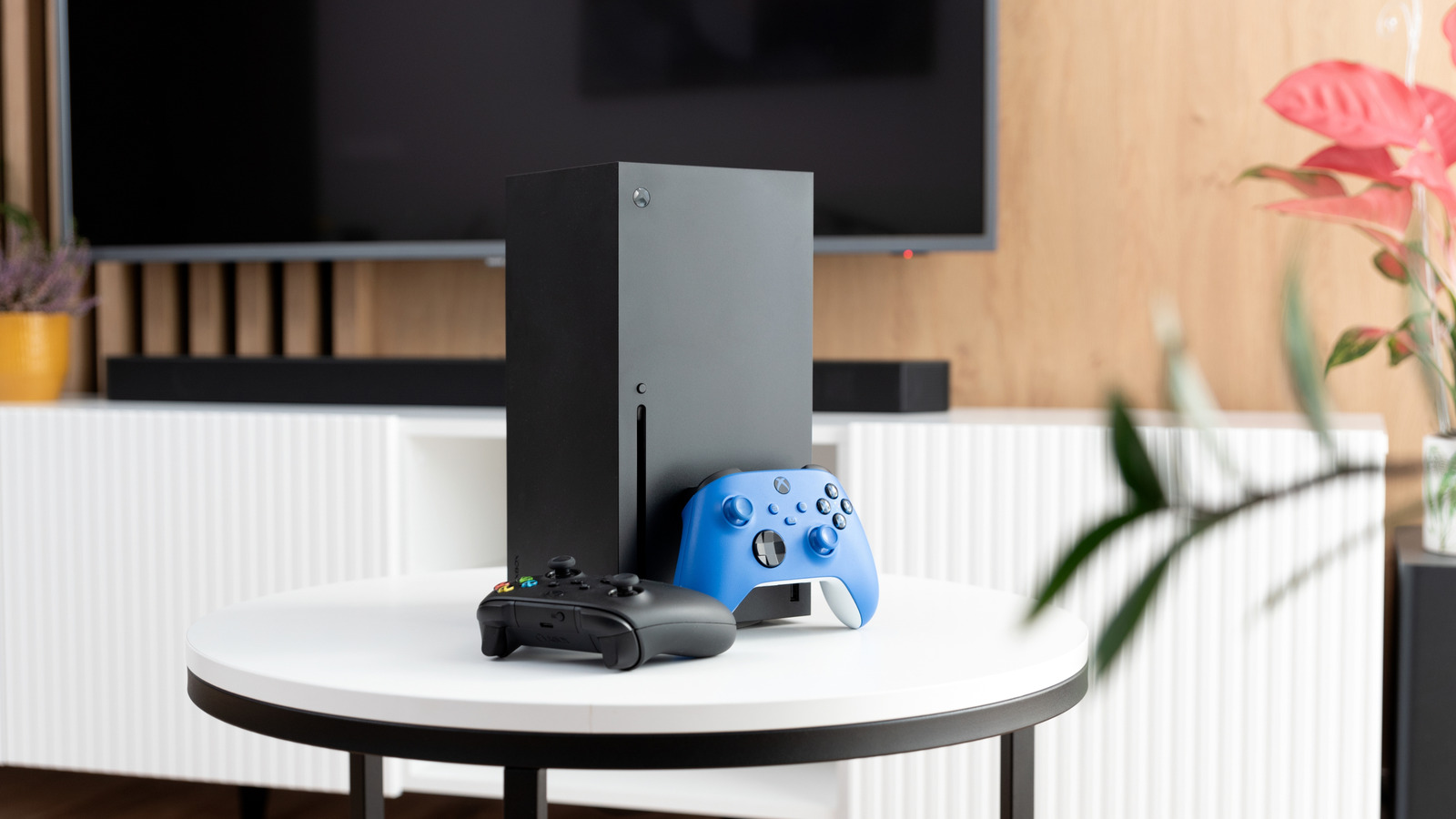
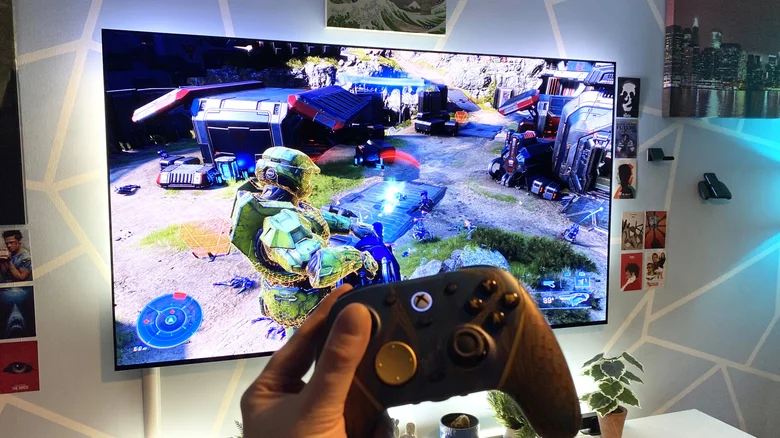
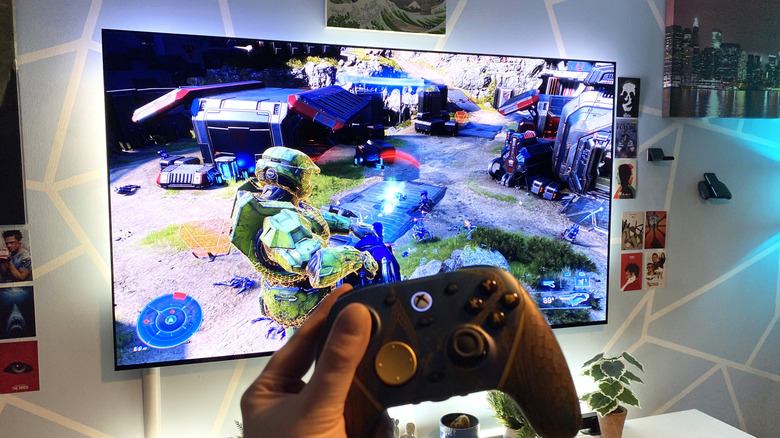
Make sure you're getting the most out of your Xbox Series X.
Proxima Studio/Shutterstock
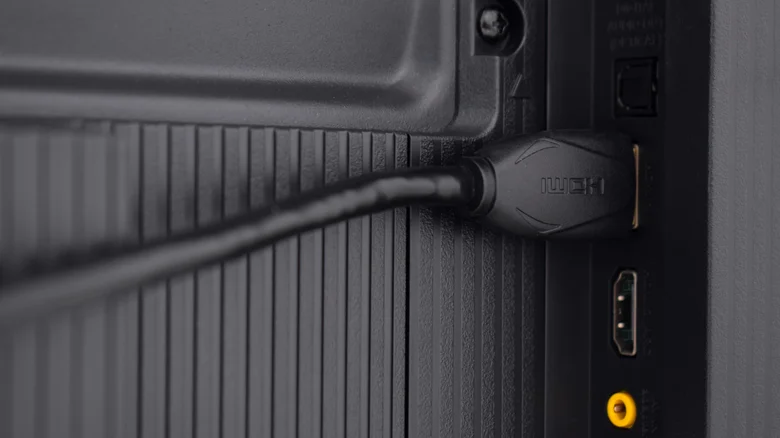
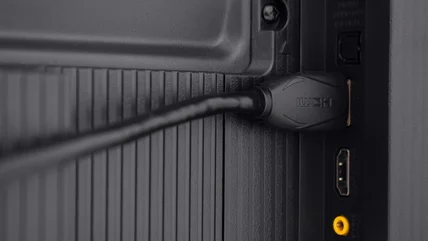
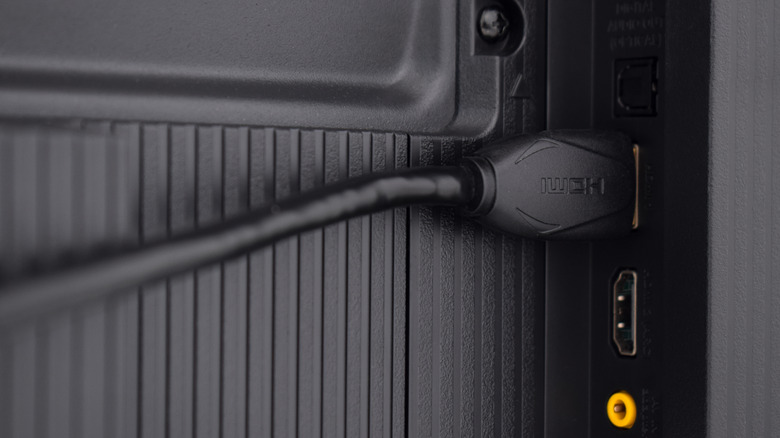
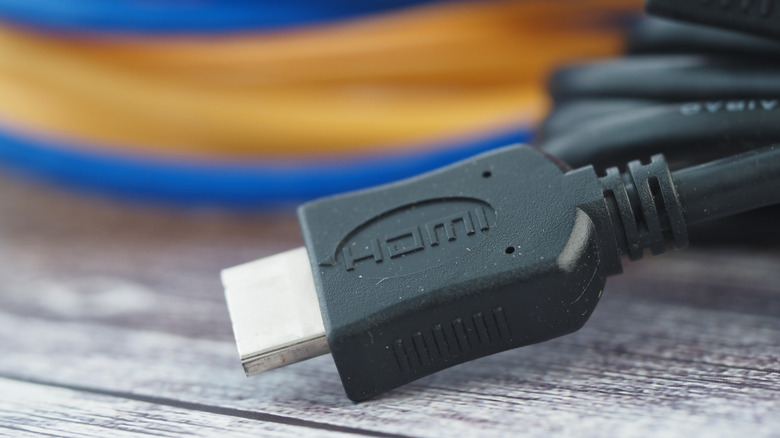
This sounds like an idiotic suggestion at first, right? Surely all you need to do is plug the HDMI cable that came with your Series X into your television, and you'll be ready to enjoy the best Xbox games , no? It's not always that simple.
Though your current TV may support HDMI 2.1, the input that ensures the Series X can display its maximum resolution and framerate, that doesn't mean all of your TV's ports are 2.1 compliant. This latest high-def standard really matters, as without it, cutting-edge visual features like Variable Refresh Rate are off the table.
It's important to know the specifics of your current TV. For instance, if it's an aging model that only supports HDMI 2.0, you can stop reading this article now, and content yourself with a top output of 1440p/120 fps or 4K/60 fps from your Series X.…