Published Nov 17, 2026, 7:00 PM EST
Akshay Bhalla was the former game guides editor for Screen Rant and the technology editor at MensXP. He has previously written about smartphones, apps, streaming, gadgets, and games for print, digital, and TV media outlets. When he isn’t writing about tech, he can often be found playing JRPGs, listening to music, or playing with his three dogs.
You can reach Akshay at bhallanator @ proton dot me.
On busy days, multitasking on a phone can be overwhelming, especially for work-related tasks.
I often forget to reply to emails, set reminders, or send updates when I have a lot to do and forget to pick up my phone to set them up.
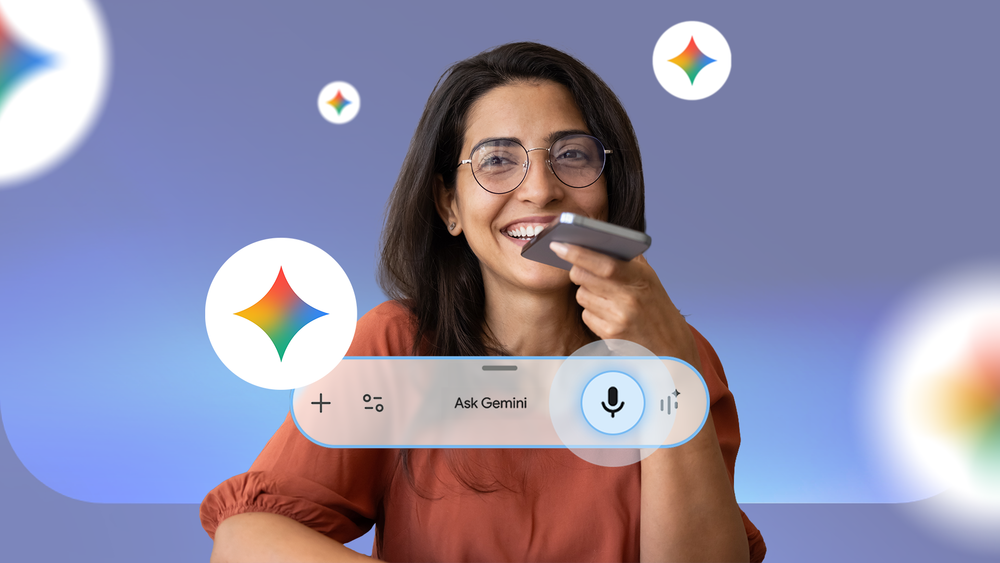
Then I realized I could make my life easier by using Gemini with my voice and staying on top of things without ever missing them.
Here's how I made my phone a hands-free productivity machine.
I start my day with a daily brief from Gemini so that I don't miss anything
A simple question keeps me on top of things
Credit: Lucas Gouveia / Android…