Writing HTML is one of the main parts of building a website. It is mainly responsible for webpage structure and content.
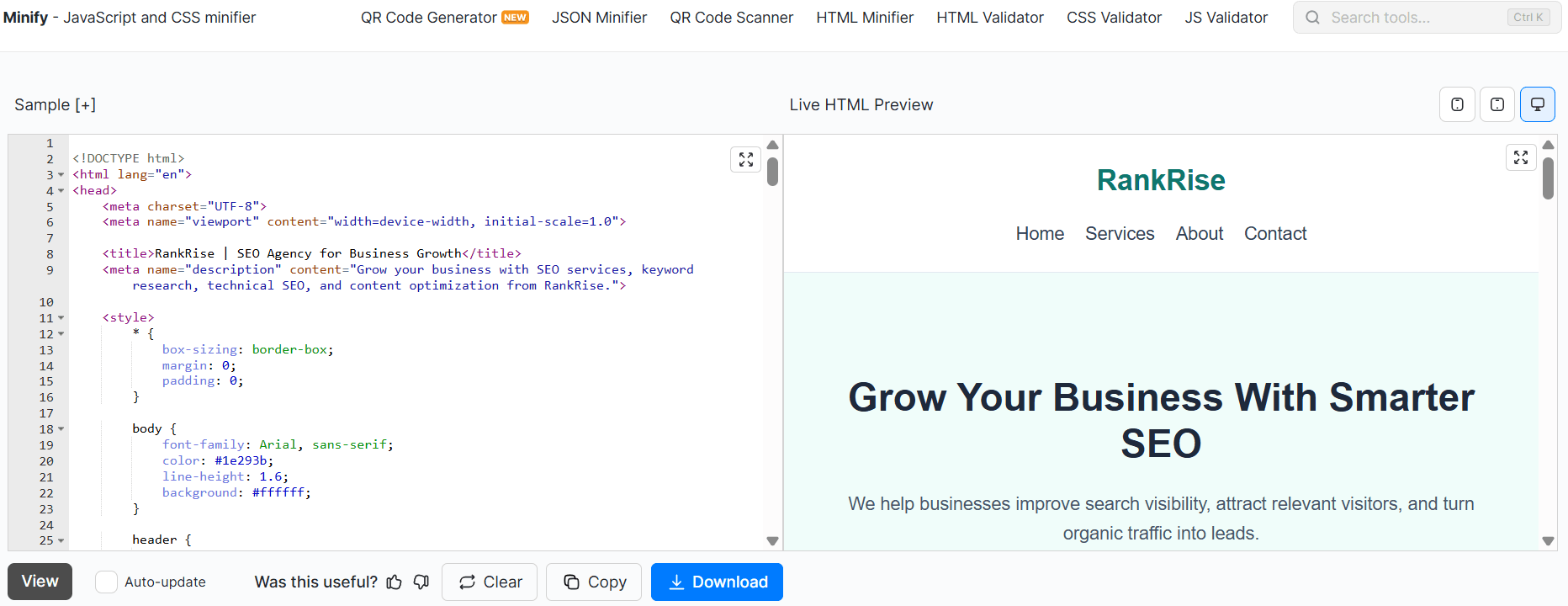
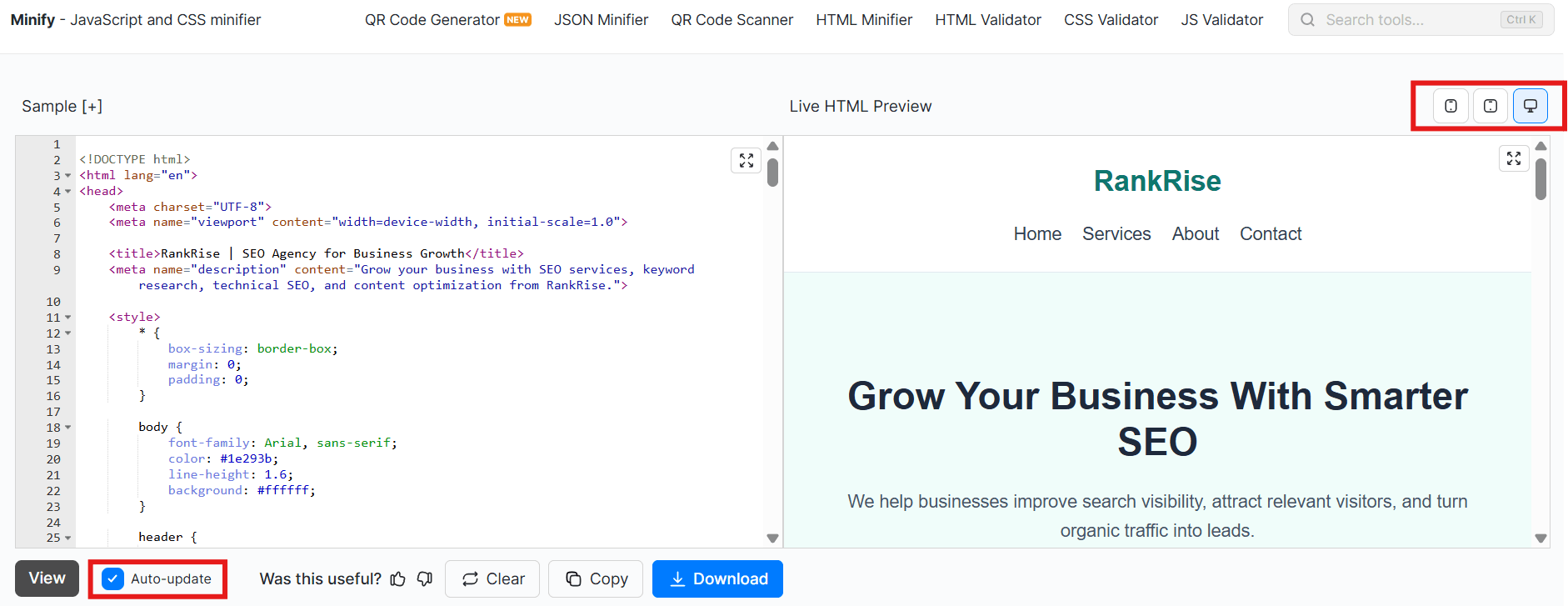
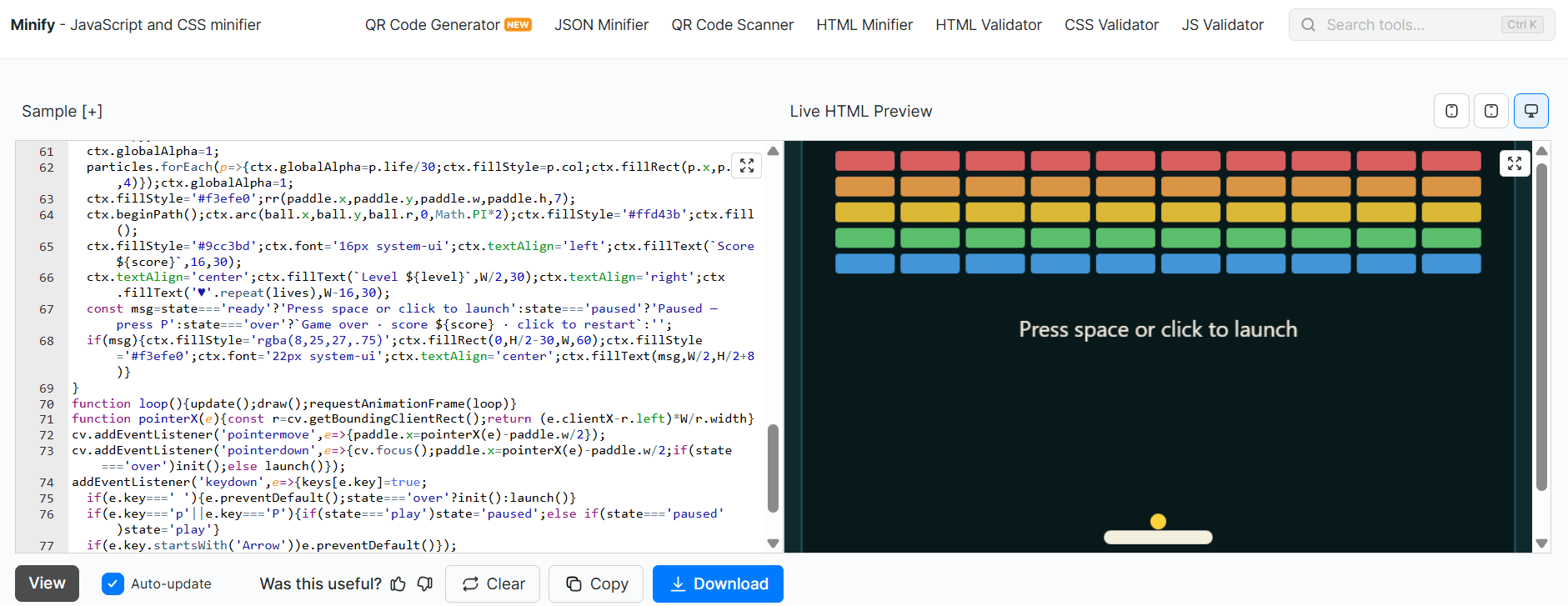
A small error can result in layout problems. Oftentimes, you don't notice these issues until you preview the page in a browser. A quick way to ensure that your layout looks the same as you want is to preview your HTML code.
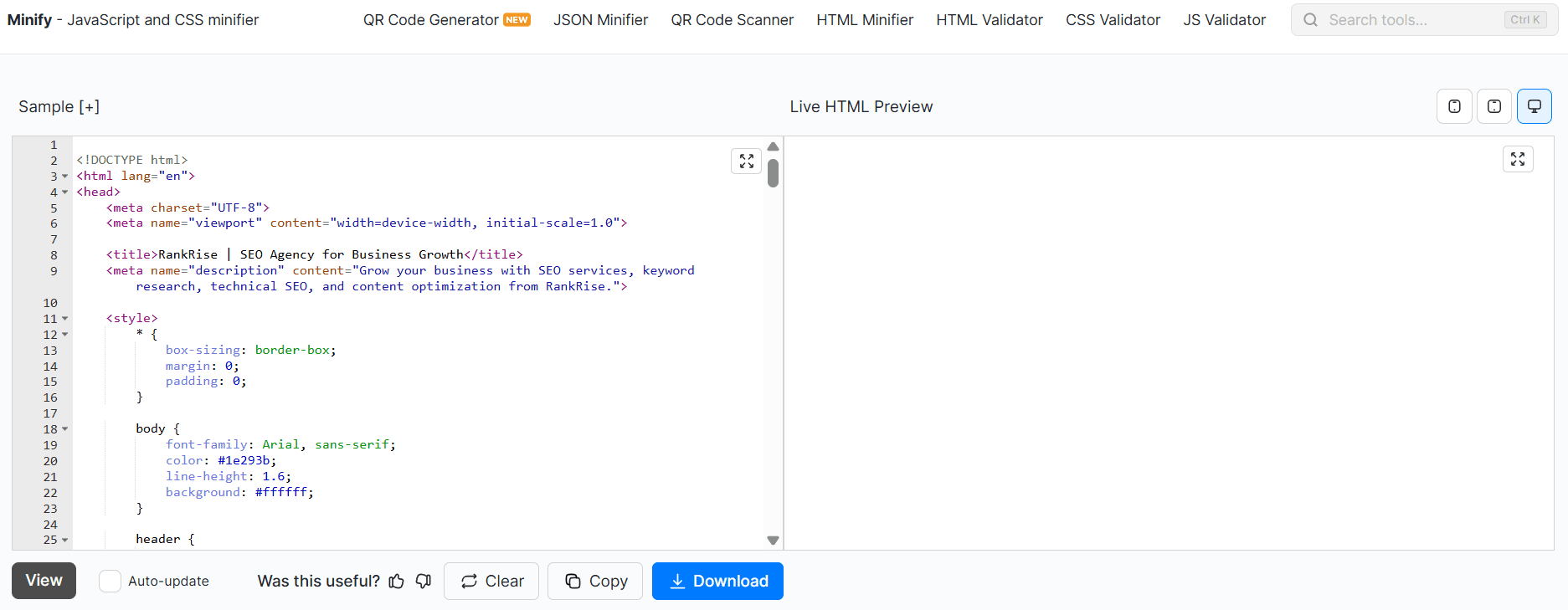
In this blog, we’ll show you easy ways to check how your HTML code will look in real time. So keep on reading till the end.
Quick Ways to Preview HTML Code in a Browser
The following are two easy ways to check how your HTML code will look in real time.
Method 1 - The Local File Method
This is a simple way to preview your HTML. You don't need a web server to preview your HTML code. You have to follow the following steps.
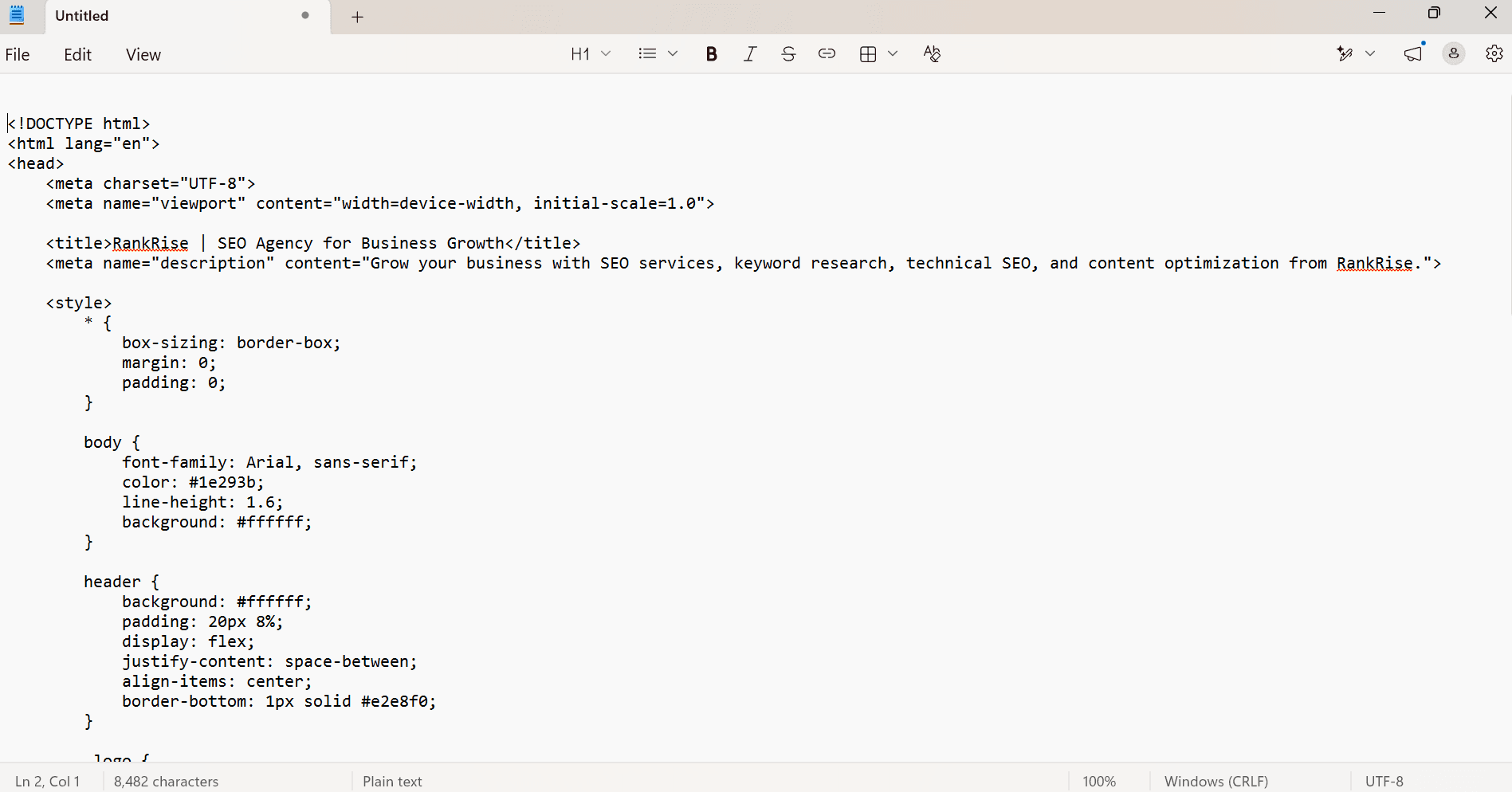
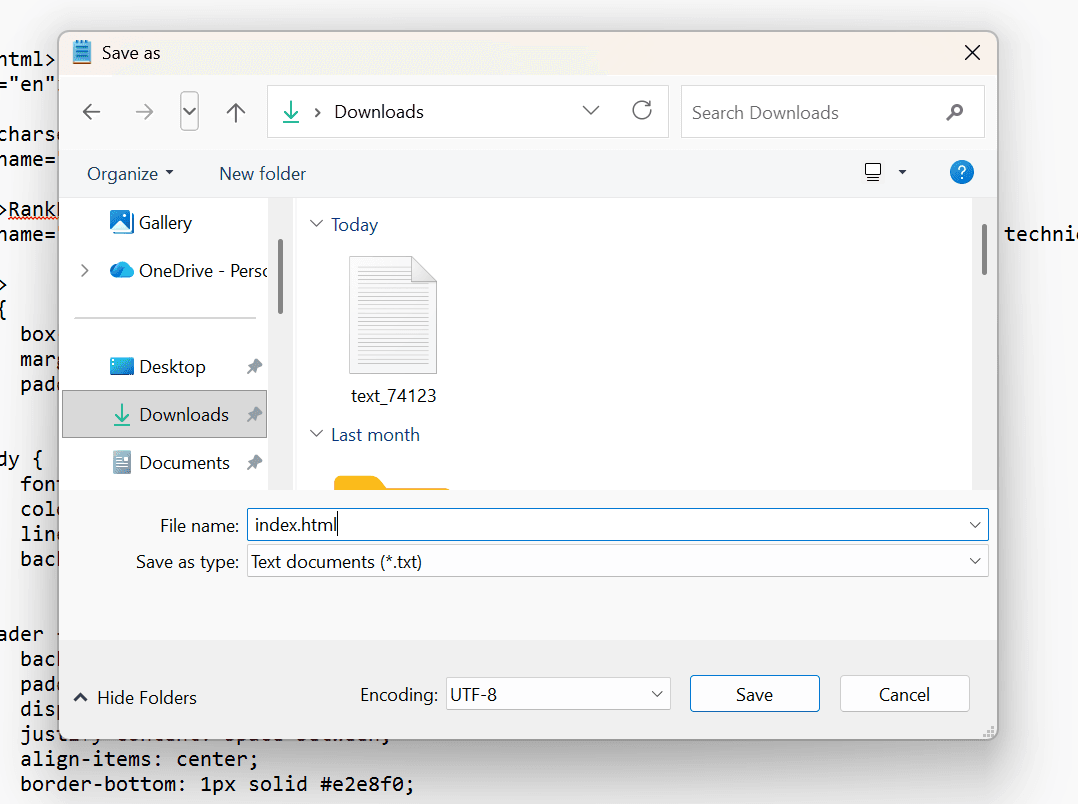
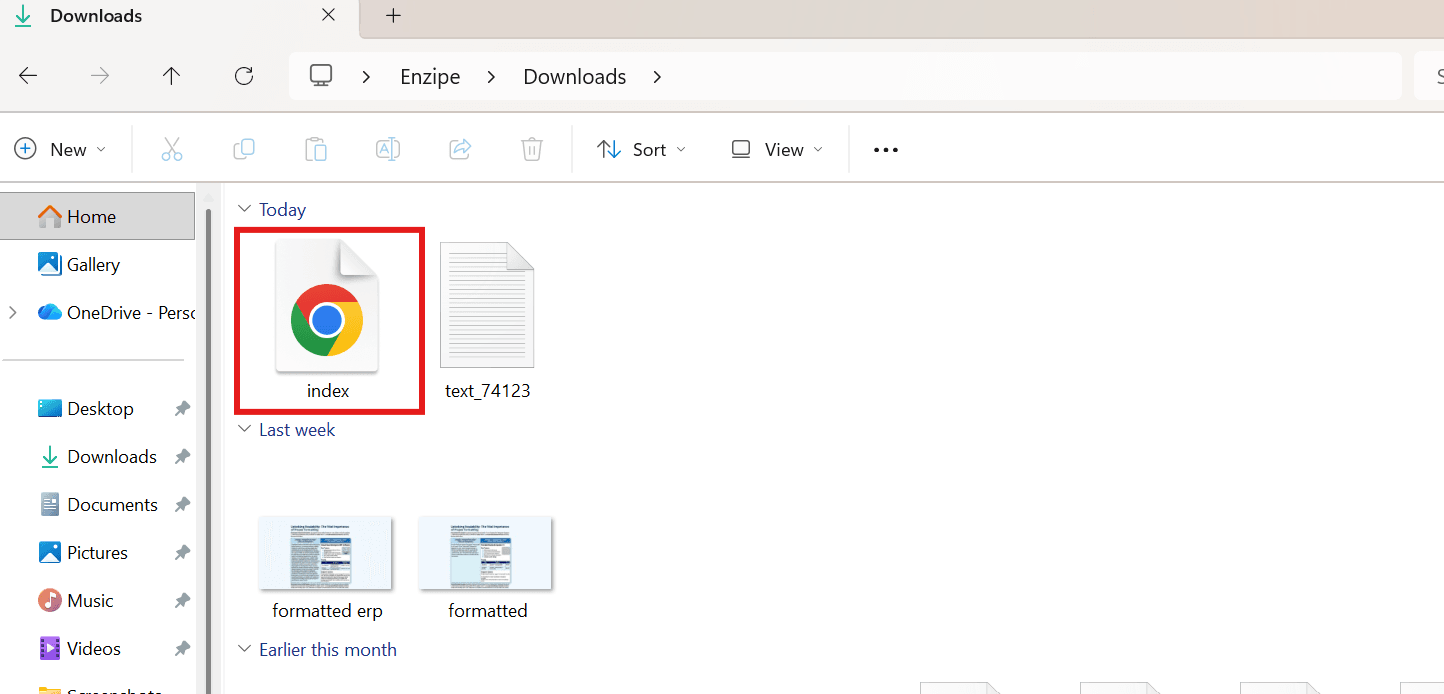
Step 1 - Save the HTML Code
Open a code editor or simply Notepad on your device.…