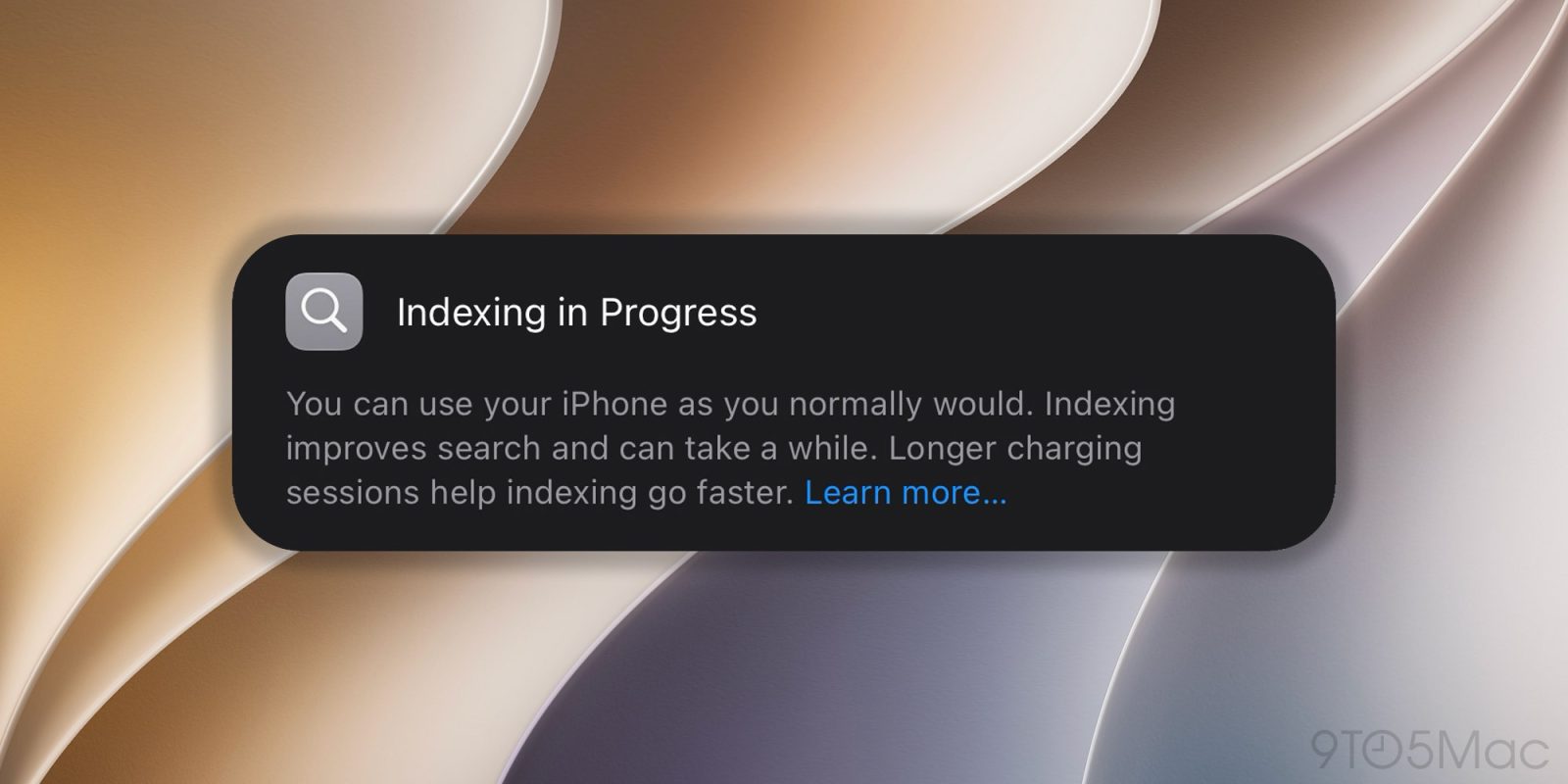
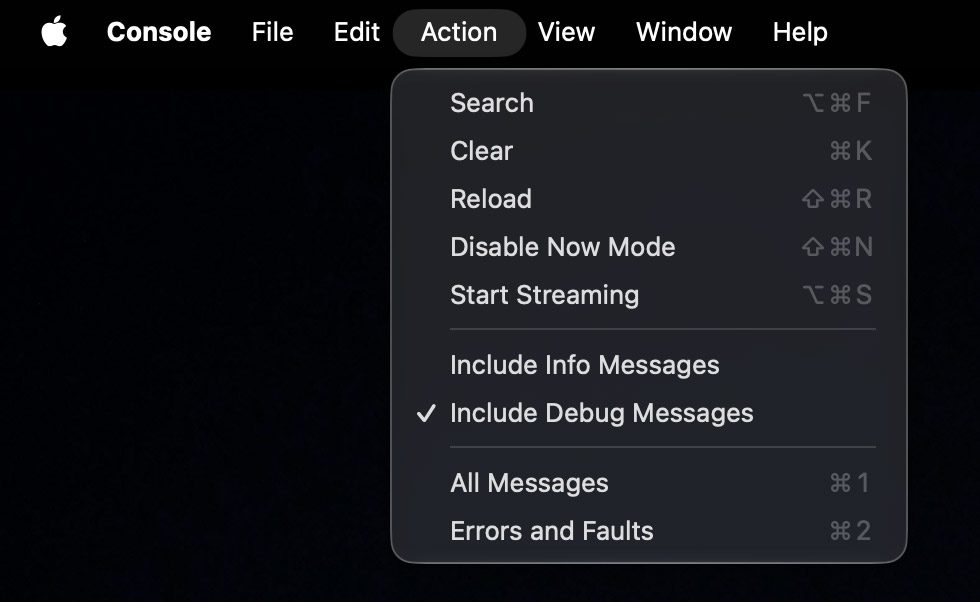
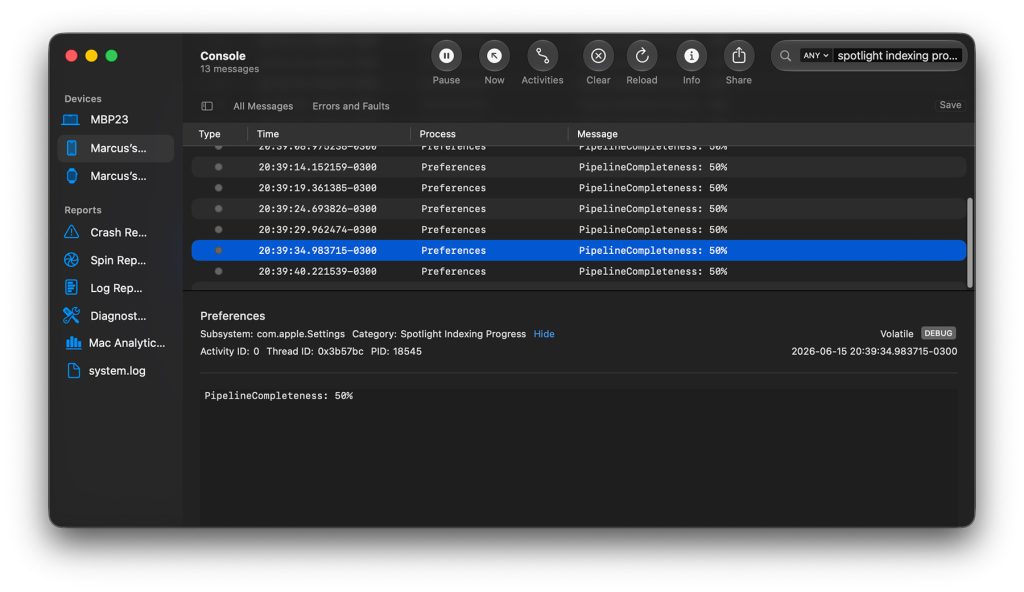
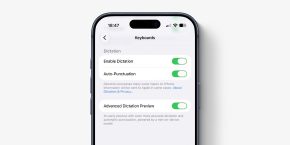
For some iOS 27 beta 1 users, the indexing process is taking much longer than expected. Thankfully, there’s a way to check the actual percentage from a Mac. Here’s how. How to check indexing progress on iOS 27 beta 1 As Apple explained during the WWDC26 keynote , iOS 27 completely overhauls how the system indexes user content, partly due to the revamped Apple Intelligence models and the underlying Apple Foundation Models. After installing iOS 27 beta 1, the system completely reindexes the iPhone’s content, based on the new structure. Users can check whether the indexing process has completed by opening Settings. On devices still indexing, a banner says: Indexing in Progress You can use your iPhone as you normally would. Indexing improves search and can take a while. Longer charging sessions help indexing go faster. Learn more… While indexing appears to be fast for some users, it can take much longer for others.…