Published Nov 11, 2026, 4:00 PM EST
My love for computers started with a trusty Compaq back in 2005, and I haven't looked back since. This had me graduate into being an avid tinkerer, even if I end up soft-bricking stuff most of the time.
I do also love video games.
Running Windows 11 on older machines has always been a bit of a challenge, but thankfully there do exist a bunch of community-driven programs to fix this. Some of these programs can even be used to bypass Windows 11’s strict hardware requirements — such as the dreaded TPM 2.0 lockout.
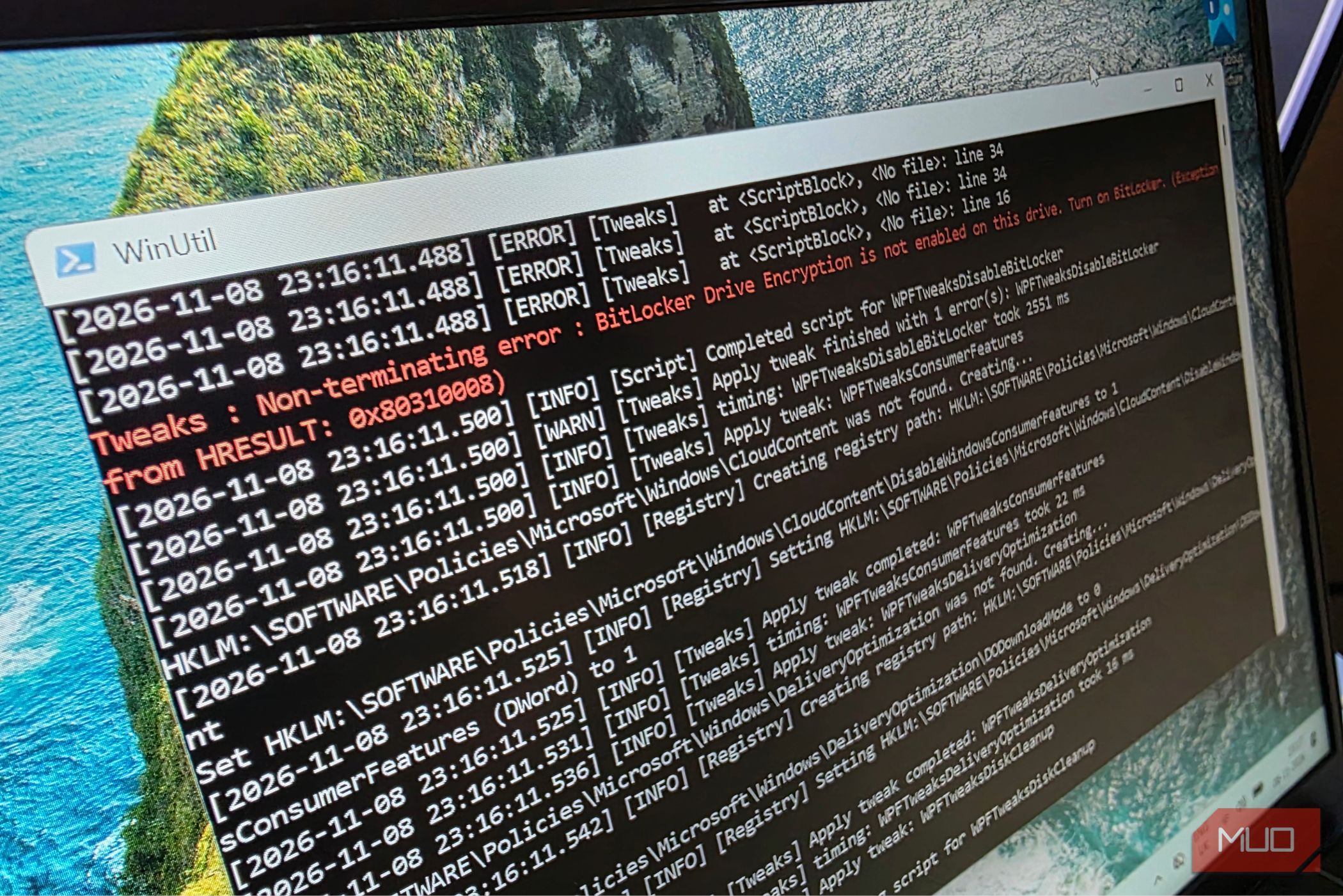
To test it out, I installed two separate, fresh copies of Windows 11 on the same Dell Inspiron 7320 laptop, comparing a bunch of parameters to determine the answer to the ultimate question: How good can Windows 11 run without Microsoft’s many unnecessary “features”?
Set the power profile to performance and update all drivers
It’s the simplest fixes that often make all the difference
No matter how many tunings you perform, an already weak machine will start…