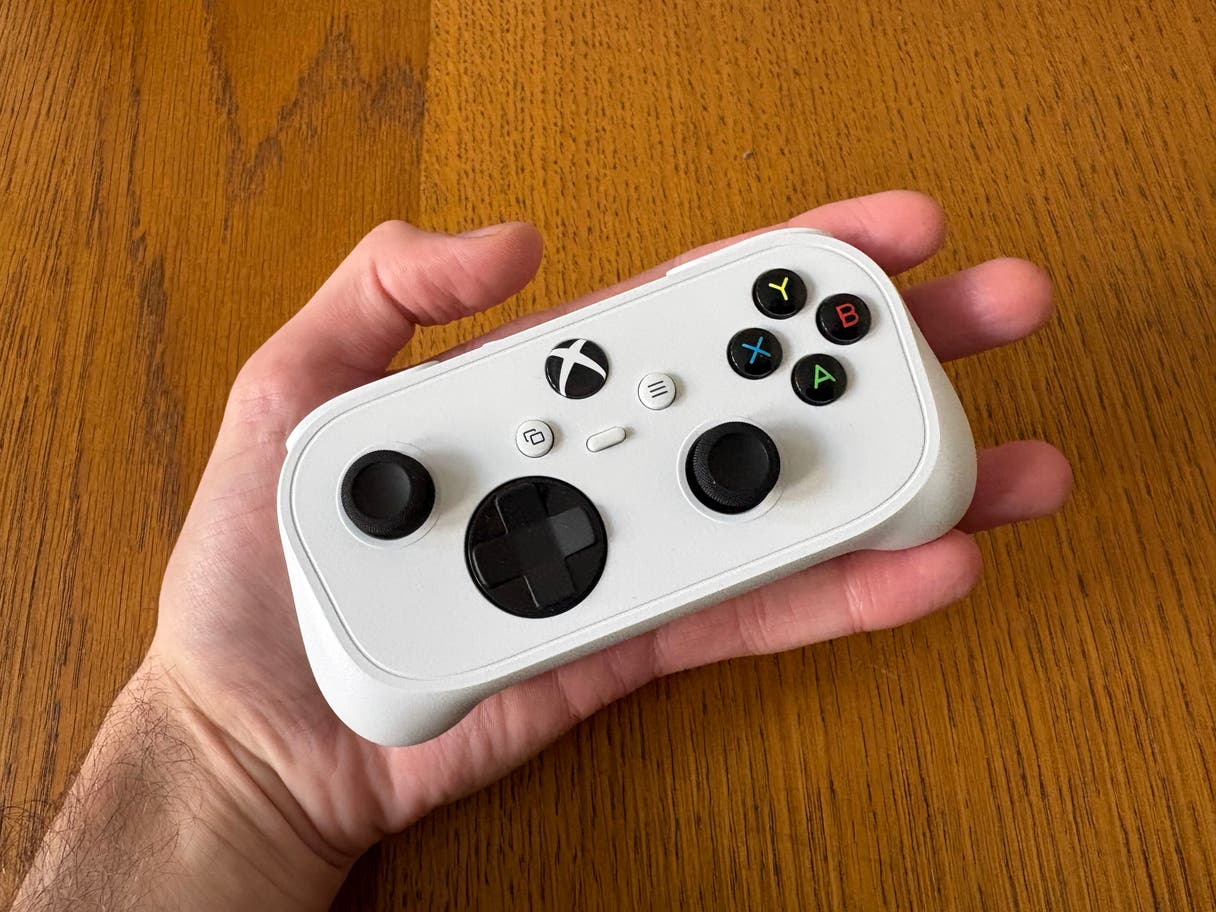
Xbox nano controller design
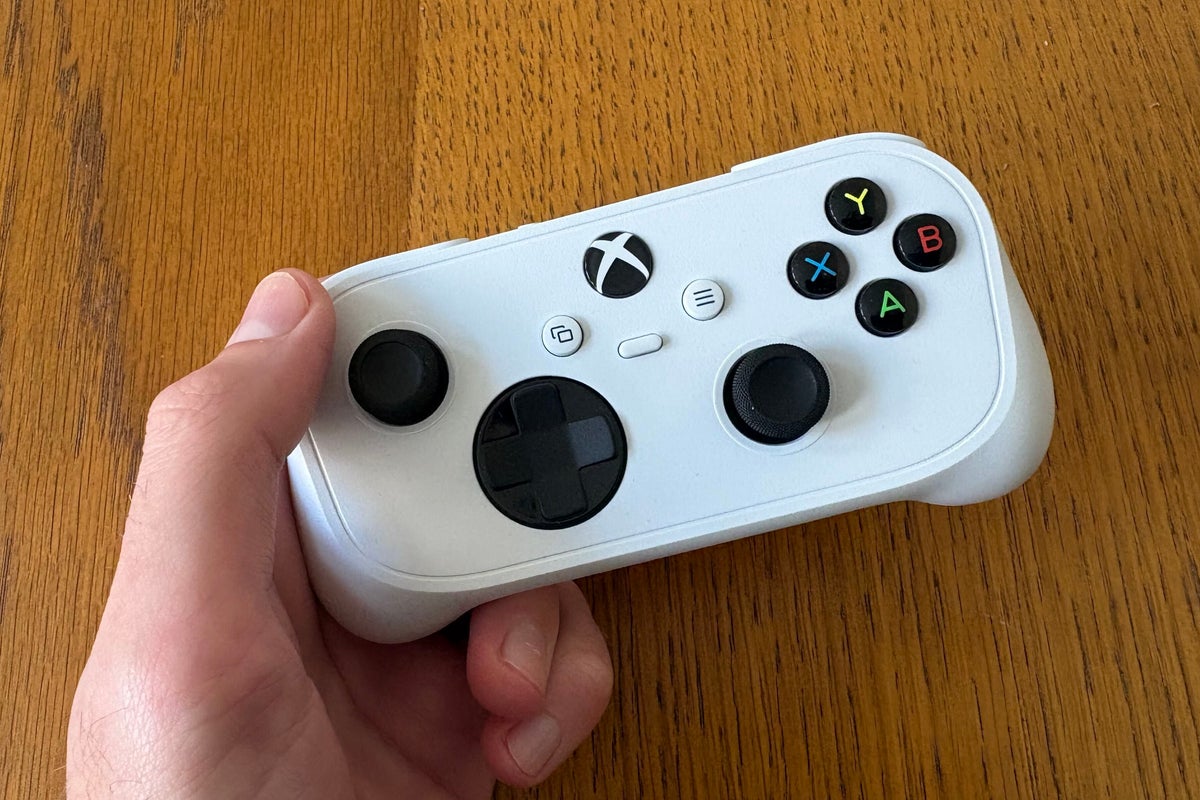
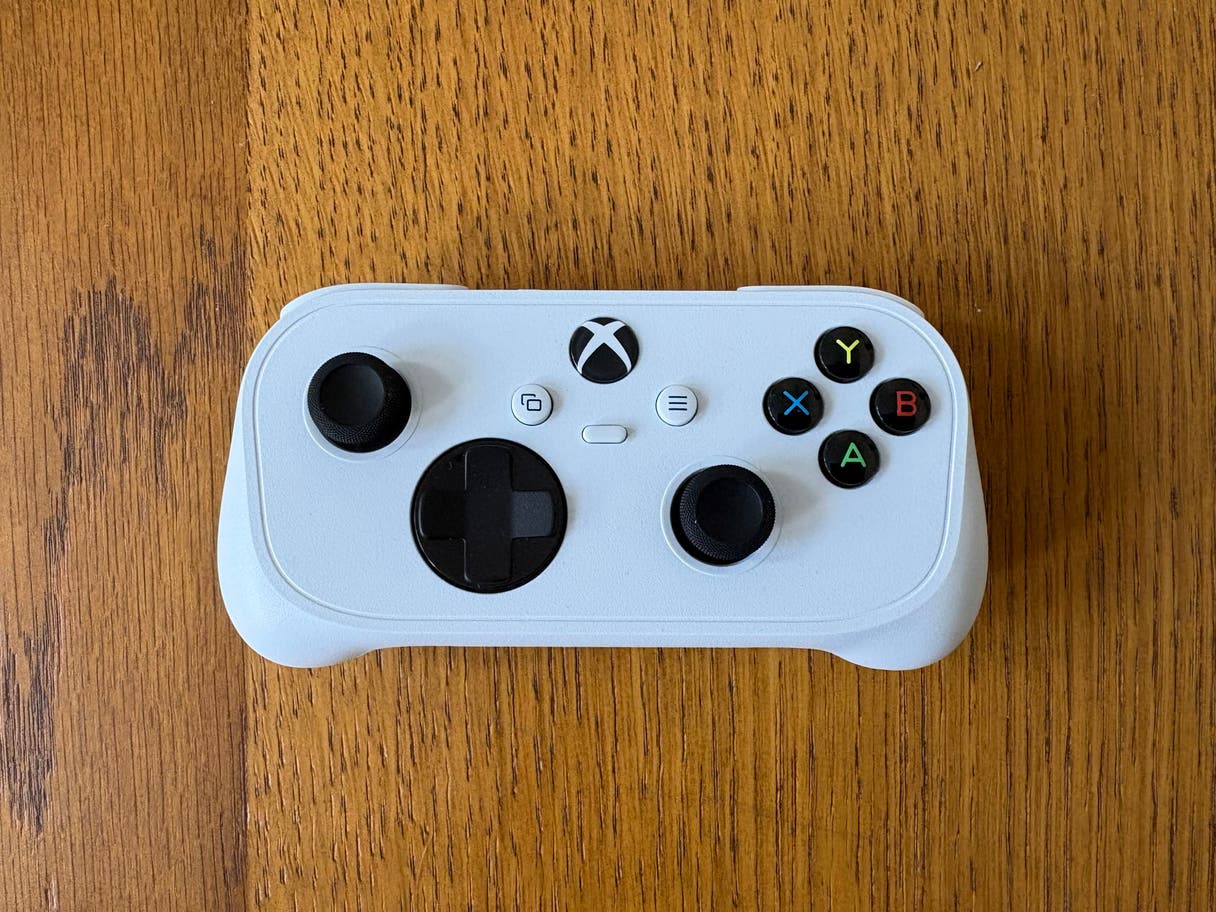
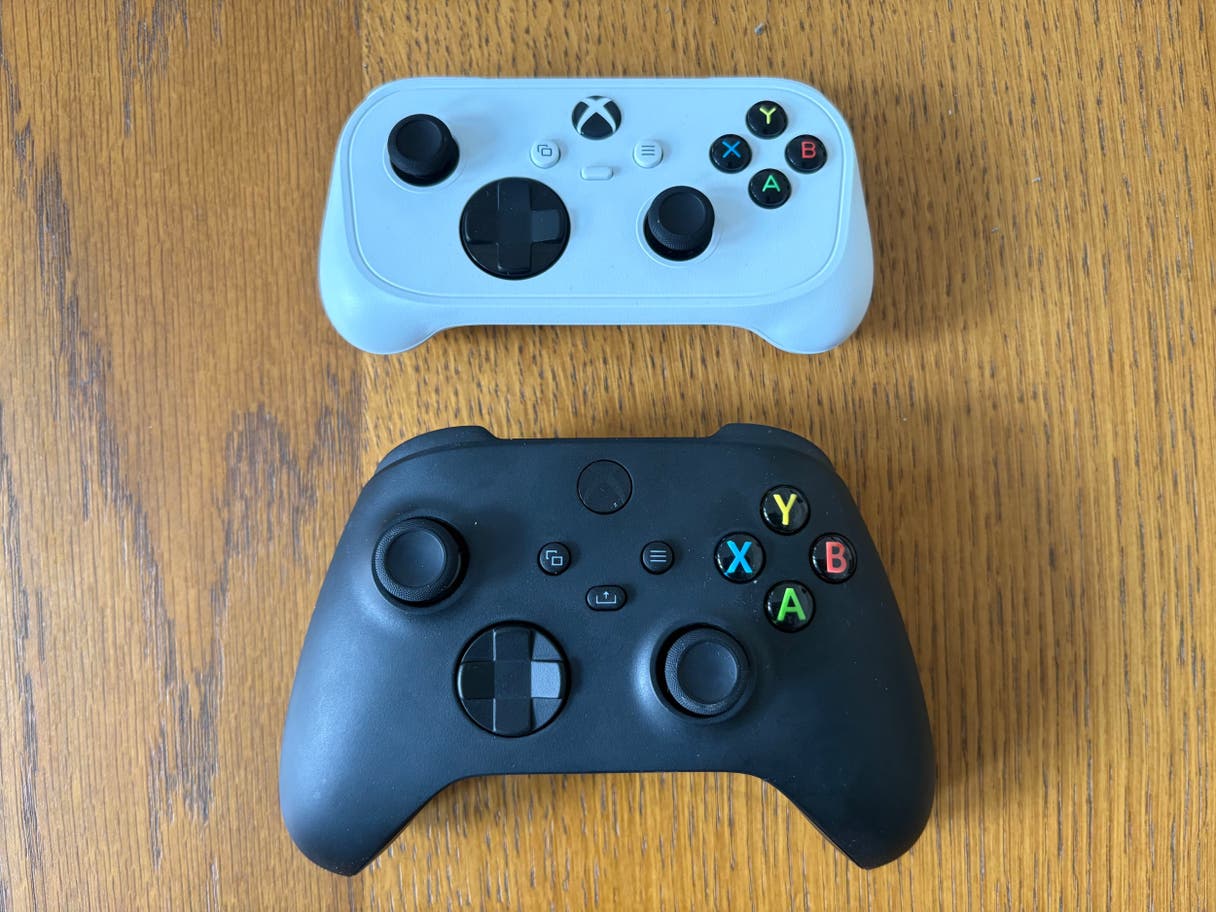
In short, the Xbox nano controller is like a standard Xbox controller but condensed into a smaller package. It has all the face, shoulder, centre, and directional buttons you’d expect, including a customisable action button that can be configured for screenshots, gameplay capture, or other shortcuts.
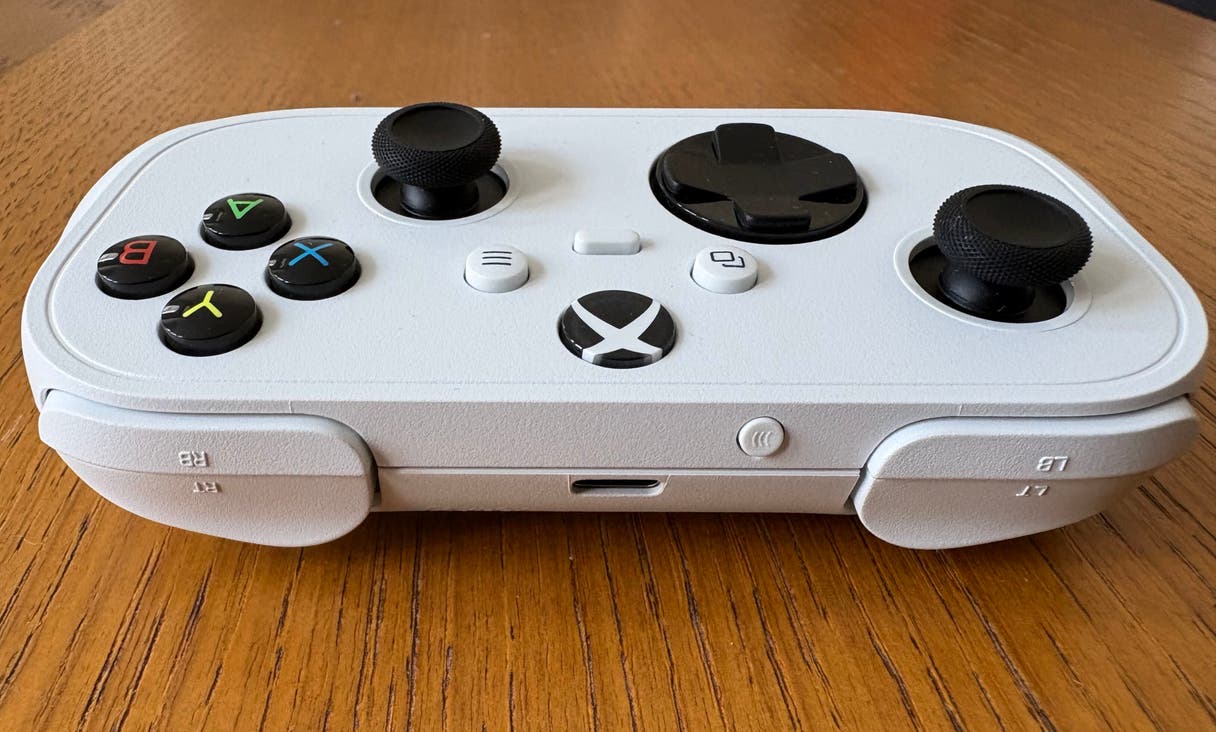
There are asymmetrical sticks, a D-pad, the Xbox button front and centre, which acts like the power button or button to access a hub, view and menu buttons, ABXY face buttons, left and right bumpers, left and right triggers, a small connectivity button for pairing devices, and a USB-C port.
Xbox cano Controller is, in short, a smaller version of a standard Xbox controller (Jake Brigstock, The Independent)
Xbox nano controller setup
The Xbox nano controller is so simple and easy to set up. If you want to connect with a wire, plug a cable into the console or device you want to play on and plug the other USB-C end into the back of the controller.…