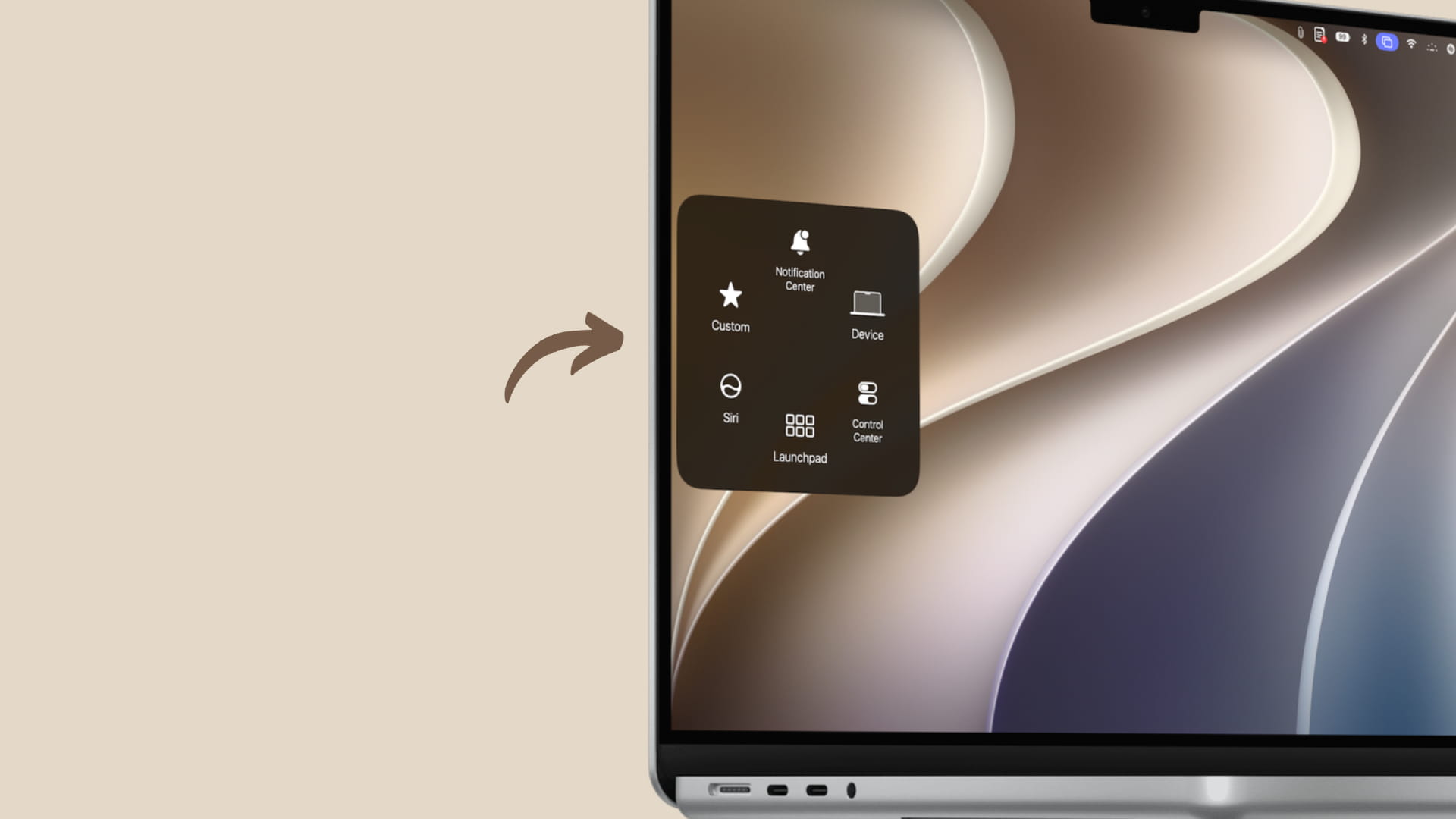
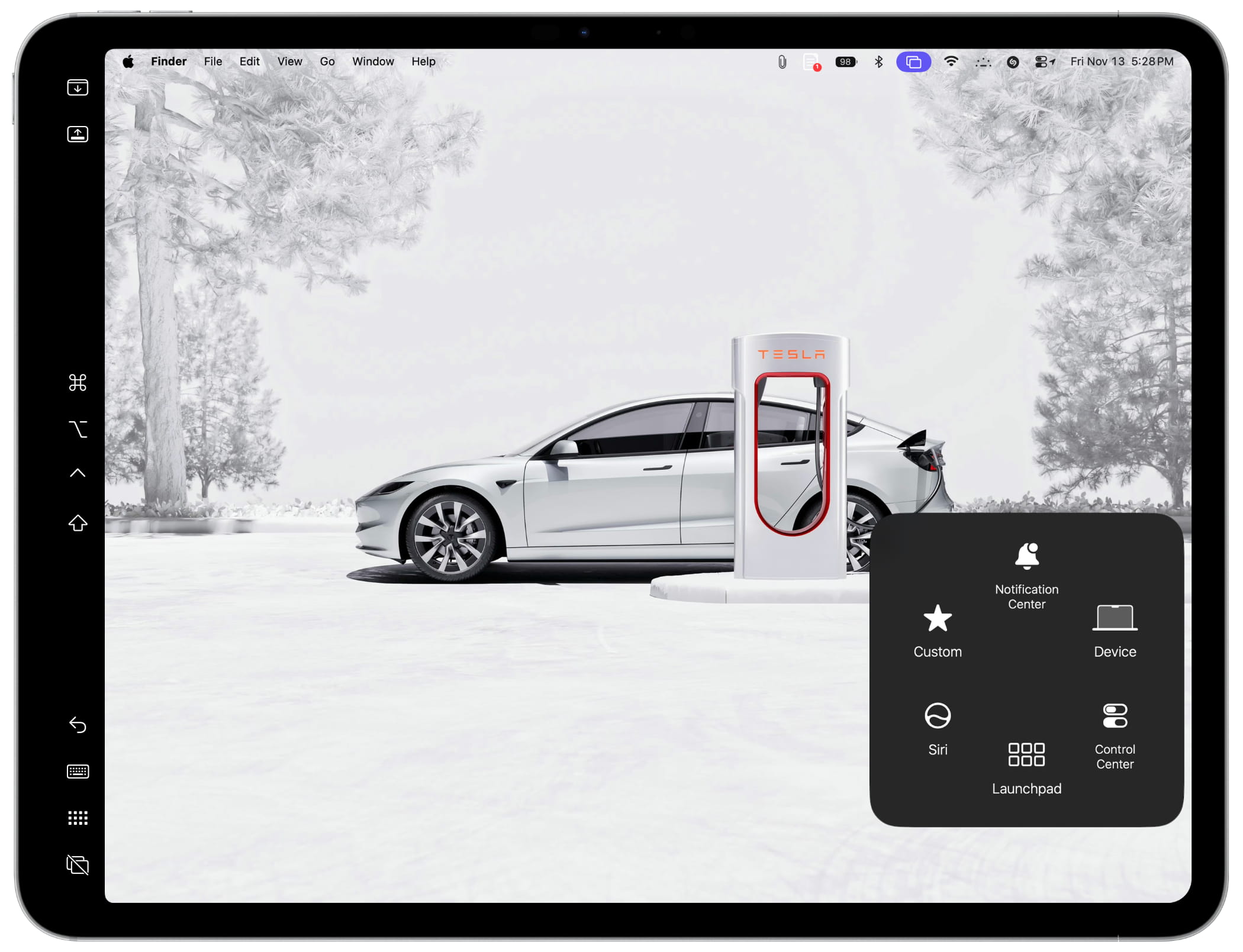
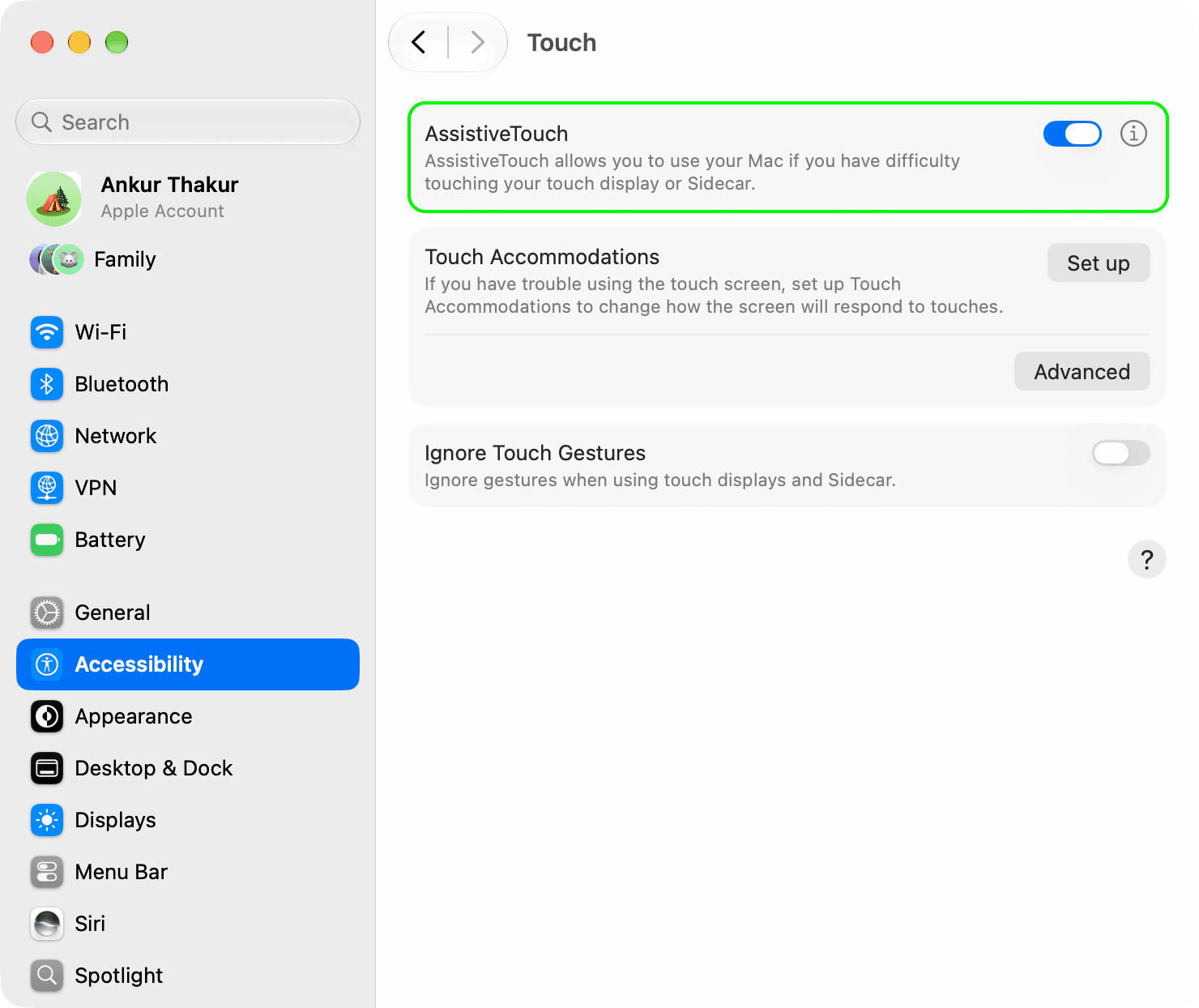
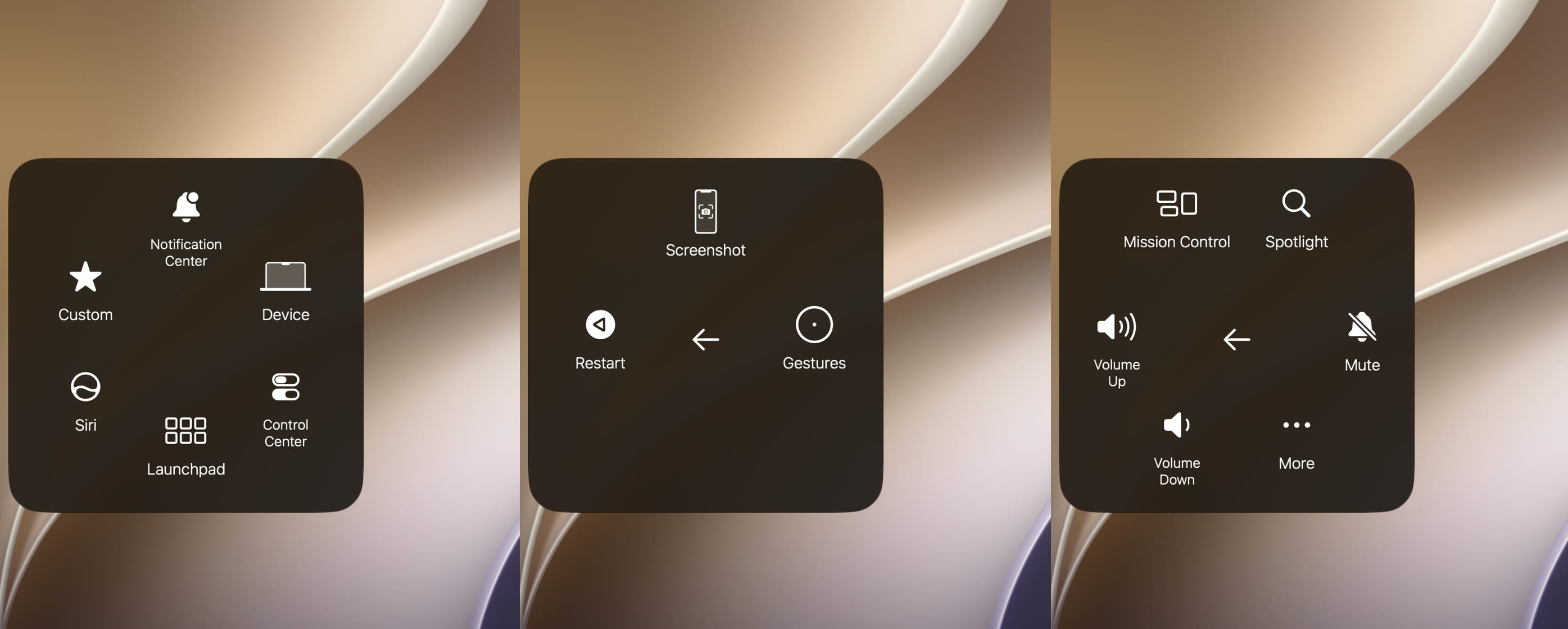
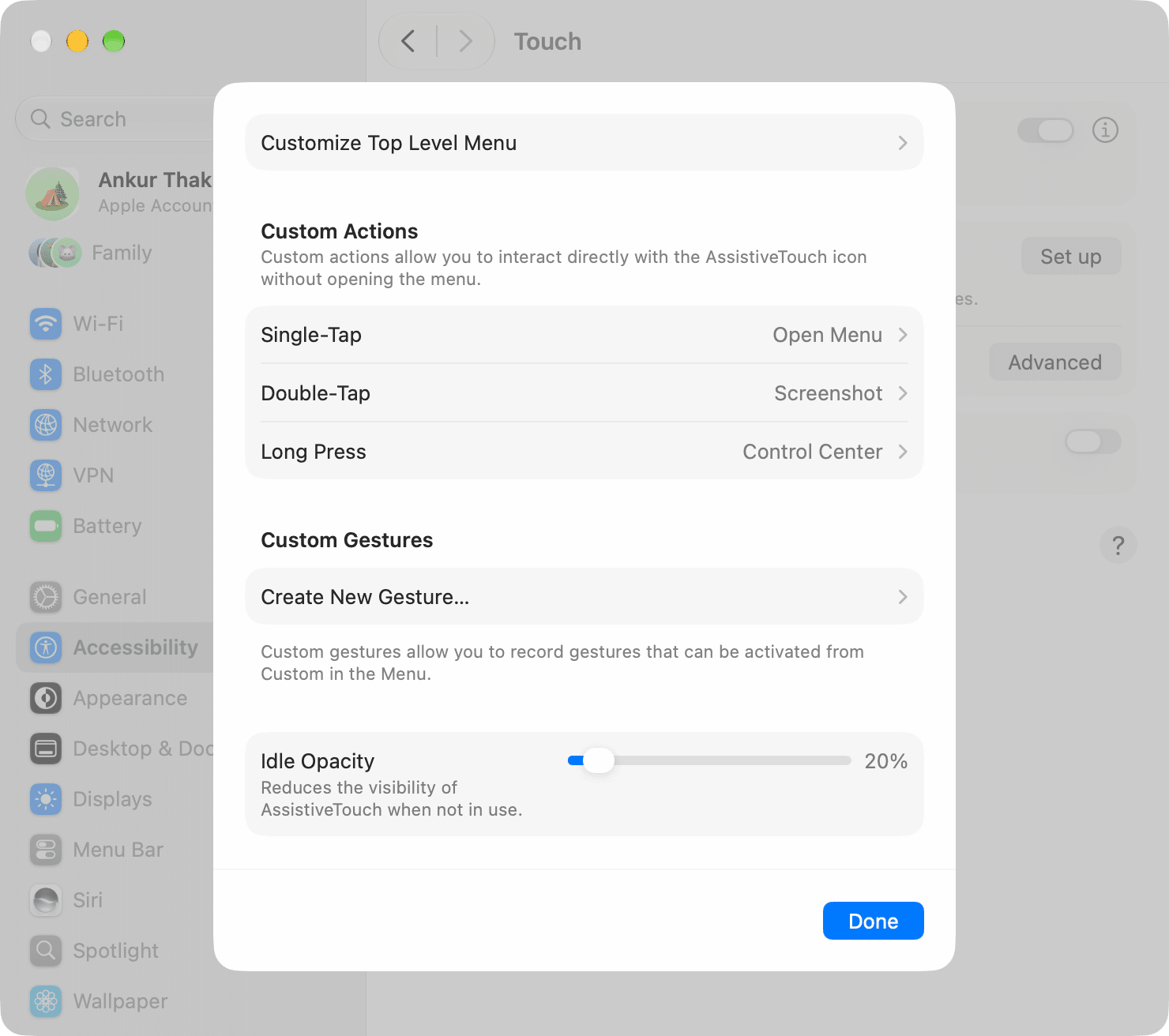
Learn how to show the floating AssistiveTouch button on your Mac’s screen to take quick actions when using the touchscreen, trackpad, mouse, or Sidecar.
The AssistiveTouch you’re familiar with on iPhone and iPad is now also available on Mac desktops and laptops running macOS 27 Golden Gate.
Apple added this touch-based iOS feature to macOS for two reasons:
Apple now offers a touchscreen Mac in its lineup — the new MacBook Pro with a PROLED XDR display .
Sidecar (i.e., using iPad as Mac’s secondary screen) now supports touch when using Mac desktop or MacBook running macOS 27 Golden Gate.
While AssistiveTouch, as the name suggests, is a touch-first feature, you can also enable it on your non-touchscreen Mac and use it with trackpad and mouse.
And when you use Sidecar , the AssistiveTouch button will appear on both your Mac screen and the iPad’s screen.
The fundamentals, looks, and functionality are similar to iOS, but here’s a quick refresher to get you started.
Update your Mac to the latest version of…