Published Nov 8, 2026, 7:00 PM EST
I cover Android with a focus on productivity, automation, and Google’s ecosystem, including Gemini and everyday apps. With a background in engineering and software development, I tend to go beyond surface-level tips.
Before joining AP, I wrote for tech publications such as Gizbot in 2023 and iJunkie (formerly known as iPhoneHacks) from 2021 to 2022.
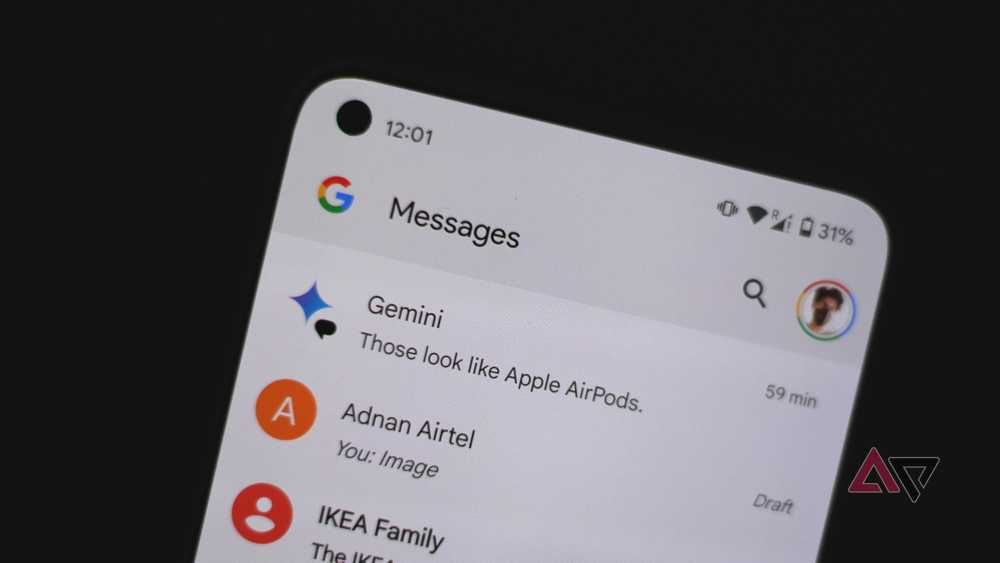
Google Messages is my go-to texting app, but I don't love everything about it. My inbox gets messy quickly with promotional texts, verification codes, delivery updates, and conversations.
Even when I only want to find an important message , I must wade through numerous chats.
After I spent some time cleaning things up and turning off distractions, the app became easier to manage. These tweaks made the biggest difference.
Turn on spam protection in Messages
Keep unwanted messages away
Unwanted texts are one of the biggest reasons my Google Messages inbox gets cluttered.…