PDF files are commonly used to share presentations, scripts, reports, lesson materials, comic pages, and other visual documents. But reviewing a long PDF page by page can take time, especially when someone needs to understand the overall sequence of scenes, slides, or visual content.
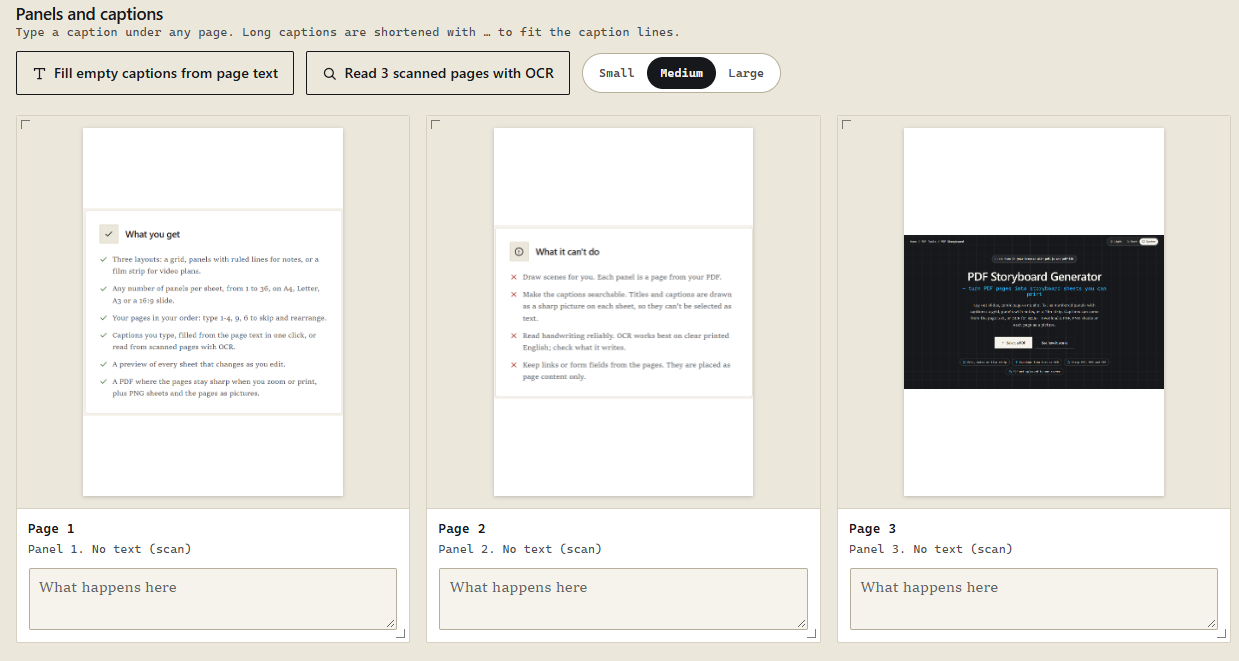
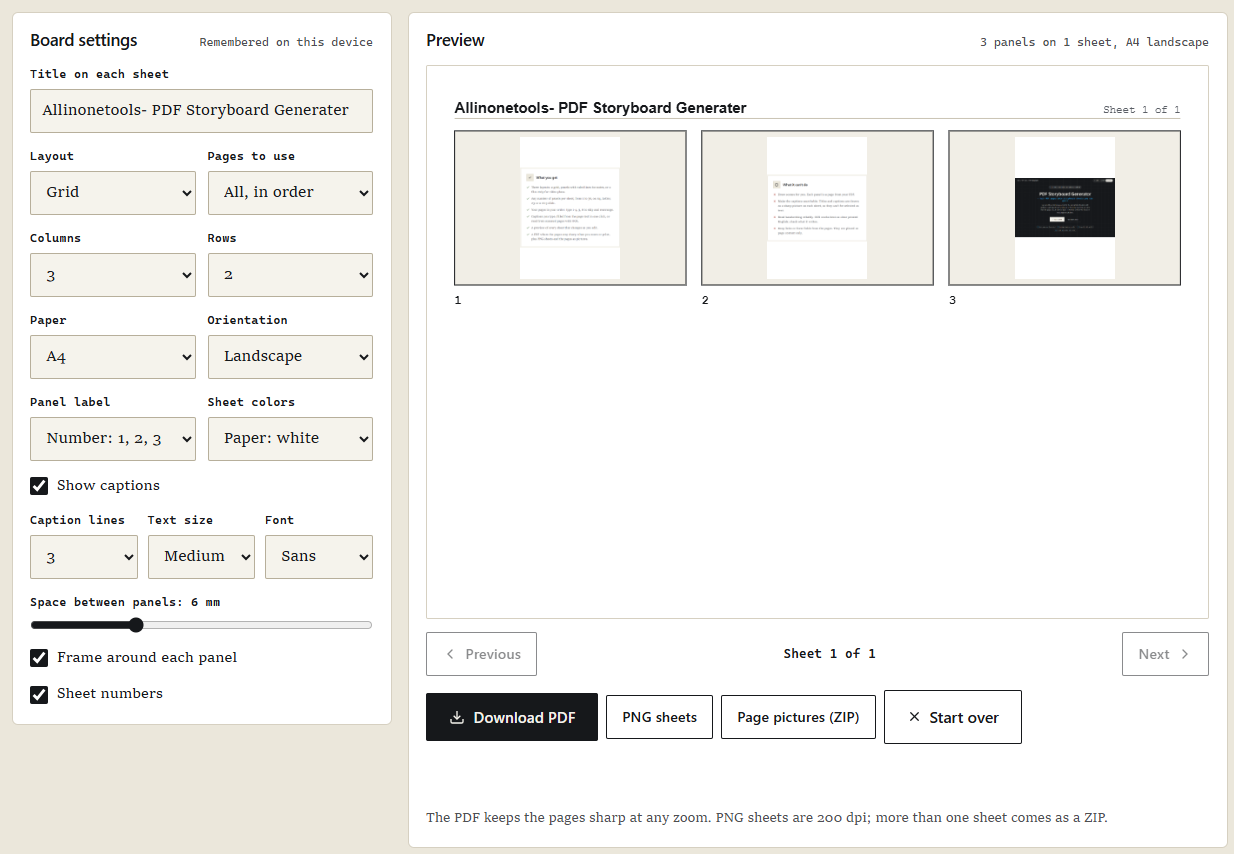
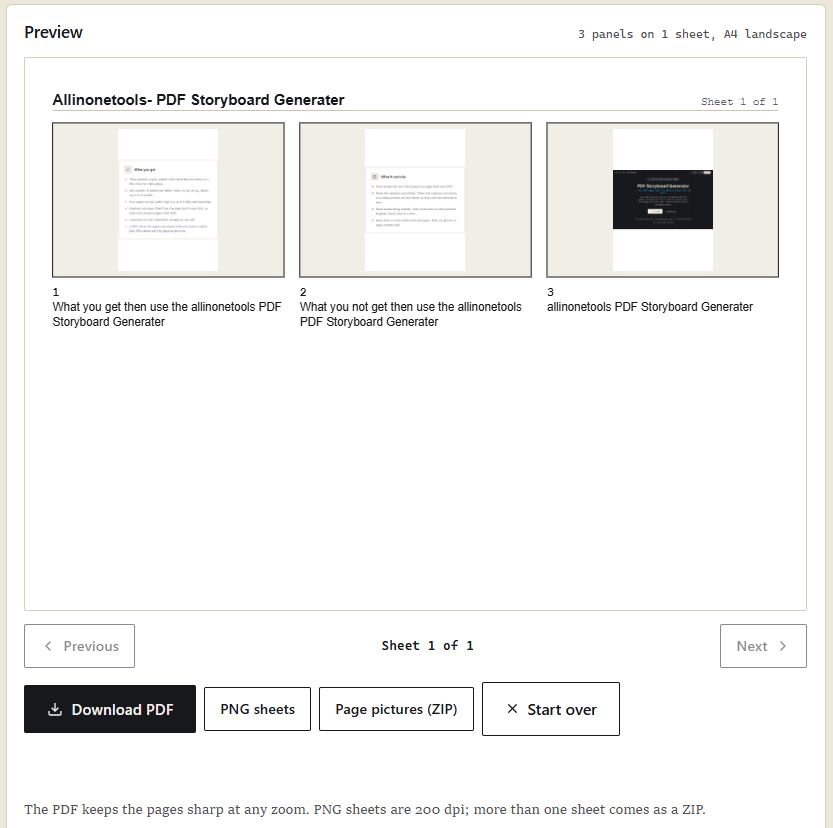
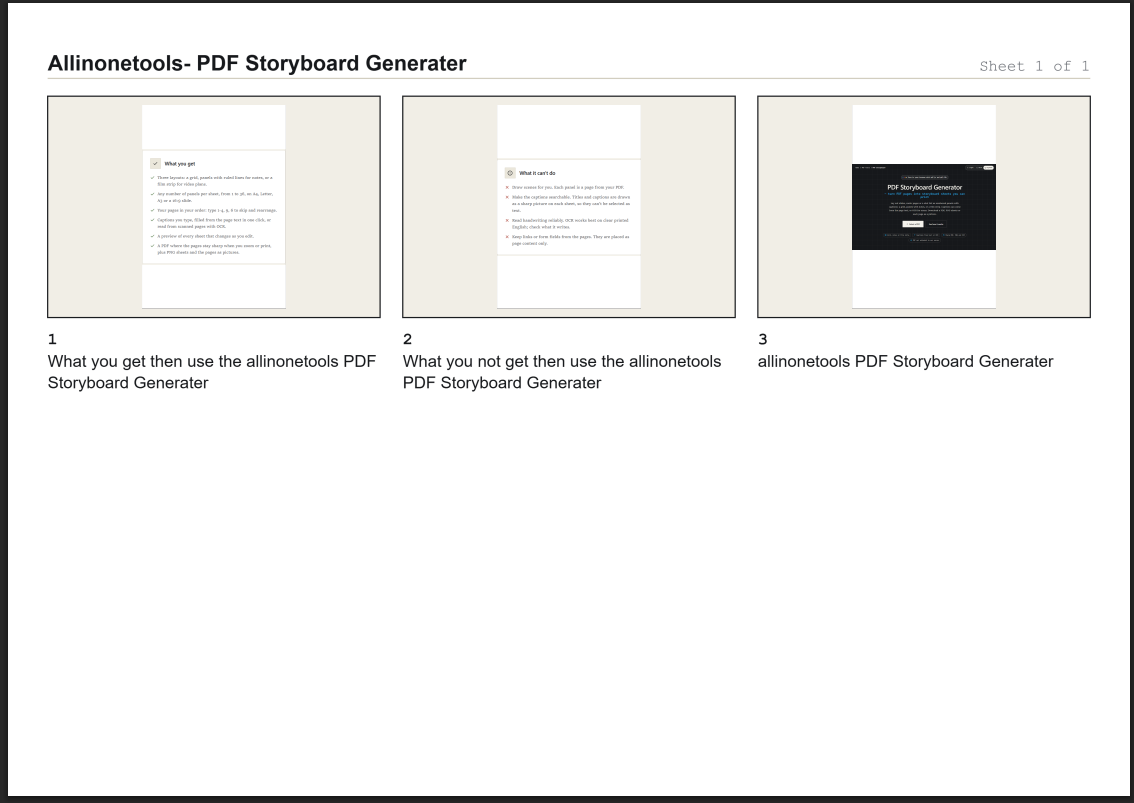
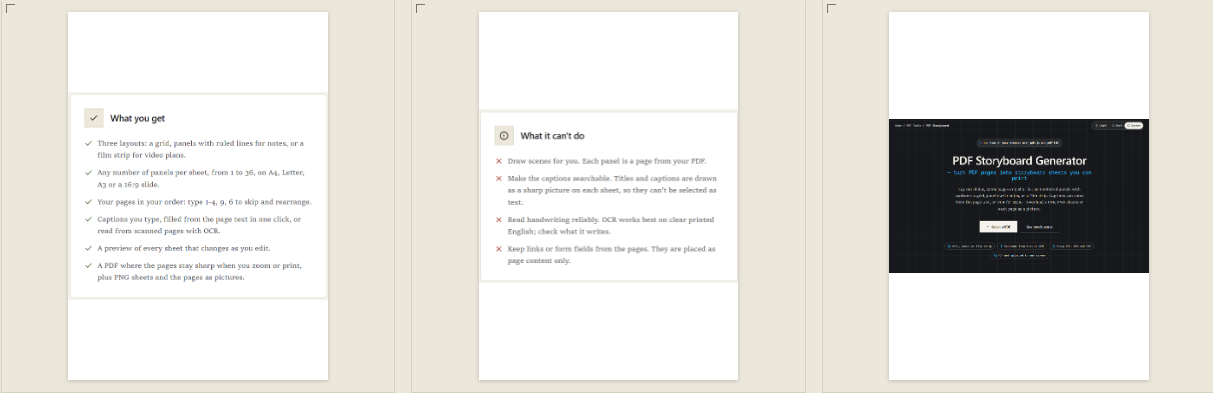
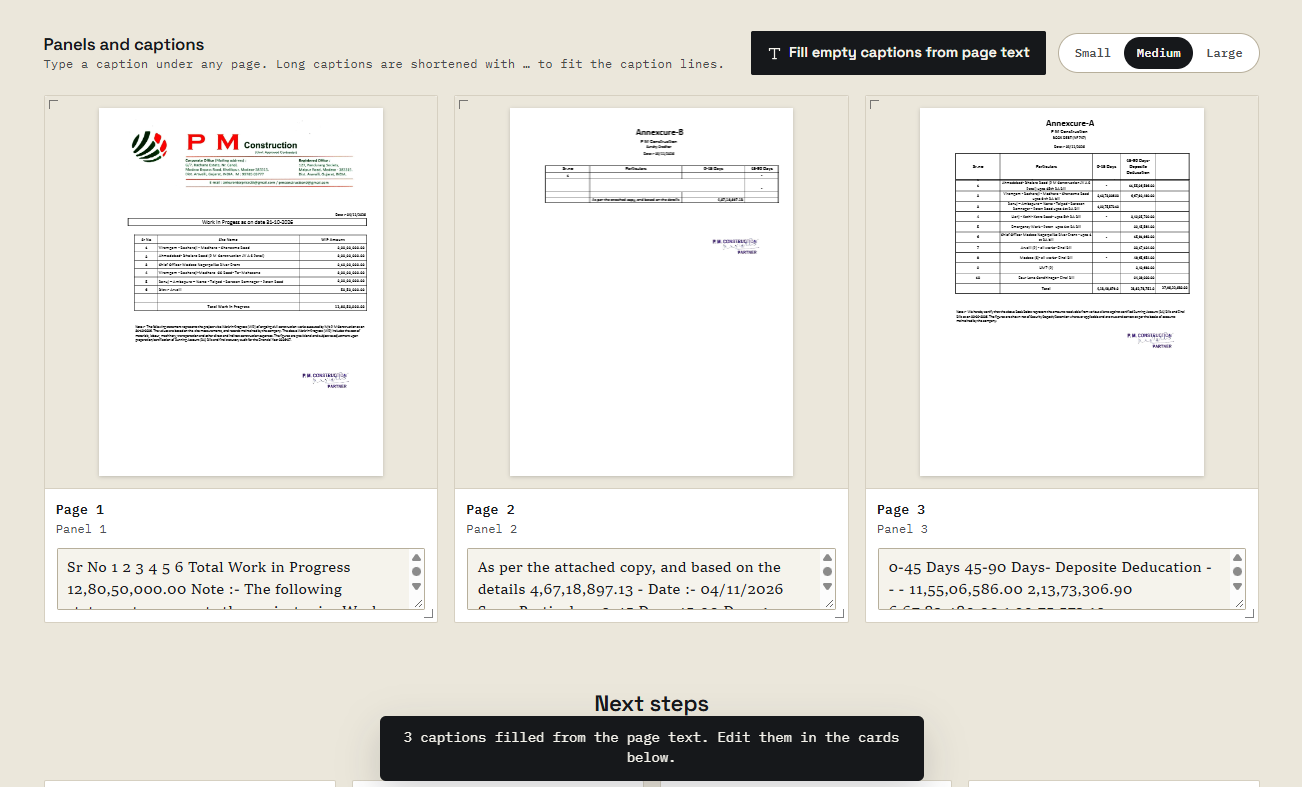
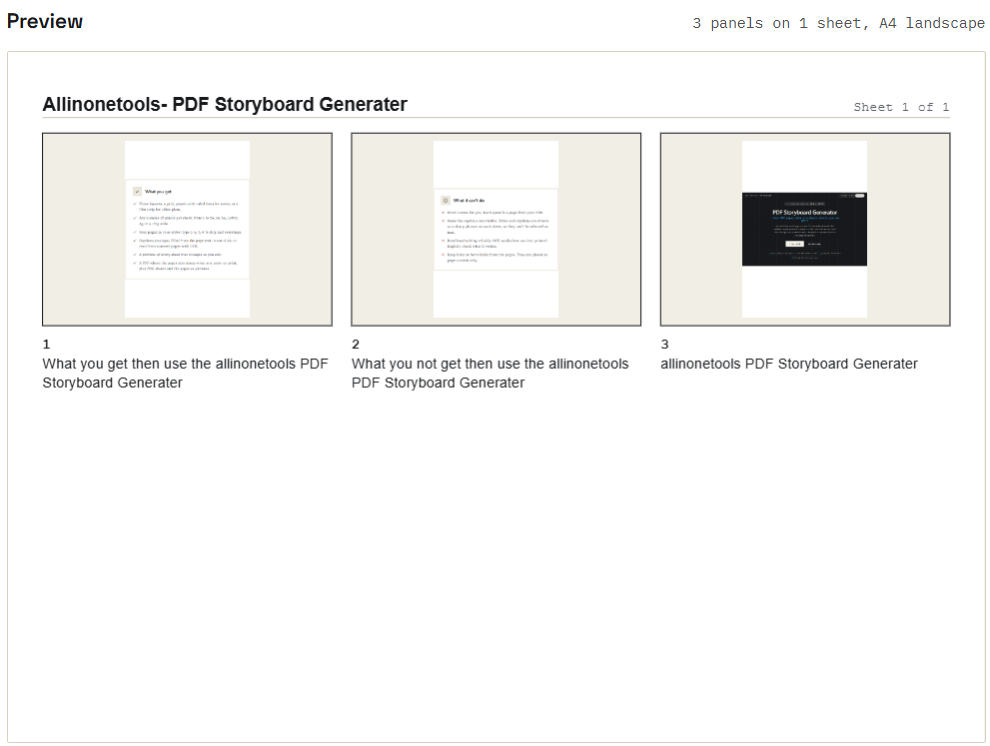
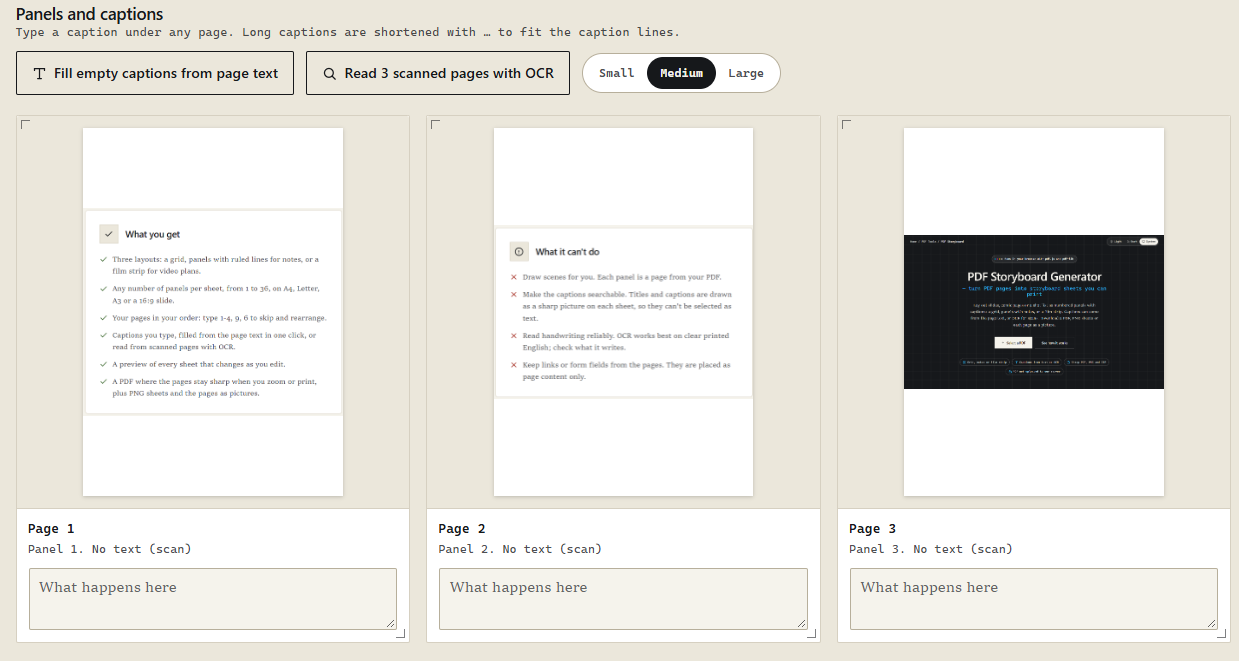
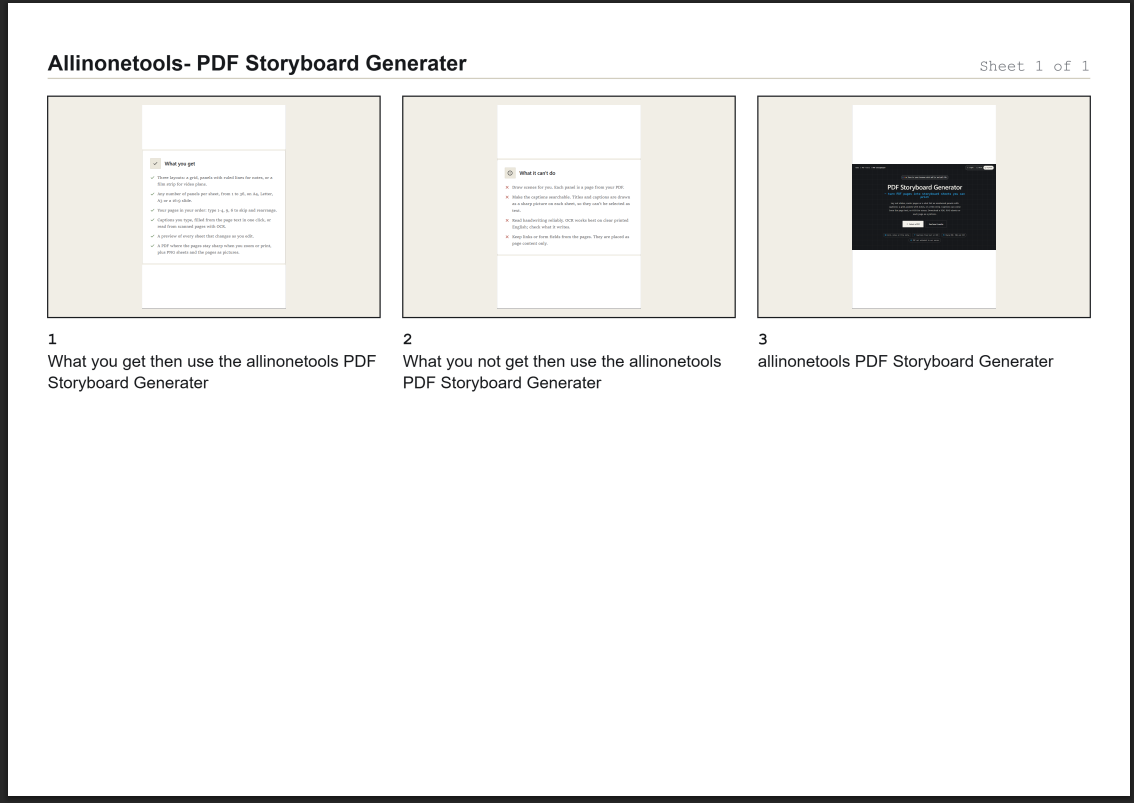
A storyboard provides a more organized way to review this information. Instead of opening every page individually, users can arrange selected PDF pages into a single sheet containing multiple panels. Each panel can include a page number, a caption, and a visual preview of the original page.
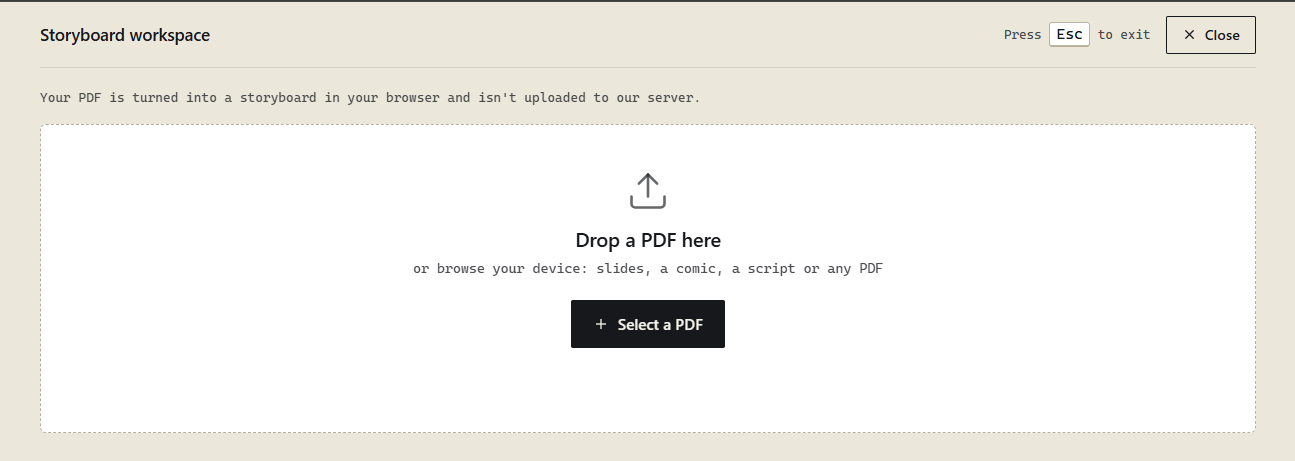
In this tutorial, we'll explore how to build a browser-based PDF Storyboard Generator using JavaScript, PDF.js, and PDF-lib.
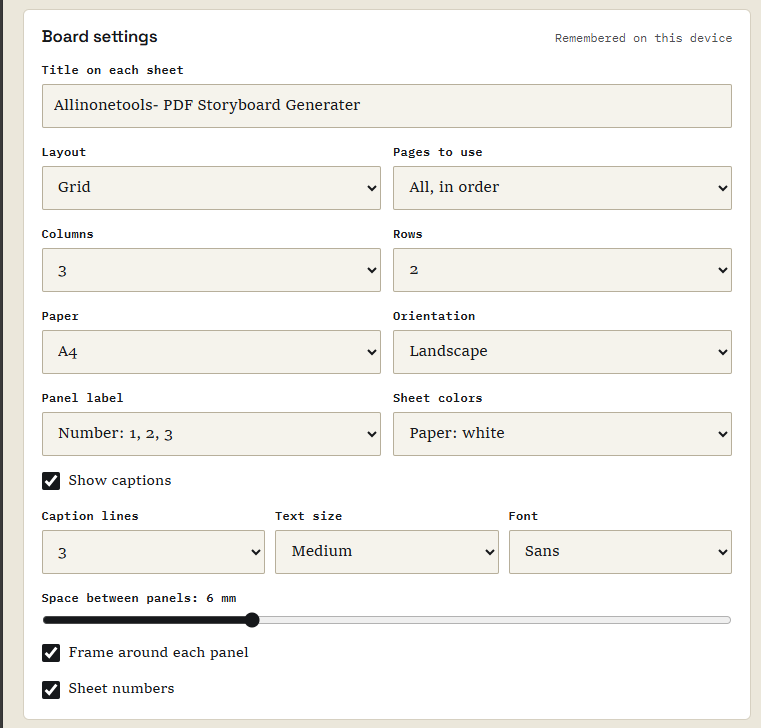
The application takes pages from an existing PDF and arranges them into printable storyboard sheets.…