Quickly access your flashlight on Samsung Galaxy and Google Pixel phones.
Herman Vlad/Getty Images
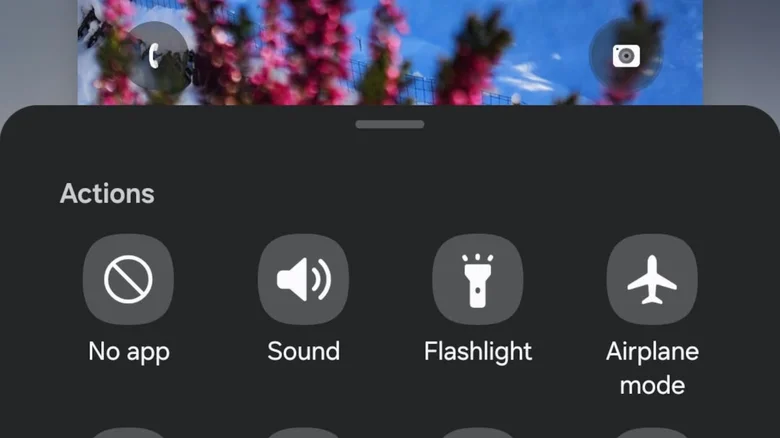
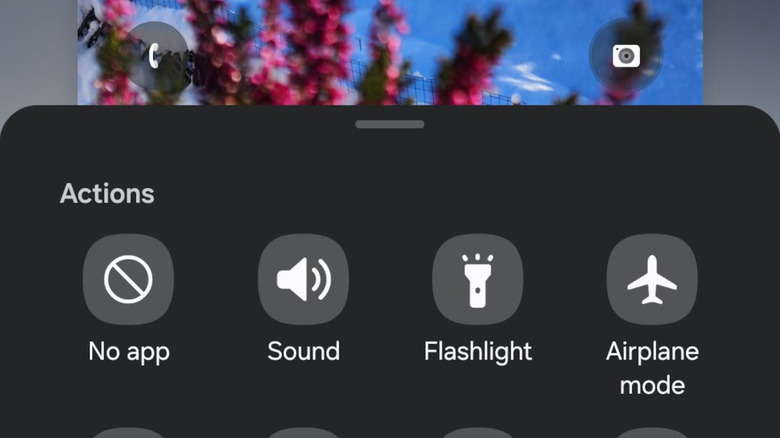
You don't have to unlock your Android phone to switch your flashlight on. There are shortcuts so you can easily and quickly access it in case of emergency. In this post, we'll focus on Samsung Galaxy and Google Pixel phones, both of which have a customizable pulldown menu from the lock screen where you'll find a slew of useful tools.
If you want to go the hands-free route, you can also you can ask your AI assistant to turn on the flashlight for you in both cases. Start by saying "Hey, Google" without unlocking your phone and then follow it up with "Turn on the flashlight."
Google Pixel
You can find the flashlight button on your Pixel phone by swiping down from the top of the screen to bring up the Quick Settings menu. Just tap on the flashlight icon to switch it on, then tap it again to switch it off.…