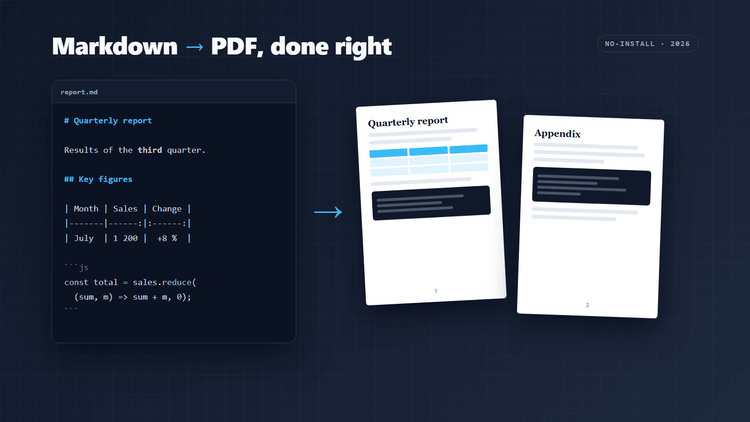
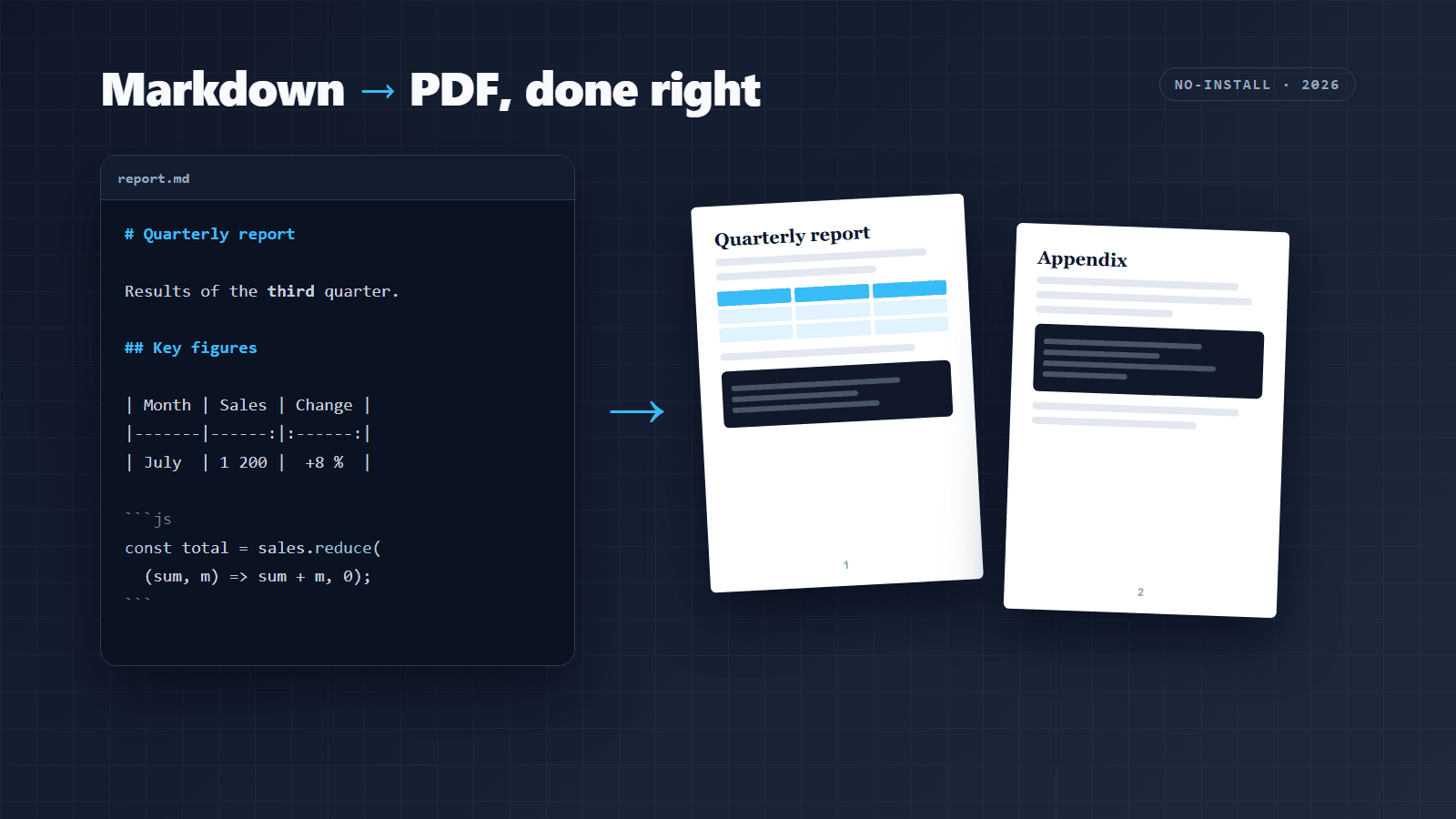
How to Convert Markdown to PDF: 4 Methods Compared (and 8 Common Problems Fixed)
Converting Markdown to PDF is easy until the document has real content: long code blocks, wide tables, images and non-Latin text are where most tools fall apart.
Pandoc with LaTeX is still the most powerful route, but it needs a large install and trips over Unicode and emoji unless you switch engines and fonts.
Browser-based approaches (print CSS, Chromium-powered converters, in-browser tools) avoid the install and give you HTML-quality rendering, as long as you control page breaks.
A handful of print CSS rules ( @page , break-inside: avoid , break-after: avoid ) fix the majority of ugly PDFs, whichever tool you use.
Choose the tool by the document: a quick README export, a long technical report and a multilingual document each have a different best option.
I write almost everything in Markdown: READMEs, release notes, client handovers, meeting notes. And at least once a week, someone asks for "the PDF version".…