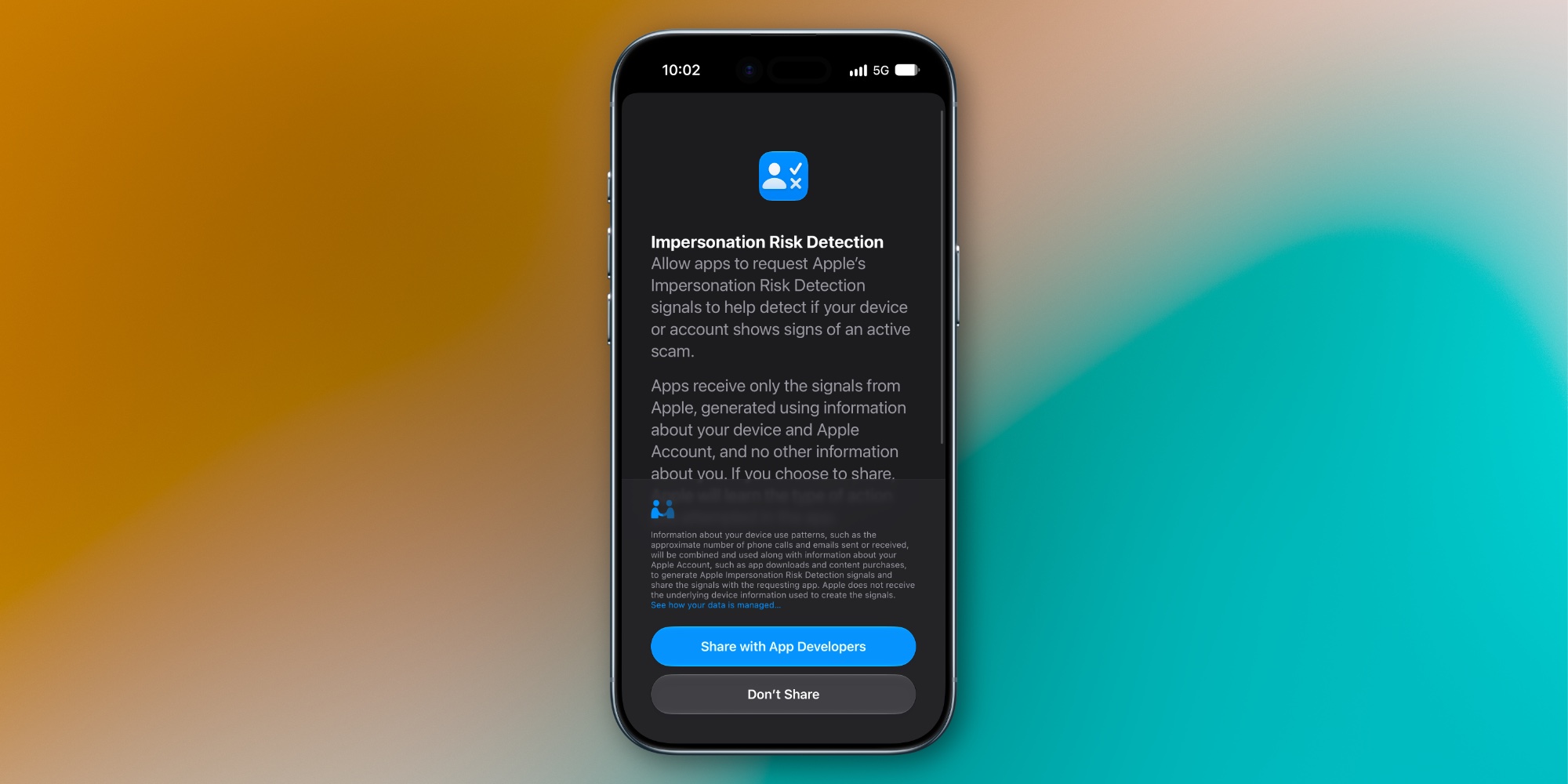
iOS 27 introduces a new security feature called ‘Impersonation Risk Detection’ that helps protect you against scams, but it’s off by default. Here’s what the feature does, and how to enable it.
Impersonation Risk Detection in iOS 27 can detect suspicious activity in real time to prevent scams
Every day around the world, people get tricked into sharing sensitive information like bank details or other financial info with bad actors.
This commonly happens via text messages, emails, or phone calls to iPhone or Android devices. And while iOS has built-in tools like call and message screening, those tools can’t prevent a scam if you choose to take action on it.
But iOS 27 introduces a new level of scam-prevention with a security feature called ‘Impersonation Risk Detection.’
Here’s what it does, per Apple’s website :
Impersonation Risk Detection helps protect against active social engineering scams.…