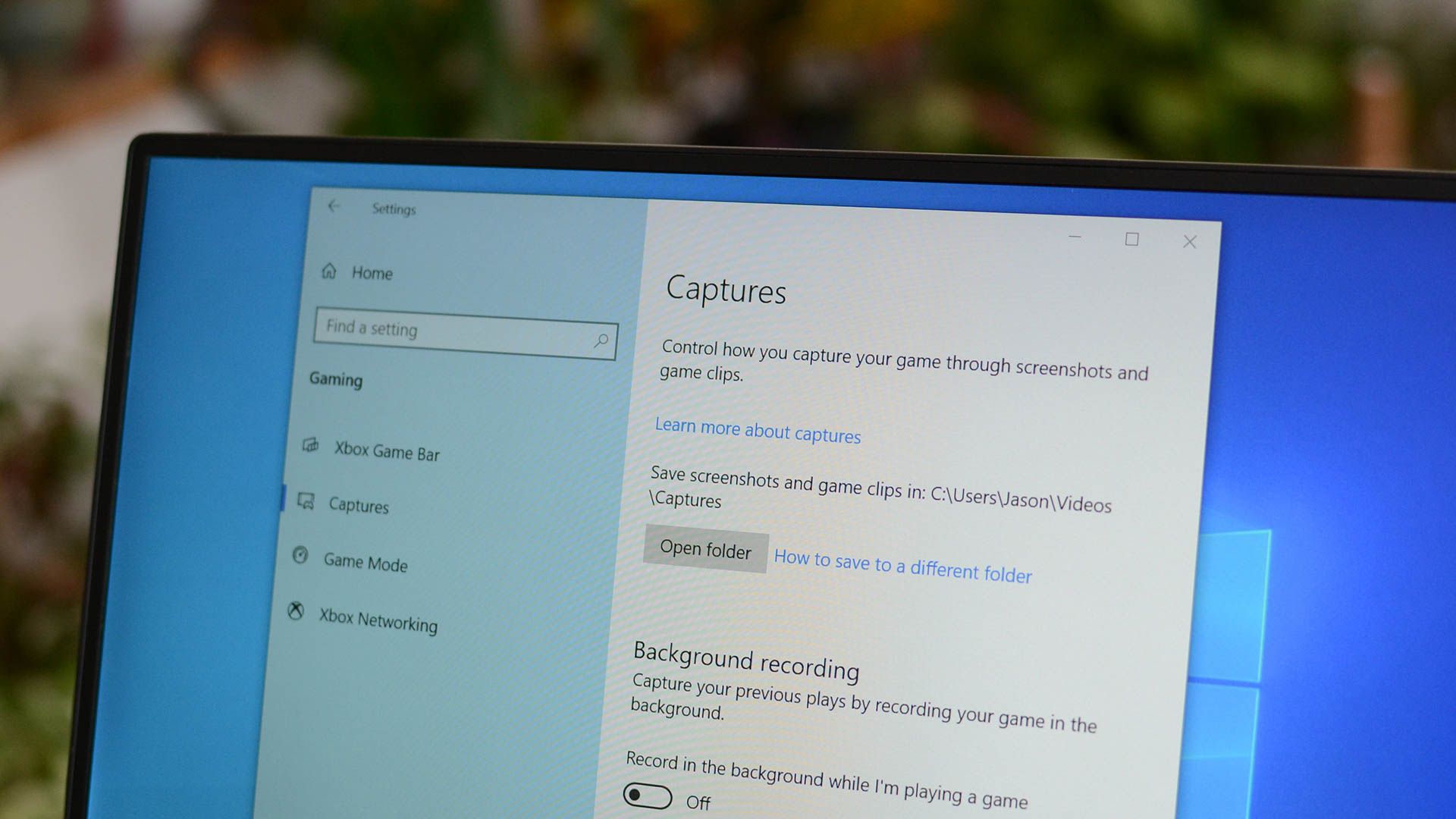
Where do screenshots go on Windows 10 and Windows 11 ? The answer depends entirely on how you capture the image. There is no single central folder for all screenshots, but every method has a specific default location.
Where are screenshots saved using Print Screen (PrtScn)?
In Windows 10 and pre-23H2 versions of Windows 11, pressing the PrScn key copies the entire screen to your clipboard . It does not save to a file. You must paste it into an image editor like Paint to save it.
However, on Windows 11 build 23H2 and later, Microsoft changed the default behavior. Pressing PrScn now opens the Snipping Tool overlay. This makes capturing custom areas much faster. If you prefer the old behavior where the key copies directly to the clipboard, you can toggle it in Settings > Accessibility > Keyboard and turn off "Use the PrtScn button to open screen snipping."
The same is true if you use Alt+Print Screen to capture the active window.…