(Image credit: Tom's Guide)
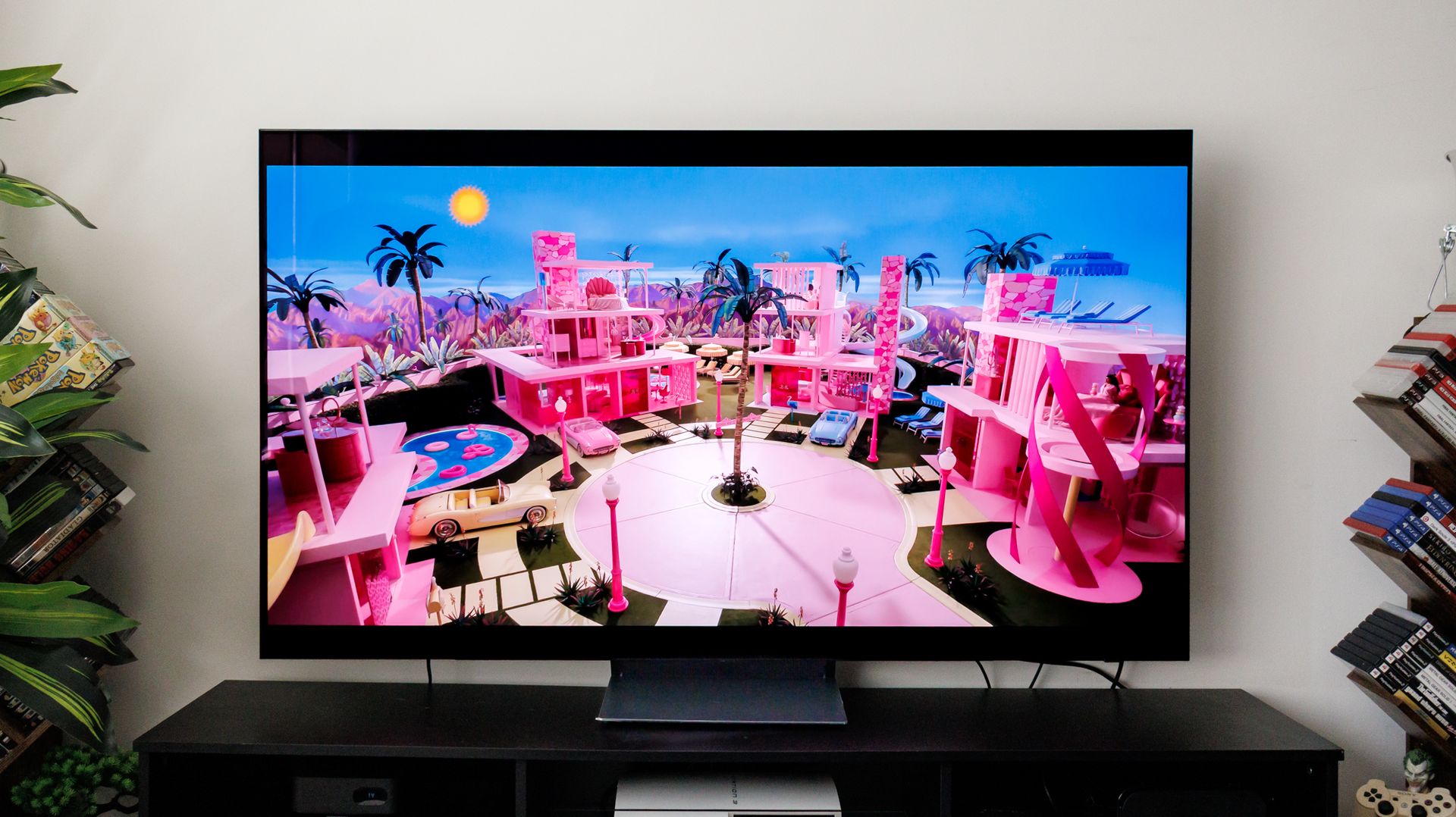
Many Samsung smart TVs can eventually develop the same frustrating habit: menu lag. Hit the home button and the interface hitches, bogged down by banners, background app data, and buffering before it even lets you select an input. The TV displays 4K video easily enough, but it starts stumbling the moment it has to juggle all those background apps and menus.
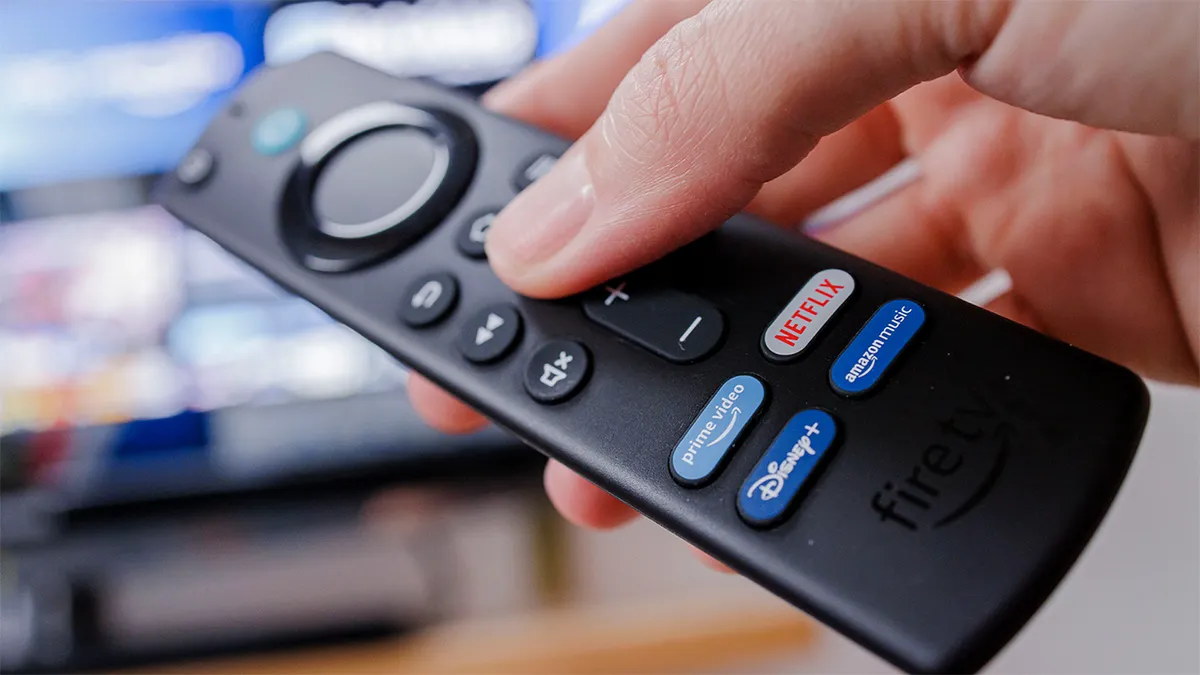
If clearing the cache or restarting only gives you temporary relief, there is a more permanent fix. Disconnect the TV from Wi-Fi and let a streaming device like a Fire TV Stick or Roku handle your apps instead.
Why an offline screen runs faster
Cutting your TV's Wi-Fi does not mean giving up Netflix, Disney+, or YouTube.…