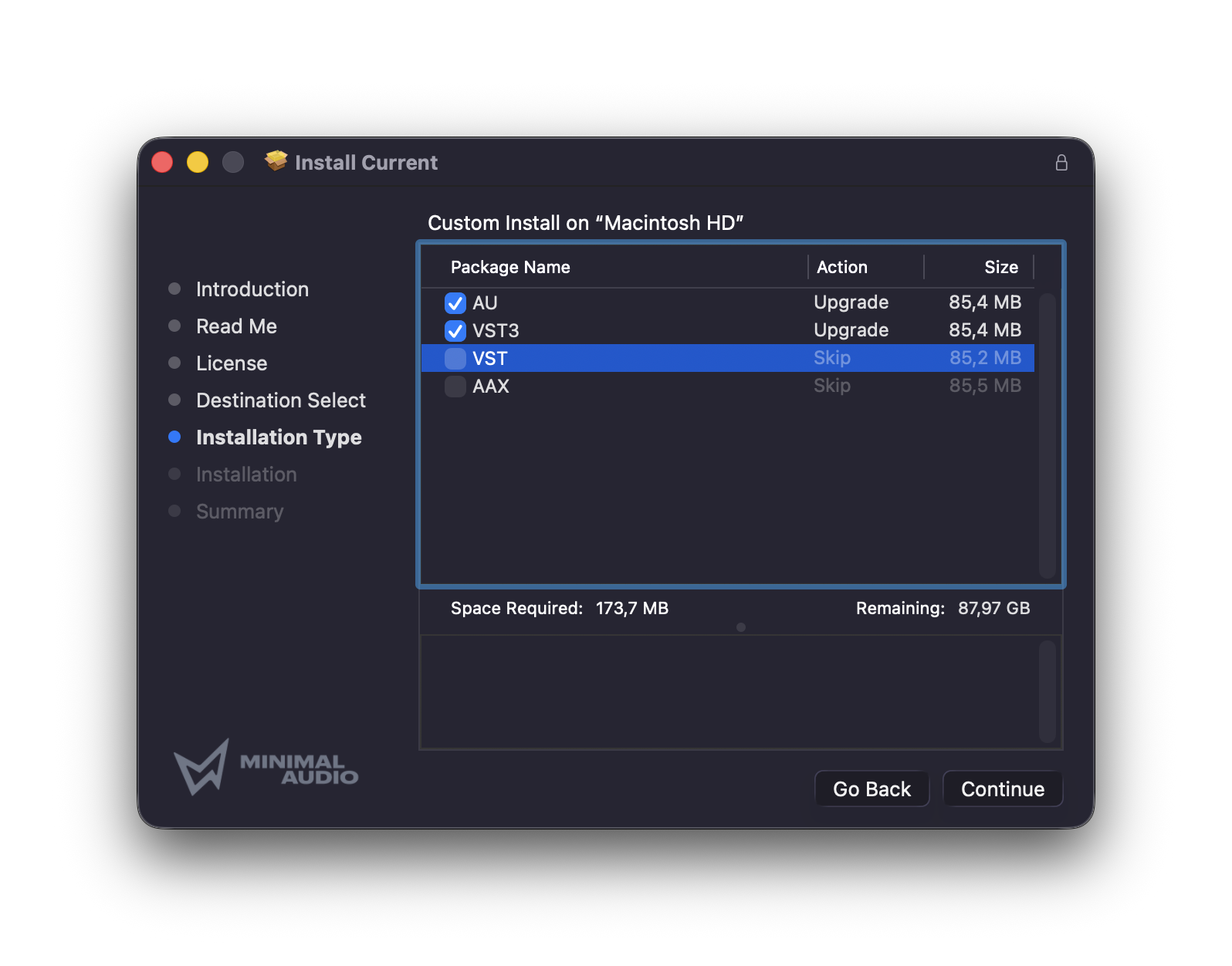
It turns out you don’t need VST2 and AU and AAX and CLAP versions of the same plug-in. Here’s a free, fast command-line tool that gets rid of them in a hurry, with options for particular configurations, on macOS.
I’ve been looking for something like this for a while . The biggest space-eating culprit has been VST2. If you’re like me, you’ve absent-mindedly checked VST2 installs alongside VST3, even though it’s been a long time since you’ve run any DAW or other tool that required the earlier format. You could delete your entire VST2 folder, but then you’d risk losing something you actually need.
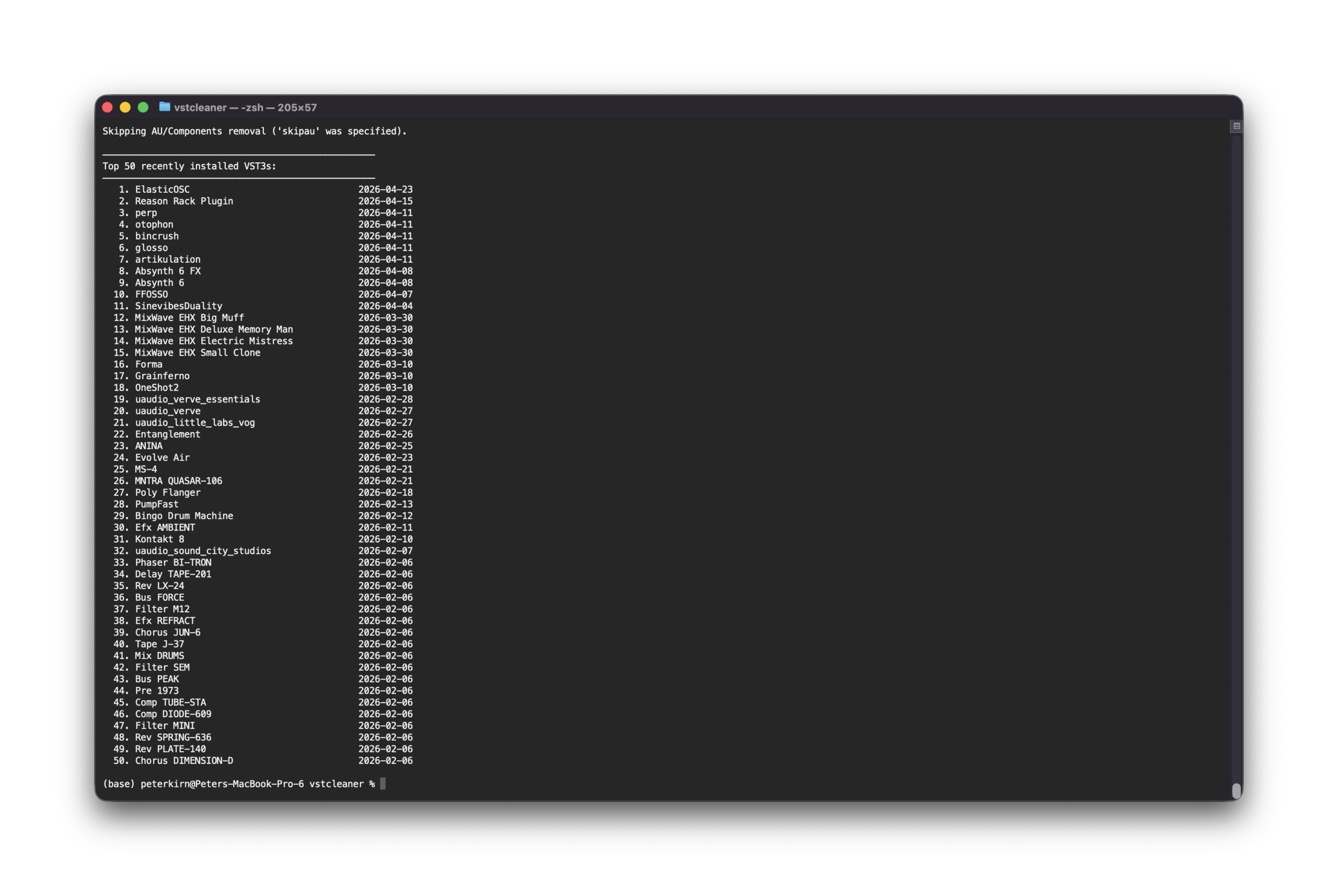
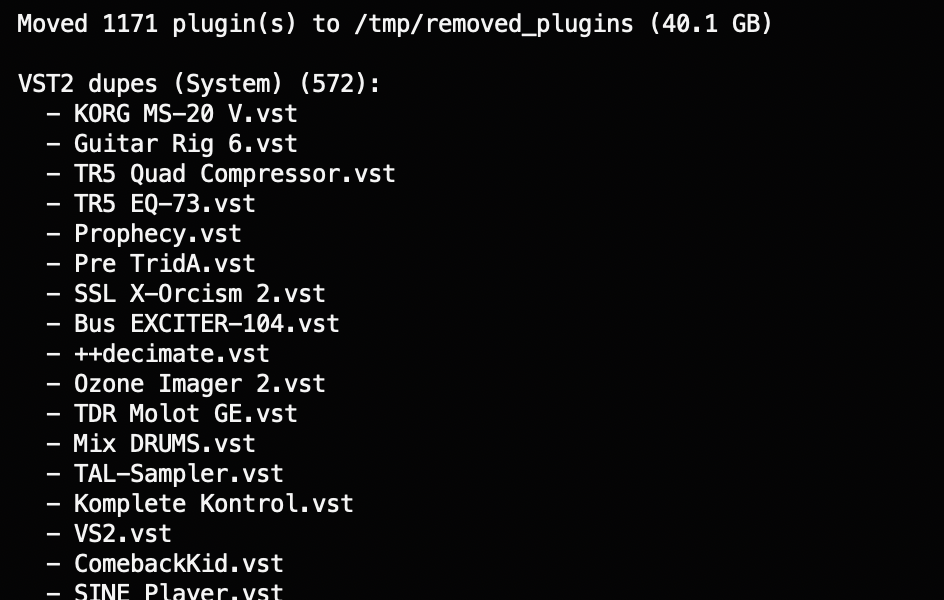
Here’s where Christian Meinhold’s tool vstcleaner comes in. If it finds a VST3, duplicate versions in VST2, AU, CLAP, and AAX are deleted. I do need that AU version, because I use Logic Pro, which is incompatible with VST3. But you just add skipau to the end.
Also, this is cute — it shows you the last 50 plug-ins you’ve installed. (see top)
Plug-ins aren’t deleted; they’re moved to a tmp folder.…